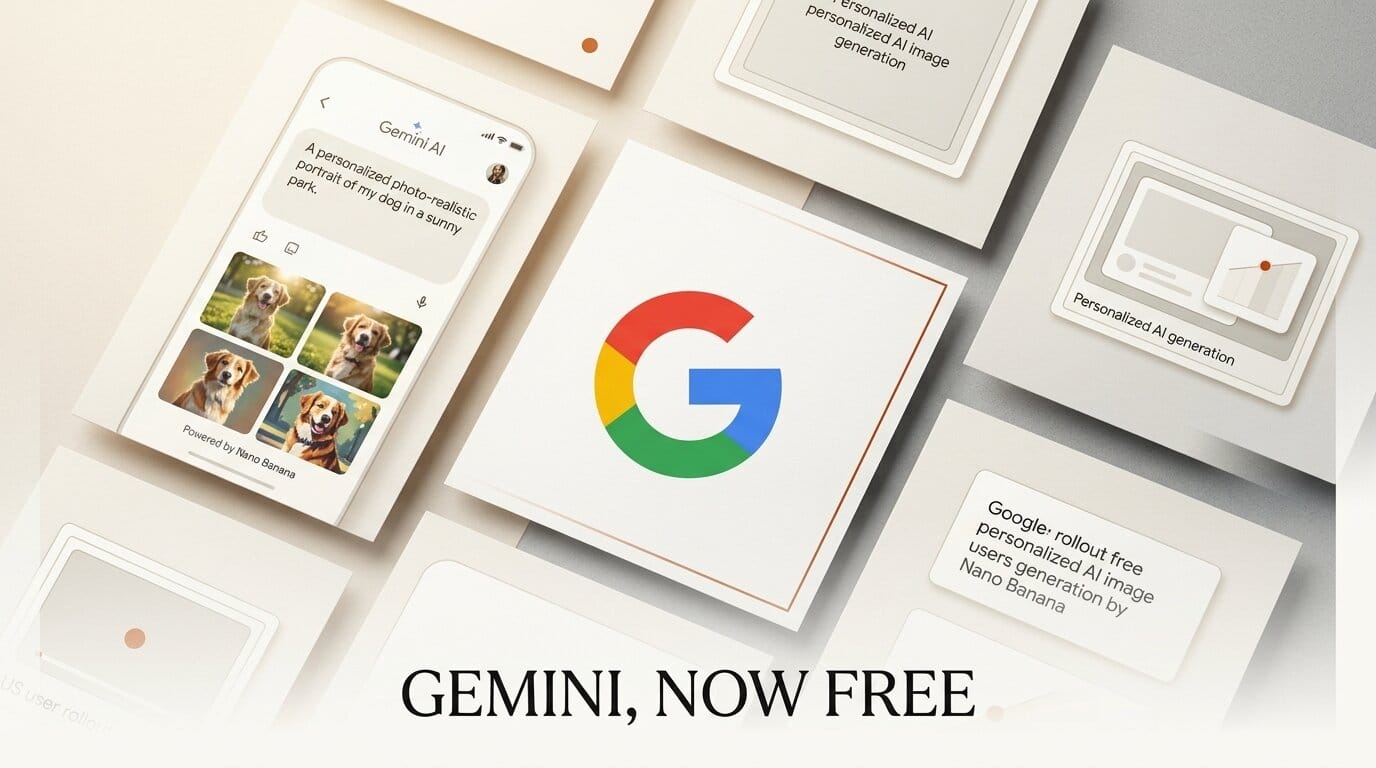
Google has made Gemini's personalized image generation free for eligible users in the United States as of June 29, 2026. The feature, powered by Google's Nano Banana image model and the opt-in Personal Intelligence system, was previously locked behind Plus, Pro, and Ultra subscriptions. Now any qualifying free account in the US can generate images that pull context from their own Google apps.
What Happened
Until now, personalized image creation in the Gemini app was a paid perk available only to subscribers since April 2026. Google has removed that paywall for free US users, as reported by TechCrunch. The capability sits on top of Personal Intelligence, which lets Gemini reference linked Google services such as Photos, Gmail, Search, and YouTube to infer what you want without spelling out every detail.
Key Details
With Personal Intelligence enabled, a prompt like "create an illustration of me and my favorite things" lets Gemini fill in the specifics from your connected data instead of requiring you to describe each element. Gemini can also pull real photos of you directly from Google Photos, so you do not have to upload reference images manually. Android Authority notes the feature is rolling out to eligible accounts now.
The images themselves come from Nano Banana, the same model line we covered when Nano Banana 2 and Pro reached general availability on Vertex AI. Personal Intelligence is strictly opt-in: you choose which apps Gemini can read, and once on it becomes the default for every prompt until you switch it off with a new toggle in the Tools menu.
Why It Matters
Personalized generation collapses the prompt-engineering step for a large class of everyday image requests, which is the friction point that keeps casual creators from using these tools at all. Engadget reports Google says it does not train its models on your private Photos library, limiting training to the prompts you type and the responses Gemini returns. That distinction matters because the convenience here is built directly on access to personal data, a tradeoff worth understanding before you turn it on. It also widens free access to high-quality image generation, following Google's pattern of moving features down-tier that we saw with Nano Banana Pro in AI Studio.
What to Do Next
Open the Gemini app on a US free account and check the Tools menu for the Personal Intelligence toggle. Turn on only the apps you are comfortable sharing, then test a single open-ended prompt such as "design my dream workspace" to see how much context Gemini infers. If the personalization feels too aggressive or you would rather control every detail, switch the toggle off and prompt the old way. For client or commercial work, keep personal data out of the loop and write fully specified prompts so your outputs stay reproducible and shareable.