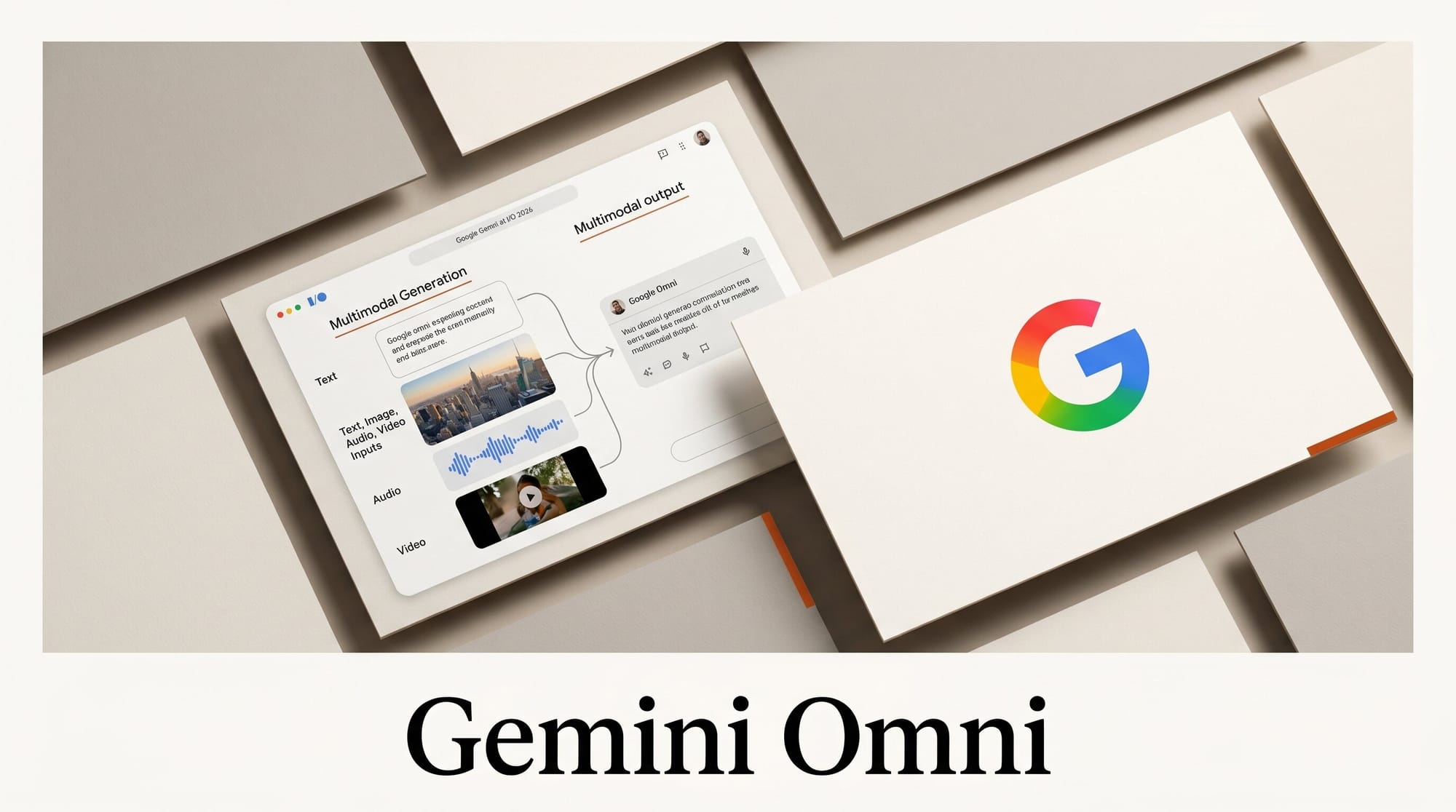
Google introduced Gemini Omni at Google I/O 2026 on May 19, a multimodal model that accepts text, images, audio, and existing video in any combination and produces or edits video output through conversational prompts. The first public release is Omni Flash, available through the Gemini API. Per Google's launch post, the model "allows you to create anything from any input and edit naturally using conversational language."
Background
Until today, Google's video generation work split across two product lines. Veo handled text-to-video and image-to-video. The broader Gemini family handled multimodal understanding (text in, text or images out). Omni is the first Google model that takes any subset of those inputs and writes video as the output. It is not a Veo upgrade. It is a separate architecture that treats video generation as a downstream modality of the Gemini multimodal stack rather than a standalone text-to-video task.
The Omni Flash release lands inside a much wider I/O 2026 Gemini push. Across the keynote, Google reframed Gemini from a chat model into an "agentic" platform that spans web, Workspace, mobile, and developer surfaces. Omni Flash is the creative-tools entry in that lineup. Higher-quality Omni variants are expected later, and Google's "just the start" framing in TechCrunch's coverage is deliberate.
Why It Matters
The video generation tools that exist today are single-track. Text in, video out is the dominant pattern at Kling, Runway Gen-4, Pika, and Sora. Image-to-video is a sibling track. Voice and audio inputs typically come in only as post-processing layers (a voiceover added on top of an already-rendered clip). Omni's stated design folds all four input modalities into one prompt envelope and uses them simultaneously to produce a single video output.
If the released model lives up to the framing, the practical effect for creators is that the assembly step disappears. The bottleneck in short-form video production has rarely been writing or even rendering. It is sourcing matching footage, recording the voiceover, lining up the audio bed, then iterating on cuts to make the elements feel coherent. Omni collapses that pipeline into a single conversational loop. The strategic effect is that Google is positioning the Gemini API, not a standalone creative app, as the surface where this work happens.
Deep Analysis
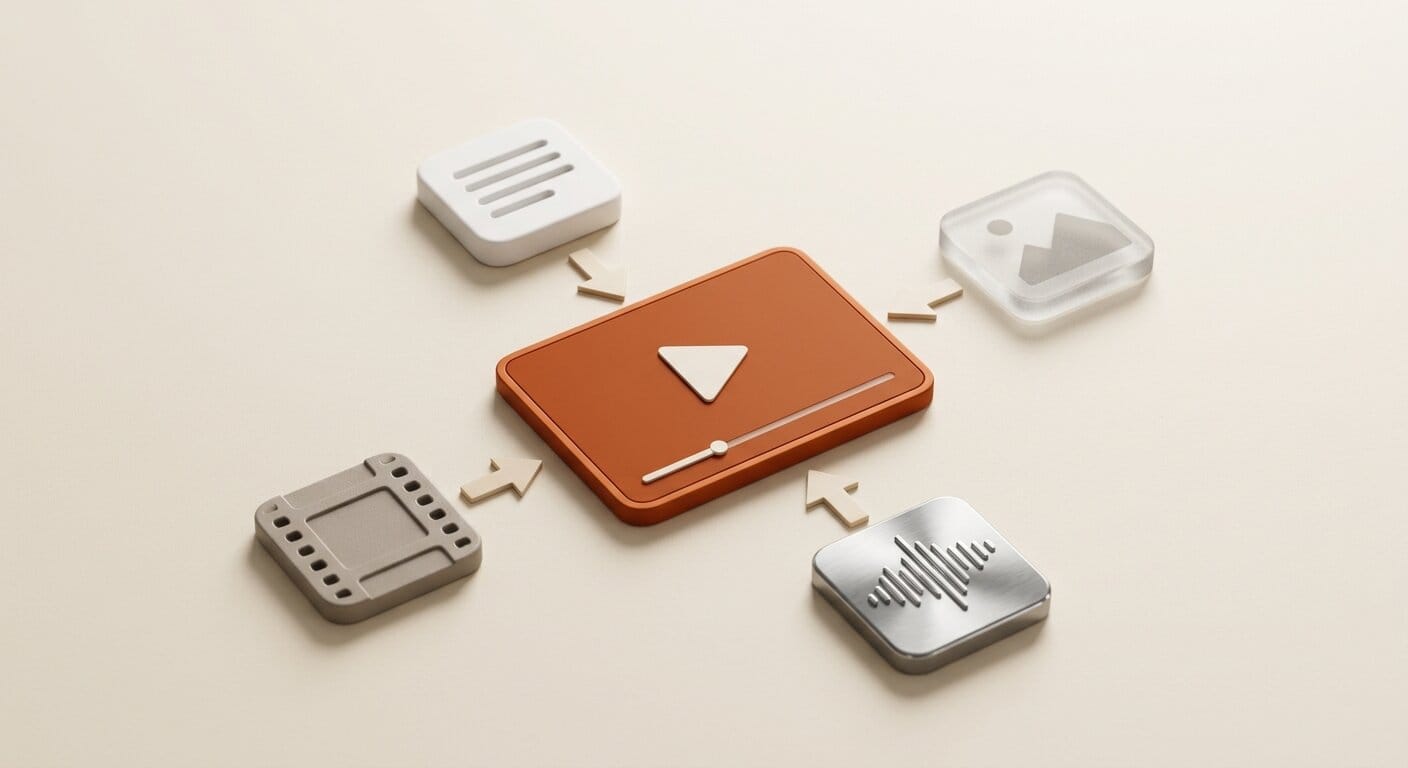
What "Any Input" Actually Means
Google's launch language is precise about input flexibility but quiet about constraints. The model "accepts text, images, audio, and video in any combination," which is broader than any other shipping video model. The unspoken question is how much weight the model assigns to each input when they conflict. If a creator provides a product photo, a piece of trance music, and a written prompt that asks for a calm slow-motion shot, which signal wins? Pre-release demos suggest Omni treats audio primarily as a tonal and pacing cue rather than as a literal soundtrack to render, but Google has not published model-card guidance on input precedence.
The input flexibility also matters for grounding. A creator who feeds an exact product photo as input is constraining the visual output far more tightly than a text prompt alone would. This is the difference between "make a video about my shoe" and "make a video using this shoe." For commerce, training, and brand workflows where the asset must appear exactly as it exists in real life, that distinction is load-bearing.
Conversational Editing vs Timeline Editing
Omni's second framing claim is that editing is conversational. "Make the transition slower" or "focus more on the logo" replaces a keyframe drag on a timeline. The closest analog in the current market is Runway's edit-by-prompt mode and the conversational edit pattern shipping inside Runway Characters, but those are layered on top of a timeline UI. Omni removes the timeline as a surface entirely. Creators address the video as a whole or by referenced segment, and the model performs the cut.
That trade is double-edged. Conversational editing lowers the floor for who can produce passable short-form video. It also raises the ceiling for iteration speed because asking for a tonal change costs one prompt instead of a manual re-render. The cost is precision. Frame-accurate cuts, exact transition curves, and layered audio mixing remain timeline tasks. Omni is not pitched as a replacement for a non-linear editor. It is pitched as the substrate that produces the first cut and absorbs the broad revision passes that today eat the bulk of edit hours.
How Omni Fits Next to Veo
The Veo line is not retiring. Google's positioning treats Veo as the specialist text-to-video and image-to-video model with the highest output quality ceiling, and Omni as the generalist multimodal video model that prioritizes input flexibility and conversational editing. For creators on the Gemini API, the practical decision will look like a fork. Pick Veo when the input is a clean prompt or single image and output fidelity is the top constraint. Pick Omni Flash when the input mix is messy (voice plus image plus rough text) and iteration speed matters more than the absolute output ceiling.
This fork is similar to the pattern Google already runs in image generation with Imagen for high-fidelity stills and Gemini's native image output for fast multimodal edits. Whether the two video lines stay separate long-term or fold together at a higher tier is the most consequential roadmap question after today's announcement.
Where Omni Lands in the Multimodal Video Race
The competitive context is dense. Runway Gen-4 covers text and image inputs with strong character consistency. Kling 3.0 and HappyHorse-1.0 lead on multi-shot storyboarding and benchmarks at the Video Arena leaderboard. Pika focuses on stylized short-form. Sora 2 has the strongest physics simulation. None of them has shipped a model that takes audio in as a first-class input signal at the same level as text or image. Audio in those products is either generated separately or layered as post-processing. Omni is the first major launch to claim audio-as-input parity, which (if it survives community testing) is a category-defining capability rather than an incremental feature.
The other competitive variable is distribution. Google is shipping Omni through the Gemini API and AI Studio from day one, with broader rollout implied through the rest of the Gemini surface. That distribution model favors developers and agentic workflows over standalone creative app users. Creators who want a polished web UI will be using Omni indirectly through downstream tools that integrate the API, not at gemini.google.com on launch day.
Impact on Creators

For social-first creators producing daily short-form content, Omni Flash is the most relevant immediate target. The unit of work is a 30 to 60 second clip with a voiceover or audio bed, and Omni's input flexibility shortens that production loop. Workflow: gather one or two reference assets and a rough voice memo, prompt Omni Flash with everything at once, iterate conversationally for two or three rounds, export. The realistic time saving is replacing stock footage sourcing and the first edit pass with a single prompt cycle.
For commerce and brand teams, the win is grounding. A product photo as input is a stronger constraint than a text description and produces visuals that match real inventory. That matters most for product launches, retail content, and direct-response ad creative where the asset must look like the thing being sold.
For longer-form filmmakers and editors, Omni is a draft tool, not a finishing tool. Use it to generate first-cut sequences, B-roll, and reference comp shots; use a non-linear editor for assembly, color, and audio mix. The risk to avoid is treating conversational editing as a substitute for a timeline when frame-accurate precision is required.
Key Takeaways

- Gemini Omni accepts text, images, audio, and video inputs in any combination and outputs video. First release is Omni Flash, available via the Gemini API.
- Audio-as-first-class-input is the differentiator versus Runway Gen-4, Kling, Pika, and Sora 2. No competitor ships this today.
- Conversational editing replaces the timeline as the revision surface. Lower floor for new creators, higher iteration speed for experienced ones, lower precision than a non-linear editor for frame-accurate work.
- Veo and Omni are separate lines for now. Pick Veo for quality-first text-to-video; pick Omni for multimodal input flexibility and fast revisions.
- Distribution is API-first. Standalone consumer UI for Omni is implied but not shipped at launch.
What to Watch
Three things will determine how big Omni becomes over the next 90 days. First, the higher-quality Omni variant Google hinted at. Omni Flash is intentionally positioned as a floor. The Pro or Ultra equivalent is the model that will compete on output fidelity with Veo, Runway, and Kling, and Google has not given it a release window. Second, third-party integrations. The Gemini API is broadly used by creative tool builders, and the first downstream surface to ship Omni inside a familiar creative UI (Descript, CapCut, Runway competitors) will reach more creators than gemini.google.com ever will. Third, the audio input precedence question. If community testing shows audio meaningfully drives pacing, motion, or emotional tone in the generated output, Omni unlocks an entirely new creative loop: scoring a video by humming the bed before any visual exists. If audio turns out to be a weakly-weighted side input, the differentiator collapses and Omni becomes a text-plus-image model with extra inputs no one uses.