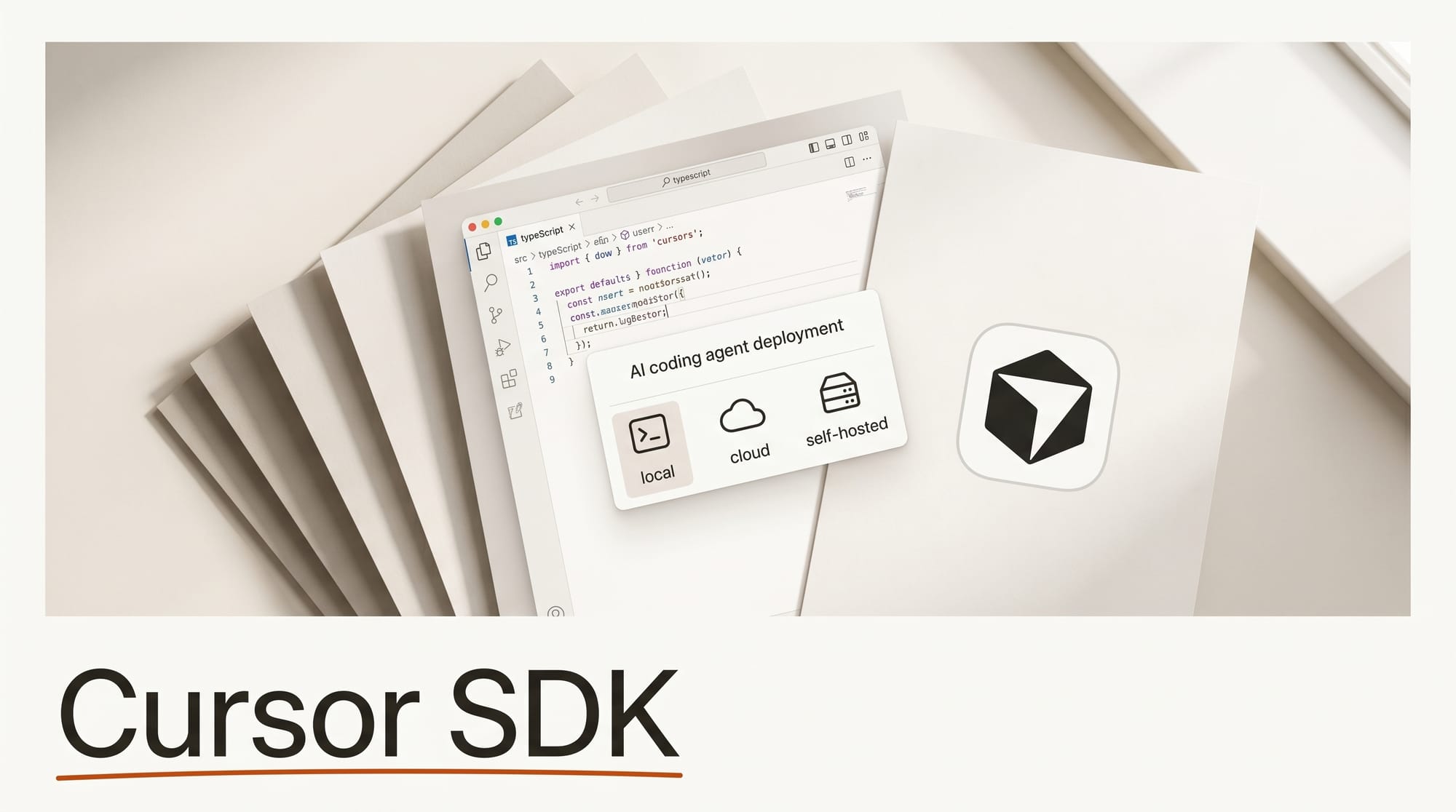
Cursor released a TypeScript SDK on April 29, 2026 that lets developers launch and control AI coding agents from their own code. The SDK gives teams access to the same agent runtime that powers Cursor, including codebase indexing, semantic search, and multi-model support, without requiring users to be inside the Cursor editor. It is available in public beta using token-based consumption pricing.
For developers who build tools, run CI/CD pipelines, or want to embed coding intelligence into products they ship to others, the SDK moves Cursor from a product you use personally into infrastructure you can deploy.
What Happened
Cursor published the SDK announcement authored by Roshan Sadanani on April 29. The SDK installs via npm at @cursor/sdk and supports three deployment modes: local execution on the developer machine, cloud deployment on dedicated VMs managed by Cursor, or self-hosted workers running on custom infrastructure. Switching between modes requires changing a single configuration parameter.
The SDK exposes the full agent harness, including intelligent codebase indexing, semantic code search, MCP server connections for external tools, skill loading from repository directories, and subagent delegation with customizable models. Organizations can also plug in the cloud agent documentation to configure durable session state and sandboxed virtual machines for production workloads.
Why It Matters
Cursor has spent the last year making AI coding more capable for individual developers. The SDK is a different bet: it makes those capabilities available programmatically so teams can automate workflows that previously required a human sitting in the editor. Early adopters reported using the SDK to automatically summarize pull request changes, generate root cause analysis when CI fails, and let non-technical staff query product data through a natural language interface backed by a Cursor agent.
The most significant use case is embedding Cursor agents into customer-facing products. Teams are already building products where their end users interact with a Cursor agent without knowing that is the underlying technology. That puts the SDK in the same category as the Cursor API and pricing model, which has matured enough for organizations to treat it as production infrastructure rather than a developer tool.
Key Details
- Models: Access to all Cursor-supported models including the specialized Composer 2 model
- Skills: Agents can load custom skills from repository directories
- MCP: Full MCP server integration for connecting agents to external tools and data sources
- Subagents: Agents can delegate tasks to other agents with customizable model selection per subtask
- Availability: Public beta, all users, token-based pricing
The Cursor changelog also shows a Cursor Security Review added on April 30, now in beta for Teams and Enterprise plans, which uses the same agent infrastructure to review every pull request for security vulnerabilities automatically.
What to Do Next
If you build tools for your own creative workflow or for others, the SDK is worth evaluating. The fastest test is writing a script that runs a Cursor agent against a small codebase and outputs a summary. Teams who already use Cursor for coding can extend that workflow into CI pipelines without switching tools. For context on how the SDK fits into the broader AI coding tool landscape, the 2026 AI coding tools guide covers Cursor alongside Copilot, Claude Code, and Zed. For open-weight coding models that can run locally alongside the SDK, the Poolside Laguna XS.2 release is worth examining.





