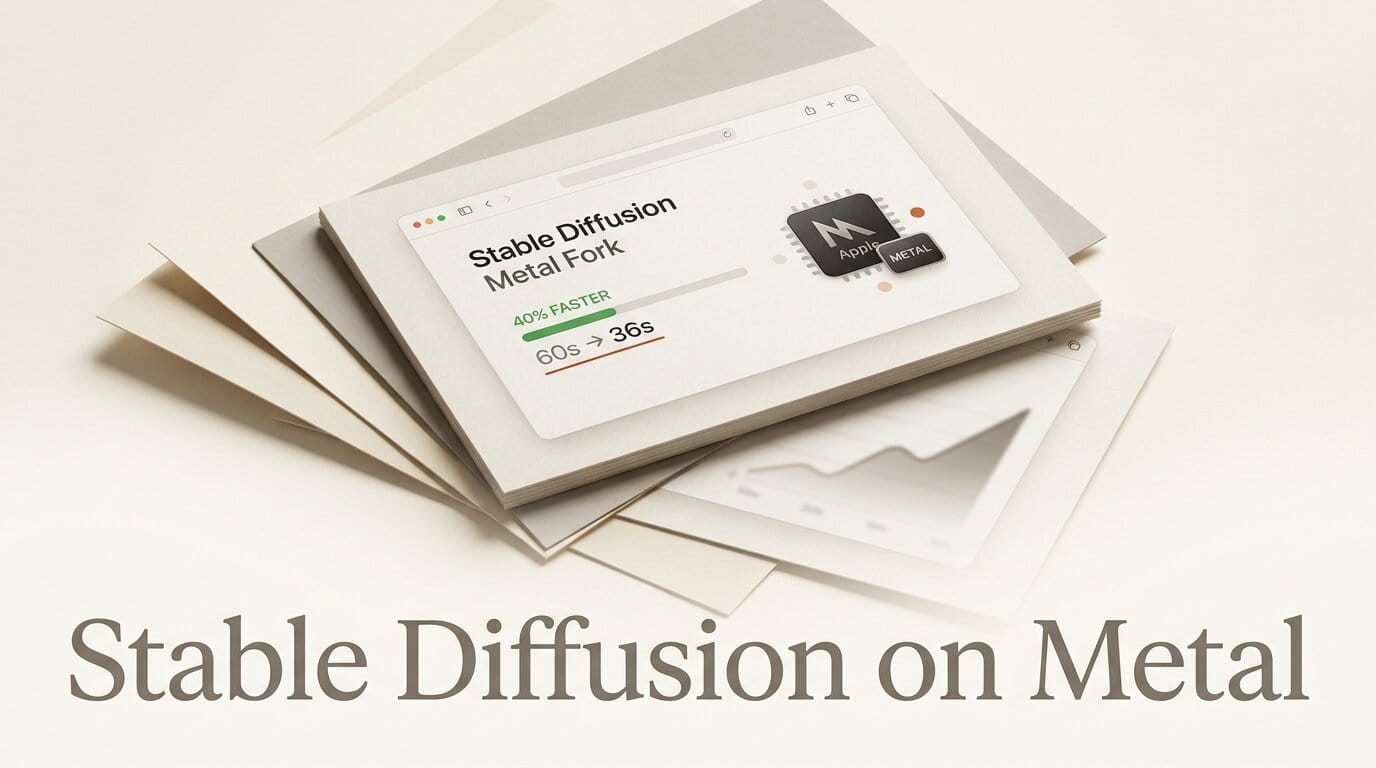
A new Apple Silicon fork of the AUTOMATIC1111 Stable Diffusion Web UI is cutting local image generation times roughly in half on Mac laptops. Developer Derek Anderson published the fork, stable-diffusion-webui-metal, on August 11, 2026, and in an accompanying writeup he reports dropping a single 512x512 SD 1.5 render on an M3 Pro from 8 to 10 seconds down to 3 to 7 seconds. The fork keeps the standard Automatic1111 interface and stays compatible with existing checkpoints, LoRAs, and extensions, so the speedup arrives without a new tool to learn.
What happened
Stable Diffusion has always run slower on Apple Silicon than on Nvidia GPUs, because the Mac path goes through PyTorch's Metal Performance Shaders (MPS) backend rather than CUDA. Anderson's fork attacks that gap directly by replacing hot spots in the MPS pipeline with hand-written Metal kernels while leaving the rest of the Automatic1111 codebase untouched. According to the project writeup, the goal was "faster and more memory-aware inference" without breaking parity with the upstream project, so images render the same, just quicker. The repository was created on August 11 and has been pushed to actively since, including native-backend experiments and validation scripts to confirm the optimized kernels produce identical output.

The speedups, benchmarked
Anderson published before-and-after numbers on two machines. The gains are largest on newer chips with more GPU cores, but even a first-generation M1 sees a meaningful cut.
| Hardware | Stock A1111 (MPS) | Metal fork | Improvement |
|---|---|---|---|
| M3 Pro, SD 1.5 512x512 | 8 to 10 seconds | 3 to 7 seconds | up to ~55% faster |
| M1 Mac mini, SD 1.5 | 12.8 seconds | 8.7 seconds | ~32% faster |
These are single-image latency figures, so the practical effect compounds across a batch. A creator iterating on prompts, running 40 or 50 generations to dial in a look, gets those minutes back on every session. The numbers are the author's own measurements rather than an independent benchmark, so treat them as a strong indicator to test on your own hardware rather than a guaranteed result.
Under the hood: the Metal optimizations
Rather than rewriting the pipeline, the fork routes specific, expensive operations to custom Metal code. The headline change is a selective Metal Flash Attention path: only tensor shapes that benefit (query token counts of 192 or more, head dimensions of 40, 80, or 160) get routed to the native kernel, while everything else stays in the standard PyTorch MPS backend. Other changes include:
- Command buffer batching that folds Metal operations into PyTorch's existing MPS stream instead of committing after every attention call, cutting scheduling overhead.
- Memory-aware attention routing that picks a strategy from live system-memory readings rather than fixed VRAM thresholds, which suits the Mac's unified memory.
- Streaming online softmax in the sub-quadratic fallback, keeping a running state rather than buffering every intermediate chunk.
- Fused kernels that combine GroupNorm plus SiLU, and an exact-parity GEGLU, into single Metal passes.
- Removal of deprecated MPS workarounds left over from older PyTorch versions, plus optional Negative Guidance Minimum Sigma to skip guidance work during eligible sampling steps.

How it stacks up against other Mac options
The Metal fork is not the only way to generate images fast on a Mac, but it is the only one that keeps the full Automatic1111 workflow. Here is how the main local options compare.
| Option | Approach | Best for |
|---|---|---|
| A1111 Metal fork | Native Metal kernels inside A1111 | Existing A1111 users who want the same UI, extensions, and LoRAs |
| Draw Things | Standalone app using Metal FlashAttention | Creators who want a polished native Mac app |
| Forge | Memory-efficient A1111 variant | Users on low-VRAM machines wanting broad model support |
| Apple ml-stable-diffusion | Core ML conversion pipeline | Developers building SD into their own apps |
The trade-off is maturity. Draw Things and Forge are established projects with large user bases, while this fork is days old with a single contributor. If you already run Automatic1111 and want a drop-in speed boost without changing your extensions or workflow, the Metal fork is the lowest-friction path. If you are starting fresh on a Mac, Draw Things is the gentler on-ramp.
How to try the Metal fork
Because the fork tracks upstream Automatic1111, setup mirrors the standard Apple Silicon install. If you already run A1111 on your Mac, you are most of the way there.
- Confirm you have Homebrew, Python 3.10, and the Xcode command line tools installed, the same prerequisites as stock Automatic1111 on macOS.
- Clone
github.com/dmikey/stable-diffusion-webui-metaland check out thedevbranch, where the current optimizations live. - Drop your existing model checkpoints, LoRAs, and VAEs into the usual
modelsfolders. The fork reads the same layout as upstream A1111. - Launch with
./webui.sh, then run a familiar prompt at 512x512 to establish your baseline time. - Compare against your current A1111 install on the identical prompt, seed, sampler, and step count so the only variable is the Metal path.
The same local-first logic applies beyond images. If you also run audio models on your Mac, our guide to local text-to-speech and voice cloning on Apple Silicon covers a comparable offline workflow.
What this enables for Mac creators
Faster local generation changes what is practical on a laptop. At 3 to 7 seconds per image, prompt iteration on an M3 Pro starts to feel interactive rather than batch-and-wait, which is the difference between exploring 200 variations in an evening and stopping at 50. Because the render stays on-device, there are no per-image cloud costs, no queue, and no upload of your prompts or reference images to a third party. For creators building a consistent character or style with a custom LoRA, that tight local loop is exactly where the time savings matter most. And since the fork keeps parity with upstream Automatic1111, your existing extensions, ControlNet setups, and upscalers carry over unchanged.
Frequently asked questions
Does the Metal fork change image quality?
No. The optimizations are designed for exact output parity, and the repository includes validation scripts that compare the native kernels against the standard path to confirm identical results at the same seed and settings.
Which Macs benefit most?
The reported gains scale with GPU cores, so M3 Pro, M3 Max, and newer chips see the largest cuts. An M1 Mac mini still gained about 32%, so older Apple Silicon benefits too, just less dramatically.
Will my existing checkpoints and LoRAs work?
Yes. The fork keeps the same model folder layout and interface as upstream Automatic1111, so checkpoints, LoRAs, VAEs, and extensions load without changes.
Is this an official Automatic1111 release?
No. It is an independent, community fork by a single developer, created on August 11, 2026. It is not affiliated with the upstream AUTOMATIC1111 project, so treat it as experimental and keep a backup of your working install.
How does it compare to Draw Things?
Draw Things is a mature standalone Mac app that also uses Metal FlashAttention, while this fork brings native Metal kernels into the full Automatic1111 web UI. Choose the fork if you want to keep the A1111 workflow and extensions; choose Draw Things if you prefer a polished native app.
Does it support SDXL, not just SD 1.5?
The published benchmarks cover SD 1.5, and the attention routing is shape-based, so larger models can benefit where their tensor shapes match the accelerated paths. The safest approach is to benchmark your specific model on your own hardware, since results vary by chip and resolution.