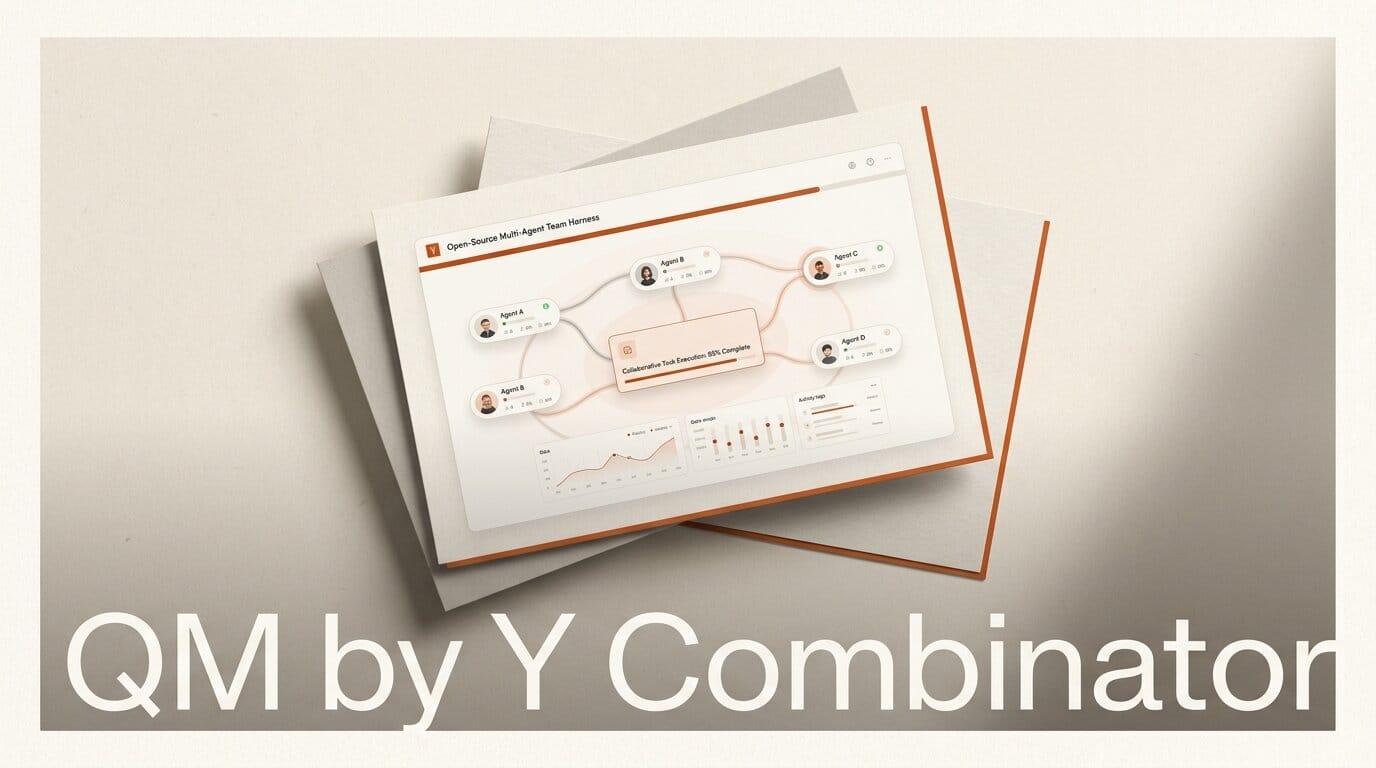
Y Combinator has open-sourced QM, the multi-agent harness it built and runs internally, and released it under the permissive MIT license. Announced on July 31 and short for "quartermaster," the crew member who coordinates belowdecks, QM is a multiplayer agent harness that gives every person in an organization their own isolated agent workspace inside Slack and a web app. It hit the front page of Hacker News within hours, drawing more than 200 points, and it is notable for one reason above all: it lets you drive the exact coding agents builders already use, Claude Code, Codex, OpenCode, and Pi, through a single shared core.
Most agent harnesses are built for one developer at a terminal. QM is built for a whole team. That shift, from a personal CLI tool to a shared, self-hosted platform with per-user isolation and auditing, is what makes this release worth a close look for anyone building with AI beyond a solo project.

What QM Actually Is
QM describes itself as "a multiplayer agent harness for work, in Slack and on the web." According to the project page, YC wanted something that combined the flexibility of its Hermes system with the simplicity of its original setup, while keeping everything self-hosted. The result manages what YC calls "a fleet of OpenClaw-like agents" that provision on demand for employees and projects.
Each person gets their own isolated workspace: scoped memory, files, an individual keychain, personal permissions, scheduled tasks (crons), and a durable sandbox where installed tools persist between sessions. People collaborate through shared channels, group messages, and projects without their environments bleeding into each other. From that workspace, an agent can search internal data sources, build and publish custom internal web apps, execute code in existing repositories with tests and pull requests, and run background work on a schedule.
YC says it built QM from the experience of running more than 50 agents internally, and uses it today across accounting, legal, events, and engineering, including building QM itself. The announcement frames it as cloud-first with Slack and web interfaces native from day one.
How the Harness and Model Choice Works
The most builder-relevant design decision is vendor neutrality. In QM, "Pi, OpenCode, Codex, and Claude Code all drive the same core," so you can pick your harness and model and switch between them without re-architecting your setup. That is the same portability argument we saw with OpenCodex letting any LLM run inside Codex and Claude Code, extended to a team platform rather than a single session.
This matters because it decouples your workflow from any one lab's pricing or availability. If Claude Code fits a refactoring task and Codex fits a scripting task, the same workspace, memory, and permissions carry across both. For teams that have been burned by lock-in, that flexibility is the headline feature.

QM vs Other Agent Harnesses
QM enters a crowded field. The distinction is that it is designed multiplayer-first with self-hosting and auditing, where most tools target either a single developer or a code library rather than a shared operations platform.
| Tool | Built for | Interface | Swap harness/model | License |
|---|---|---|---|---|
| QM | Whole teams, per-user workspaces | Slack + web | Yes (Pi, OpenCode, Codex, Claude Code) | MIT |
| Buzz (Block) | Humans and agents in a shared workspace | Web workspace | Partial | Open source |
| Microsoft Agent Framework | Developers wiring their own agents | Code / SDK | Model-agnostic SDK | Open source |
| Claude Code | A single developer | CLI / IDE | No (Claude only) | Proprietary |
Where a framework like Microsoft's gives you the parts to build a harness, QM ships the running platform: identity, workspaces, sandboxes, and Slack presence already assembled. And unlike a single-developer coding agent, it assumes many people share the deployment at once.
How to Deploy QM
QM is operator-hosted: you run it in your own cloud account, not YC's. The quickstart initializes a project against Fly.io or AWS with a single command.
Step 1. Scaffold the project into your cloud target:
npm exec --yes --package=@yc-software/qm@latest -- qm init . --org <slug> --target <fly-or-aws>
Step 2. Install dependencies with npm install.
Step 3. Complete web sign-in, connect a Slack app if you want the chat interface, and add connector credentials for the internal data sources your agents should reach.
Prerequisites are modest: a Fly.io or AWS account, Node.js, and the connector credentials for whatever tools you plug in. Because QM installs via npm, teams can stand up an instance without cloning or forking the source, though the full MIT-licensed code is available for customization.

Why It Matters for Builders
The security model is the part solo-tool users rarely get. QM ships three configurable postures: Strict, where every tool call pauses for human approval; Auto, the default, where a classifier screens external data before it reaches the model; and Dangerous, which removes screening and approval pauses entirely. A predeclared command policy enforces approval rules and hard denials, such as blocking recursive deletes, across all three. Every agent acts as the human it belongs to, with that person's credentials and permissions, and everything it does is audited.
For a builder, that means you can hand real internal access to agents without giving up a paper trail or an approval gate, the missing piece that keeps most teams from letting coding agents touch production systems. Combined with model portability, QM reads less like a toy and more like the operations layer a small company needs to run a fleet of agents safely. It is the same instinct behind team-scale tools like open-weight model routers, but aimed at the whole workflow rather than just the model call.
The obvious caveat: QM is fresh, YC-internal software now meeting the public. Expect rough edges, and evaluate the Dangerous posture carefully before pointing autonomous agents at anything sensitive. But as a free, MIT-licensed, self-hosted starting point for running agents across a team, it sets a high bar.
Frequently Asked Questions
Is QM free to use?
Yes. QM is released under the MIT license, so it is free to use, modify, and self-host. You pay only for your own cloud (Fly.io or AWS) and the model or harness usage you run through it.
Which AI agents and models does QM support?
QM drives Pi, OpenCode, Codex, and Claude Code through a shared core, and you can switch between them. That vendor-neutral design avoids lock-in to any single lab's model or pricing.
Do I need Slack to run QM?
No. QM has a native web app in addition to Slack. The Slack integration is optional and connected during setup if you want a chat-based interface for your agents.
How does QM keep one person's agents isolated from another's?
Each user gets a separate workspace with scoped memory, files, an individual keychain, personal permissions, crons, and a durable sandbox. Collaboration happens in shared channels and projects, but the underlying environments stay isolated.
How does QM handle security for autonomous agents?
It offers three postures: Strict (approve every tool call), Auto (a classifier screens external data by default), and Dangerous (no screening). A predeclared command policy blocks high-risk actions like recursive deletes across all postures, and every action is audited under the acting user's credentials.
Who built QM and where can I get it?
Y Combinator built it for internal use and open-sourced it. The code is at github.com/yc-software/qm, with a project page at qm.ycombinator.com and inquiries directed to labs@ycombinator.com.





