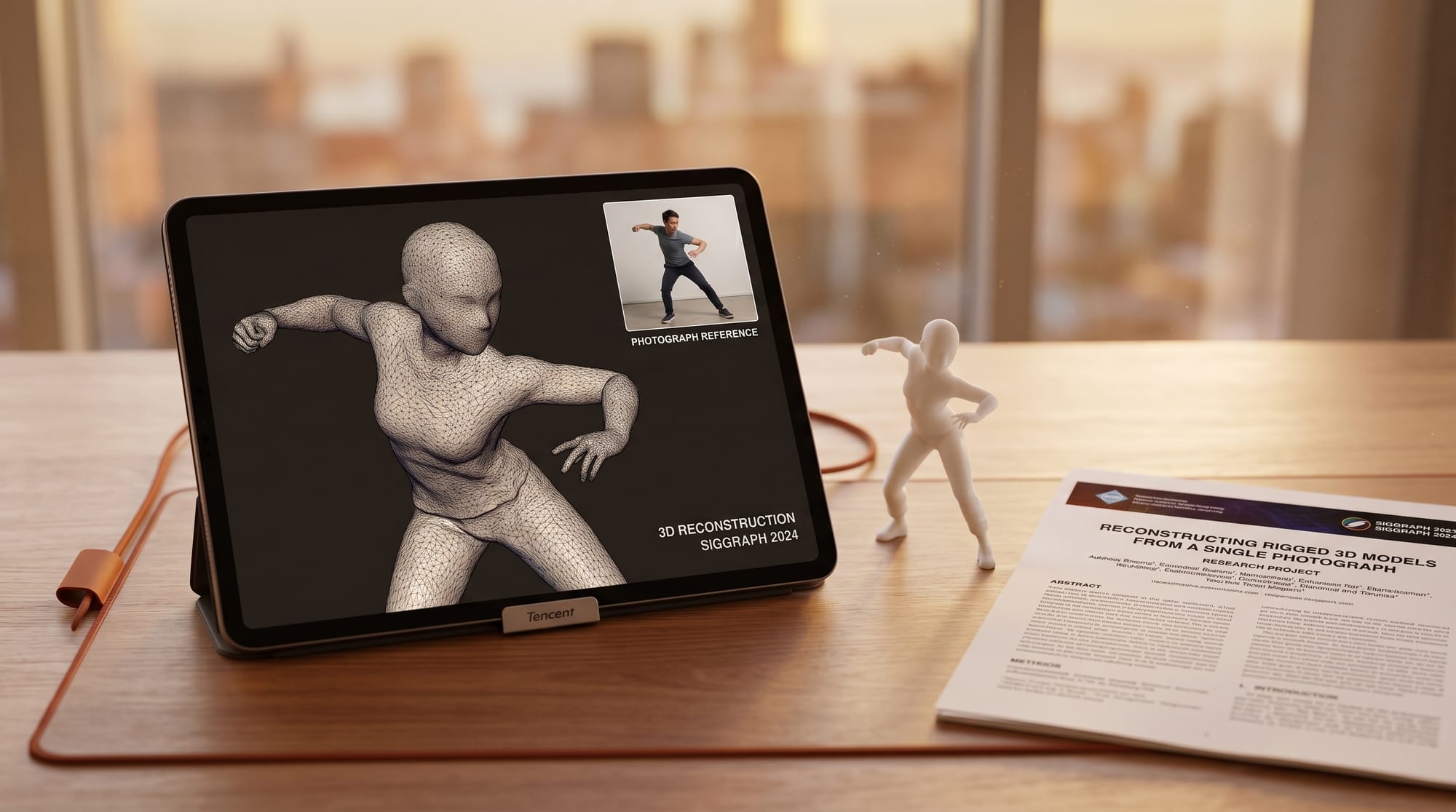
Tencent Research's TencentARC lab published Pixal3D on May 11, 2026, a method for generating 3D assets that stay geometrically aligned with the exact pixel layout of an input image. The paper is accepted to SIGGRAPH 2026 and ships with a live HuggingFace demo, a public GitHub repository, and downloadable model weights. No waitlist, no API key, no credit required to test it.
Pixal3D is an open-source image-to-3D method from Tencent's TencentARC lab, published May 11, 2026 and accepted to SIGGRAPH 2026. It generates 3D geometry (GLB and OBJ with textures) aligned to the input image's exact camera pose, runs in 30 to 60 seconds, and needs 8 GB VRAM.
What Happened
Most image-to-3D models generate assets in a canonical pose: a standardized neutral orientation that the model defaults to regardless of how the subject appears in the input photo. Feed in a side-on view of a car, and many tools will still produce a front-facing mesh and apply textures separately. Pixal3D takes a different approach: it generates the 3D geometry directly in the pose shown in the input image using pixel back-projection conditioning.
The method maps input pixels to 3D space via explicit correspondences before generation begins. The result is a mesh whose orientation, silhouette, and surface normals match the input view without a post-hoc alignment step. The full paper (arXiv 2605.10922) shows quantitative improvements on standard 3D reconstruction benchmarks and was accepted by the SIGGRAPH 2026 Technical Papers program, the field's top venue for computer graphics research.
Why It Matters for 3D Creators
Canonical-pose generation creates a friction point in practical workflows: after generating a 3D asset, creators often spend time rotating, realigning, and re-rigging the mesh to match the angle they originally wanted. For product photography, game asset pipelines, or reference-matched character modeling, that realignment step adds minutes per object and multiplies across a full day's session.
Pixal3D removes that step for the single-image case. The project website shows side-by-side comparisons where the generated mesh sits at the same camera angle as the reference photo with correct normals intact. The model also supports multi-view aggregation (feeding two or more photos of the same object) and modular scene generation that separates foreground objects before building the 3D layout, which is useful for any workflow that starts with a reference photo and needs an exportable mesh.
The SIGGRAPH 2026 acceptance is not just a credential. It signals that the technique has been peer-reviewed for correctness and novelty by the graphics research community, which means the benchmark claims are independently verifiable. For studios and individual creators evaluating whether to invest pipeline time in a new tool, that bar matters.
How Pixal3D Works
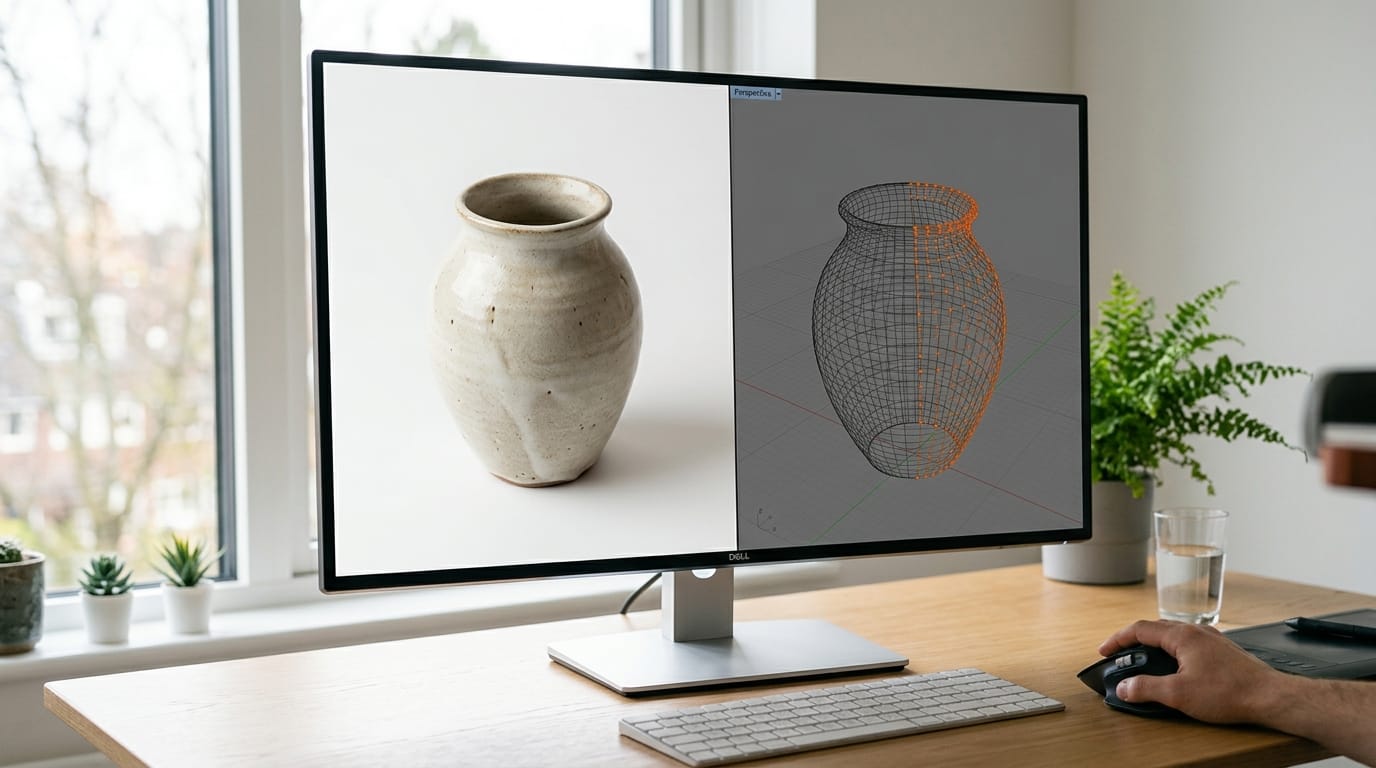
The core contribution is a pixel back-projection module inserted before the diffusion or reconstruction stage. Standard 3D generators operate in latent space with no explicit camera model. Pixal3D first lifts input pixels into a 3D feature volume that encodes where each pixel sits in space relative to the camera. The diffusion model then generates geometry conditioned on this volume, so the output mesh inherits the camera's perspective from the original photo.
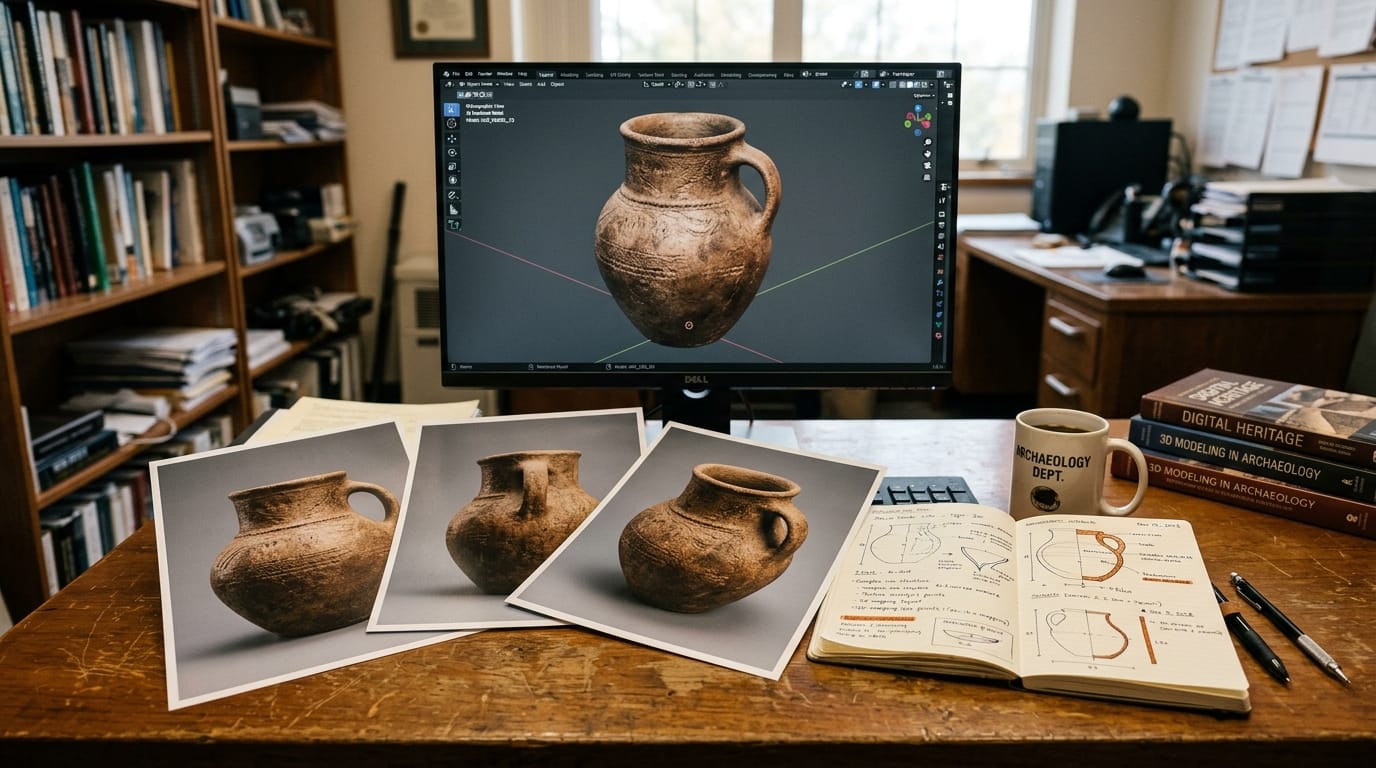
For multi-view mode, feature volumes from multiple input images are aggregated before generation, improving coverage of occluded geometry. A photo taken from the front and a photo taken from the side, for example, contribute complementary surface information that single-view mode cannot recover. The final output is a textured mesh downloadable in standard formats. The HuggingFace Spaces demo runs the full pipeline in-browser: upload a photo, select single or multi-view mode, and download the resulting GLB or OBJ file.
Pixal3D vs Other Open Image-to-3D Tools
| Tool | Output Pose | Multi-View Input | License | ComfyUI | Try Now |
|---|---|---|---|---|---|
| Pixal3D | Pixel-aligned (matches input) | Yes | Research (CC BY 4.0 paper) | No | HF Demo |
| InstantMesh | Canonical | Synthetic multi-view only | Apache 2.0 | Community node | GitHub |
| TRELLIS.2 | Canonical | No | MIT | No | Guide |
| Tripo 3.1 (API) | Canonical | Yes (paid tiers) | Commercial API | Yes (Partner Node) | Web app |
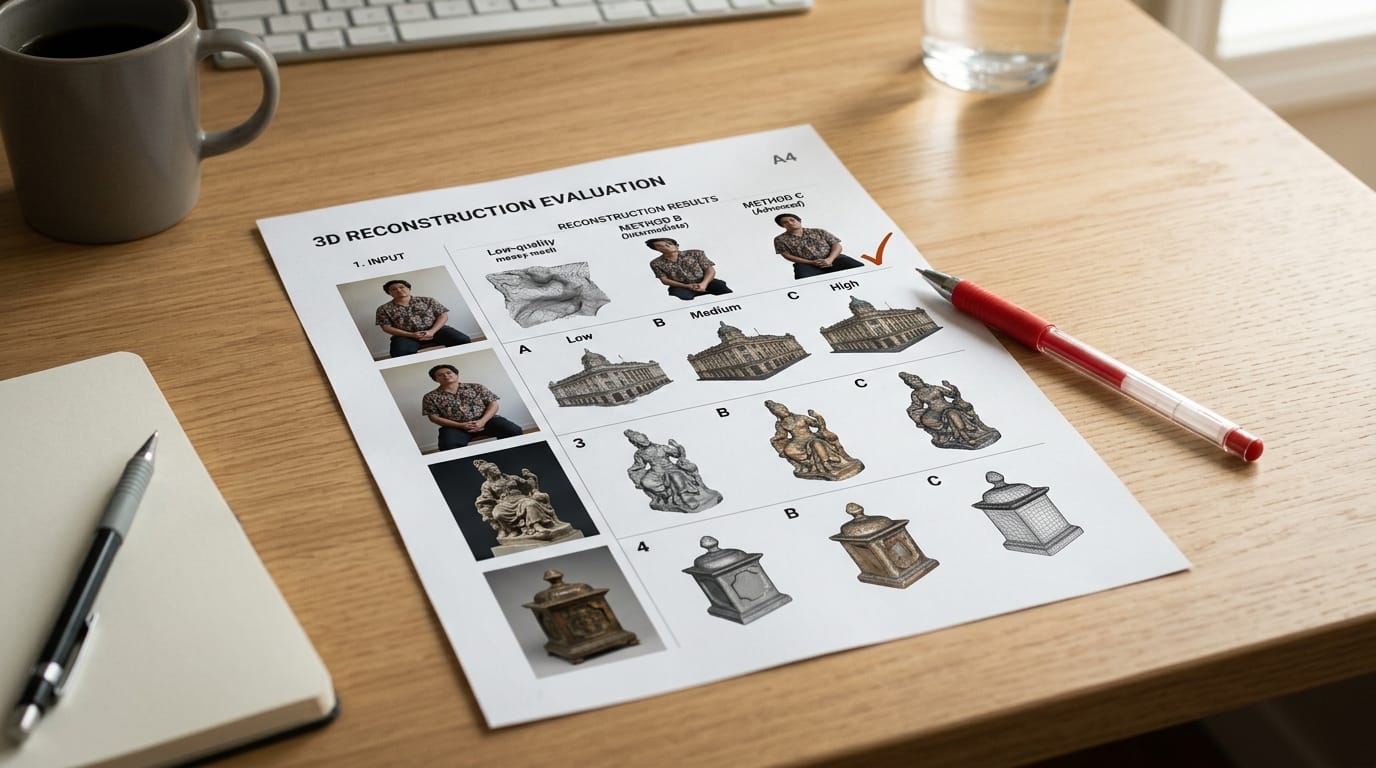
The key distinction is pose fidelity on output. Pixal3D is the only method in this group that generates geometry in the input camera's coordinate frame by default. InstantMesh (also from TencentARC) is faster and has broader hardware support but produces canonical meshes that need re-posing. Tripo 3.1 offers the most polished production workflow including a ComfyUI integration and commercial licensing, but it requires API credits and outputs canonical geometry. TRELLIS.2 runs on Apple Silicon and is fully open, but does not accept real photographs as input in the same way.
Creator Workflow: Try It Now
Pixal3D is accessible in three ways depending on your setup:
- HuggingFace demo (no install required): Open the TencentARC/Pixal3D Spaces page, upload a photo with a clear subject against a contrasting background, and click Generate. Single-view mode takes roughly 30 to 60 seconds on the free tier. Download the result as GLB for use in Blender, Unity, or Unreal Engine.
- Local via GitHub: Clone the TencentARC/Pixal3D repository, install dependencies, and download model weights from HuggingFace. A GPU with 8 GB VRAM is sufficient for single-image inference.
- Weights only: Pull the checkpoint from the TencentARC/Pixal3D model card and integrate it into a custom inference script for batch processing or pipeline embedding.
Best input types: Single objects photographed straight-on or at a three-quarter angle, product shots on plain backgrounds, sculpted characters, small architecture details, and product mockups. Avoid very dark subjects, highly reflective materials (chrome, glass, mirrors), or images where the foreground and background share similar tones. The cleaner the silhouette in the input, the cleaner the mesh boundary in the output.
Export tips: GLB is the most portable format for downstream use. If you are bringing the mesh into Blender, import it with the glTF 2.0 importer. For game engines, GLB works directly in Unity's standard importer and Unreal's datasmith pipeline. For retopology in ZBrush or Nomad Sculpt, OBJ gives more control over the raw vertex data.
What to Do Next
Pixal3D is currently a research release: no commercial license, no ComfyUI node, and the HuggingFace demo may queue during peak traffic. It is most useful right now for creators prototyping a reference-matched 3D asset from a photo, and for developers integrating pixel back-projection into a custom pipeline.
For production workflows that need commercial licensing, ComfyUI compatibility, and consistent quality at scale, established tools remain the better fit. Pixal3D's specific value is pose fidelity: if your workflow starts with a reference photo at a specific angle and you need a mesh that does not require realignment, it is the only open tool that guarantees that correspondence today.
Watch the GitHub repository for updates. TencentARC has a track record of turning research releases into integration-ready tools: InstantMesh gained community ComfyUI support within weeks of publication in 2024. If Pixal3D follows the same pattern, a community node for ComfyUI should appear within a month of this writing.
Key Details
- Paper published: May 11, 2026 on arXiv (2605.10922)
- Conference: SIGGRAPH 2026 Technical Papers (accepted)
- Lab: TencentARC (Tencent Research AI Research Center)
- Demo: HuggingFace Spaces (no signup required)
- Code: GitHub repository TencentARC/Pixal3D (open source)
- Weights: HuggingFace model card at TencentARC/Pixal3D
- Outputs: GLB and OBJ with texture maps
Frequently Asked Questions
What makes Pixal3D different from InstantMesh?
Both tools come from TencentARC, but they solve different problems. InstantMesh generates a 3D mesh quickly from a single image using a sparse-view reconstruction approach, with output in canonical pose. Pixal3D uses pixel back-projection to generate geometry that directly matches the orientation in the input photo, removing the realignment step for pose-sensitive workflows. InstantMesh is faster and runs on more hardware; Pixal3D produces more accurate reference-matched geometry.
Is Pixal3D free to use commercially?
The research paper is published under CC BY 4.0. Commercial use of the code depends on the license in the GitHub repository. Check the LICENSE file before integrating it into a commercial pipeline. For production commercial 3D generation with a clear license, tools like Tripo 3.1 or Meshy offer explicit commercial terms with SLA-backed APIs.
What file formats does Pixal3D output?
The HuggingFace demo exports GLB (binary glTF) and OBJ with associated texture maps. Both formats import directly into Blender, Unity, Unreal Engine, Cinema 4D, and most game asset pipelines without conversion tools.
Does Pixal3D require a GPU to run locally?
Running locally requires a GPU with at least 8 GB VRAM for single-image inference. Multi-view mode may require more VRAM depending on input count. The HuggingFace Spaces demo runs on cloud GPUs, so browser users do not need local hardware beyond a standard laptop.
Can Pixal3D generate 3D characters from reference photos?
Yes, the pixel-aligned approach handles character reference sheets well when the figure is photographed against a clean background. Multi-view mode, using both a front photo and a side photo, gives better geometry coverage of the head, torso, and limbs than single-view alone. The output mesh is suitable for retopology and sculpting workflows but is not animation-ready without additional cleanup and rigging.





