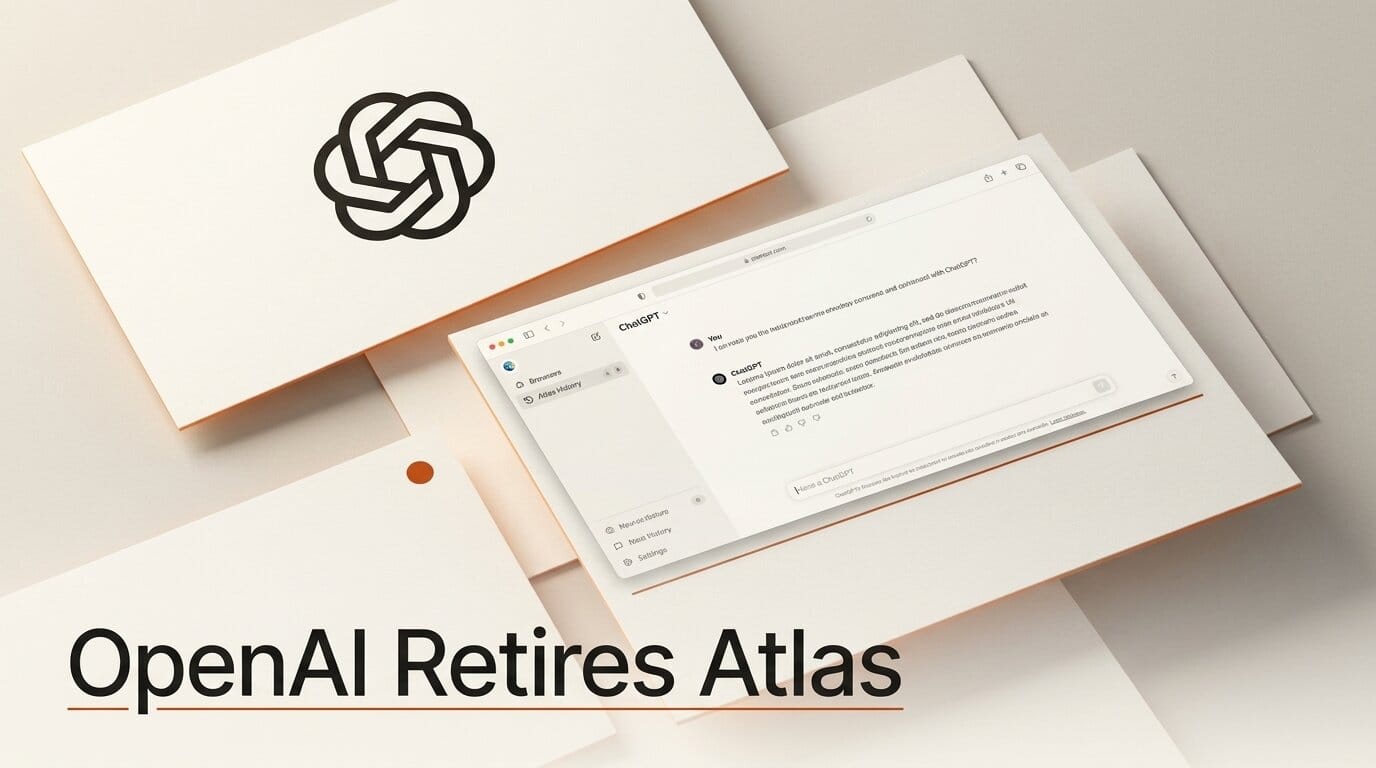
OpenAI is discontinuing ChatGPT Atlas, its standalone desktop browser, less than nine months after launch. James Sun of OpenAI's browser team announced the shutdown on July 9, 2026, with a targeted sunset date of August 9, 2026. Atlas first shipped in October 2025 as OpenAI's bet on an AI-native browser. Rather than keep maintaining a separate app, OpenAI is folding agentic browsing, the Codex coding agent, and the new ChatGPT Work productivity agent into a single unified ChatGPT desktop app, plus a Chrome side-chat extension.
For creators and builders, this is less a retreat than a consolidation. The web-automation, form-filling, and multi-step agent features that made Atlas interesting are moving into the app most people already keep open all day. If you experimented with Atlas for research or task automation, here is exactly what changes, how the new setup compares to the browser it replaces, and where it lands against Perplexity Comet and Gemini in Chrome.
What OpenAI Announced
The core message is consolidation. OpenAI is retiring the standalone Atlas browser and rebuilding its best ideas inside the ChatGPT desktop app. According to Android Authority, the new desktop app now ships an enhanced in-app browser with multiple tabs, a password manager, and autofill, so you can browse and let the agent act without leaving ChatGPT. Work-mode users also get a cloud-based browser the agent can drive remotely, which means long research or data-gathering tasks can run server-side instead of tying up your machine.
The second piece is reach. Instead of asking people to switch browsers, OpenAI is launching a Chrome side-chat extension that brings ChatGPT and Codex into Google's browser directly. As Digital Trends notes, Atlas faced an uphill climb convincing users to abandon Chrome. Meeting people inside the browser they already use is a more pragmatic distribution strategy. OpenAI framed the move around what it learned from early Atlas adopters, saying the new capabilities "were built on what we learned from Atlas users who took a leap of faith on a new browser."

Atlas vs the New ChatGPT App: What Changes
Nothing about the underlying agent is being thrown away. The difference is packaging: a dedicated browser becomes a browser-inside-an-app plus a Chrome extension. The table below maps the shift for anyone who used Atlas as a research or automation tool.
| Capability | ChatGPT Atlas (retiring Aug 9, 2026) | New ChatGPT App + Chrome extension |
|---|---|---|
| Form factor | Standalone desktop browser | In-app browser inside ChatGPT desktop app, plus Chrome side-chat extension |
| Agentic browsing | Native, in the browser chrome | Native in the desktop app; assisted via the Chrome extension |
| Tabs and autofill | Full browser features | Multiple tabs, password manager, and autofill in-app |
| Cloud browsing | Local only | Cloud-based browser for Work-mode agent runs |
| Coding agent | Separate | Codex bundled in the same app |
| Where you use it | A browser you had to adopt | Chrome you already use, or the ChatGPT app you already open |
The practical upshot: if you liked telling Atlas to "find these five prices and put them in a table," you will do the same thing in the ChatGPT app, and the cloud browser option means that task can run without occupying your desktop.
How the New App Compares to Comet and Gemini
Atlas launched into a crowded field. Perplexity's Comet arrived in July 2025 and reached full cross-platform coverage (Mac, Windows, iOS, Android) with free agentic browsing. Google, meanwhile, has been weaving Gemini across Chrome as an agentic layer capable of multi-step tasks like travel planning and calendar scheduling, detailed on the Google Chrome blog. OpenAI's pivot from a standalone browser to an extension-plus-app model, covered by Eastern Herald, mirrors where the market is settling: the agent goes to the browser, not the other way around.
| Approach | OpenAI (post-Atlas) | Perplexity Comet | Gemini in Chrome |
|---|---|---|---|
| Model | App + Chrome extension | Standalone Chromium browser | Native in Chrome |
| Agent lives in | ChatGPT app / Chrome sidebar | Browser sidebar | Chrome sidebar |
| Coding agent | Codex bundled | No | No |
| Full auto-browse cost | Included with ChatGPT tiers | Free | Requires Google AI Pro or Ultra |
| Reach | Rides existing Chrome install | New browser to adopt | World's most-used browser |
Why It Matters for Creators and Builders
If you build content, run research, or automate repetitive web tasks, the Atlas shutdown removes a decision you no longer have to make. You do not need to run a second browser to get agentic browsing. As NewsBytes reports, the features that mattered are being integrated rather than killed. That lowers the friction of adopting AI-driven workflows: the same ChatGPT window where you draft a script or debug code can now open tabs, fill forms, and pull structured data from the live web.
The bundling of Codex is the underrated part. A single app that can both write code and drive a browser turns "scrape this, then generate a script to process it" into one continuous session. For solo creators and small teams, that collapses a multi-tool workflow into a place you already work. The cloud browser adds a second lever: kick off a long agent run and keep working while it executes server-side.
What This Enables: Putting the New App to Work
Here is a concrete way to migrate an Atlas-style workflow into the new setup and get value on day one.
- Update or install the ChatGPT desktop app. The July 9 release adds the in-app browser with tabs, password manager, and autofill. This is where agentic browsing now lives.
- Add the Chrome side-chat extension. If you live in Chrome, this brings ChatGPT and Codex into a sidebar without switching browsers, so you can summarize a page or start a task in place.
- Rebuild one Atlas task. Pick a recurring job, for example "gather the specs and prices of five competitor tools and format them as a comparison table," and hand it to the in-app agent.
- Offload the long ones to the cloud browser. For Work-mode users, route multi-step research to the cloud-based browser so it runs remotely while you keep creating.
- Chain in Codex. Once the agent returns data, ask Codex in the same app to write the script that cleans, transforms, or publishes it.
What to Do Next
Atlas keeps working until August 9, 2026, so there is a window to transition without disruption. Export or note any Atlas-specific settings, workflows, or saved sessions you rely on, since OpenAI plans to share deprecation details through the ChatGPT app and email in the coming days. Then install the updated desktop app and the Chrome extension, and re-create your most-used Atlas task to confirm the agent behaves the same way. If your workflow spans research and code, this is a good moment to consolidate onto one app rather than juggling separate tools.
For broader context on OpenAI's app strategy, see our coverage of how ChatGPT is being rebuilt into an app platform, the growing role of Codex for building hosted web apps, and how in-browser agents stack up in our Safari vs Chrome vs Playwright MCP comparison.
Frequently Asked Questions
When is ChatGPT Atlas being discontinued?
OpenAI's James Sun announced the shutdown on July 9, 2026, with a targeted sunset date of August 9, 2026. Atlas keeps working until then, giving users about a month to transition.
What replaces ChatGPT Atlas?
A new unified ChatGPT desktop app with an in-app browser (tabs, password manager, autofill), a cloud-based browser for Work-mode agent runs, and a Chrome side-chat extension that brings ChatGPT and Codex into Google's browser.
Do I lose the agentic browsing features I used in Atlas?
No. OpenAI is integrating Atlas's web-automation and agent capabilities into the ChatGPT app rather than removing them. The company said the new capabilities were built on what it learned from Atlas users.
Why did OpenAI kill a browser it launched only nine months ago?
Atlas struggled to convince users to leave Chrome. Consolidating into the ChatGPT app plus a Chrome extension meets users in the browser they already use, a lower-friction distribution path than asking them to switch.
How does the new ChatGPT app compare to Perplexity Comet and Gemini in Chrome?
All three put an agent in a sidebar. OpenAI now rides your existing Chrome install and bundles the Codex coding agent; Comet is a free standalone Chromium browser; Gemini is native to Chrome but reserves full auto-browse for Google AI Pro or Ultra subscribers.
What should I do before August 9, 2026?
Note any Atlas-specific settings or saved workflows, install the updated ChatGPT desktop app and the Chrome extension, and re-create your most-used Atlas task to confirm it works the same way before the browser sunsets.