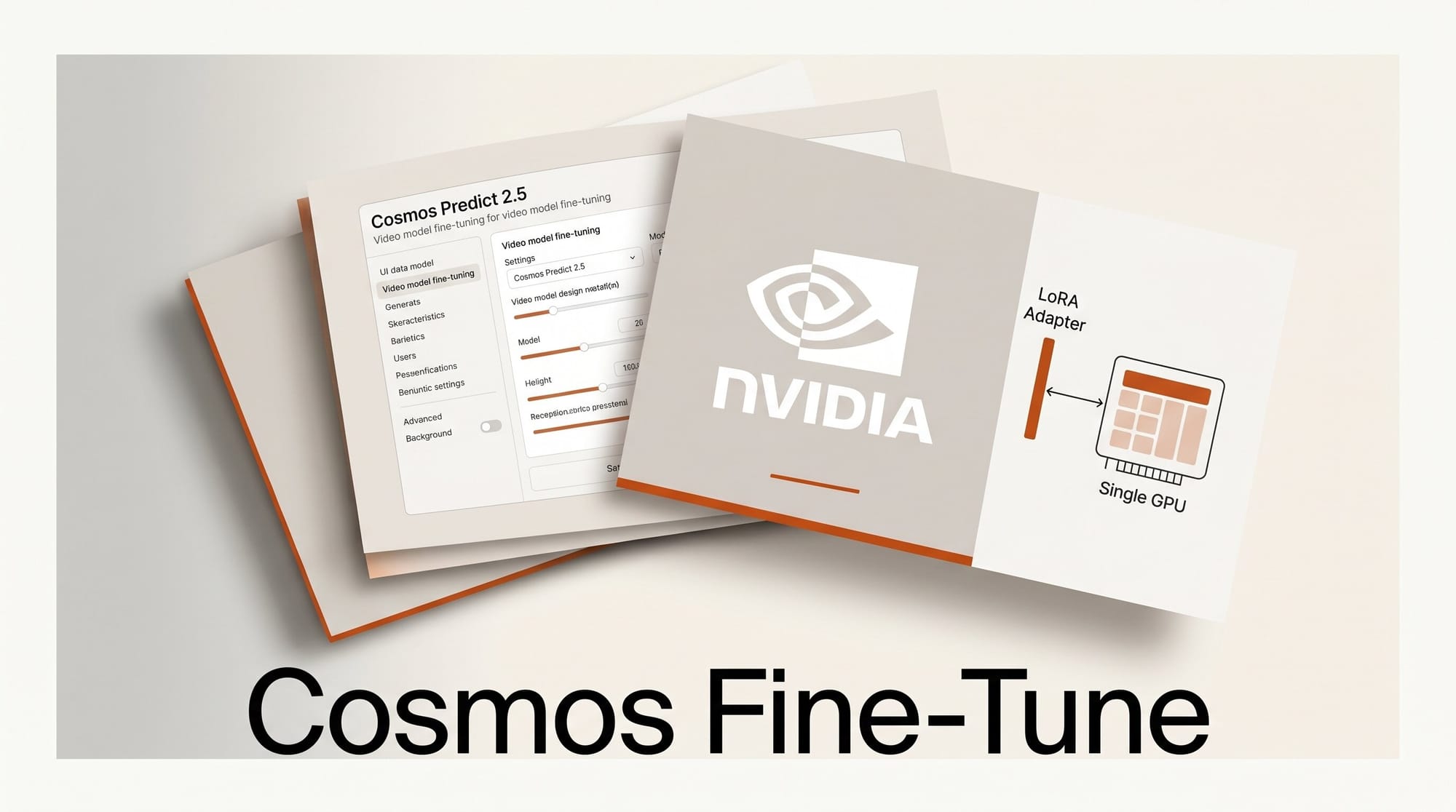
On May 18, 2026, NVIDIA and HuggingFace published a comprehensive fine-tuning guide for Cosmos Predict 2.5, the latest video world foundation model in NVIDIA's Cosmos family. The guide shows how to adapt the 2-billion-parameter model to domain-specific video generation tasks using LoRA (Low-Rank Adaptation) and DoRA (Weight-Decomposed Low-Rank Adaptation), with training possible on a single GPU setup.
What Happened
NVIDIA's HuggingFace blog post walks through the full pipeline for fine-tuning Cosmos Predict 2.5 on robot manipulation video data, from dataset preparation through evaluation. The guide targets the GR1-100 dataset (92 robot manipulation videos with text prompts) and evaluates against 50 prompt-image pairs from the PhysicalAI-Robotics benchmark.
What makes this release notable is the accessibility angle: while the benchmark run used 8 H100 GPUs for 100 training epochs, the LoRA technique was designed to work at much smaller scales. Rank-8 LoRA adapters proved sufficient for capturing geometric and physical priors, making the approach viable on consumer-grade hardware with the right dataset.
What is Cosmos Predict 2.5?
Cosmos Predict 2.5 is a flow-based world foundation model that unifies Text2World, Image2World, and Video2World generation in a single architecture. It uses a three-component structure that stays frozen during fine-tuning:
- VAE (Variational Autoencoder): Encodes video frames into latent representations
- Text Encoder: Cosmos-Reason1, a Physical AI reasoning vision-language model, processes text prompts
- DiT (Diffusion Transformer): Performs the actual diffusion process in latent space
LoRA and DoRA adapters are injected exclusively into the DiT's attention and feedforward layers, leaving the VAE and text encoder untouched. This design means you can swap adapters between runs without rebuilding the full pipeline.
LoRA vs DoRA: Which Should You Use?
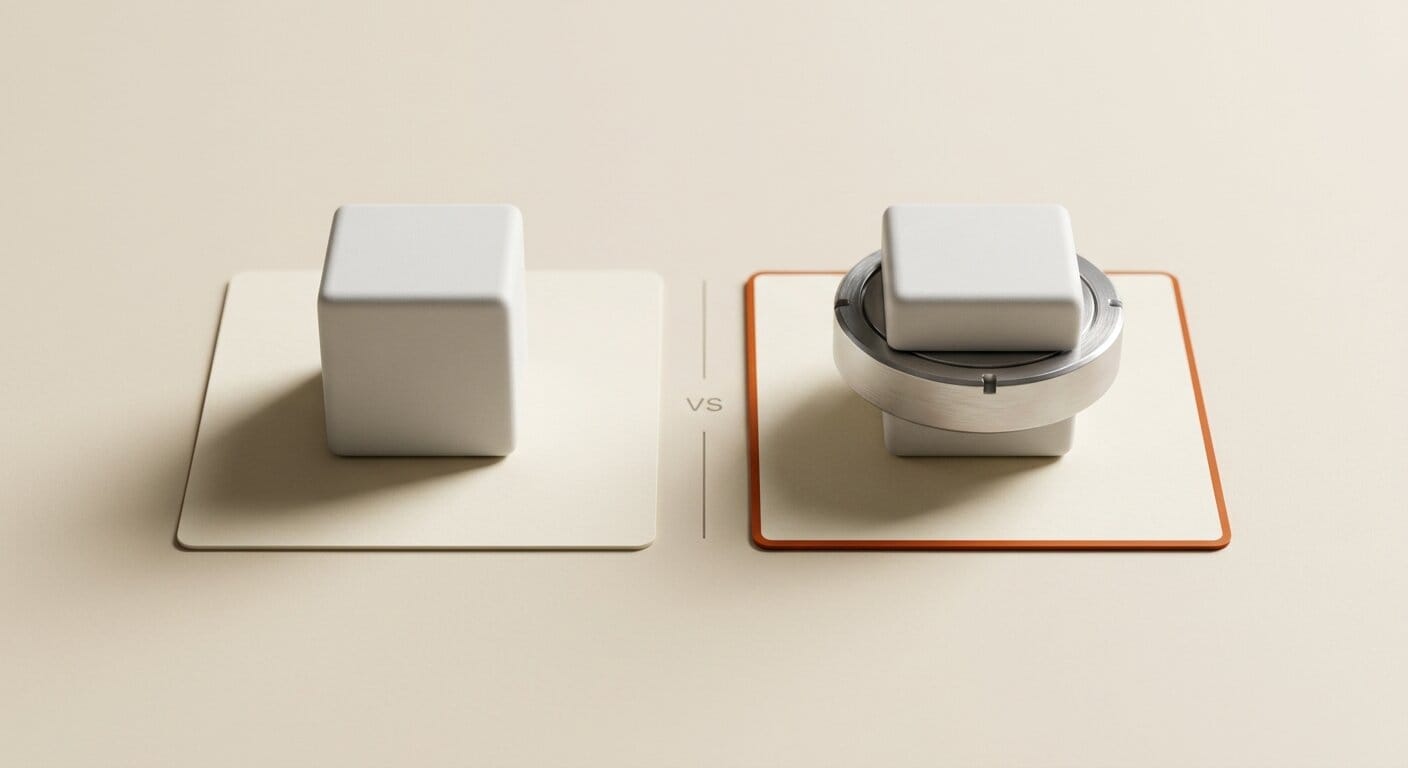
NVIDIA's own research team developed DoRA as a next-generation alternative to LoRA, and the Cosmos fine-tuning guide lets you choose between them. Here is how they compare:
| Feature | LoRA | DoRA |
|---|---|---|
| Core mechanism | Low-rank matrix injection | Weight decomposition (magnitude + direction) |
| Parameters trained | ~1-2% of model | ~1-2% of model |
| Inference overhead | None (weights merge in) | None (weights merge in) |
| LLM commonsense benchmark | Baseline | +3.7 points on Llama 7B |
| Vision-language benchmarks | Baseline | +0.9 to 1.9 points |
| Training stability | Good | Better (closer to full fine-tune dynamics) |
| Recommended rank for Cosmos | 32 for precision, 8 sufficient | 32 for precision, 8 sufficient |
For Cosmos Predict 2.5 specifically, the guide reports that LoRA rank-32 and DoRA rank-32 converge to similar performance on robot video tasks. DoRA's advantage shows up most clearly in tasks requiring precise instruction following and spatial consistency. For most creative applications, either will work; DoRA is the safer default if you cannot decide.
The Fine-Tuning Workflow
Step 1: Prepare Your Dataset
You need paired video-prompt training data. The benchmark used 92 short robot manipulation clips, each with a text description of the action. For creative applications, this translates to product demonstration videos paired with descriptive prompts, architecture walkthroughs with scene descriptions, or any domain where you want the model to learn a visual style or motion pattern. Quality matters more than quantity: consistent lighting, clear action boundaries, and accurate text annotations outperform a larger but noisier dataset.
Step 2: Initialize the Adapter
Using the HuggingFace diffusers library and PEFT, configure the LoRA or DoRA adapter targeting the DiT's attention projections and feedforward layers:
from peft import LoraConfig
lora_config = LoraConfig(
    r=32,
    lora_alpha=32,
    target_modules=["to_q", "to_k", "to_v", "to_out.0", "ff.net.0.proj", "ff.net.2"],
    use_dora=True,
)
dit.add_adapter(lora_config)
Step 3: Train with bf16 Mixed Precision
The loss function is a rectified flow MSE on velocity prediction, excluding the first two conditioned frames. Training uses AdamW with linear warmup and decay. Per the official Cosmos documentation, a baseline launch command looks like this:
accelerate launch --mixed_precision="bf16" train_cosmos_predict25_lora.py \
  --lora_rank 32 \
  --num_train_epochs 500 \
  --train_batch_size 1
The benchmark hit meaningful improvement at 100 epochs (roughly 2.5 hours on 8 H100s). On a single GPU, expect longer wall-clock time but equivalent quality given enough epochs.
Step 4: Evaluate Against Your Metrics
NVIDIA uses three evaluation axes, each applicable to non-robotics domains: Sampson Error for geometric consistency across frames, Physical Plausibility as LLM-as-judge scoring on a 1-5 scale (adaptable to aesthetic scoring with a different judge prompt), and Instruction Following for task completion accuracy against the text prompt.
Step 5: Fuse and Swap
After training, fuse the LoRA weights back into the base model. The merged checkpoint runs at the same speed as unmodified Cosmos Predict 2.5, with no adapter overhead at inference. One copy of the 2B-parameter base model can then serve multiple domains by swapping lightweight adapter files, each a few hundred MB at rank-32.
Results: What to Expect
From the benchmark data published in the guide: 100 training epochs significantly improves all three evaluation metrics over the zero-shot baseline. LoRA rank-32 and DoRA rank-32 converge to comparable performance on geometric and physical tasks. Higher rank improves task precision but does not enhance geometric consistency further. LoRA rank-8 is sufficient if your primary goal is learning geometric and physical priors rather than precise instruction following.
The practical takeaway: start with rank-8 to validate your dataset and training setup, then scale up to rank-32 if instruction-following precision is critical to your use case.
Creator Outcome: Beyond Robotics
The guide focuses on robot manipulation as a demonstration domain, but the technique applies to any scenario where you want Cosmos Predict 2.5 to generate videos that match a specific visual vocabulary. Three concrete creative applications:
- Product visualization: Fine-tune on 90+ product demo clips to generate consistent motion videos from text prompts for e-commerce or marketing
- Architectural previsualization: Adapt the model to interior design footage for generating client preview videos without a full production shoot
- Film look development: Train on reference footage to lock in a cinematographic style across generated shots in a multi-scene project
As LoRA adapters have become standard in creative AI tools, a Cosmos LoRA could eventually be shared through model hubs once community tooling around Cosmos Predict 2.5 matures.
What to Do Next
To experiment with Cosmos Predict 2.5 fine-tuning:
- Read the full HuggingFace guide from NVIDIA for complete setup instructions and dataset preparation details
- Clone the Cosmos Predict 2.5 GitHub repo and review the example training scripts in the post-training directory
- Start with rank-8 LoRA on a small dataset (50-100 clips) before committing to a full training run
Frequently Asked Questions
Can I fine-tune Cosmos Predict 2.5 on a single consumer GPU?
The benchmark run used 8 H100s, but LoRA's core advantage is reducing memory requirements. With gradient checkpointing and a batch size of 1, single-GPU training is feasible on high-end consumer hardware. Expect longer wall-clock time compared to a multi-GPU cluster, but the same quality ceiling given enough epochs.
What is the minimum dataset size for useful results?
The guide used 92 training videos and still achieved meaningful metric improvements at 100 epochs. Start with 50-100 well-annotated examples and evaluate before scaling the dataset. Quality matters more than volume for LoRA fine-tuning at this parameter scale.
Is DoRA always better than LoRA for Cosmos?
Not necessarily. On the robot manipulation benchmark, LoRA rank-32 and DoRA rank-32 converged to similar performance. DoRA shows stronger advantages on tasks requiring complex instruction following. If your domain is visually simpler or your primary goal is style transfer, standard LoRA at rank-32 is a reasonable choice that is easier to debug.
Can I share or sell a Cosmos LoRA adapter?
LoRA adapters are small files (typically a few hundred MB at rank-32) and are architecturally compatible with any Cosmos Predict 2.5 base checkpoint. Check NVIDIA's Cosmos licensing terms before distributing commercially. The format supports sharing through HuggingFace Hub or similar platforms once community tooling matures.
How does Cosmos Predict 2.5 compare to other open video generation models?
Cosmos Predict 2.5 targets physical AI applications, making it distinct from creative-first models like LTX Video. Its strength is temporal coherence and physical plausibility rather than aesthetic quality. For applications requiring physically accurate motion or robot training data, it outperforms lighter models; for artistic or stylized output, other models may be a better fit.