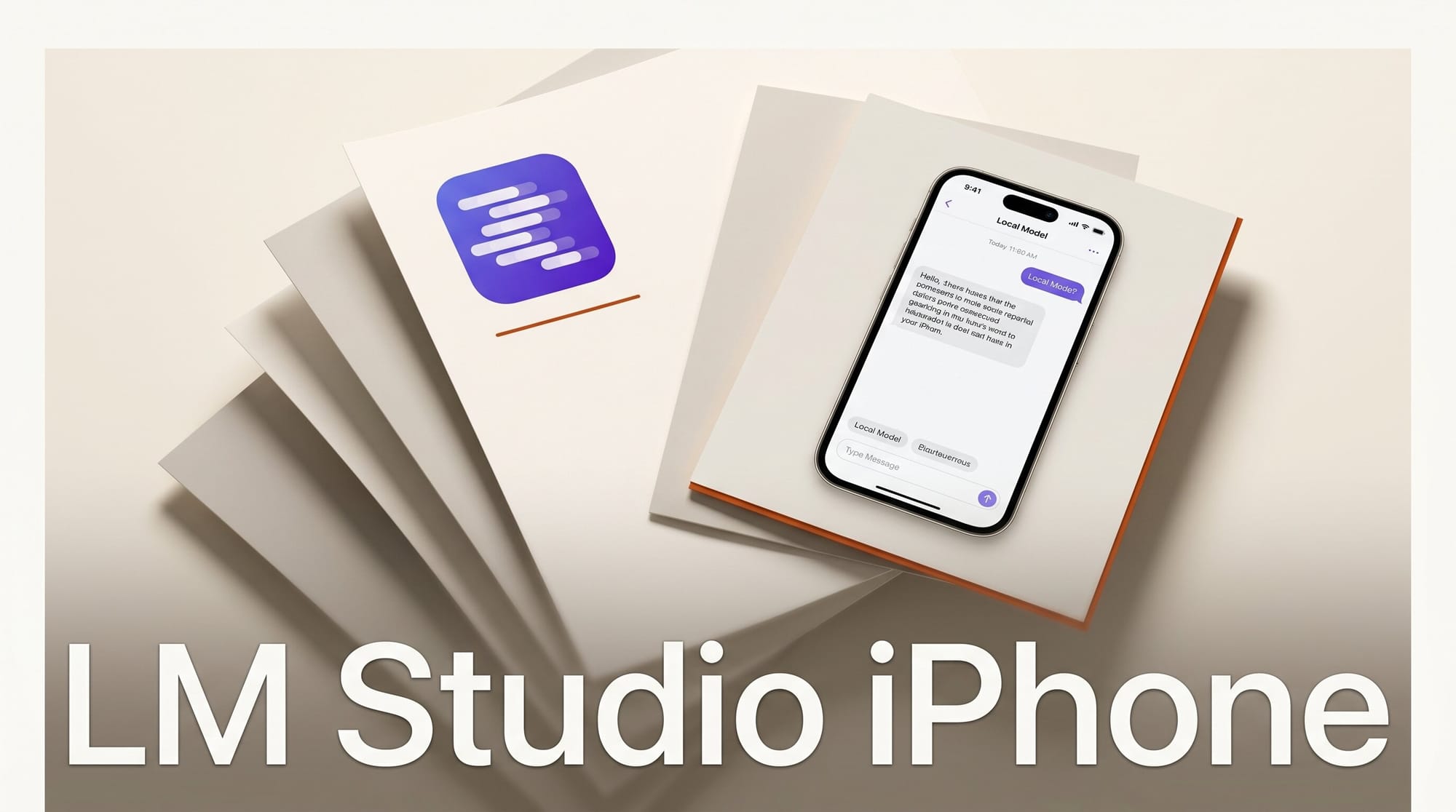
LM Studio released LM Link support for iPhone and iPad on June 4, 2026, through its official Locally mobile app. The update enables creators and developers to remotely access large language models running on their desktop machines from any iPhone or iPad, with all data end-to-end encrypted and chat history stored locally on each device.
What LM Link Is and How It Works
LM Link is the remote-access layer built into LM Studio, the desktop application for running large language models on local hardware. Until now, LM Link was primarily a desktop-to-desktop feature. The June 4 update extends it to iOS through Locally, an app that LM Studio parent company Element Labs acquired earlier in 2026 and has now integrated with LM Link.
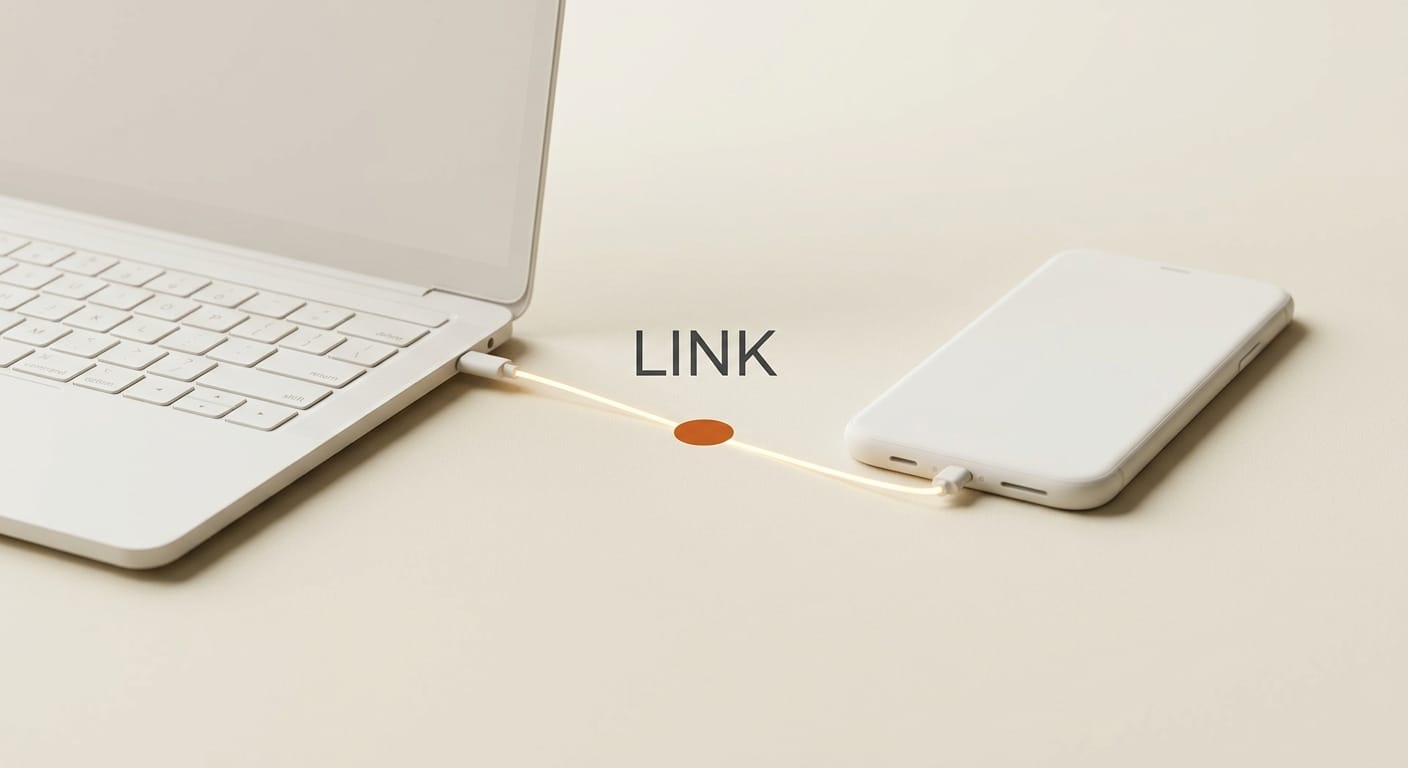
When active, LM Link creates a secure tunnel between your iPhone and the machine running LM Studio. All communication is end-to-end encrypted, meaning neither Element Labs nor any third party can read your prompts or responses. Conversations are saved independently on each device rather than to a central server. Your data follows the same privacy model as running LM Studio on a desktop: it never leaves your hardware.
How to Set Up LM Link on iPhone
The setup requires LM Studio on your primary machine, LM Link enabled on that machine, and the Locally app on your iOS device.
- Install LM Studio on your desktop. Download from lmstudio.ai/download. LM Studio supports Mac, Windows, and Linux.
- Load a model. Inside LM Studio, download or load the model you want to access remotely. Models from 7B to 70B+ parameters work; larger models require more VRAM or unified memory on the host machine.
- Enable LM Link. Open the LM Link section inside LM Studio and activate the connection. A pairing code or QR code is generated for your iOS device.
- Install Locally on iPhone or iPad. Download the Locally app from the App Store.
- Connect your devices. Follow the in-app pairing instructions to link your iPhone to your LM Studio instance. The encrypted tunnel sets up automatically.
- Start chatting. Send prompts from your iPhone to the model on your desktop and receive responses directly in Locally. No API key, no cloud subscription required.
Why Local Models Matter for Creators
The case for running models locally is straightforward when working with sensitive material. Screenwriters, designers, and developers building proprietary tools all benefit from a pipeline that never leaves their own hardware. With thousands of open-weight models available ranging from Llama to Mistral to Gemma, local inference covers most creative and coding use cases at zero marginal cost once hardware is in place.
The LM Studio and Locally combination extends that privacy guarantee to mobile. A screenwriter can brainstorm dialogue from a coffee shop using a 70B model running on their home Mac without touching OpenAI, Anthropic, or Google infrastructure. The practical constraint is latency: responses depend on the network connection between your phone and host machine. On a fast home network, delay is imperceptible. On a slow cellular connection to a home server, expect noticeable lag on large models.
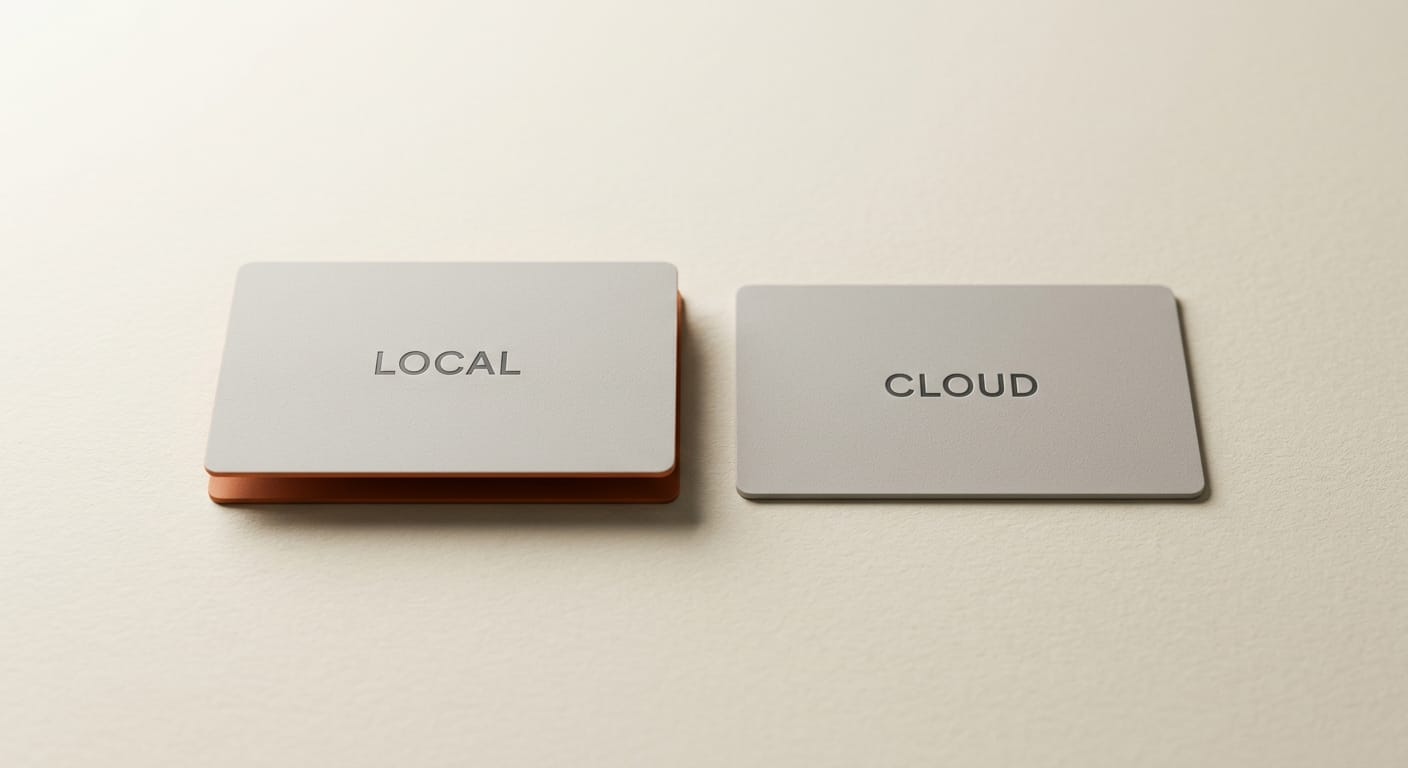
LM Studio Locally vs. Cloud AI on Mobile
| Feature | LM Studio + Locally | Cloud AI (ChatGPT/Claude mobile) |
|---|---|---|
| Data privacy | All local, end-to-end encrypted | Sent to provider servers |
| Cost | Free after hardware | Subscription or pay-per-token |
| Model selection | Any downloadable open-weight model | Limited to provider models |
| Works offline | No (requires connection to host) | No (requires internet) |
| Response speed | Depends on network and home hardware | Optimized data center speeds |
| Context length | Depends on loaded model configuration | Managed by provider |
Creator Use Cases
The most immediate value is continuity. Set up a model once on your desktop, keep it running, and access it from any iOS device without re-authenticating with a cloud provider or reloading the model on each session. Practical use cases for creative workflows include:
- On-the-go writing and ideation: Continue work with the same model and conversation context you left on your desktop during a commute or break.
- Voice input to local LLM: Use iOS dictation to send transcribed prompts to a local model, keeping all transcripts off cloud services.
- Private brainstorming: Iterate on confidential creative ideas knowing the conversation is saved only on your own devices.
- Quick queries away from desk: Ask your local coding assistant or document-analysis model a question from your phone without opening your laptop.
Key Details
- Released: June 4, 2026
- Developer: Element Labs, Inc. (LM Studio)
- Platform: iPhone and iPad (iOS)
- Requirements: LM Studio on desktop with LM Link active, Locally app on iOS
- Encryption: End-to-end encrypted device communication
- Chat storage: Local on each device, not synced to cloud
- Cost: Free (LM Studio and Locally are both free)
What to Do Next
If you already run LM Studio on a Mac or PC, download the Locally app and follow the LM Link connection flow. Setup takes under five minutes and is live today. If you are new to local models, visit lmstudio.ai/download to check hardware requirements first. A Mac with 16 GB unified memory handles 7B-14B models comfortably; 32 GB opens up 30B-70B territory. Once a model is running locally on your desktop, adding iPhone access is a free extension of your existing setup.

Frequently Asked Questions
Does LM Link require a specific LM Studio version?
LM Studio recommends running the latest version for full LM Link compatibility. Download the current release from lmstudio.ai/download. Older versions may not support the full iOS connection pairing flow.
Can the Locally app run models directly on iPhone without a desktop?
Not in the LM Link configuration. Locally on iPhone connects to your desktop as the inference host. On-device iPhone inference would require models specifically quantized for Apple Neural Engine and a separate integration, which is not part of this release.
Is the Locally app available on Android?
As of June 4, 2026, LM Link support in Locally is iOS only. No Android version is mentioned in the LM Studio announcement. Check lmstudio.ai for future platform updates.
What happens to my chats if the desktop connection drops?
Chats saved to your iPhone up to the point of disconnection are retained locally. New prompts will not send until the connection is restored. There is no cloud backup of conversation history in either direction.
Does this work over cellular, or only WiFi?
LM Link works over any IP connection including cellular. Practical performance depends on your desktop upload bandwidth and iPhone download bandwidth. Slow cellular connections produce noticeable delays on large model responses. A stable home WiFi connection is the recommended setup for low-latency mobile access.