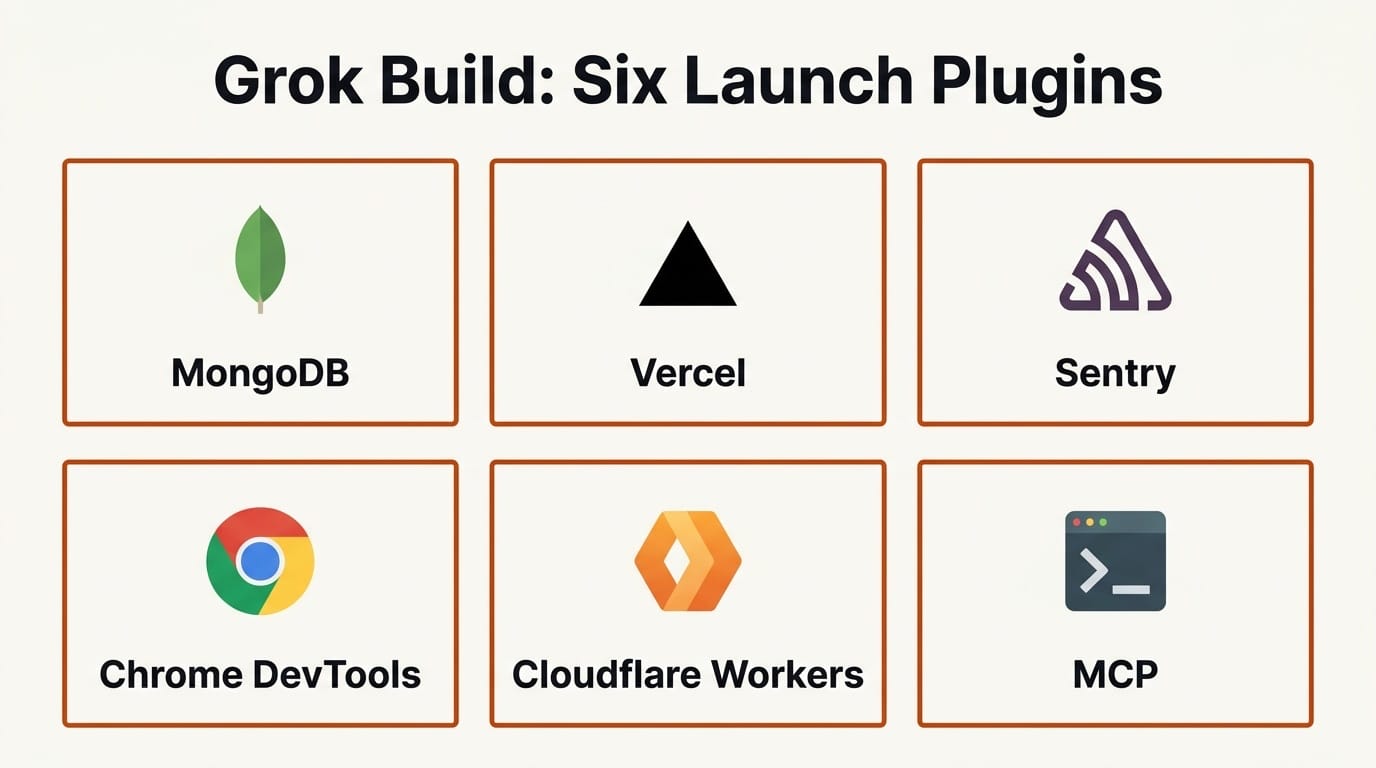
xAI shipped the Grok Build Plugin Marketplace on June 11, 2026, a built-in catalog that lets developers browse and install integrations for Grok Build, the company's terminal coding agent, without leaving the command line. Six partner plugins ship at launch: MongoDB, Vercel, Sentry, Chrome DevTools, Cloudflare, and Superpowers. The catalog is open source on GitHub, accepts community pull requests, and pins every remote plugin to a 40-character commit hash that Grok Build re-verifies after cloning.
For anyone who builds software with an AI agent in the terminal, this turns Grok Build from a standalone coding assistant into an extensible platform. It closes the gap with Anthropic's Claude Code and OpenAI's Codex, both of which already lean on plugin and connector ecosystems to reach into the rest of a developer's stack.
What Happened
Grok Build is xAI's coding agent and CLI for software engineering work, a direct competitor to Claude Code, OpenAI Codex, and Cursor's agent mode. Until this week it ran as a self-contained tool. The new marketplace adds a discovery and install layer on top: type /marketplace inside Grok Build, browse the catalog, and press i to install a plugin. The marketplace launched in beta.
Each plugin can bundle up to six component types in a single install: Skills (capabilities written in a SKILL.md markdown format), Commands (slash commands), Agents (subagent definitions), Hooks (lifecycle events), MCP servers, and Language Server Protocol configurations. That bundling is the core difference from a raw Model Context Protocol setup, where you wire each server in by hand. The official catalog repository uses a .grok-plugin/marketplace.json file as the single source of truth for the plugin index, and third-party plugins are welcomed in an external_plugins directory, either vendored locally or referenced remotely with a pinned commit hash.
How It Compares to Claude Code, Codex, and Cursor
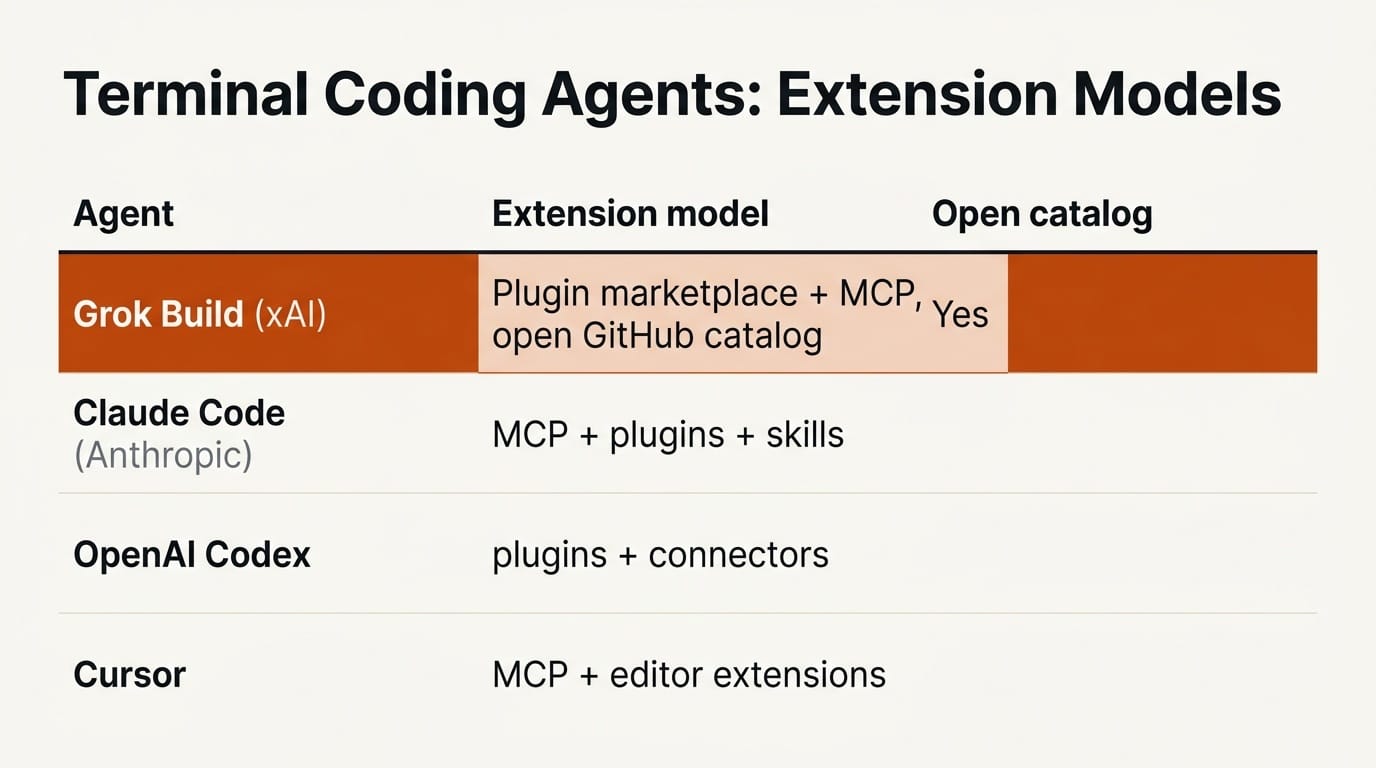
The marketplace lands in a crowded field of terminal coding agents, each with its own extension story. The table below shows where Grok Build now sits.
| Agent | Extension model | Open catalog | Bundled component types |
|---|---|---|---|
| Grok Build (xAI) | Plugin marketplace plus MCP | Yes, GitHub with PRs | Skills, commands, agents, hooks, MCP, LSP |
| Claude Code (Anthropic) | MCP servers plus plugins and skills | Yes | MCP, skills, slash commands, hooks |
| OpenAI Codex | Plugins and connectors | Partial | Plugins, connectors |
| Cursor | MCP plus editor extensions | Via the VS Code ecosystem | MCP, editor extensions |
The practical takeaway is that Grok Build now bundles more component types into one install than a manual MCP configuration, and it ships with terminal-native discovery instead of requiring you to edit a JSON config by hand. That mirrors the direction Claude Code and OpenAI Codex have taken, where the agent is only as useful as the tools it can reach. The difference is that xAI is shipping the catalog as open source from day one, so the install path and the validation rules are public rather than locked inside a vendor app.
The Six Launch Plugins and What Each Enables
MongoDB. Explore data, manage collections, and optimize queries against a MongoDB database directly from the agent, so the model can inspect a schema before it writes a migration.
Vercel. Manage deployments, check build status, and configure domains. The Vercel integration means a deploy failure can be diagnosed in the same terminal session that wrote the code.
Sentry. Pull a production stack trace into context and debug the error in place, using Sentry data instead of copy-pasting a crash report.
Chrome DevTools. Control a live browser, record performance traces, and inspect network requests through Chrome DevTools, which is the kind of loop a front-end build needs.
Cloudflare. Ship Workers, Durable Objects, and more with first-party skills for the Cloudflare developer platform.
Superpowers. A bundle of popular agent-driven workflows that package multi-step tasks behind a single command.
How to Install and Use a Plugin
The flow is built to stay inside the terminal:
1. Open Grok Build in your project directory and type /marketplace to load the catalog.
2. Scroll the list, highlight a plugin such as Sentry or Vercel, and press i to install it.
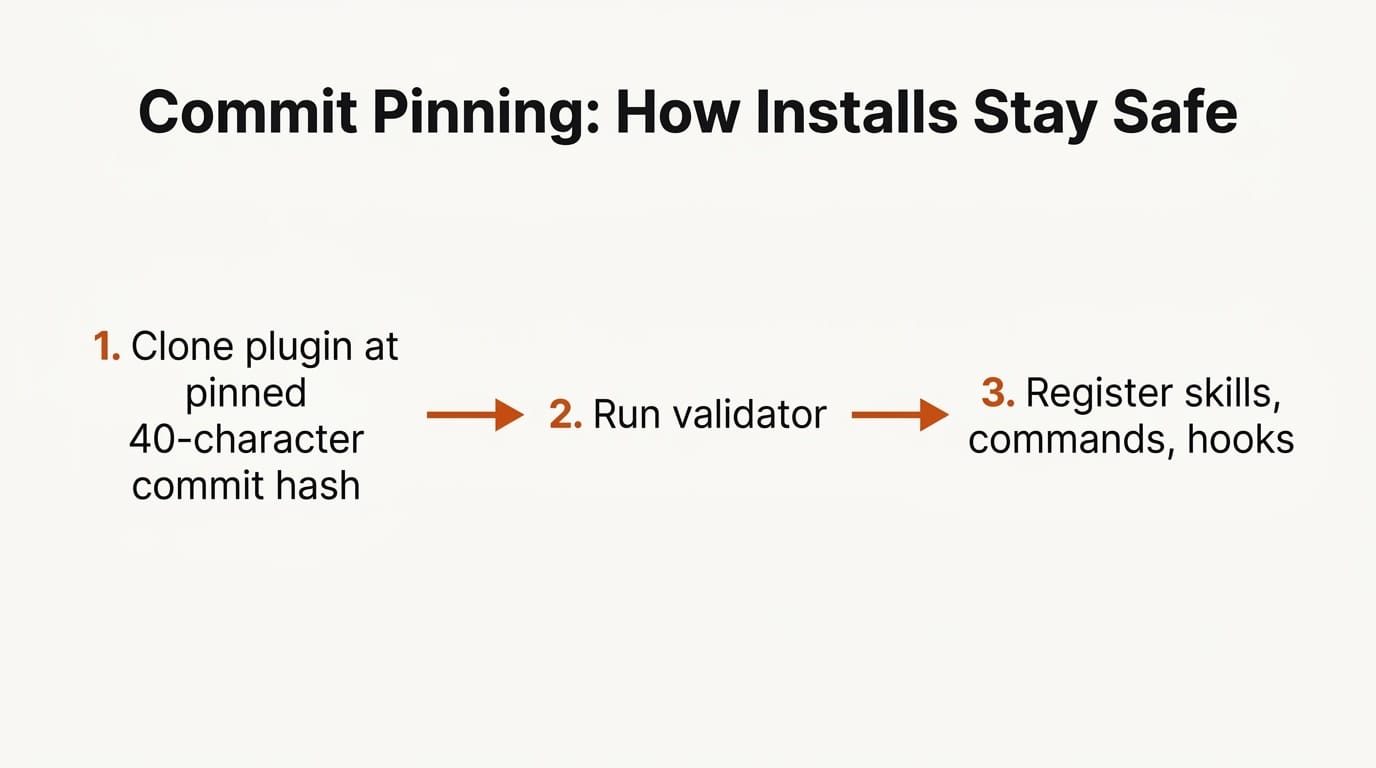
3. Grok Build clones the plugin at its pinned commit, runs the validator, and registers its skills, commands, and MCP servers.
4. Call the new capability through a slash command or simply ask the agent to use it, for example asking it to check the latest deployment status once the Vercel plugin is active.
To publish your own, you add the plugin to the catalog with a pull request. The marketplace repo runs a CI validator on every PR and requires code-owner review before a plugin is listed.
Why the Security Model Matters
Plugin systems are a classic supply-chain risk: if an install pulls live code from a remote repository, a force-push or a compromised account can ship new behavior to every user silently. xAI's answer is commit pinning. Every remote plugin records a full 40-character commit hash, and as the company puts it, Grok Build re-verifies that git rev-parse HEAD matches the pinned hash after cloning. Without a pin, xAI notes, a force-push or repo compromise could ship new code silently.
xAI is also explicit that it does not vet third-party plugins listed through community pull requests, which keeps the catalog open but puts the trust decision on the person installing. Reading the pinned commit before you install is the equivalent of reading a dependency's source before you add it to a lockfile.
Why It Matters for Builders and Creators
The audience for a terminal coding agent is no longer only backend engineers. Designers wiring up a portfolio on Cloudflare Workers, indie developers shipping a tool to Vercel, and creators automating asset pipelines all benefit when the agent can touch their actual stack rather than just generate code in a vacuum. A marketplace turns a chat-in-the-terminal into something closer to an operator that can deploy, query, and debug.
It also raises the stakes on lock-in. Because the catalog is open and the plugin format documents skills, hooks, and MCP servers in plain files, a workflow written for Grok Build is more portable than one buried in a proprietary app. That is good news for anyone who has already standardized on open coding models like Cohere's North Mini Code and wants their tooling to follow the same open path.
Frequently Asked Questions
What is the Grok Build Plugin Marketplace?
It is a built-in catalog of plugins for Grok Build, xAI's terminal coding agent, launched June 11, 2026. You browse and install integrations with the /marketplace command instead of configuring each tool by hand.
Which plugins are available at launch?
Six: MongoDB, Vercel, Sentry, Chrome DevTools, Cloudflare, and Superpowers. The catalog is open source, so the list is expected to grow through community pull requests.
How is this different from Model Context Protocol servers?
MCP is one of the component types a plugin can include. A Grok Build plugin can bundle skills, slash commands, subagents, hooks, MCP servers, and LSP configurations together in a single install, where a raw MCP setup wires each server in manually.
Is it safe to install community plugins?
Remote plugins pin a 40-character commit hash that Grok Build re-verifies after cloning, which prevents silent code changes. xAI does not vet third-party plugins, so review the pinned commit before installing anything from the community.
Can I publish my own plugin?
Yes. Add it to the catalog repository with a pull request. CI runs a validator and a code owner reviews it before it appears in the marketplace.
How does it compare to Claude Code and OpenAI Codex?
All three are converging on extensible, tool-connected agents. Grok Build's distinction is an open, terminal-native catalog with built-in commit pinning, shipped as open source from launch rather than as a closed vendor feature.





