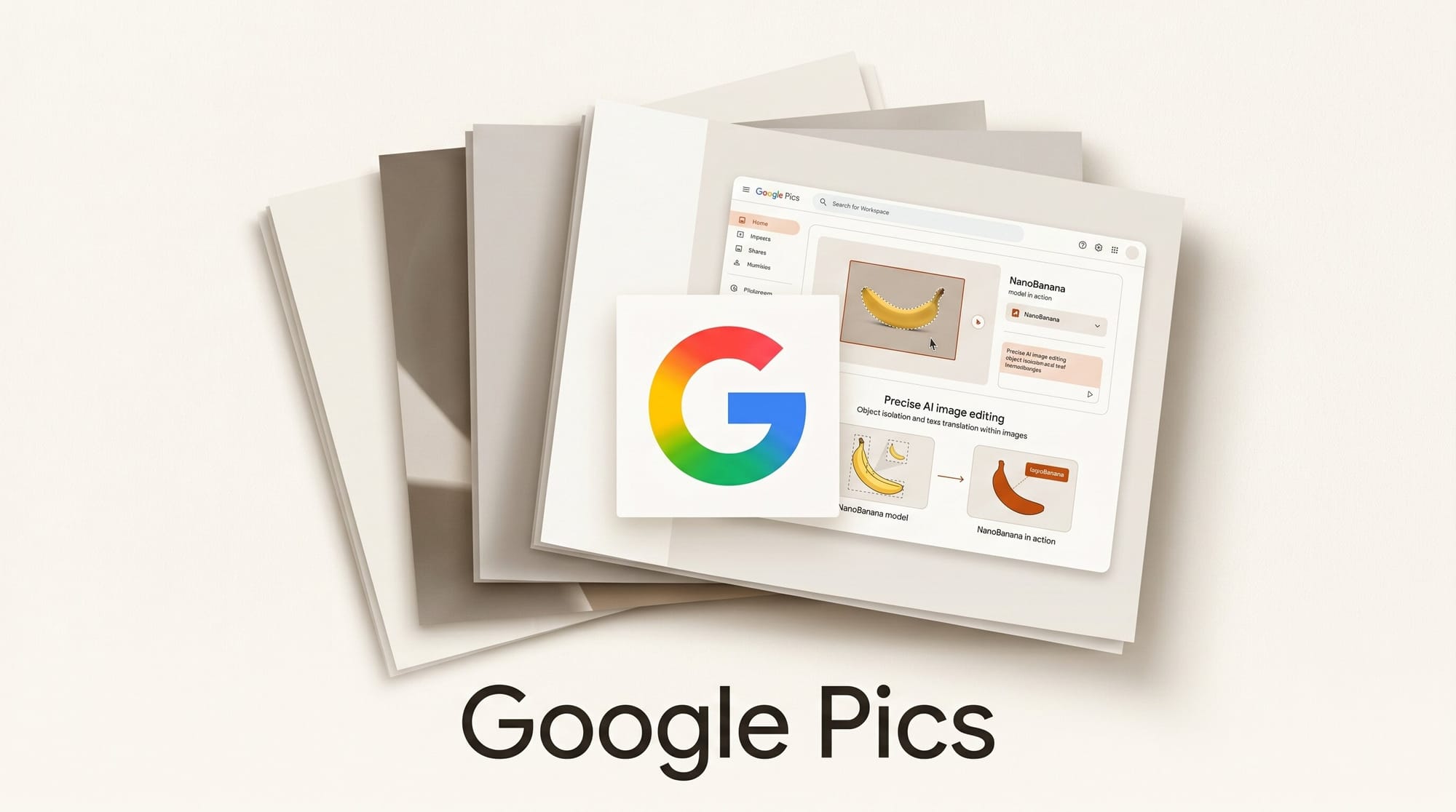
At Google I/O 2026, Google announced Pics, a new AI image creation and editing app built on the NanoBanana model that already powers Gemini's image pipeline. Unlike general-purpose AI generators that produce images from text and stop there, Pics targets post-generation editing: isolating objects, editing text embedded in an image, translating that text while preserving the original font, and running shared design canvases that push directly into Google Workspace.
What Happened
Google announced Google Pics at its annual I/O developer conference on May 19, 2026, framing the release as a direct challenge to everyday design tools. Sundar Pichai described Pics as designed for "everyone, from teachers to small business owners," not just professional designers. The app integrates into Google Workspace from launch, with native export to Google Slides and Drive and shared canvases that let multiple collaborators edit the same canvas simultaneously.
All images created or edited through Pics are watermarked with Google's SynthID provenance system, an invisible signal embedded into the pixel data that survives compression and resizing. Pics is in a trusted tester phase as of today and is scheduled for a wider summer rollout to Google AI Pro and Ultra subscribers and Workspace business preview participants.
Why It Matters for Creators
Most AI image generators work in one direction. You write a prompt, receive an image, and iterate by writing another prompt. Precise post-generation changes, such as moving a product to a different position in the frame, require either a new generation or a manual export to Photoshop or Figma. Google Pics breaks that loop.
The most commercially relevant feature is in-image text translation. A marketing team producing a campaign across five languages no longer needs to export the master creative, find a matching font, manually retype the headline in each language, and re-export five times. Pics handles the translation while matching the original typeface, color, and layout. A Spanish version of an English flyer becomes a one-step operation rather than a multi-hour handoff between design and localization.
The object isolation capability works similarly. Select any element in a generated image, reposition it, and the background fills intelligently. Android Central noted that Pics gives users "precise" editing controls compared to generators that force repeated generations. For social media creators building product mockups or promotional graphics, this reduces revision cycles from multiple generations to a single session.
Key Features
- Object segmentation and isolation: Select any element within an image, move or resize it independently, with AI-generated background fill replacing the vacated space.
- In-image text editing: Click directly on text inside an image and rewrite it. The surrounding design context is preserved.
- In-image text translation: Translate text in an image to a different language while maintaining the original font style, sizing, and layout. This is a distinct feature, not generative fill replacement.
- Shared canvases: Invite collaborators to a live canvas where multiple people can edit simultaneously, similar to Figma's multiplayer model but within Google Workspace.
- Workspace integration: Native export to Google Slides; Drive storage built in. Additional Workspace integrations are planned.
- SynthID watermarking: Every image generated or edited in Pics carries an invisible provenance watermark compliant with emerging content credential standards.
Google Pics vs. Canva AI vs. Adobe Firefly Express
| Feature | Google Pics | Canva AI | Adobe Firefly Express |
|---|---|---|---|
| In-image text editing | Yes, direct click | Text elements only (vector) | Generative Fill only |
| In-image text translation (font-matched) | Yes | No | No |
| Object isolation and reposition | Yes | Background Remover | Remove Background plus Generative Fill |
| Shared canvas collaboration | Yes, native | Yes (industry standard) | No |
| Google Slides native export | Yes, direct | Via download or integration | Via download |
| Provenance watermark | SynthID (Google) | None confirmed | Adobe Content Credentials |
| Free tier | No confirmed free tier | Yes (limited) | Yes (limited) |
| General availability | Summer 2026, Pro/Ultra | Now | Now (Creative Cloud) |
Workflow: Localized Social Campaign With Google Pics
Here is a practical five-step workflow for a creator once Pics reaches general availability this summer:
- Generate the master creative: Open Google Pics and describe the image: product shot, background color, brand palette, and composition. Generate the base image.
- Isolate and position the product: Click on the product element to select it. Reposition it for the target platform ratio (9:16 for Reels, 4:5 for Instagram feed, 16:9 for YouTube thumbnails). The background fills automatically.
- Edit the headline text: Click on any text in the generated image and update the copy directly. No export required.
- Run translation passes: Select the text element and choose Spanish, French, Portuguese, or any other target language. Pics rewrites the text in-place while matching the original font and sizing. Repeat for each language variant.
- Export to Slides or Drive: Push each language variant directly into the Google Slides deck or Drive folder associated with the campaign.
This workflow removes the manual export-to-Photoshop step that currently sits between AI generation and localized delivery. For teams already working in Google Workspace, removing that gap has real productivity value.
Availability and Access
Google Pics enters general availability in summer 2026 for Google AI Pro subscribers ($19.99 per month), Google AI Ultra subscribers ($100 per month), and Google Workspace business preview participants. The trusted tester phase is invite-only as of today. No free tier has been confirmed.
Google is positioning its higher subscription tiers as a full creative production suite. Pics handles image editing, Gemini Spark handles 24/7 agent automation, and Gmail Live handles voice-powered inbox search. Each feature targets Ultra and Pro subscribers first, suggesting a deliberate ecosystem lock-in strategy aimed at creators who currently split their workflow across Canva, Adobe, and Google Workspace.
Frequently Asked Questions
What is Google Pics and how is it different from Gemini?
Google Pics is a standalone image creation and editing app that uses the same NanoBanana model as Gemini's image generation. The key difference is editing depth. Gemini generates images from prompts. Pics adds precise post-generation controls: object isolation, in-image text editing, font-matched text translation, and shared canvases for team collaboration.
Can Google Pics translate text inside images while keeping the font?
Yes. This is one of the most distinctive confirmed features. Google Pics identifies text embedded in an image, translates it to the target language, and rewrites the text in the original font style and layout. This is particularly useful for multilingual marketing campaigns and localized content production.
When is Google Pics available?
Google Pics is in a trusted tester phase as of May 19, 2026. The wider rollout is scheduled for summer 2026. It will first reach Google AI Pro ($19.99/month) and AI Ultra ($100/month) subscribers, as well as Google Workspace business preview users.
Is there a free version of Google Pics?
No free tier has been confirmed. Access requires a paid Google AI subscription or a qualifying Workspace business account. The trusted tester program is invite-only.
Does Google Pics add a watermark to images?
Yes. All images created or edited through Google Pics are watermarked with SynthID, Google's invisible provenance system. The watermark survives compression and resizing and is designed to be machine-detectable without being visible to the human eye.
How does Google Pics compare to Canva for team collaboration?
Canva has the more mature collaboration feature set today, including comment threads, role permissions, and a large template library. Google Pics has shared canvases but fewer templates and no free tier. The advantage Pics offers is tighter Workspace integration: direct Slides export, Drive storage, and the same account infrastructure teams already use for Docs and Meet.
Will Google Pics work with Canva files?
Not directly at launch. However, Gemini Spark, also announced at I/O 2026, connects to Canva via the Model Context Protocol. Once that integration ships, it will be possible to use Spark to move assets between the two platforms.





