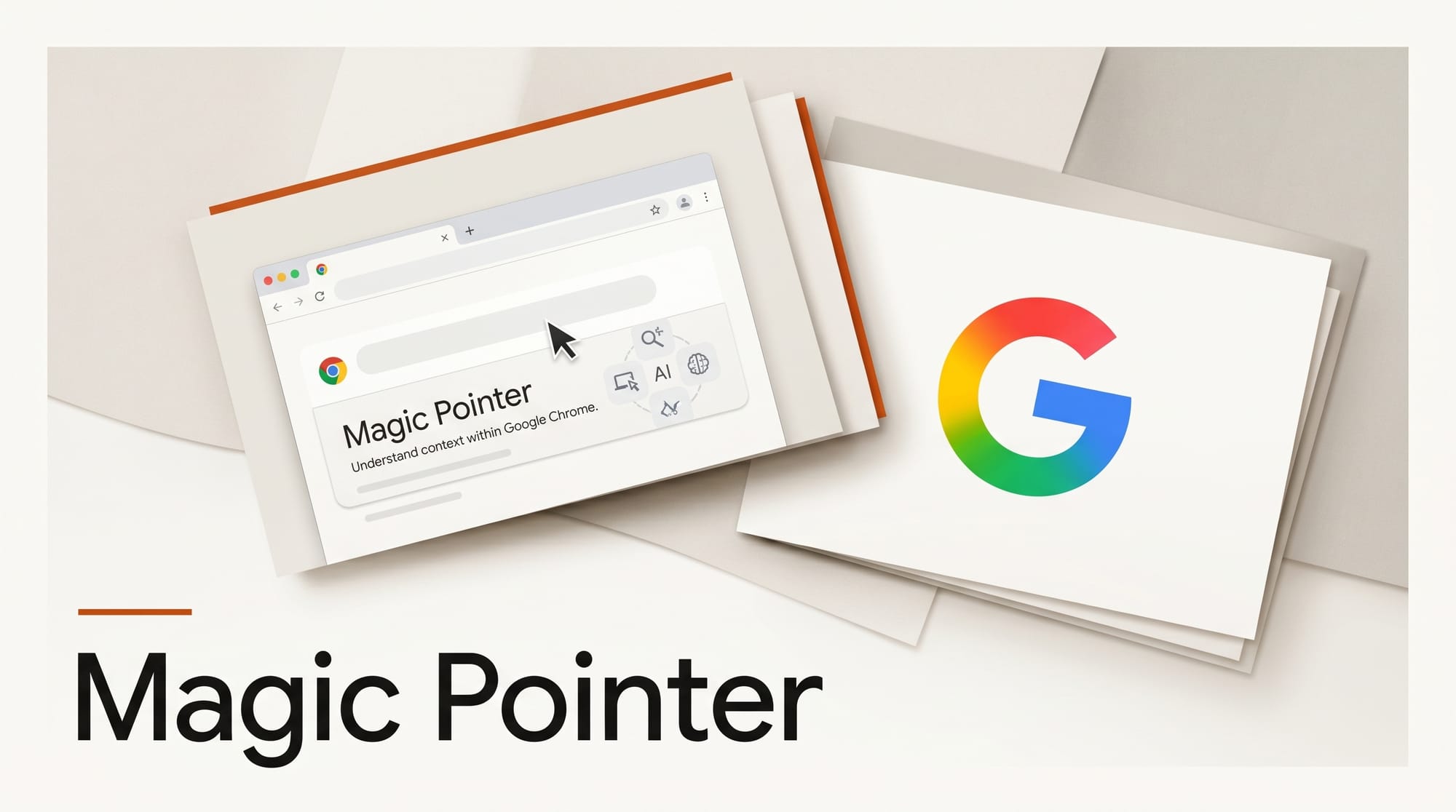
Google DeepMind shipped Magic Pointer in Chrome on May 12, 2026, a Gemini-powered cursor that understands what sits under the tip and acts on it. This tutorial walks through five workflows you can run today (one in Chrome, two in Google AI Studio, two in a long-form document) using only a free Google account. Total setup time is under 10 minutes, the staged Chrome rollout is opt-in, and the AI Studio demos work for anyone signed in. Expect to remove the prompt-window step from any task that currently starts with copy, paste, ask.
What You Need
- A free Google account signed into Chrome on Mac, Windows, or Chromebook Plus
- Chrome updated to the latest stable channel (May 2026 build, milestone 138 or higher)
- An AI Studio session for the two hosted pointer demos
- One image you want to edit (a screenshot, a product mock, a hero shot)
- One long document in Google Docs or a Chrome tab where you can experiment with inline rewrites
- About 30 minutes of working time to run the full circuit end to end
The Workflow
Step 1: Turn on Gemini in Chrome and check pointer access
Open Chrome, click your profile, and confirm you are signed in with the Google account that has Gemini access (Free, Pro, or Ultra all work). Look for the Gemini sparkle icon in the top toolbar near the address bar. If you do not see it, go to chrome://flags, search for "Glic", and enable both "Glic" and "Glic side panel", then relaunch Chrome. Click the icon and accept the on-device permission prompt on first use. The wiggle-the-pointer behavior is a staged rollout, so do not panic if your account is not yet activated. Move on to Step 2 and revisit Step 5 once it lights up. Reference: Gemini in Chrome overview.
Step 2: Edit an image by pointing at the part you want changed
Open aistudio.google.com and find the pointer-driven image editing demo on the home rail (DeepMind seeded it the day Magic Pointer launched). Upload an image, then hover the cursor over the specific element you want changed (a sky, a sleeve, a logo, a face). Press the modifier key shown in the demo (typically Option on Mac, Alt on Windows) and type a one-sentence instruction such as "make it sunset", "swap the shirt for a black tee", or "remove this watermark". The pointer position becomes a region anchor, so you do not have to draw a mask or describe the location. Compare the output to a Photoshop generative-fill pass: similar quality, no selection step. Save the result by right-clicking the canvas and choosing Save image.
Step 3: Navigate a map by indicating a building, not a location
Find the map navigation demo on the same AI Studio rail. Point at any building on the map and ask "what parking is closest", "what time does this close on Sunday", "how do I get there by transit". The pointer collapses three steps (identify, geocode, query) into one. For creator workflows, the more useful version is location scouting: point at a building in Street View and ask "is this a film-friendly neighborhood" or "what permits do I need to shoot here". DeepMind has not released a public Street View binding for the pointer yet, but the AI Studio demo is the proof of concept that the addressing primitive works.
Step 4: Rewrite a paragraph in Google Docs by pointing at it
Open a long Google Doc or any web page in Chrome. With the Gemini side panel open, move the pointer over a paragraph you want to rewrite. If your account has the pointer rollout, give the cursor a small wiggle to summon contextual options ("tighten this", "translate to Spanish", "make it punchier", "explain to a 12-year-old"). Pick one. The model returns the rewrite inline in the side panel. Copy it back into your doc, or in Docs, accept the suggestion through the side panel insertion. This is the workflow that replaces "select text, switch to ChatGPT, paste, prompt, copy back". For creators writing scripts, captions, or long-form blog drafts, this is where the time savings stack up across a working day.
Step 5: Compare two products or assets side by side
Open two browser tabs with comparable content (two camera spec pages, two design tool pricing pages, two reference images). With the side panel open, hover the pointer over the first item and run a wiggle, then switch tabs and do the same on the second. Ask the side panel "compare these two" or "which one for travel video under 2 kilograms". Gemini reads the structured data from both pages and returns a comparison table or a short verdict. For creator workflows the killer use case is asset shortlisting: point at three reference images, ask which best matches a brief, and let the model summarize the visual differences in plain English.
Step 6: Where Magic Pointer fits versus the other 2026 interaction primitives
Magic Pointer is one of four "interaction layer" launches in 2026 that creators should track. Anthropic's Computer Use lets Claude move the cursor and click for you across any application, which is the act primitive. Thinking Machines TML-Interaction made voice the live duplex channel between you and a model, which is the talk primitive. OpenAI Codex Chrome Extension ships an agent that drives the browser to execute multi-step tasks, which is the code-the-browser primitive. Magic Pointer is the point primitive: a passive cursor that becomes an active selector, no mask drawing, no scripting, no voice. For creators the rule of thumb is point for inline edits, talk for live narration or interview prep, act for batch chores, code-the-browser for repetitive multi-step research. They stack rather than replace each other.
Troubleshooting
The Gemini icon does not appear in my Chrome toolbar. Check chrome://settings/help and update Chrome, then sign in with a personal Google account (corporate Workspace accounts may have the feature disabled by an admin). If the icon is still missing, enable Glic flags as described in Step 1.
The pointer wiggle does nothing. Your account is likely not yet in the staged rollout. The AI Studio demos in Step 2 and Step 3 do not depend on the Chrome wiggle and work for anyone signed in. Check back weekly until the wiggle reaches your account.
The image edit looks wrong or low-quality. The AI Studio demo uses a research preview of the image model. For production-grade edits, take the same image into Gemini's full image editor or pair the pointer workflow with a finished render in a tool that exposes seed and step controls.
Magic Pointer cannot read a paragraph inside a Google Doc. Ensure the Gemini side panel is opened from inside Docs (not the standalone gemini.google.com tab, which has no pointer). The side panel is the surface that holds the pointer binding.
What to Try Next
Once the Chrome pointer reaches your account, layer it on three workflows you already run: a weekly script rewrite, an asset shortlisting pass, a competitive product comparison. The time savings are not in the single interaction but in removing the context switch across a working day. After Google I/O on May 19, watch for an API hook that would let Magic Pointer drive design tools like Figma or video editors. If that ships, the pointer becomes a primitive you can wire into any creator app, not just Google surfaces.
FAQ
Do I need a paid Gemini plan to use Magic Pointer in Chrome?
No. The Chrome side panel and the staged Magic Pointer rollout are available on free Gemini accounts. AI Studio demos are also free. Paid plans (Gemini Pro at twenty dollars per month, Gemini Ultra at higher tiers) add longer context, faster models, and Workspace integrations, but the pointer primitive is in the free tier.
Is Magic Pointer the same as Anthropic Computer Use or OpenAI Operator?
No. Computer Use and Operator are act primitives: they move the cursor and click on your behalf to complete multi-step tasks autonomously. Magic Pointer is a point primitive: you keep the cursor, the model reads what is under it, and you ask one question at a time. They stack. The likely 2027 pattern is point to scope, then act to execute.
Will Magic Pointer get an API for third-party apps?
Google has not announced one. The most likely venue for an announcement is Google I/O on May 19, 2026. If an API lands, design tools and creative apps could expose pointer-driven edits without each rebuilding the primitive from scratch.
What does Magic Pointer on Googlebook add over Magic Pointer in Chrome?
The Googlebook version is OS-level rather than browser-level. The pointer works in any application on the laptop, not just inside Chrome tabs. Googlebook ships in fall 2026 from Acer, ASUS, Dell, HP, and Lenovo. Some Chromebooks will upgrade to the new Gemini-first experience without new hardware.
Is there a privacy concern with the model reading what is under my cursor?
The pointer activates only on explicit wiggle or click, not on passive hover. Page content is sent to Gemini only on the action. Workspace customers can disable the feature org-wide through the Google Admin console. Personal accounts can opt out in Chrome settings under Gemini in Chrome. Google says the pointer does not retain page content for model training without consent, but the published documentation as of May 13 is sparse, so check the privacy page before pointing at confidential material.