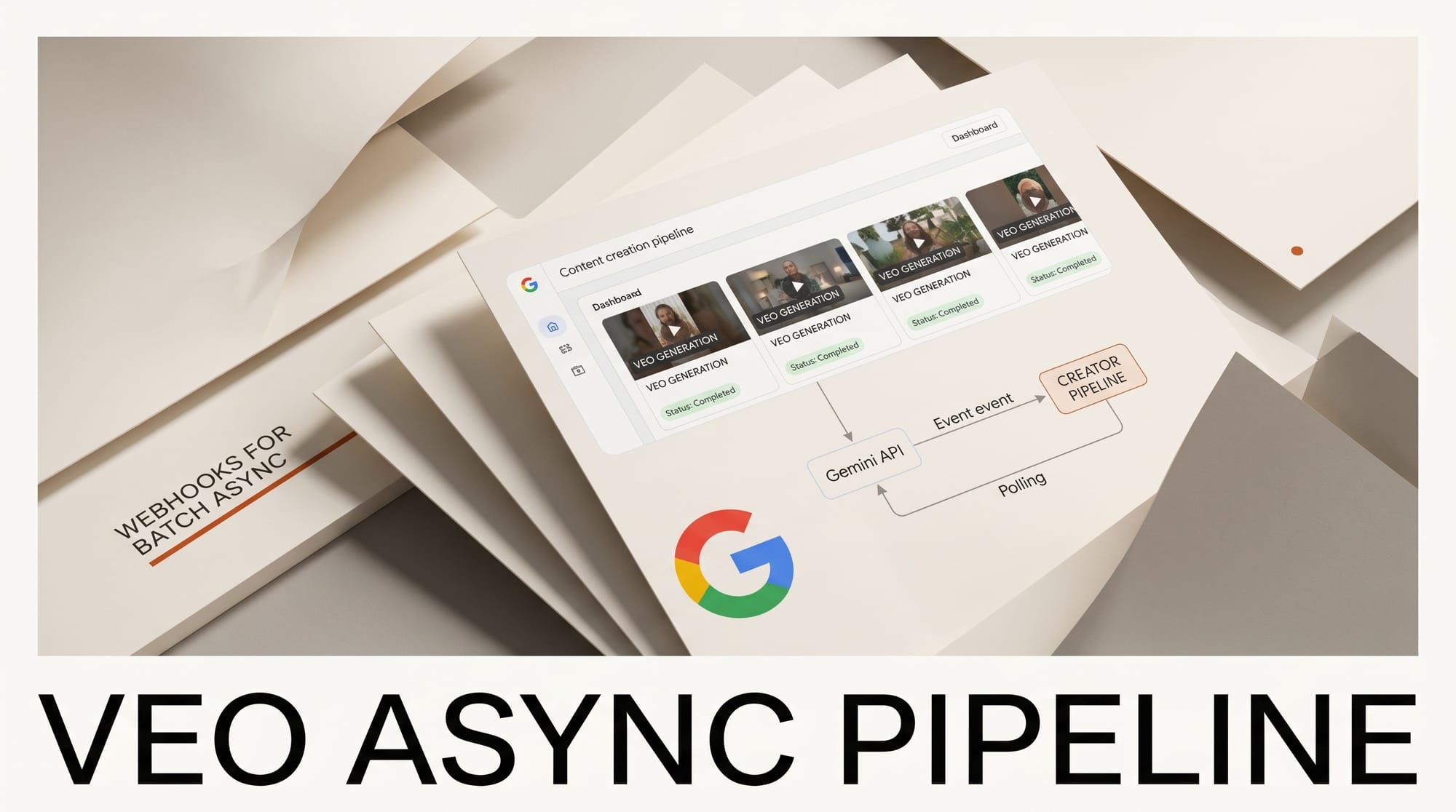
Google added event-driven webhooks to the Gemini API on May 4, replacing polling for the three operations creators actually wait on: Veo video generation, Batch jobs, and long-running Interactions. Push notifications now fire on nine event types, with code samples for Python, JavaScript, and REST in the official docs.
How to Integrate This
If you run a creative pipeline that submits a Veo prompt and then loops on a status endpoint until the video is ready, you can delete the loop. Configure a webhook either project-wide (a static webhook created via the SDK) or per-job (a dynamic webhook passed in the request payload), then point Gemini at an HTTPS endpoint you control. When the job hits video.generated or batch.succeeded, Google posts the result. The signing secret is returned once at creation time, so save it and verify each request with standardwebhooks before trusting the payload.
Why It Matters
Polling kills creator workflows that need fan-out. A single creator running 20 Veo prompts in parallel for a music video shot list spends real money on idle compute polling status every few seconds. Webhooks flip that: the creator submits the batch, walks away, and the rendering server posts back when each clip is done. The same pattern fixes batch image generation with Imagen and long Deep Research jobs. For creators building production pipelines on top of Gemini rather than the consumer app, this is the missing piece that makes async automation cheap.
Key Details
The nine events cover the full lifecycle of long-running jobs: batch.succeeded, batch.cancelled, batch.expired, batch.failed, interaction.requires_action, interaction.completed, interaction.failed, interaction.cancelled, and video.generated. The requires_action event is the one to watch, because it is how function-calling agents will hand control back when they need a tool result. Veo creators get the video.generated event, which fires once the rendered MP4 is ready to download. Batch users tied to batch mode save the most because batch jobs can run for hours. The post is bylined Lucia Loher on the Google developer blog, and Veo video generation is the most creator-facing of the three integrations.
What to Do Next
Stand up an HTTPS endpoint, register a static webhook for the video.generated event, and submit one Veo prompt to test the round trip. Confirm the signing secret verification works on a forged payload before going to production. If you run agent loops that hit Gemini, swap polling for interaction.requires_action and measure the latency drop on a real session. The pattern is straightforward enough that an afternoon is enough to wire the first endpoint and decide whether to migrate the rest of the pipeline.
How to build an async Veo video pipeline with Gemini webhooks
The 30-minute setup for batch video generation that completes in the background while you ship other work:
- Create a webhook receiver: Cloud Function, Vercel Serverless, or any HTTPS endpoint that accepts POST
- Register the webhook with the Gemini API for the Veo batch endpoint
- Submit a batch generation request with N video prompts, get back a batch ID
- Continue working, no polling required
- Webhook fires when each video completes; receiver downloads + stores result
- Process the result in your downstream pipeline (e.g., upload to S3, post-process with FFmpeg, push to a CMS)
How webhooks change the Veo cost equation

| Pipeline | Polling cost (latency) | Webhook cost (latency) | Wall-clock |
|---|---|---|---|
| 1 video, sync | Block 30-180s | Block 30-180s | Same |
| 10 videos sequential, polling | Block ~5-30 min, lots of API calls | Submit + walk away | 5-10x faster |
| 100 videos batch, polling | Cron jobs + state mgmt | Submit + walk away | Massively easier |
| Always-on creative agent | Polling loop required | Event-driven | Cheaper to operate |
What this enables: 3 production patterns
1. Overnight batch generation for video editors. Submit 50 prompts at end-of-day, walk away, wake up to 50 finished videos in cloud storage. No polling, no Cron, no state management.

2. Always-on creative agents. An agent that generates marketing videos triggered by content-ops events (new product launch, RSS event) runs natively event-driven instead of as a polling loop. Cheaper to operate, more responsive.
3. Content pipeline integration. A blog publishing pipeline can submit Veo jobs at write time and have the finished videos appear in the post by publish time, all coordinated through webhook events.
Frequently asked questions
How does this compare to Runway's batch API?
Runway's batch API as of May 2026 supports polling, not webhooks. For event-driven async workflows, Gemini Veo + webhooks is the cleaner fit. For tight integration with the Runway editor and Gen-4 models, Runway is still the better choice.
What is the cost of webhook-driven pipelines?
Webhooks themselves are free; you pay normal Gemini API rates per video generation. The savings come from removed compute time on your side (no polling loop) and faster wall-clock results because you do not block on the longest-running video.
How do I handle webhook failures or delays?
Design idempotent receivers and store the batch ID locally so you can retry on the API or query the batch status if a webhook is missed. The Gemini API returns batch state for any batch ID even after the original webhook fires, so reconciliation is straightforward.
Are webhooks available on the free tier?
Webhooks for batch Veo jobs require the paid Gemini API tier as of May 2026. Free-tier developers can test the polling workflow and upgrade when scaling up.
What other Gemini API endpoints support webhooks?
The May 2026 release adds webhook support for Veo batch generation. Other long-running endpoints (file embedding, model fine-tuning) are expected to add webhook support in subsequent releases per Google's developer roadmap. Check the Gemini API docs at ai.google.dev for the current endpoint list.
What to try this weekend
Pick one current video workflow that involves polling or sequential generation. Stand up a webhook receiver on Vercel (free), register it with the Gemini API, submit 5 video prompts as a batch. If your weekend project completes 5 videos in the same wall-clock time as 1 prior video, the workflow is permanently in your stack.





