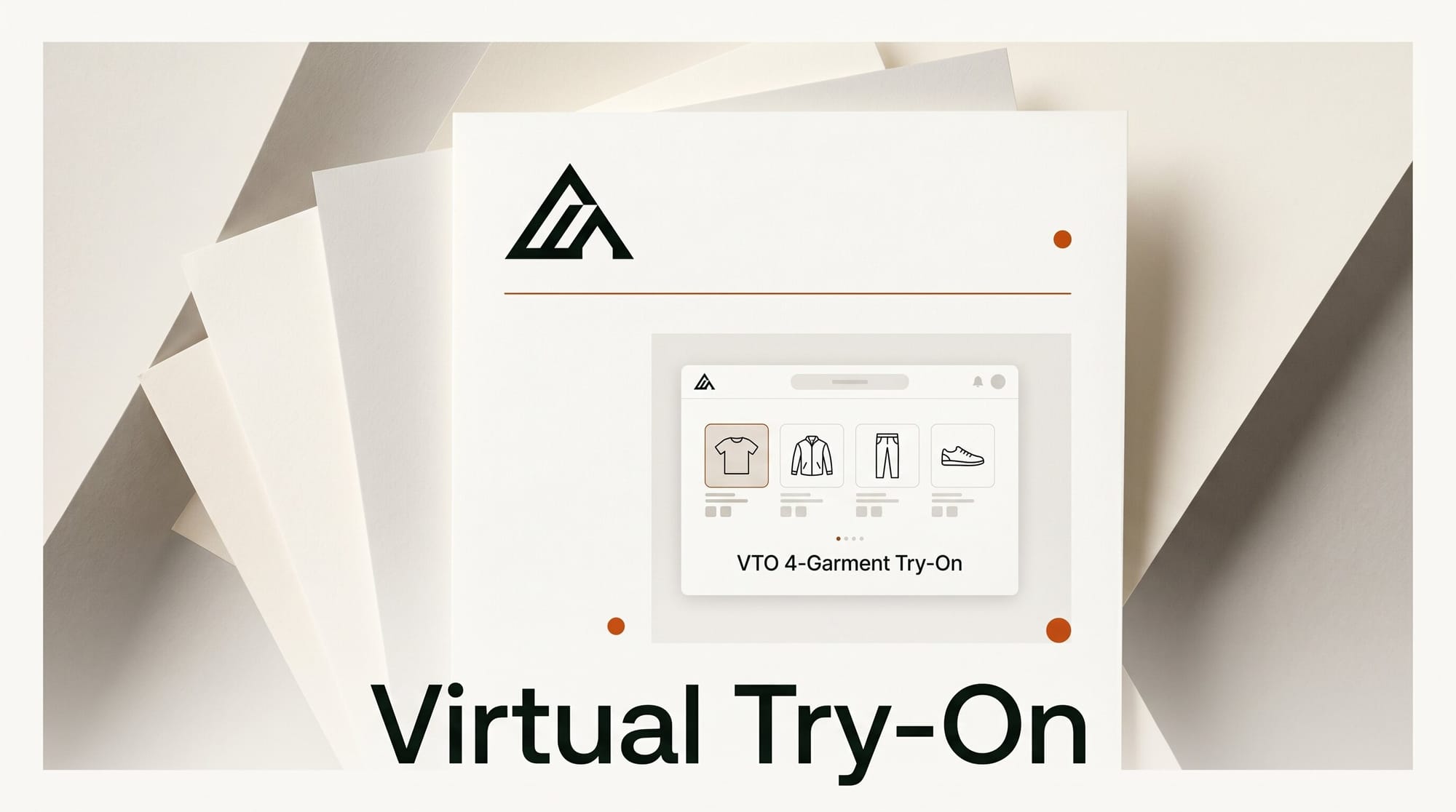
Black Forest Labs launched FLUX VTO on May 28, a virtual try-on model that swaps up to four garments onto a single subject in under four seconds while preserving logos, prints, stitching, and hardware. The release ships with a public API, a free interactive demo, and a self-hosted path for sub-second response times on owned infrastructure.
What this enables: catalog-scale fashion photography
The pitch is simple: e-commerce retailers can run thousands of SKUs through one model instead of curating a handful of hero shots. Drop in a person photo plus a flat garment shot, and FLUX VTO returns the person wearing the actual product, not an artistic reinterpretation. The four-garment cap means a creator can dress a model in a shirt, jacket, pants, and shoes from one call, with correct layering between pieces. Try it on the FLUX Tools demo page using the BFL Shop sample assets.
Why It Matters
Virtual try-on has been a promise for years, but production deployments stayed rare because most models drifted on logos, distorted prints, or lost garment-identity details that buyers notice immediately. The work coming out of Black Forest Labs resets the floor for the category: identity-preserved swaps at sub-four-second latency are now cheap enough to justify running the model across an entire catalog, not just the top 50 SKUs. Direct-to-consumer brands, marketplaces, and fashion agencies pick up the largest savings since reshoots, model bookings, and studio time get replaced by one API call per look.
Key Details
The model supports four simultaneous garments per generation, with correct interactions (shirt under jacket, jacket over dress). It is available through the BFL API, the FLUX MCP integration for Model Context Protocol agents, and a self-hosted option for teams that need sub-second latency or air-gapped deployments. Black Forest Labs notes that precise body and garment sizing is still evolving, swimwear and lingerie are unsupported by default, and users must hold explicit rights to the subject's likeness. The launch follows the company's FLUX Erase Mode release earlier this month, extending FLUX Tools into a broader retail-photography stack.
What to Do Next
Test the demo on a real product before committing to the API. Pull two SKUs from your catalog plus one model photo, run them through the BFL Shop Demo, and compare the output against your last studio shoot for logo fidelity and drape accuracy. If the quality lands, request API access from the bfl.ai documentation portal and pipeline a 50-SKU batch as a controlled trial before opening it to your full catalog.