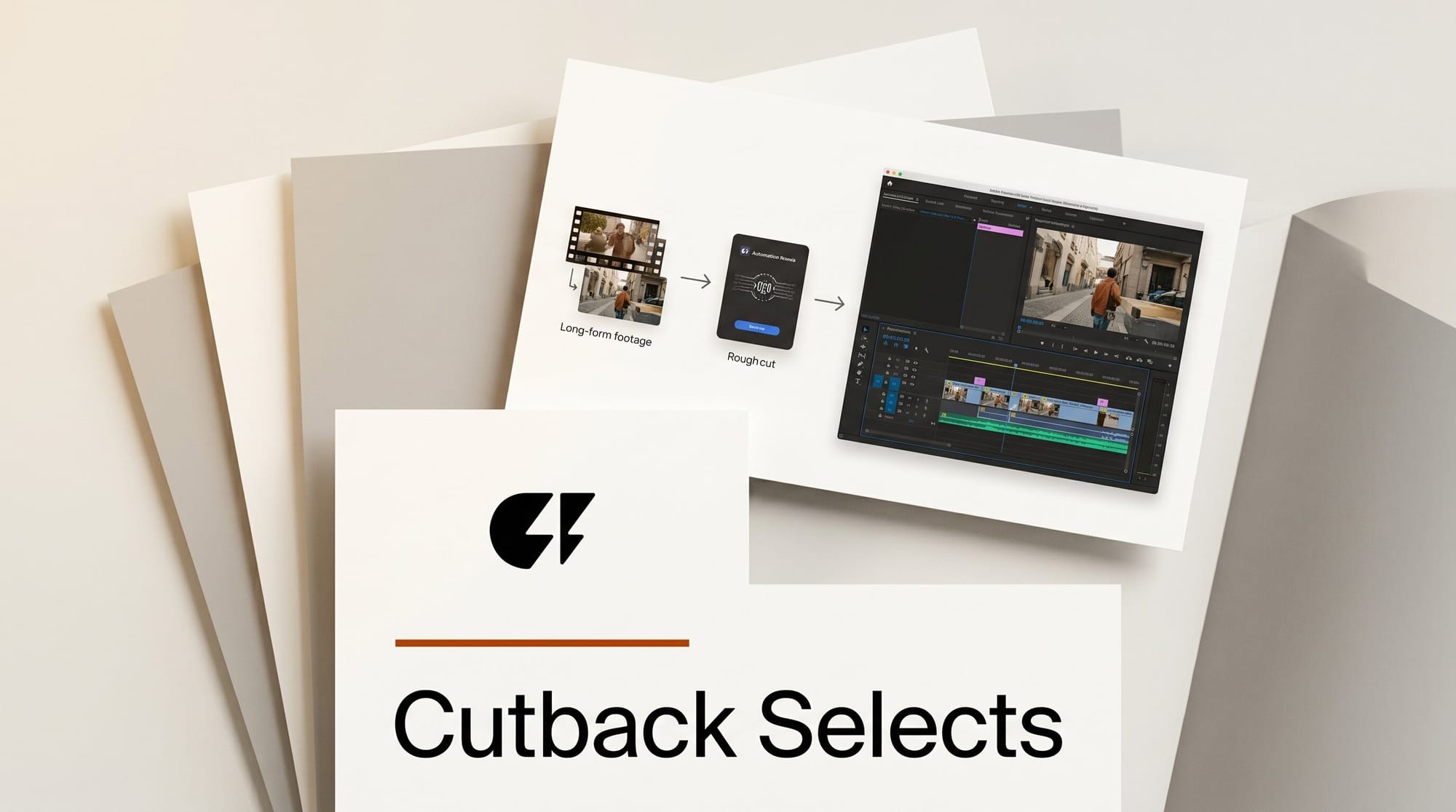
Cutback, the San Francisco company behind the AI editing assistant Selects, shipped a major update on June 15, 2026 that targets the least glamorous part of long-form video work: the hours an editor spends syncing cameras, sorting clips, and building a rough cut before the real creative editing begins. Selects takes raw multicam footage, syncs and organizes it, and produces a draft cut from a single prompt, then hands a structured project file to Adobe Premiere Pro, Final Cut Pro, or DaVinci Resolve. The pitch is simple: open your timeline at the storytelling stage instead of the cleanup stage.
For editors working on interviews, podcasts, and talk shows, the prep work is where the time goes. Cutback, an Official Adobe Video Partner, positions Selects as an AI layer that supports editors rather than replacing them, and according to early coverage of the launch it can cut that prep phase by roughly 60 percent. This is a workflow tool, not a one-click "make my video" button, and that distinction is exactly why it matters for professionals.
What Selects Actually Does
Selects automates the stretch between dumping raw recordings on a drive and making your first creative decision. Drop in the footage and the tool runs a sequence of prep tasks that an assistant editor would normally do by hand over a day or more.
Pro-grade multicam. Selects automatically syncs footage across cameras, detects who is speaking, assigns cameras to speakers, and picks the best audio track without manual slating or waveform matching. It handles 4K and 360-degree sources.
Smart stringout with topics. Instead of one giant clip bin, your footage is organized by scene and topic the way an assistant editor would group it, with a generated transcript and chapter markers so any moment is searchable.
Chat to draft. A single natural-language prompt builds a draft edit with a story structure and pacing. The same prompt layer removes silences and filler words, performs contextual camera switching based on who is talking, and places B-roll.

The Workflow: Raw Footage to a Premiere Timeline
Here is how a typical long-form project moves through Selects, using a multicam podcast as the example.
1. Import the rushes. Drag every camera angle and audio file into Selects. No pre-syncing, no manual labeling. The tool ingests the whole session at once.
2. Let it sync and organize. Selects aligns the angles, detects speakers, assigns each camera, and transcribes the conversation. Within minutes you have a stringout grouped by topic rather than a wall of unsorted clips.
3. Prompt the rough cut. Describe the edit you want in plain language, for example "tight 25-minute cut, drop the small talk, switch cameras on each speaker, leave room for B-roll over the intro." Selects builds a draft that removes dead air and filler, switches angles contextually, and marks B-roll spots.
4. Refine by searching. Need the moment a guest mentioned a specific tool? Search the transcript, find it instantly, and drag it into place rather than scrubbing through hours of footage.
5. Hand off to your editor. Export a structured project to Premiere Pro, Final Cut, or DaVinci Resolve. The bins, sequences, and sync are preserved, so your editor opens a clean timeline and starts on the creative pass, not the cleanup.
The key design choice is the handoff. Selects does not try to be your finishing tool. It does the assistant-editor labor and then gets out of the way, which is why it slots into existing pro pipelines instead of asking teams to abandon them.
Selects vs the Alternatives
AI editing tools are not interchangeable. Each one targets a different slice of the pipeline, and Selects sits specifically in multicam long-form prep. Here is how it compares to the tools editors most often reach for.
| Tool | Core job | Best for | Output |
|---|---|---|---|
| Cutback Selects | Multicam sync and rough-cut prep | Interviews, podcasts, talk shows | Project file for Premiere, FCP, Resolve |
| Descript | Transcript-based all-in-one editing | Solo creators, simple talking-head edits | Finished video, in-app |
| Opus Clip | Repurposing long video into shorts | Clips for TikTok, Reels, Shorts | Vertical short clips |
| Manual assistant editor | Hand sync, log, and string out | Any format, full control | Project file, hours of labor |
Descript is closer to a full editor built around a transcript, which suits solo creators making straightforward talking-head videos but is less geared to true multicam organization. Opus Clip solves the opposite problem, turning a finished long video into short vertical clips for social. Selects is narrower and deeper: it owns the multicam prep stage and then exports to a professional NLE, which is the workflow shape that interview-driven studios actually use. If you are mapping the broader landscape, our roundup of the best AI tools for video editors in 2026 covers where each of these fits.

Why It Matters for Editors
The economics of long-form content have always been brutal because the labor scales with runtime. A two-hour podcast shoot can take an assistant editor most of a day just to sync, transcribe, and string out before anyone makes a creative call. Cutting that prep by more than half changes how many projects a small team can take on, and it moves the human effort to the part of editing that actually carries judgment and taste.
It also lowers the barrier for formats that were previously too labor-heavy to justify. A weekly multicam show, a lecture series, or an interview channel becomes viable for a one or two person team when the cleanup is automated. This is the same shift we have tracked in chat-driven tools like VibeClip's open-source AI video editor and in the AI features arriving inside finishing suites such as DaVinci Resolve 21. The pattern is consistent: AI is absorbing the repetitive prep, and the human stays on the story.

Limitations and What to Watch
Selects is a standalone desktop application with a 7-day free trial, and Cutback has not published full paid pricing publicly, so teams will want to test it against their own footage before committing. AI rough cuts are also a starting point, not a final edit. Contextual camera switching and filler removal are strong time-savers, but pacing and emphasis still need a human pass, which is precisely how Cutback frames the product. The open question is how well the draft cuts hold up on messier, less structured footage than clean interview setups, and whether the export fidelity stays clean across all three major NLEs as projects grow complex.
How to Try It
Download the desktop app from the Selects page and start the free trial with a real multicam project, ideally an interview or podcast episode you have already cut by hand so you can compare. Run it through sync and stringout first, then prompt a rough cut and export to your NLE of choice to judge how clean the handoff is. Editors who live in Premiere, Final Cut, or Resolve will get the clearest read on whether the time saved is real for their pipeline.
Frequently Asked Questions
What is Cutback Selects?
Selects is an AI video editing assistant from San Francisco company Cutback that automates the prep phase of long-form editing. It syncs multicam footage, detects speakers, transcribes and organizes clips by topic, and builds a draft rough cut from a natural-language prompt, then exports a project file to a professional editor.
Which editing apps does Selects export to?
Selects hands off structured project files to Adobe Premiere Pro, Final Cut Pro, and DaVinci Resolve. It is designed to do the assistant-editor prep and then pass a clean, organized timeline to your finishing tool rather than replacing it.
How much does Selects cost?
Selects is a standalone desktop application with a 7-day free trial. Cutback has not published full paid tier pricing on the product page, so the trial is the way to evaluate it before committing.
Does Selects support multicam and 4K footage?
Yes. Selects automatically syncs multiple camera angles, assigns cameras to speakers, and picks the best audio track. It supports 4K and 360-degree video, and generates transcripts and chapter markers for fast searching.
How is Selects different from Descript or Opus Clip?
Descript is a transcript-based all-in-one editor aimed at solo creators, and Opus Clip turns finished long videos into short social clips. Selects is focused on multicam rough-cut prep for long-form content and exports to professional NLEs, so it complements rather than competes with finishing or shorts tools.





