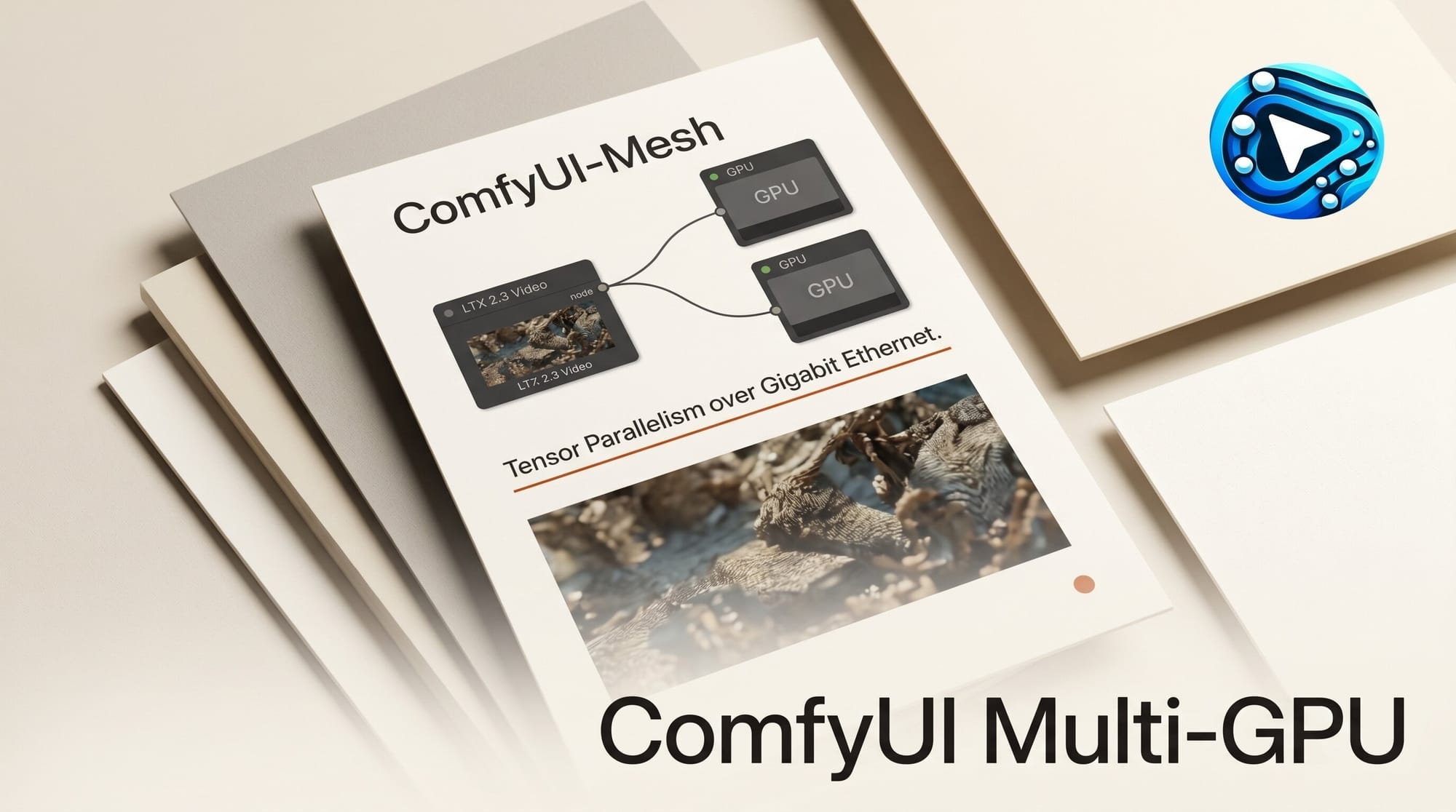
ComfyUI-Mesh, the open-source project that splits transformer-based diffusion models across two separate GPUs using NVIDIA's idle NVENC encoding silicon, has added support for LTX 2.3. Creators can now distribute the 22-billion-parameter LTX-AV model across a dual-GPU workstation or two machines connected over a gigabit LAN, running video generation that would otherwise exceed what any single consumer card holds.
What Happened
The ComfyUI-Mesh repository received a batch of commits on May 17, 2026 marking LTX video support as complete. One commit message reads: "removed LTX-Video from the queue (it's now supported)." The addition brings LTX 2.3 Dev and the Distilled variant into the same distributed inference framework that already covered FLUX.2 and FLUX.2 Klein.
LTX 2.3 (also called LTX-AV 22B) is Lightricks' open-weight video diffusion model, released in early 2026. It uses a Gemma 3 12B text encoder alongside the main diffusion backbone, making VRAM a bottleneck for anyone on a single 16 GB or 24 GB card. ComfyUI-Mesh's distributed approach directly addresses that constraint. The LTX-Video weights are available on Hugging Face under an open license. WaveSpeed's LTX 2.3 setup guide covers the two-stage pipeline configuration that applies to both single-machine and distributed setups.
How ComfyUI-Mesh Distributes the Model
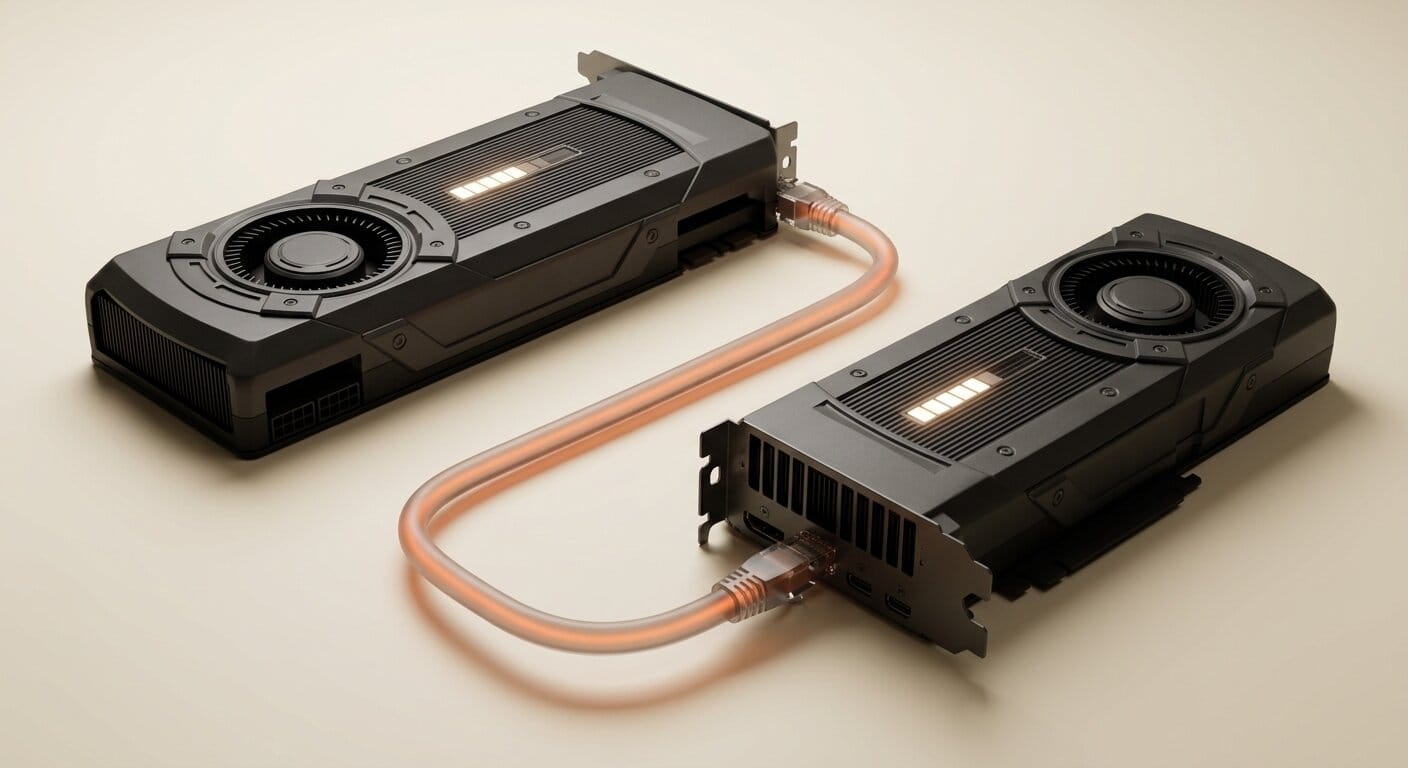
ComfyUI-Mesh divides a model's transformer blocks between two execution contexts: a front-half running inside ComfyUI as a custom node called Icarus, and a back-half running as a standalone server process called Daedalus. The split can happen across two separate physical machines connected over Ethernet, or between two GPUs installed in the same workstation.
The bottleneck in distributed inference is transmitting activation tensors between the two halves on every forward pass. ComfyUI-Mesh routes those tensors through NVIDIA's NVENC video encoder, hardware that sits idle during most AI workloads, and treats the activation data as if it were video frame content. The codec achieves 3 to 10x compression depending on quality settings, converting what would be a bandwidth-heavy stream of raw floating-point data into a compressed bitstream that fits within a gigabit LAN connection.
For LTX 2.3 specifically, the project introduces a dedicated codec mode called "Nvenc LTX," tuned for the activation data shape produced by a video diffusion model. LTX generates sequences of frames rather than single images, which produces activation tensors with different spatial and temporal structure than FLUX.2's image outputs. The dedicated codec mode handles that difference rather than applying image-optimized compression to video-shaped data.
Step-by-Step Setup Workflow
Setting up ComfyUI-Mesh for LTX 2.3 requires configuring two components: the Icarus client node inside your existing ComfyUI installation, and the Daedalus server on your second GPU or second machine.
- Install the Icarus node: Clone the repository and copy the Icarus node folder into your ComfyUI custom nodes directory. Restart ComfyUI to load the node.
- Launch the Daedalus LTX server: On your second GPU or second machine, run the Daedalus LTX server from the comfyui-mesh server directory. The server GUI handles the back-half transformer blocks and listens for incoming connections from Icarus.
- Download LTX 2.3 model files: Pull the LTX-AV 22B weights from Hugging Face. Both the front-half node and the back-half server need access to the model files. Shared network storage or a local copy on each machine both work.
- Set the remote block count: In the Icarus LTX node settings, configure
n_blocks_remoteto control how many transformer blocks run on the back-half server. The default is 8; the maximum is 48. Higher values offload more computation to the remote GPU. - Connect Icarus to Daedalus: Enter the server's IP address and port in the Icarus node configuration. The Nvenc LTX codec activates automatically when using the LTX node pair.
- Load the example workflow: The repository includes LTX example workflows, including a dedicated Distilled variant. Load one to confirm the connection and codec are working before adding LoRAs or customizing generation parameters.
The official LTX ComfyUI integration docs cover model file placement and the two-stage pipeline setup, which applies whether you are running distributed through ComfyUI-Mesh or on a single machine. Review those alongside the ComfyUI-Mesh README for a complete picture.
VRAM Requirements
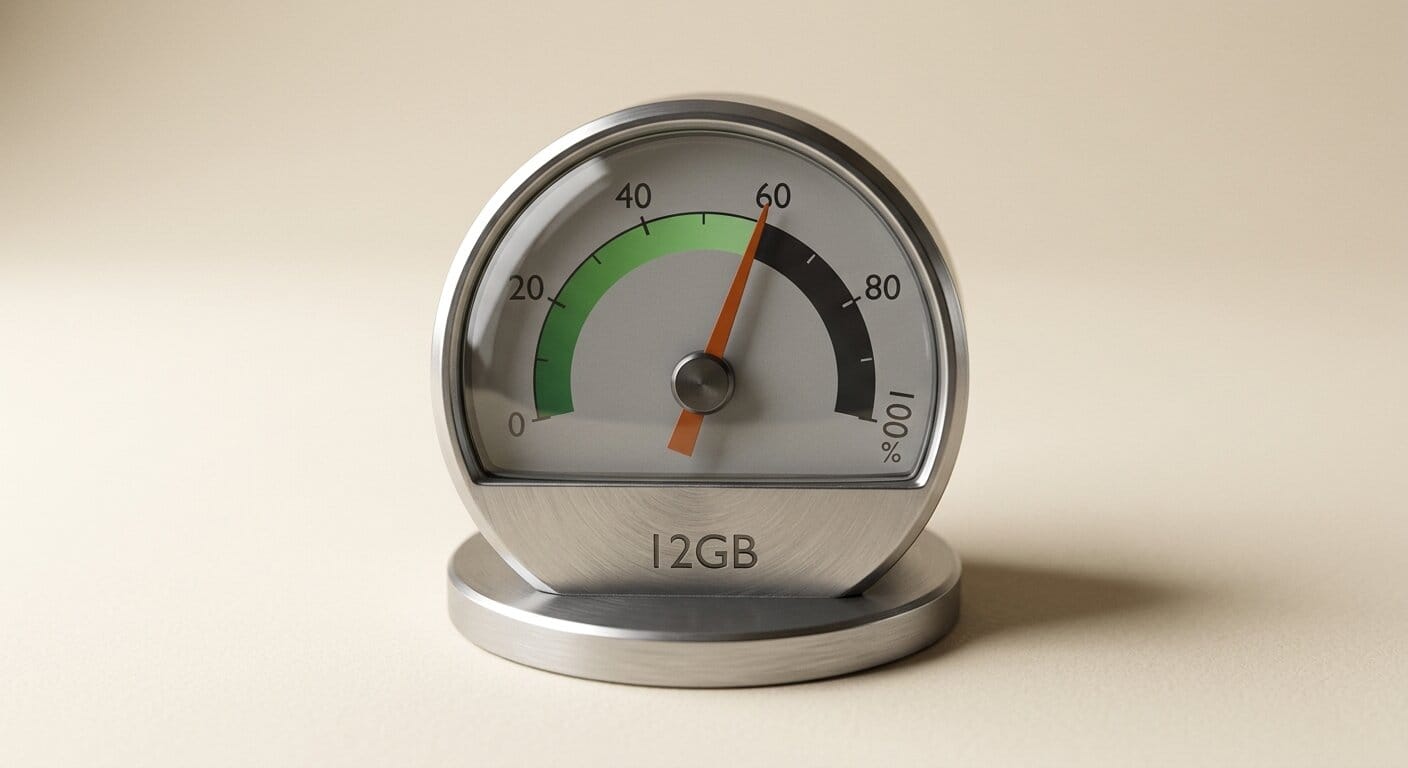
| Configuration | Minimum VRAM | Recommended |
|---|---|---|
| LTX 2.3 back-half server | 12 GB | 16+ GB |
| LTX 2.3 front-half (Icarus node) | 8 GB | 12 GB |
| FLUX.2 Dev (both halves combined) | 22 GB total | 24+ GB total |
| FLUX.2 Klein 9B (both halves combined) | 9 GB total | 12 GB total |
The back-half documentation warns against using forward_client_loras=ON on servers with less than 24 GB VRAM when stacking multiple LoRAs. For single-LoRA use, 16 GB is comfortable. If your second GPU has only 12 GB, keep LoRA loading to the front-half where possible.
LoRA Support and the Distilled Variant
The Daedalus LTX server provides two LoRA slots: a primary style or motion LoRA, and a dedicated slot for the distill LoRA used with the LTX 2.3 Distilled model. The repository recommends a two-sided LoRA loading pattern for LTX, splitting weights between the front and back halves rather than concentrating everything on the server. This avoids the memory pressure spike that occurs when LoRA weights land entirely on the GPU running the Gemma text encoder alongside its transformer blocks.
The LTX Director v1.3.0 node released this week also handles LTX 2.3 within ComfyUI but as a single-node all-in-one tool rather than a distributed inference setup. The two approaches serve different hardware situations: Director for creators with a single powerful GPU, ComfyUI-Mesh for those with two cards who want to exceed what either card can run alone.
What This Enables for Creators
LTX 2.3's Gemma 3 12B text encoder is one of the more capable prompt-following systems in open video generation, but it pushes the model beyond what a 24 GB card can run comfortably alongside the diffusion backbone. Most creators on consumer hardware have been running LTX with VRAM offloading to system RAM, which works but adds significant generation time per frame.
ComfyUI-Mesh's Ethernet split turns two modest GPUs into an effective combined VRAM pool without requiring a high-end workstation. For creators who have an older gaming GPU sitting idle in a second machine, the Daedalus server can run on that hardware and contribute VRAM to the pipeline at minimal additional hardware cost.
The same infrastructure already running FLUX.2 and FLUX.2 Klein via ComfyUI-Mesh can switch to LTX 2.3 by swapping the node type. Creators building ComfyUI pipelines that generate both still images and video clips can route between model families without reconfiguring the underlying network setup.
What to Do Next
Clone the ComfyUI-Mesh repository and follow the README installation steps. Cross-reference with the official LTX ComfyUI workflow guide to understand base generation settings before adding the distributed split. If you are new to LTX 2.3, start on a single machine first to confirm your model files and base prompt settings work, then add the ComfyUI-Mesh layer once you have a baseline generation working.
Frequently Asked Questions
Does ComfyUI-Mesh require two NVIDIA GPUs?
Yes. The NVENC codec that compresses activation tensors between the two halves is NVIDIA-specific hardware. Both the front-half (Icarus) and back-half (Daedalus) machines need NVIDIA GPUs. AMD support has not been announced.
What network speed is needed between the two machines?
Gigabit Ethernet is the baseline. The NVENC codec's 3 to 10x compression is specifically designed to fit the activation data stream within gigabit bandwidth. A 10 GbE connection will reduce latency further, but gigabit is sufficient for normal generation throughput.
Can I run this on two GPUs in the same machine?
Yes. ComfyUI-Mesh supports same-machine multi-GPU configurations. Icarus and Daedalus communicate over localhost, and the NVENC codec handles activation compression regardless of whether the two processes are on different machines or sharing a PCIe bus.
How does distributed inference compare to CPU RAM offloading for LTX 2.3?
VRAM offloading to system RAM avoids the need for additional hardware but introduces latency every time tensors transfer over the CPU memory bus. ComfyUI-Mesh keeps all computation on GPU, which is faster for sustained video generation where many frames are produced in a single run.
Is the Distilled variant of LTX 2.3 supported?
Yes. The Daedalus LTX server provides a dedicated LoRA slot for the distill LoRA, and the repository ships an example workflow for the Distilled variant specifically.
What other models does ComfyUI-Mesh plan to support?
The stated roadmap includes Wan, FLUX.1, SD3/SD3.5, and HunyuanVideo. Prioritization is driven by community demand, tracked in the repository's issue tracker.