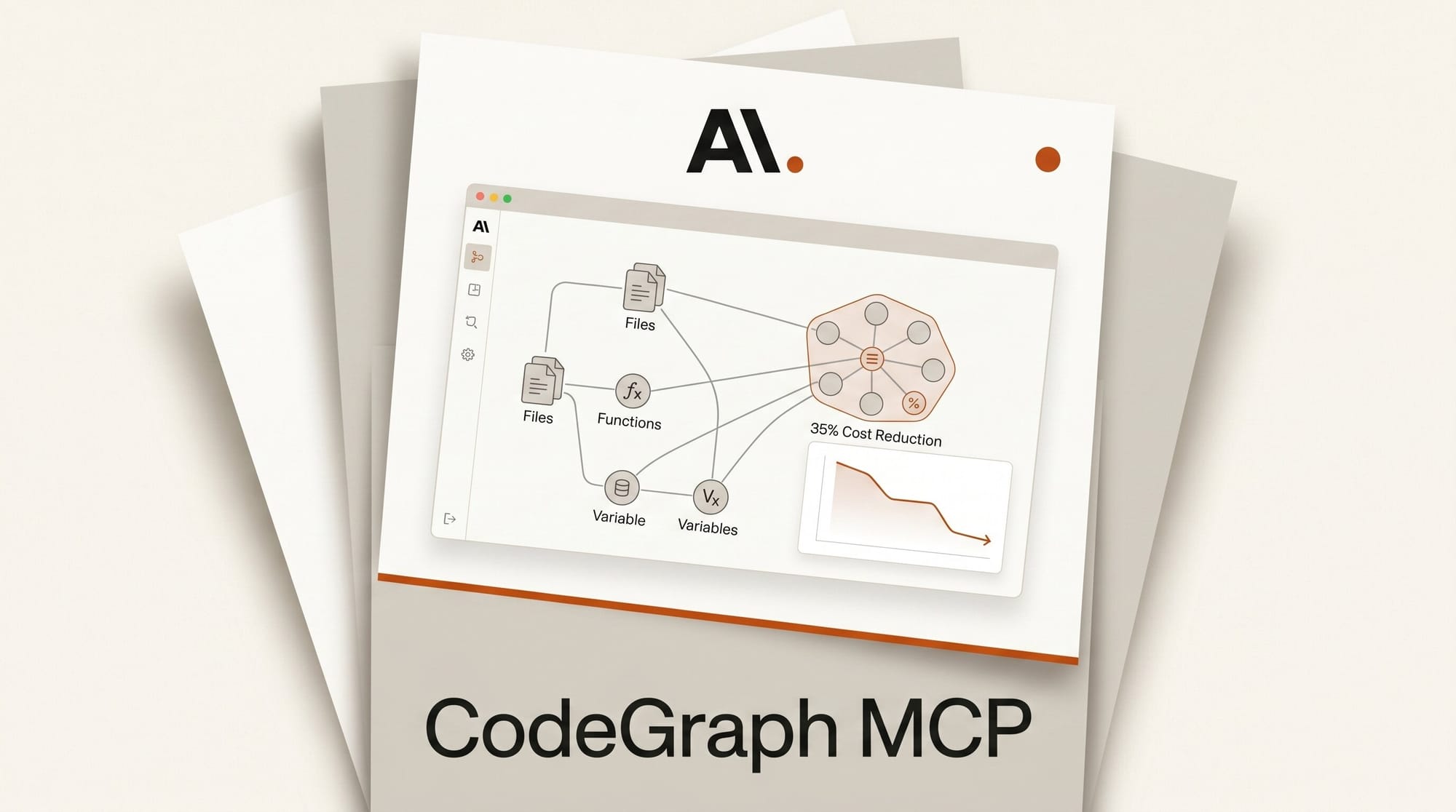
CodeGraph v0.9.4, validated May 24, 2026, is an open-source Model Context Protocol (MCP) server that pre-indexes codebases into a semantic knowledge graph. When connected to Claude Code, Cursor, or Codex CLI, it cuts inference costs by 35%, reduces token consumption by 57%, and speeds task execution by 46%. All computation runs locally; no data leaves your machine.
CodeGraph is an open-source Model Context Protocol server that pre-indexes codebases into a semantic knowledge graph, cutting Claude Code inference costs 35%, token use 57%, and task time 46% (median across 7 benchmarks). It uses a tree-sitter parser and a local SQLite index, supports 19 languages, and also works with Cursor and Codex CLI.
What Is CodeGraph?
Traditional AI coding agents discover code by spawning exploration sub-agents. They read files, grep for symbols, and build context incrementally, burning tokens at every step. CodeGraph flips this model by front-loading the work. Before Claude Code touches a single file, CodeGraph has already parsed every function, class, and call relationship in your project into a local SQLite database using tree-sitter, a fast incremental parser that supports 19 programming languages.
The result is dramatic. When you ask Claude Code where the authentication middleware is called, instead of spawning file-reading sub-agents, it queries the pre-built index and retrieves the full call graph in a single MCP tool call. One query replaces dozens of file reads.
The project has accumulated 21,100 GitHub stars since launch, suggesting substantial adoption among developers who have hit Claude Code token limits or Cursor cost ceilings.
Performance Benchmarks

The CodeGraph repository includes benchmarks across seven real-world codebases. Here are four of the most illustrative results:
| Codebase | Language | Files | Cost Reduction | Fewer Tokens | Speed Gain | Fewer Tool Calls |
|---|---|---|---|---|---|---|
| Excalidraw | TypeScript | ~640 | 52% | 90% | 73% faster | 96% |
| Tokio | Rust | ~790 | 82% | 86% | 71% faster | 92% |
| VS Code | TypeScript | ~10,000 | 26% | 78% | 52% faster | 85% |
| Django | Python | ~3,000 | 12% | 36% | 19% faster | 53% |
| Median | 35% | 57% | 46% faster | 71% |
The pattern is clear: gains scale with codebase size and complexity. Tokio, a Rust async runtime with roughly 790 files of dense interrelated code, saw an 82% cost reduction because the agent could answer nearly every question from the index without opening a file. Django, a larger but more modular Python project, still delivered 12% cost savings. The median across all seven codebases is 35% cheaper per task.
How CodeGraph Works

The tool runs in four stages:
1. Extraction. tree-sitter parses your source files into abstract syntax trees. Language-specific queries extract symbols (functions, classes, interfaces) and their relationships (function calls, imports, inheritance).
2. Storage. Symbols and edges are written into a local SQLite database at .codegraph/codegraph.db, with FTS5 full-text search indexes for fast lookups by name or signature.
3. Resolution. References resolve to definitions across files. Imports resolve to their source modules. Framework routing patterns are detected across 14 web frameworks including Django, Express, NestJS, Rails, Spring, and Axum.
4. Auto-sync. Native OS file watchers (FSEvents on macOS, inotify on Linux) monitor for changes and rebuild affected subgraphs with a 2-second debounce. The index stays current without manual intervention.
When Claude Code makes a tool call like codegraph_context, the MCP server combines symbol lookup, caller tracing, and callee expansion into a single response. What used to require four or five sequential file-read tool calls collapses into one.
Setting Up CodeGraph with Claude Code
Setup takes about five minutes.
Step 1: Install CodeGraph. No Node.js required for the one-line install:
# macOS / Linux
curl -fsSL https://raw.githubusercontent.com/colbymchenry/codegraph/main/install.sh | sh

# Windows (PowerShell)
irm https://raw.githubusercontent.com/colbymchenry/codegraph/main/install.ps1 | iex
Alternatively, with Node.js: npm i -g @colbymchenry/codegraph
Step 2: Initialize your project. Run this from your project root:
codegraph init -iThis builds the initial knowledge graph index. On a 1,000-file TypeScript project, indexing typically completes in under 30 seconds.
Step 3: Configure Claude Code. Add the MCP server to ~/.claude.json:
{
  "mcpServers": {
    "codegraph": {
      "type": "stdio",
      "command": "codegraph",
      "args": ["serve", "--mcp"]
    }
  }
}
Step 4: Auto-allow permissions. Add these to ~/.claude/settings.json so Claude Code can use CodeGraph tools without prompting:
{
  "permissions": {
    "allow": [
      "mcp__codegraph__codegraph_search",
      "mcp__codegraph__codegraph_context",
      "mcp__codegraph__codegraph_callers",
      "mcp__codegraph__codegraph_callees",
      "mcp__codegraph__codegraph_impact"
    ]
  }
}
Step 5: Start Claude Code. Open a new session in your project directory. CodeGraph serves as an MCP tool automatically. Confirm it is active by asking Claude Code to run codegraph_status.
For Cursor, the interactive installer handles configuration automatically via codegraph install --target=cursor.
What This Enables for Creative AI Workflows

Creators building AI-assisted pipelines often iterate through many short Claude Code sessions: adding a new ComfyUI node, wiring a Blender plugin, patching a video processing script. Without CodeGraph, each session re-discovers the codebase from scratch. With CodeGraph, the knowledge graph persists across sessions, so the second iteration costs 35% less than the first and answers arrive faster.
The impact is most visible on projects with deep interdependencies, such as a multi-stage image generation pipeline where preprocessing, model inference, and post-processing share utility functions. CodeGraph maps those relationships upfront so Claude Code can propose targeted changes without reading every file in the chain.
If you have not already read how parallel Claude Code sessions can further accelerate iteration, our Claude Code Agent View guide covers running multiple agents simultaneously on the same project.
Supported Languages and Frameworks
CodeGraph parses 19 languages: TypeScript, JavaScript, Python, Go, Rust, Java, C#, PHP, Ruby, C, C++, Swift, Kotlin, Dart, Lua, Luau, Svelte, Liquid, and Pascal. Framework-aware routing detection covers Django, Flask, FastAPI, Express, NestJS, Laravel, Rails, Spring, Gin, chi, gorilla/mux, Axum, Rocket, and ASP.NET.
For a broader comparison of AI coding tools that CodeGraph integrates with, see our AI Coding Tools 2026 guide.
Frequently Asked Questions
Does CodeGraph send code to any external service? No. The SQLite index lives at .codegraph/codegraph.db inside your project directory. No network calls are made during indexing or query resolution. The only outbound traffic is the initial install download from GitHub.
How much disk space does the index use? The SQLite database is typically 2 to 10% of the source tree size. A 10,000-file TypeScript project produces a database of roughly 50 to 150 MB.
Does it work on private codebases? Yes. CodeGraph runs entirely offline after installation. There is no account, license server, or telemetry. The MIT license permits unrestricted commercial use.
What happens when files change frequently? The auto-sync watcher rebuilds affected graph subgraphs within 2 seconds of a file save. During active development sessions, the index stays current without manual reindexing. You can trigger a full rebuild with codegraph index --force if needed.
Can I use CodeGraph with Cursor and Claude Code simultaneously? Yes. A single codegraph serve --mcp process serves multiple MCP clients. Run codegraph install --target=all to configure all supported agents at once: Claude Code, Cursor, Codex CLI, opencode, and Hermes Agent.
What is the difference between codegraph_context and codegraph_search? codegraph_search returns raw symbol matches by name. codegraph_context is a higher-level tool that combines search, caller tracing, and callee expansion into a single structured response designed for task planning. Use codegraph_context when starting a new coding task; use codegraph_search when looking up a specific symbol.
What to Do Next
CodeGraph is available now on GitHub under the MIT license. The interactive setup wizard (codegraph install -i) handles MCP configuration for all supported agents automatically.
If you are already using Claude Code on a project with more than 500 files, running codegraph init -i and rerunning your most recent task is the fastest way to verify the cost reduction on your own workload. The codegraph status command shows index size, symbol count, and last-sync time.





