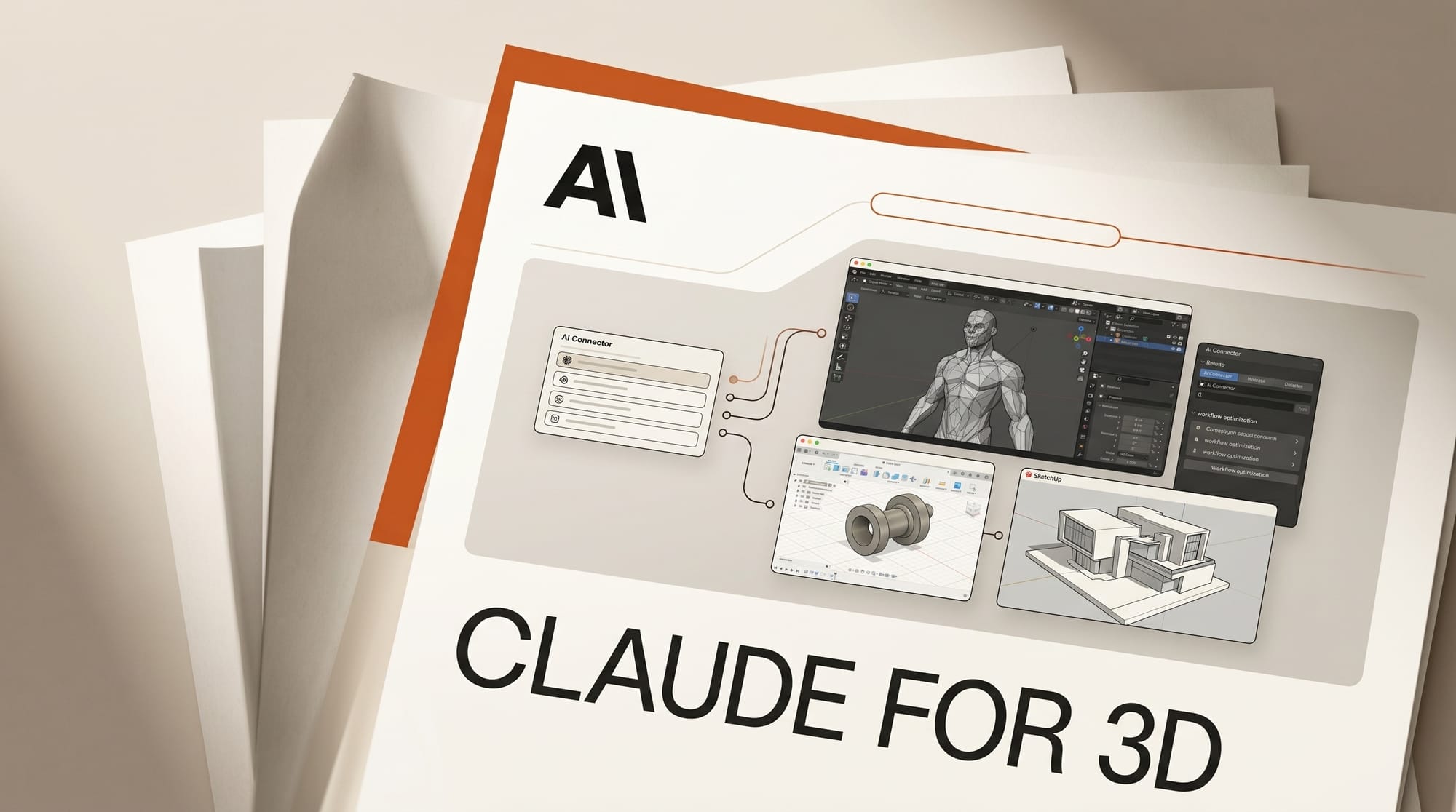
The 3D side of the April 2026 Claude for Creative Work launch covered three apps: Blender, Autodesk Fusion, and SketchUp. For the first time, an LLM can drive a 3D content pipeline end-to-end -- modeling, parametric edits, layered scenes, render setup -- through native connectors. This is the working 3D artist's complete guide to Claude inside a Blender plus Fusion plus SketchUp pipeline, with concrete workflows by use case (motion design, archviz, product viz, game art).
What the Blender connector does
The Blender connector is a Python add-on plus an Anthropic-side authentication layer. Once installed, Claude can:
- Read scene state: object hierarchy, collections, modifiers, materials, render settings
- Create and modify objects, including primitive generation, boolean ops, modifier stacks
- Build Geometry Nodes setups from a description (procedural scatter, fractal arrays, deformation graphs)
- Write Python scripts that execute in the Blender context for batch ops (rename 200 objects, rebuild a particle system, batch-export USD)
- Configure Cycles or Eevee render passes, output paths, and the render queue
- Open and modify .blend files referenced from the Claude desktop file system
What it does not do: generate textures, sculpt high-frequency detail, or replace artistic judgment on lookdev. Use Substance, ZBrush, and your eye for those.
What the Autodesk Fusion connector does

Fusion connects through the Autodesk plugin marketplace. Claude can:
- Read parametric trees: feature history, dimensions, constraints, sketches
- Modify parameters by name ("set wall thickness to 3 mm across all extrudes")
- Generate sketches and constraints from a written brief
- Set up simulation studies (static stress, modal, thermal) with material and load specifications
- Export drawing sheets with title block automation
What the SketchUp connector does
SketchUp Pro 2026 ships an Anthropic extension that gives Claude access to:
- Layer / tag organization and component swapping
- Scene generation with named camera positions and section planes
- Material assignments from the SketchUp library or imported PBR sets
- Match-photo setup from a reference image plus building footprint
- Export setup for V-Ray, Enscape, Twinmotion, or Lumion render pipelines
Setup: Blender pipeline first session
- Install Blender 5.x or later. Earlier versions do not support the connector's Python API.
- Open Edit > Preferences > Add-ons > Install. Point to the Anthropic Claude add-on .zip downloaded from anthropic.com/connectors.
- Authenticate. The first time you call Claude from Blender, an OAuth flow opens in your browser.
- Open the Claude desktop app. The Connectors panel should show Blender with a green status indicator.
- Run a sanity test. From Claude, prompt: "What objects are in the active Blender scene and how many polys total?" Claude should list scene objects and a face-count sum.
- Run a generation test. Prompt: "Create a cube, add a Subsurface Modifier at level 3, and apply a smooth shade." Verify the result in Blender's viewport.
Production workflow 1: motion design with Geometry Nodes
- Brief Claude: "Build a Geometry Nodes setup that scatters icospheres on a torus surface with density driven by a curve attribute, animated to grow over 60 frames."
- Claude generates the node graph in Blender, with named inputs exposed on the modifier for art-direction tweaks.
- Iterate. Tell Claude what you want different ("denser at the top, sparser at the bottom") and the graph updates.
- Render. Prompt: "Set up a 1080p Eevee render at 60 frames, output to /renders/ as PNG sequence with the file naming pattern shot01_v01_.png. Then queue the render."
- Iterate the look. Drop a render frame back into Claude's chat and ask for color, lighting, or composition critique. Claude can write the changes back into the scene.
Production workflow 2: archviz from SketchUp through Blender
- Build the architectural model in SketchUp Pro. Use the Claude extension to organize layers, set scenes, and assign materials.
- Export to USD. Prompt SketchUp's Claude extension: "Export current model as USD with materials and named scenes preserved."
- Import into Blender. Prompt the Blender connector: "Import the USD into a fresh Blender scene, set up a sun lamp at the configured solar angle, and a tripod camera at the named SketchUp scene 1 position."
- Light. Ask Claude to set up an environment HDRI from the project library and tune Cycles sample counts for draft and final renders.
- Final render. Set up V-Ray or Cycles batch render across the named SketchUp scenes; Claude queues each at the correct camera and resolution.
Production workflow 3: product viz from Fusion through Blender
- Build the product in Fusion. Use the Claude connector to manage parameters and drive design alternates.
- Generate parametric variants. Prompt: "Create three versions of this enclosure: small (60mm), medium (80mm), large (100mm). Save each as a separate Fusion document."
- Export to OBJ or STEP for Blender import.
- In Blender, ask Claude to set up a turntable render with a brand-color backdrop and three-point lighting. Render each variant.
- Iterate visuals based on rendered feedback. The parametric tree in Fusion stays clean while visual iterations happen in Blender.
Production workflow 4: Houdini hand-off (no connector yet)
Houdini does not ship a Claude connector in 2026. The closest workflow:
- Use Claude Code (the CLI agent) to write HScript or Python automation scripts.
- Save scripts to disk with a known path, then call them from Houdini's textport or shelf tools.
- For HDA development, Claude Code writes the network inside an OTL file and you import the .hda into Houdini manually.
- Watch for a 2026 connector announcement. Anthropic's connector roadmap is expanding faster than expected; Houdini is the obvious gap.
Concept art and texture generation
Claude does not generate images. The 3D pipeline pairs Claude with one of three image models:
- Midjourney v8 -- Highest aesthetic ceiling for character and environment concept art.
- Imagen 4 (Gemini) -- Best for stylized concept art with style consistency across a series.
- GPT Image 1 (ChatGPT) -- Best in-chat workflow with brand-context Custom GPTs.
For PBR textures, pair with Substance 3D Sampler or Designer. ComfyUI tileable workflows also work for stylized texture sets. See our ComfyUI 2026 definitive workflow guide for tileable texture flows.
Pricing and tier picks for 2026
- Claude Pro ($20/mo) -- Required tier for connector access. May 2026 rate limits doubled after the Anthropic compute deals.
- Claude Max ($100/mo) -- For artists running long-form revision sessions across complex scenes.
- Blender -- Free, open source. Anthropic is a Blender Development Fund patron.
- Autodesk Fusion -- $80/mo or $680/year. Free for personal use under the Personal license.
- SketchUp Pro -- $349/year. Studio plan at $799/year for full V-Ray and full LayOut.
What to watch in 2026
- Houdini and Maya connectors -- The two largest gaps in Anthropic's 3D coverage. Public roadmap silent, but pressure is building.
- Substance integration -- A Substance 3D Designer connector would close the texture-pipeline loop.
- Unreal and Unity engine connectors -- Native game-engine control through Claude is the next frontier.
- USD-native workflows -- Pixar's USD format keeps gaining ground in 3D pipelines. Claude's connector pack already supports USD; expect deeper integration in 2026.
- Render farm orchestration -- Blender and Fusion connectors today control local renders; cloud queue management is a probable 2026 addition.
Frequently asked questions
Does Claude work with Houdini?
No native connector in 2026. Use Claude Code (the CLI agent) to write HScript and Python scripts that you trigger from Houdini's shelf or textport.
Will Claude replace 3D modelers?
No. Claude accelerates technical setup (Geometry Nodes, parametric variations, batch ops) but artistic decisions on form, lookdev, and storytelling still belong to the human artist.
Can Claude generate concept art?
No. Claude does not generate images. Pair with Midjourney, Imagen 4 (Gemini), or GPT Image 1 (ChatGPT) for concept art and texture references.
Does the Blender connector require Blender 5?
Yes. The connector's Python API requires Blender 5.x or later. Earlier versions miss several add-on hooks the connector relies on.
Is the SketchUp connector free with SketchUp Pro?
The connector itself is free. You need a Claude Pro subscription ($20/mo) and a SketchUp Pro license to use it together.
Can Claude run on a render farm?
The Blender connector controls the local render queue in 2026. Cloud render farm orchestration (Garage Farm, Sheep It, RebusFarm) requires manual setup currently.
Keep reading
- Claude for Creative Work: Anthropic Connector Suite Launches
- Claude Blender Connector: Official Setup and Workflow
- AI 3D and Spatial Computing 2026
- ComfyUI 2026 Definitive Workflow Guide
- AI for Content Creators 2026
This guide will be updated as the Blender, Fusion, SketchUp, and any new 3D connectors ship through 2026. Subscribe to our weekly Tuesday digest for what shipped this week and what is worth your time.