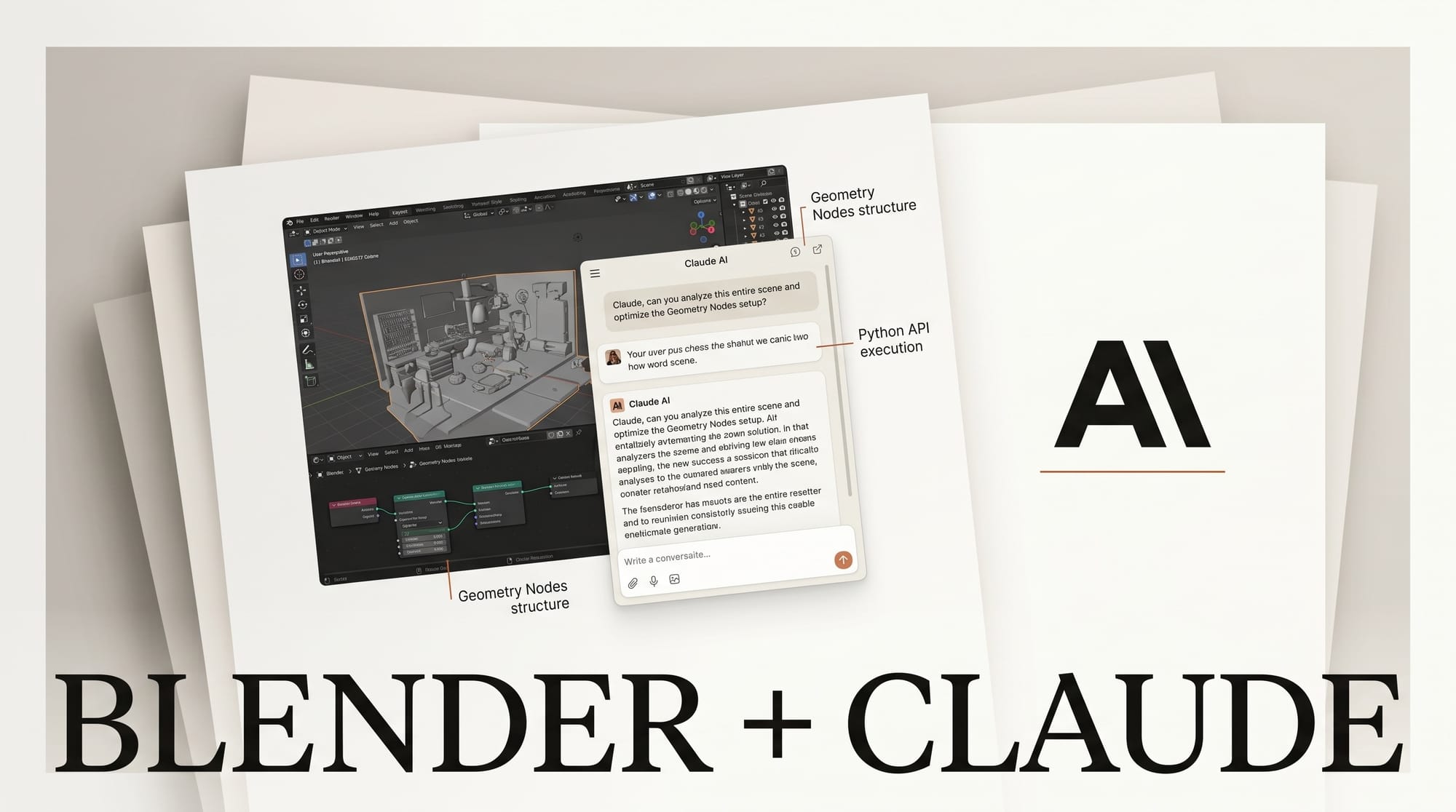
Anthropic shipped its official Blender connector on April 28, 2026, alongside eight other creative-tool integrations and a corporate-patron donation of at least €240,000 per year to the Blender Development Fund. The connector was built by Blender Lab, the Blender Foundation's experimental program, and is hosted on blender.org/lab/mcp-server/. Installation is drag-and-drop with no terminal commands, and the Anthropic-hosted official tutorial states the connector works on every Claude plan, including Free, when used through Claude Desktop.
The connector is a wrapper around Blender's full Python API, exposed to Claude over the open Model Context Protocol. That means it does not invent a new modelling DSL or limit Claude to a curated tool list. Anything a Blender Python developer can script today, Claude can call. The official launch documents four workflows; a much wider surface is reachable in practice. This guide walks through what shipped, the verified install, the workflows Anthropic has blessed, the documented limits, and where the genuinely unsolved territory begins.
Anthropic's official Blender connector, released April 28, 2026 and built by Blender Lab, installs by drag-and-drop with no terminal commands. Add the Blender connector in Claude Desktop, drag the install link from blender.org/lab/mcp-server twice, then press N and click Connect. It requires Blender 4.2 or later and works on every Claude plan, including Free.
What actually shipped on April 28
Three things landed at once. First, an official Blender connector in Anthropic's connectors directory at claude.ai/connectors, searchable by name from inside Claude Desktop. Second, a paired Blender add-on distributed from blender.org/lab/mcp-server/ via a drag-and-drop install link. Third, Anthropic's entry into the Blender Development Fund as a Corporate Patron, alongside Epic Games, Netflix, Wacom, and Pico XR. The Blender Foundation press release pegs the donation at a minimum of €240,000 per year, roughly the salary of four full-time Blender developers, earmarked for Blender core development with the Python API explicitly named.
This is not the same project as Siddharth Ahuja's open-source ahujasid/blender-mcp repository, which has been live on GitHub for over a year and seeded most of the early viral demos. Nor is it 3D-Agent, a paid commercial successor by independent developers. The official Blender Lab MCP Server is a fresh first-party project, technically related (it speaks the same MCP transport) but distributed and maintained inside the Blender Foundation. Coverage from Lushbinary notes that Anthropic's official communications do not credit Ahuja, despite his project's clear influence on the design.
Blender CEO Francesco Siddi framed the announcement plainly: "We appreciate Anthropic offering support to the Blender project." The patronage is the most consequential part of the news. Connectors are easy to copy across vendors. A €240k annual line item dedicated to Blender's Python API is a different kind of commitment, and it directly improves the ground every future MCP integration stands on.

The complete setup, in three steps
Setup is the cleanest part of the launch. The drag-and-drop path replaces the older uvx blender-mcp + claude_desktop_config.json dance that is still common in third-party tutorials. If a guide tells you to edit a JSON config file, it is documenting the community installer, not the official one.
Prerequisites. Blender 4.2 or later (free from blender.org), Claude Desktop on macOS, Windows, or Linux, and any Claude plan including Free. Browser Claude.ai will not work because the connector talks to a local Blender process on the same machine. No local Python, no uv, no npx, and no API keys for the core install. Optional API keys are required only if you turn on the bundled Hyper3D Rodin (one of the leading text-to-mesh generators) or paid Sketchfab integrations from inside the add-on panel. Poly Haven access is free and ships configured.
Step 1, in Claude Desktop. Open Claude Desktop, then Customize, then Connectors. Search for "Blender" and click Add. Anthropic's connectors directory now lists Blender alongside Adobe for Creativity, Autodesk Fusion, Affinity by Canva, Ableton, Resolume Arena, Resolume Wire, SketchUp, and Splice.
Step 2, in your browser and Blender side by side. Open blender.org/lab/mcp-server/ next to your Blender window. Drag the install link from that page into the Blender window. Blender prompts you to allow the Blender Lab extension repository. Allow it. Drag the same link into Blender a second time. The first drop registers the lab repository so future updates flow automatically; the second drop installs the add-on itself. This dual-drag pattern is intentional.
Step 3, every session. Open the .blend file you want to work on. In the 3D Viewport, press N to open the right-hand sidebar. Open the BlenderMCP tab. Click Connect to Claude. Blender's tools appear inside Claude Desktop's chat input as available capabilities, and Claude is ready to read or modify the open scene.

A safe first-run prompt that exercises read-only access without modifying the file: "Get the current scene's collection structure and report each top-level collection's object count." This pattern, read-then-describe, mirrors all four officially-published example prompts.
The four workflows Anthropic actually demoed
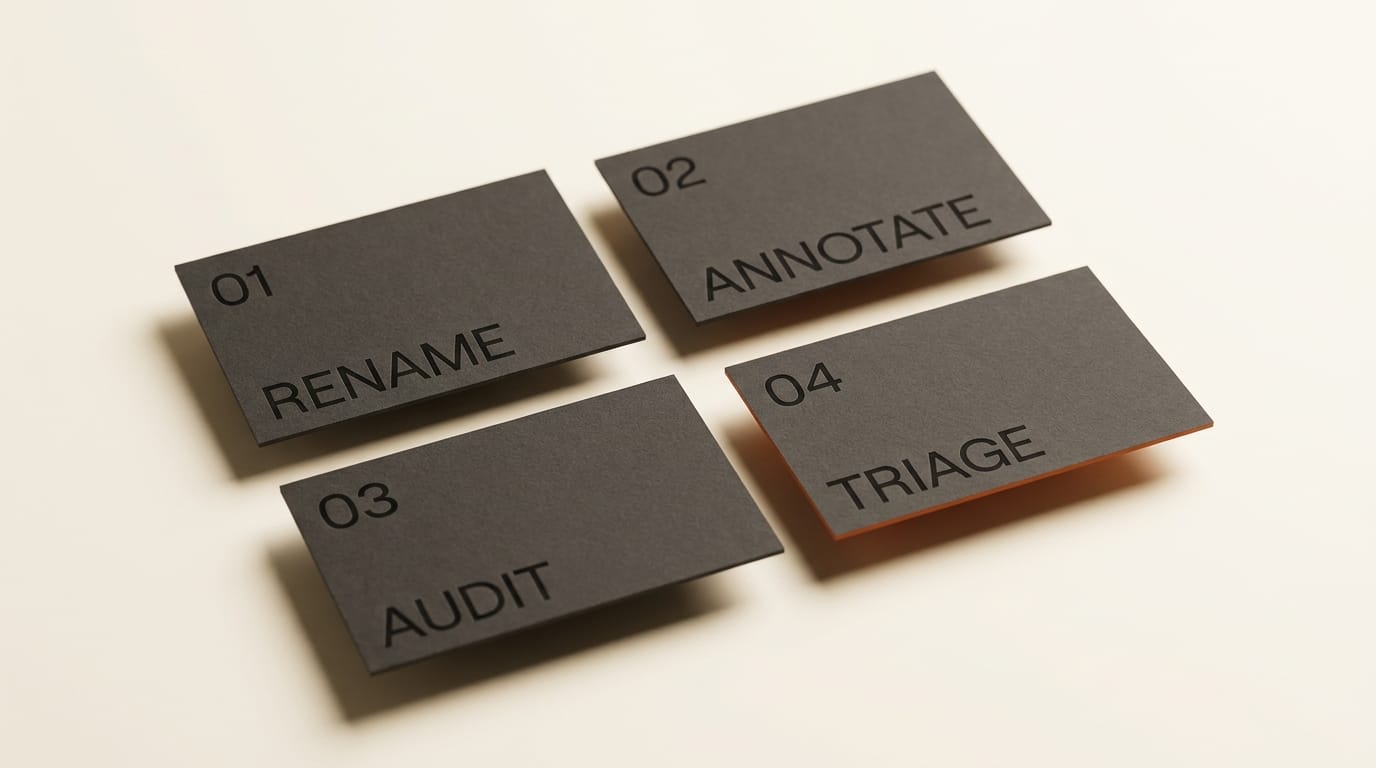
Anthropic's tutorial is interesting for what it leans into. Three of the four blessed workflows are about understanding existing scenes, not creating new geometry. The framing is deliberate. Claude is positioned as a senior technical artist who walks into your file, reads the room, and either explains what is there or batches the kind of cleanup that would otherwise eat an afternoon.
Workflow 1: Scene-graph cleanup with batch rename. Claude reads every datablock in the open file, compares names against contents, and surfaces misleading entries. The published prompt: "Look at the open scene and rename the data blocks so each name matches what it contains. Flag any names that are misleading, like a collection called 'rocks' that only contains pebble meshes." This is the workflow that makes a senior Blender artist sit up. Renaming 400 datablocks in a downloaded asset pack is the universally hated chore of game-ready asset prep, and Claude handles it as a single tool call.
Workflow 2: Geometry Nodes explanation, written back into the file. Claude walks the active object's Geometry Nodes modifier in data-flow order, and writes its explanation as frame labels inside the node editor. The notes are saved with the .blend, so the next person who opens the file sees an annotated graph. Anthropic's tutorial ran this on Simon Thommes' Pebble Scattering setup, a community-published node graph dense enough to be a real test. The prompt: "Walk through the Geometry Nodes modifier on the active object. Explain what each node group does in the order data flows through them, and write your notes as frame labels inside the node editor so the explanation is saved in the file."
Workflow 3: Material dependency audit. Given a material name, Claude lists every object, node group, and Geometry Nodes setup that references it, and predicts what would break on removal. The published prompt: "List everything in this file that uses the 'Glass_Tinted' material, including objects, node groups, and Geometry Nodes setups. Tell me what would break if I removed it." This is the workflow that production studios will buy a Pro plan for. Refactoring shared assets without knowing every dependency is the failure mode that lives in every Blender pipeline.
Workflow 4: Render-cost triage. Claude reports polygon count alongside on-screen pixel size in the active camera's final render, sorts by polygon count, and flags meshes that are expensive but small on screen. The published prompt: "For each mesh in the scene, report its polygon count alongside how large it appears in the active camera's final render. Sort by polygon count and flag anything that's heavy but small on screen." Optimizing polygon budget against camera coverage is a render-prep task most artists do by eye. This automates the boring half.
Each of these workflows is a productivity multiplier on existing files. None of them produce new creative content. That choice is the giveaway that Anthropic's launch positioning is "agentic technical artist," not "AI Blender model generator."
What is reachable but not officially demoed
Because the connector wraps the full Python API, Claude can in principle drive any operation a Blender developer could script. Community demos already cover scene-build prompts ("create a low poly scene in a dungeon, with a dragon guarding a pot of gold"), reference-image-to-scene recreation, Hyper3D Rodin text-to-mesh generation, batch modifier application, and render debugging. Anthropic does not include these in the launch material, which leaves a clear demarcation line: read-and-modify is officially supported; create-from-scratch is community territory.
Three categories sit in genuinely open territory today. Animation workflows (keyframe creation, F-curve editing, armature rigging, walk cycles) are reachable through Blender's Python API but not yet demonstrated by Anthropic or by any major community video at production quality. Render engine specifics (Cycles versus EEVEE versus Workbench, light path settings, denoiser configuration) are similarly undocumented. Sculpting, geometry-node authoring from scratch, and physics simulations are not part of any officially-blessed example, even though the API supports them.
This is the part of the story that matters for creators planning to invest. The Blender connector is not finished. The four blessed workflows are the ones Anthropic is willing to put on a tutorial page today, but the next twelve months will be defined by which production-quality animation, character, and cinematic workflows the community proves out. The first creator who lands a clean prompt-driven walk cycle will own the coverage.
Documented limits and gotchas
The launch is honest about its constraints in places, less so in others. The constraints worth knowing before committing time:
- Browser Claude.ai is not supported. Claude Desktop is mandatory. The connector talks to Blender on localhost; the web app cannot reach a local process.
- Tool calls have a 300-second timeout and responses cap at roughly 150,000 characters per the connectors FAQ. Long renders and large-scene analyses must be chunked.
- One MCP instance at a time. Running the connector inside Claude Desktop and the same MCP server inside Cursor or Windsurf will collide. Pick one.
- Modifications are file-state only until you save. Claude can change everything in the open scene, but those changes only persist when Blender's File menu commits them.
- The first command after Connect to Claude sometimes errors per community reports. Re-issue and it succeeds. Treat this as a known quirk rather than a sign that the install is broken.
- The connector exposes
execute_blender_code, which runs arbitrary Python in Blender's context. Save before any non-trivial session. - Free-tier framing has nuance. Anthropic's Blender connector tutorial says it works on any plan including Free; Anthropic's general connectors getting-started page lists Pro, Max, Team, and Enterprise as the tier requirement. The reconciling read is that desktop-extension connectors like Blender ship at every tier, while remote MCP services follow the Pro+ rule. The practical answer for a 3D artist on the Free tier is yes, you can run this; usage caps and thinking budgets will still follow your plan.
What this looks like in production
Three concrete production patterns are worth prototyping in week one. The first is asset-pack triage. Drop a downloaded model pack into a fresh .blend, ask Claude to rename, organize into collections by category, and report polygon counts. The thirty-minute manual chore becomes a single prompt. The second is style guide enforcement. Ask Claude to walk a finished scene, list every material that violates a brand palette, and propose corrected hex codes. The third is geometry node literacy. Open any file with a complex node graph and ask Claude to annotate it. The annotations are saved with the file and become a self-onboarding document for the next artist.
For creators building portfolio or course content, the unsolved territory is more interesting than the blessed workflows. A clean prompt-driven walk cycle, a single prompt that yields a 5-second cinematic render with three-point lighting and Cycles, a procedural geometry-node graph that exposes user parameters and bakes a parameter sweep. None of these have a definitive public demo yet. The first creator to publish each of those wins the long tail of search traffic for "Claude Blender walk cycle" and the equivalent queries for the next two years.
What to do this week
If you have Blender 4.2+ and Claude Desktop, install the connector tonight. The drag-and-drop path takes under five minutes. Run all four blessed prompts on a real scene you own. The Geometry Nodes annotation prompt is the one that stays useful long after the novelty fades; treat it as the actual reason to wire this up.
If you are evaluating whether the Free tier is enough, the honest answer is yes for individual exploration, no for any sustained production work that runs many tool calls per session. The 300-second timeout and the response cap are not crippling, but Free's daily message limit will be the bottleneck before they are. Pro pays for itself the first time you batch-rename 400 datablocks.
If you are building courseware, animations, or cinematic demos, treat this launch as the open starting line. The official tutorial covers comprehension and triage. Everything else is unsolved. Pick one workflow that has not been demoed publicly, ship it cleanly, and you are the canonical reference.
Anthropic's launch announcement is the canonical source. The Blender connector tutorial is the install bible. Coverage from 9to5Mac and MacRumors covers the broader nine-tool launch context. The CG Channel report on the €240,000 patronage is the cleanest write-up of the funding story. Ahuja's community repository remains the best source for the full prompt library and the integrations Anthropic has not yet absorbed into the official build.





