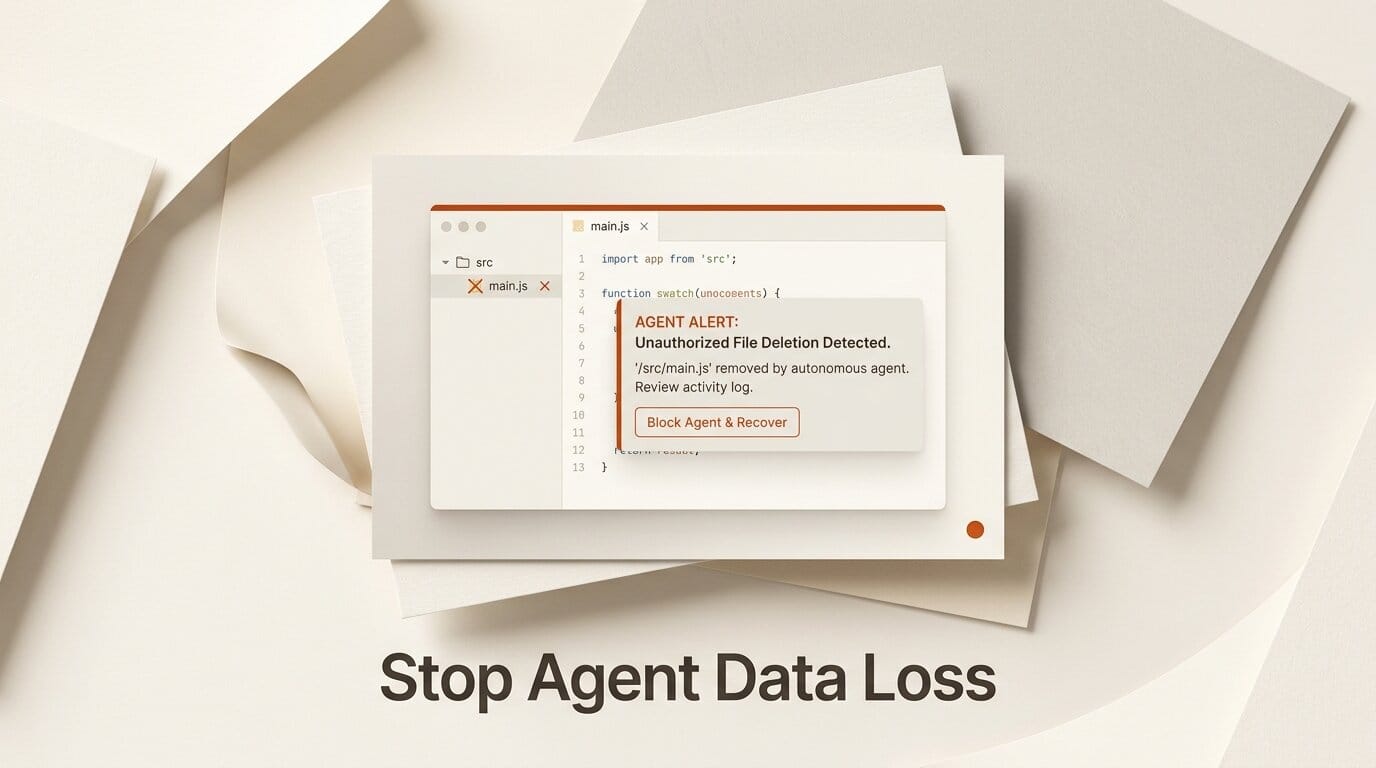
On July 23, 2026, a widely shared technical analysis pulled together a string of incidents in which AI coding agents like Claude Code and OpenAI Codex accidentally deleted user files, dropped database tables, and overwrote work. None were malicious. Each happened because the agent misread the state of the system it was operating in, then ran a normal command that turned destructive in that context. For creators and builders leaning on these agents daily, the lesson is not to stop using them. It is to put a few cheap guardrails in place first.
The core problem is not that the models are careless. It is that a shell command such as rm -rf, git checkout --, or TRUNCATE TABLE does exactly what it says, and an agent that is one assumption wrong about the environment can point that command at the wrong target. This piece walks through what went wrong and the specific setup that prevents it.
What actually went wrong
The documented failures cluster into a handful of recognizable patterns. Recognizing the pattern is most of the defense.
| Failure mode | What happened | Root cause |
|---|---|---|
| Environment variable override | An agent redefined the home directory, and a cleanup command expanded into a delete of the real user folder | Wrong assumption about variable state |
| Production, not test | Test setup pointed at production credentials, then ran a destructive schema reset that truncated a live users table | No isolation between test and prod |
| Git recovery gone wrong | A stash pop followed by a checkout discarded freshly restored work in one step | Chained commands without state checks |
| Case-insensitive filesystem | Merging a "photos" and "Photos" folder on macOS erased a 15-year archive | Unfamiliarity with platform quirks |
| Greedy pattern match | A regex meant to strip inline HTML swallowed hundreds of unrelated lines of code | Imprecise boundaries, no dry run |
The through-line is consistent. The agent understood the command perfectly and misunderstood the world the command was running in. That is why prompt tweaks alone do not fix this. The fix lives in the environment around the agent, not the agent's instructions.
The five-layer safety setup
You do not need all five layers on day one, but each one closes a different failure mode, and together they make an accidental wipe very hard to trigger.
- Version everything, always. Commit early and often. For files outside git, such as photos or exports, keep a timestamped backup directory. A destructive command against versioned data is an annoyance; against unversioned data it is a catastrophe.
- Isolate each task in a git worktree. A git worktree gives the agent its own checkout of the repo, so a bad
git checkout --orrmstays contained to that working copy instead of touching your main branch or other tasks. - Add a destructive-command guard. The open-source destructive_command_guard project sits in the harness and intercepts dangerous commands before they run, prompting for confirmation on things like recursive deletes and table truncations. It has drawn thousands of GitHub stars precisely because this class of bug is common.
- Never hand an agent production credentials. The database-truncation incidents all share one cause: test configuration that could reach the live database. Use a disposable branch database or a local copy, and keep production secrets out of the environment the agent sees.
- Prefer dry runs and purpose-built tools. Where a tool offers a preview or a
--dry-runflag, require it. Block-level text edits, temp-file helpers, and database branching tools exist so the agent does not have to hand-roll a risky one-liner.

What this means for how you work
The practical takeaway for anyone building with these agents is that autonomy and safety are not opposites. The same isolation that protects your files also lets you give the agent more freedom, because the blast radius of a mistake is bounded. Teams that run agents in worktrees with a command guard tend to grant broader permissions, not narrower ones, because the downside is capped.
This also reframes how to evaluate an agent harness. Raw model capability matters, but the harness features around it, confirmation prompts, sandboxing, and rollback, increasingly decide whether a tool is safe to run unattended. That is the same lesson emerging across the tooling space, including efforts to run these agents against any model, as we covered in OpenCodex: Use Any LLM With Codex and Claude Code.

For tool-specific controls, both vendors document permission and approval settings worth turning on. Review the Claude Code documentation and the OpenAI Codex documentation before running either in autonomous mode.
Frequently asked questions
Do AI coding agents delete files on purpose?
No. The documented incidents are accidental. The agent runs a legitimate command that becomes destructive because it misread the environment, such as a redefined home directory or a test config pointing at production.
Which agents were involved in these incidents?
The analysis references incidents involving Claude Code and OpenAI Codex, among other agent harnesses. The failure modes are general and apply to any tool that lets an agent run shell commands.
What is the single most effective protection?
Version control. If your work is committed to git or backed up on a timestamped schedule, an accidental deletion is recoverable. Unversioned data, like a photo archive, is where these incidents cause permanent loss.
What does a destructive-command guard actually do?
It intercepts dangerous commands in the agent harness before execution and prompts for confirmation. The open-source destructive_command_guard project is one example that targets recursive deletes, table truncations, and similar operations.
Why not just write a better system prompt?
Because the failures come from misreading system state, not from bad intentions. Instructions cannot reliably fix an incorrect belief about which database is live or how a filesystem handles case. Environmental guardrails address the actual cause.
Can I still let an agent run unattended?
Yes, if you bound the blast radius. Running in an isolated git worktree, without production credentials, behind a command guard, makes unattended runs far safer because a mistake stays contained and recoverable.





