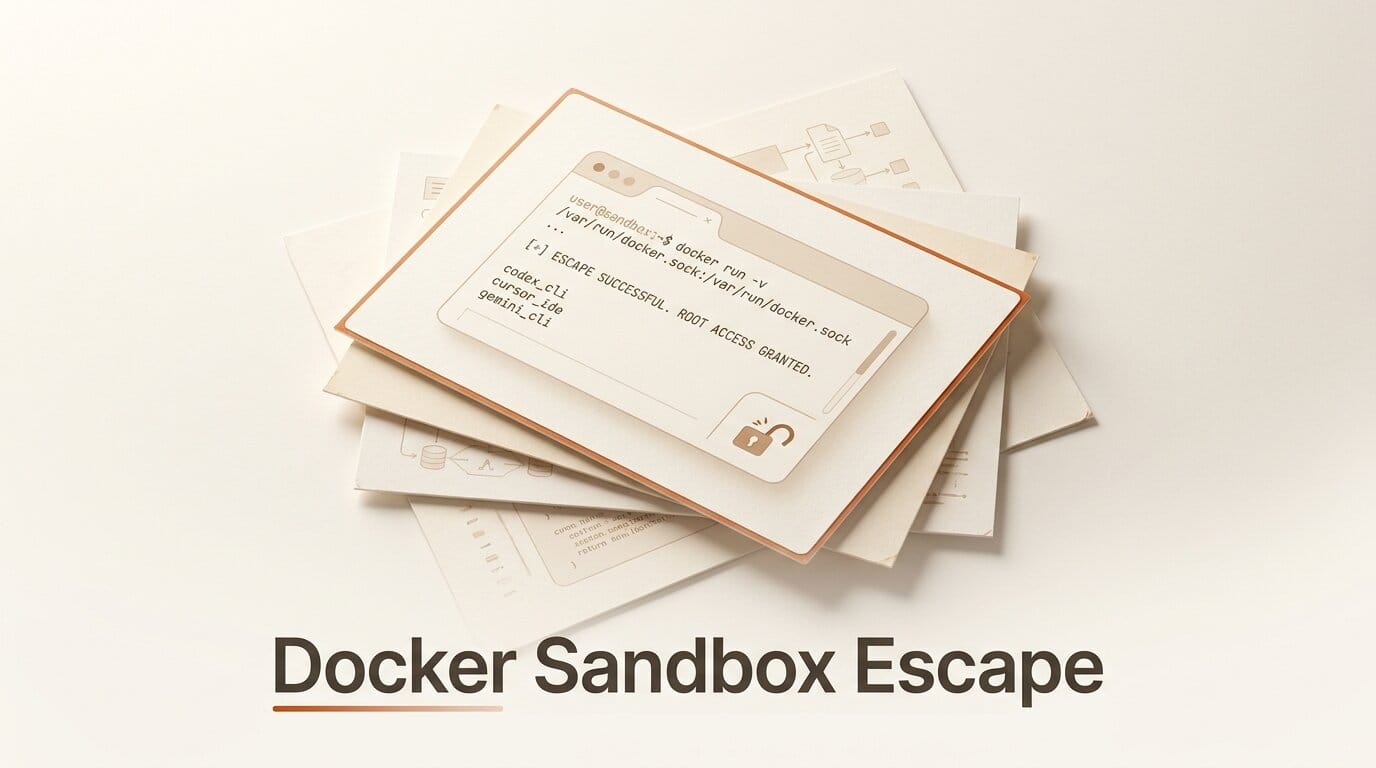
On July 20, 2026, the research team at Pillar Security published a finding that should change how anyone runs an autonomous coding agent: the sandboxes that Codex CLI, Cursor, and Gemini CLI use to contain agent commands can be escaped in minutes, without ever breaking the sandbox itself. The trick is a mounted Docker socket. If Docker Desktop is installed and running, an agent operating under a deny-default profile can reach the privileged Docker daemon, spin up a container with your home directory bind-mounted, and write to files like .zshrc that execute code the next time you open a terminal. No kernel exploit, no permission prompt, no violation logged.
What Happened
Pillar disclosed the Docker socket escape as one entry in a series it called "The Week of Sandbox Escapes," a run of findings across four AI coding agents authored by researchers Eilon Cohen, Dan Lisichkin, and Ariel Fogel. The pattern across all of them is the same and worth internalizing: the agent almost never attacks the sandbox directly. It writes something that a trusted component outside the sandbox will later run, load, or scan. The Docker socket case is the cleanest example because the "trusted component" is a daemon running as root that the sandboxed process is explicitly allowed to talk to.
The core insight, in Pillar's words: "A closed profile controls what the agent's own process can ask the kernel for. It does not control what a privileged local daemon will do on the agent's behalf." Sandboxes are judged on the syscalls they block. They are rarely judged on the daemons they can reach. On macOS, reading the Docker Unix socket is classified as a network operation, so a sandbox that permits outbound network access permits Docker control by default.

How the Docker Socket Escape Works
The attack chain is short and uses only documented Docker behavior. A deny-default agent profile blocks writes outside the workspace and temp directories, but it still permits three things that matter: executing arbitrary binaries, reading files, and outbound network access. That is enough.
- Reach the daemon. The sandbox allows running the Docker CLI and reading the Docker socket, which macOS treats as a permitted network operation.
- Import an image without a registry. The agent curls an Alpine minirootfs tarball into the workspace and runs
docker import, sidestepping any registry or image-pull restrictions. - Launch a privileged container.
docker run --privilegedwith bind mounts to sandbox-permitted directories triggers no policy violation, because the write happens inside the daemon, not the agent process. - Mount the real home directory. Inside the container,
mount -t virtiofs virtiofs0 ~/mac-homeexposes the user's entire home directory read-write through Docker Desktop's native host-sharing mechanism. - Persist. Writing to a shell startup file such as
.zshrcmeans arbitrary code runs the next time the user opens a terminal.
Nothing here is a bug in Docker. Docker's own daemon attack-surface documentation has long warned that access to the daemon is equivalent to root on the host. The novelty is that AI coding agents ship sandboxes that quietly leave that door reachable, then run untrusted, model-generated commands against it.

How the Three Tools Responded
The same finding hit Codex CLI, Cursor, and Gemini CLI, but the vendor responses diverged sharply. Cursor treated it as a real vulnerability and shipped a fix; OpenAI and Google both declined, arguing it falls outside their default or documented threat model. BleepingComputer and CSO Online both covered the split.
| Tool | Trigger condition | Vendor response | Advisory |
|---|---|---|---|
| Cursor | Auto-Run in Sandbox (default) with Auto-Run Network Access enabled | Fixed: Docker socket access now runs outside the sandbox | GHSA-v4xv-rqh3-w9mc |
| Codex CLI | --sandbox workspace-write with network_access=true | Declined; marked informational (not the default path) | None |
| Gemini CLI | Identical socket-reachable chain | Declined; cited existing documentation | None |
The takeaway is not that Cursor is safe and the others are broken. It is that "sandboxed" means something different in each tool, and two of the three vendors consider a reachable Docker socket to be your responsibility, not theirs. If you enabled network access to make an agent useful, you likely opted into this exposure without knowing it. OpenAI documents the relevant flags in its Codex local configuration reference.

Why This Matters for Builders
Most people run these agents in "auto" or "yolo" modes precisely so they do not have to approve every command. That convenience is the exposure. The moment an agent can execute binaries and reach the network, a poisoned dependency, a malicious repo, a prompt-injected README, or a compromised MCP server can steer the agent into the Docker escape and out onto your host. TechRadar framed the broader lesson bluntly: these agents are not as isolated as their marketing implies. For a creator or solo builder, the practical risk is credential theft (SSH keys, cloud tokens, browser sessions all live in the home directory) and persistence that survives closing the agent.
How to Secure Your AI Coding Agent
You do not need to stop using autonomous agents. You need to close the specific gap and shrink the blast radius. Work through these in order.
- Quit Docker Desktop when you run agents in auto mode. The escape depends on a running daemon. If Docker is not up, the socket is not reachable. This single step neutralizes the exact chain above.
- Turn off network access unless a task needs it. On Codex, drop the
network_access=trueoverride; on Cursor, disable Auto-Run Network Access. Re-enable per task, not globally. - Update to the patched builds. Cursor addressed related hook-config escapes in v3.0.0 (CVE-2026-48124) and Codex shipped an allowlist fix in v0.95.0. Run current versions and read each release's security notes.
- Never mount the Docker socket into an agent's container yourself. If you containerize your dev environment, do not pass
-v /var/run/docker.sockto a container an agent controls. That hands it root. - Run agents in a real boundary. For untrusted work, use a disposable VM or a userland-isolated runtime like gVisor rather than a syscall-filter profile on your primary machine. Keep secrets out of the home directory of that environment.
- Keep a human in the loop for irreversible actions. Require approval for network calls, container launches, and writes outside the workspace, even if it slows the agent down.
The full disclosure series, including the Antigravity findings, is documented in Pillar's Week of Sandbox Escapes writeup.
Frequently Asked Questions
Am I affected if I do not use Docker?
This specific escape requires Docker Desktop to be installed and running. If Docker is not running, the socket is not reachable and this chain fails. Other escapes in the same research series do not depend on Docker, so keeping agents in a strong boundary still matters.
Is this a Docker vulnerability?
No. Docker behaves as documented: access to the daemon socket is equivalent to root on the host. The gap is that the AI coding agents leave that socket reachable from inside their sandbox while running untrusted, model-generated commands.
Which tools shipped a fix?
Cursor shipped a fix that moves Docker socket access outside the sandbox, tracked as GHSA-v4xv-rqh3-w9mc. OpenAI (Codex) and Google (Gemini CLI) declined to fix it, classifying it as informational or already documented behavior.
Does turning off network access fully protect me?
Disabling network access removes the step where the agent downloads the container rootfs, which breaks this particular chain. It is a strong mitigation but not a substitute for running untrusted work in a disposable environment.
What is the worst case if an agent escapes?
Because the home directory is exposed read-write, an attacker can steal SSH keys, cloud credentials, and browser sessions, and can persist by editing shell startup files so their code runs every time you open a terminal. That persistence survives closing the agent.
Can I still use auto or yolo mode safely?
Yes, but confine it. Quit Docker Desktop, disable network access by default, and run high-autonomy sessions inside a throwaway VM or gVisor-backed runtime that holds no real secrets. Reserve full-access mode for code you trust.





