Runway just turned a single still image into a real-time conversational video character. The company published the engineering details on May 4, 2026, along with an open product page at app.runwayml.com/characters, framing the launch as a working pipeline creators can use today through the web app, mobile apps, and the developer API.
What Happened
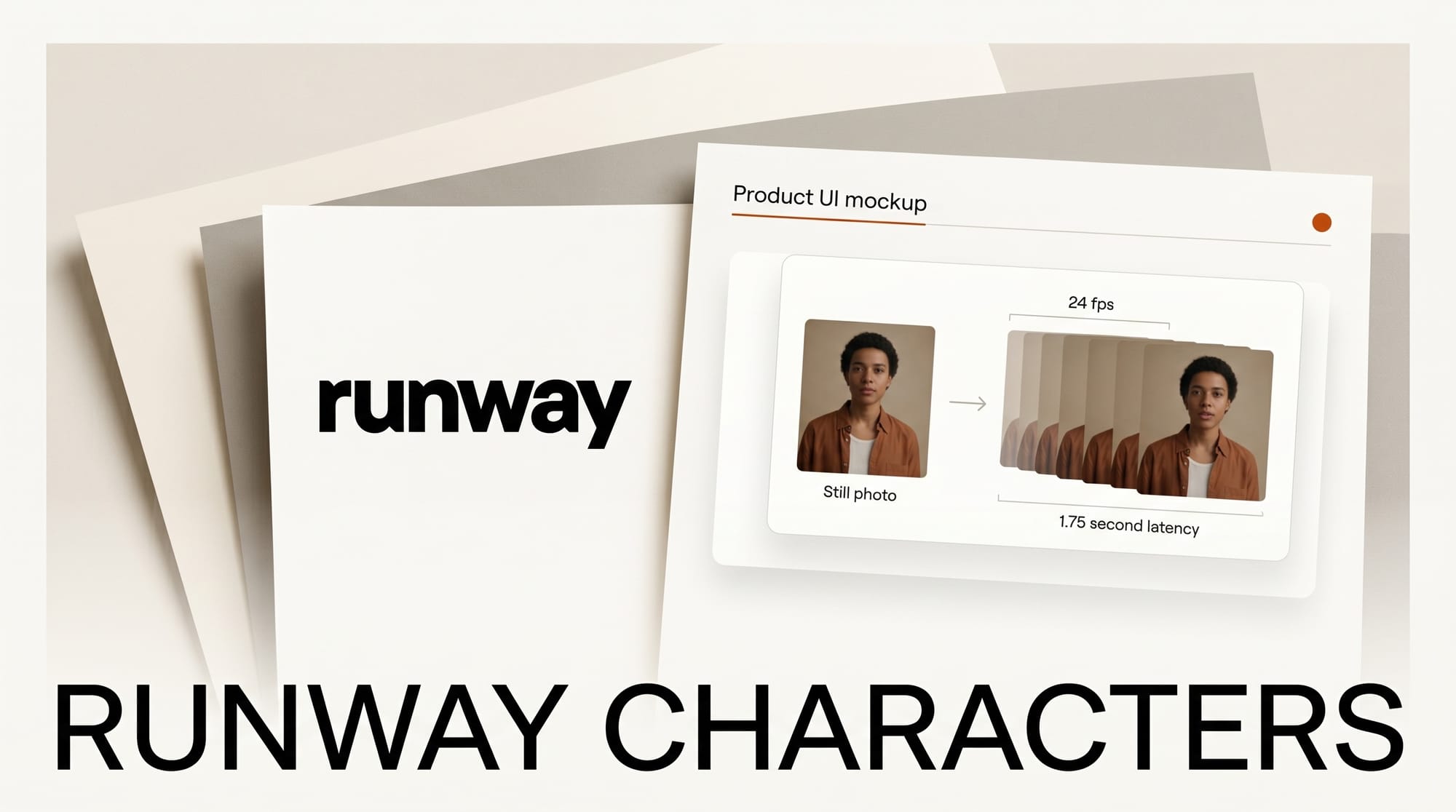
In a May 4 post on the Runway news blog, the team described how Runway Characters generates a fully expressive talking character at 24 frames per second from one reference image. Creators upload a photorealistic person, a cartoon mascot, or a fantasy creature, give the character a voice and a knowledge base, and the system produces synchronized lip movement, facial expressions, and head motion in HD without any per-character fine-tuning. Runway reports model time of 37 milliseconds per frame and end-to-end latency of 1.75 seconds from when a user stops speaking until the character begins to respond, which is fast enough to feel like a normal video call.
The product is built on GWM-1, Runway's general-purpose world model, and ships with an embeddable web widget, a meeting-room mode for Zoom, Google Meet, and Microsoft Teams, plus tool calling so a character can trigger backend functions during a conversation. Voices can be designed from text or cloned instantly from short audio samples. Developers get programmatic access through the Runway API.
Why It Matters
Real-time talking-head video has been the missing layer between text chatbots and full video generation. Most existing avatar tools either render offline in batch, lock you into a fixed library of stock faces, or require costly fine-tuning per character. Runway is collapsing all three constraints at once: any image, any voice, live response, in a stack creators already pay for. That puts it in direct competition with the developer-first agent platforms from HeyGen and the open real-time pipeline behind LPM 1.0, while also pushing into territory that Character.AI and conversational-AI startups have owned on the text side.
For creators, the practical opening is bigger than just novelty. A YouTuber can spin up a recurring on-screen co-host in minutes. A course creator can drop a custom tutor into a learning page with one line of embed code. A small studio can prototype a branded customer-support persona without building a video pipeline from scratch. The same engine that powers Runway's existing Gen-4 and Aleph workflows is now answering live calls.
Key Details
- Frame rate: 24 fps in HD, model time 37 ms per frame.
- Latency: 1.75 seconds end-to-end from speech stop to character speech start.
- Inputs: One reference image, any style. No fine-tuning step.
- Voice: Text-to-voice design or instant clone from a short audio sample.
- Vision: Optional webcam and screen share so the character can react to what it sees.
- Tool calling: Characters can trigger UI actions and call backend functions mid-conversation.
- Knowledge base: Attach documents so a character speaks with company-specific context.
- Surfaces: Web app, mobile apps, embeddable web widget, Zoom and Meet and Teams integration.
- Foundation: Built on GWM-1, the Runway general world model also powering recent video work like the Seedance 2.0 API rollout.
- Engineering write-up: Full technical breakdown on the runwayml.com blog with diagrams of the inference path.
What to Do Next
If you already have a Runway plan, open the Characters tab in the web app, upload a single image, and try the embeddable widget on a test page before building it into a real product. Creators on free or trial plans can still run a few sessions to evaluate whether the lip sync and latency hold up for their use case. Developers should read the API reference to understand rate limits and per-session pricing before wiring a character into a live product, since real-time conversation costs differ from batch video generation. Compare the output quality and ergonomics against your current avatar workflow, then decide whether to consolidate onto Runway or keep a multi-vendor stack.