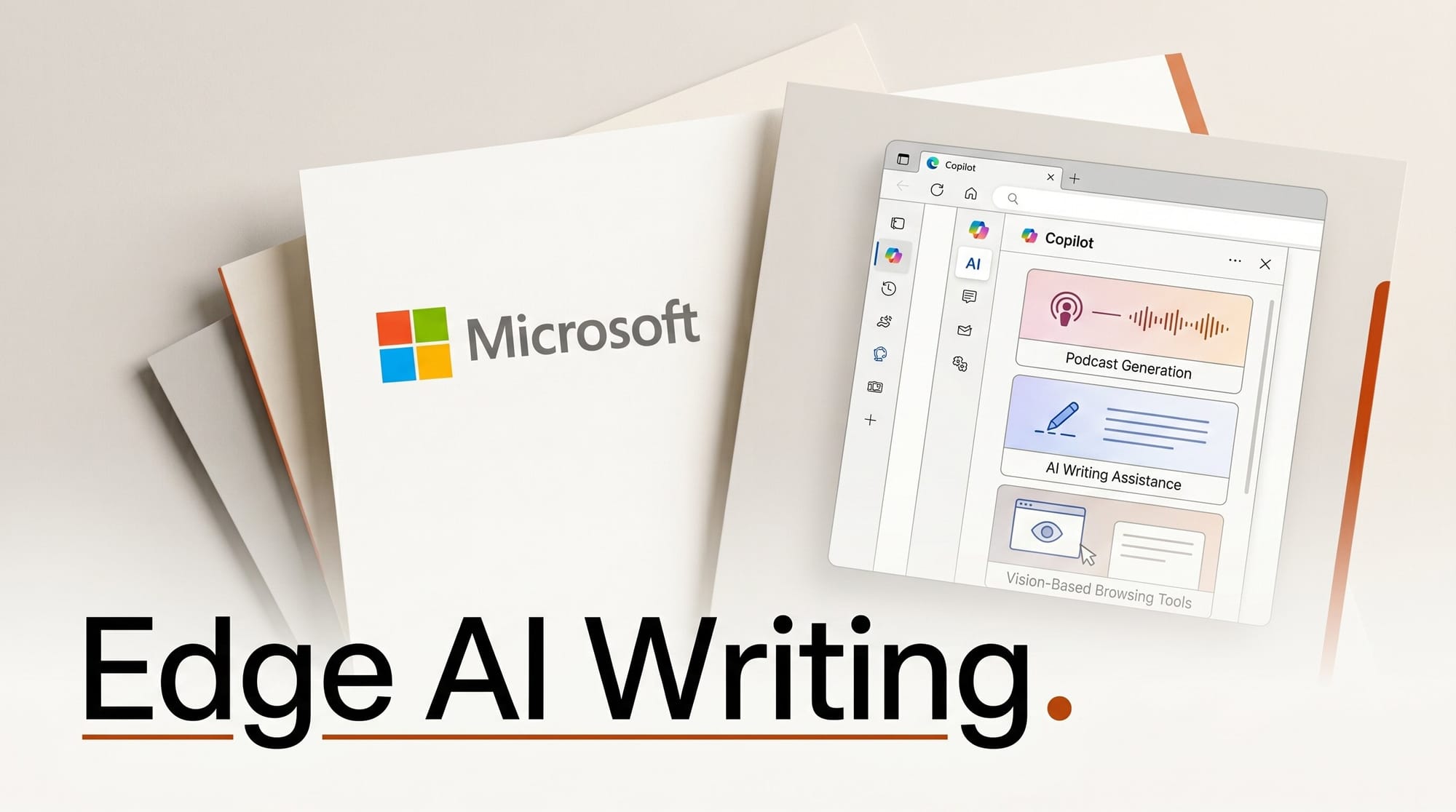
Microsoft published a major Copilot update for Edge on May 13, adding AI podcast generation, a Writing Assistant, Vision on mobile, and long-term memory across desktop and mobile. The standalone Copilot Mode is gone: Copilot is now woven directly into the browser.
What Happened
Microsoft announced eight new Copilot capabilities for Edge, retiring the separate Copilot Mode sidebar. The rollout covers Windows, macOS, iOS, and Android. Several features require a Microsoft Account; podcast generation and Browse with Copilot require Microsoft 365.
Key Details
- Podcast generation: Converts your open tabs into an audio podcast format. Available in English markets for Microsoft Account holders, with extended access for Microsoft 365 subscribers.
- Writing Assistant: Drafts, rewrites, and adjusts the tone of content directly in the browser. U.S. only.
- Multi-tab reasoning: Copilot reads across all open tabs to compare details and answer questions without manual tab switching. Desktop and mobile.
- Journeys: Groups browsing history into topic cards with summaries and recommended next steps. Desktop in English markets; mobile U.S. only.
- Vision and Voice: Share your screen and interact hands-free with spoken questions. Available on both platforms wherever Copilot runs.
- Long-term memory: Copilot references past sessions and browsing context across conversations.
- Study and Learn mode: Breaks reference pages into guided study sessions and quizzes. Desktop only.
Why It Matters for Creators
The podcast generation feature is the most significant for content creators: open a set of research tabs on any topic, then have Copilot convert that research into a listenable audio summary. As Engadget notes, this positions Edge as a content production surface, not just a browsing tool. Combined with the Writing Assistant and multi-tab reasoning, the browser becomes a lightweight AI workspace for drafting, research, and idea capture without switching to a separate app.
Vision on mobile is also worth testing for mobile-first creators: point your phone at anything and ask Copilot what it is while browsing related content.
Try It
Update Edge to the latest version, sign in with a Microsoft Account, and open the Copilot panel via the icon in the top-right toolbar. For podcast generation, open 3 to 5 research tabs on a topic, launch Copilot, and look for the Podcasts option under the redesigned new tab page. TestingCatalog has a regional availability breakdown if certain features do not appear in your market.
What to Do Next
Sign in at copilot.microsoft.com to check your Copilot subscription tier, then update Edge and test podcast generation on your next research session. Microsoft 365 subscribers get the broadest feature set; the core multi-tab reasoning and Vision tools are free with any Microsoft Account.





