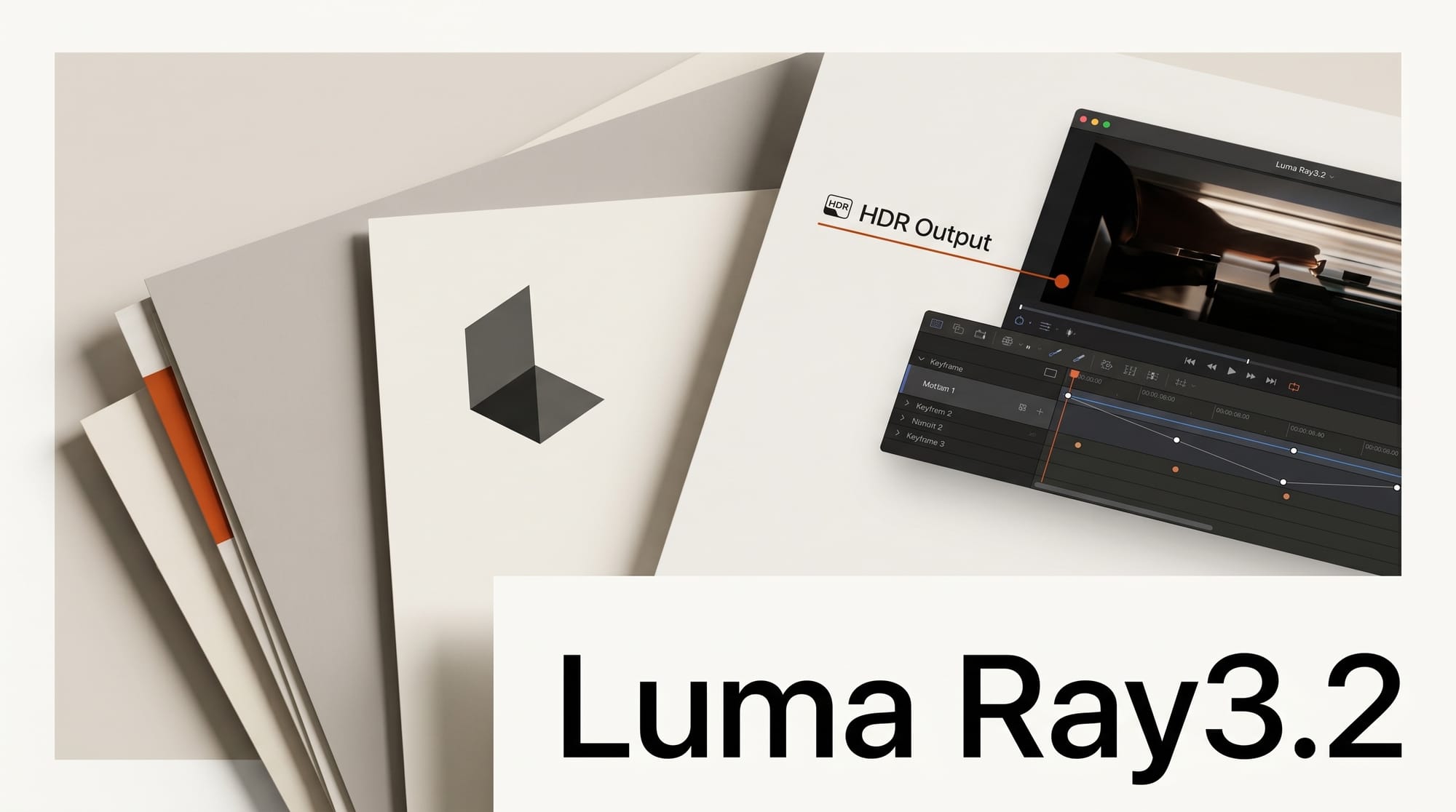
Luma AI released Ray3.2 on June 9, 2026, a video generation update built around frame-level creative control. The new model lets creators place up to 16 keyframes in a single clip, generate native HDR footage, and export 16-bit EXR files that drop straight into a professional post-production pipeline.
What Creators Can Do With It
Ray3.2 turns AI video from a slot-machine prompt into a directed shot. You set up to 16 keyframes per clip to choreograph pacing and motion, then lock an actor or character's performance: Ray3.2 tracks the full expressive state of up to eight faces frame by frame, plus skeletal posture and gesture. Generate a contiguous cut up to 20 seconds at 1080p in Dream Machine, then use Reframe to change aspect ratio, extend frames, or replace the background while preserving the original lighting. Because output is native HDR with 16-bit EXR export, the result grades like real footage instead of a flat web clip.
Why It Matters for Creators
Keyframe control is the feature working video editors have been asking for. Luma first introduced start-and-end-frame control in late 2025, and Ray3.2 expands that to 16 points per clip, closing the gap between "generate and hope" and actual shot direction. See TechCrunch on Luma's earlier start and end frame model for the lineage.
The HDR and EXR pipeline matters just as much. Ray3 already ships inside Adobe Firefly, and 16-bit EXR means Ray3.2 clips survive color grading without the dynamic-range loss that flags AI footage. It lands in a fast-moving AI video race alongside tools like xAI's Grok Imagine video model.
Key Details
Keyframes: Up to 16 per clip for motion and pacing control.
Performance tracking: Expressive facial and skeletal tracking for up to 8 faces simultaneously, frame by frame.
Output: Up to 20 seconds at 1080p, native HDR, 16-bit EXR export for post-production.
Reframe: Post-generation aspect-ratio change, frame extension, and background replacement.
API: Ray3.2 is available as a full API for the first time, for integration into in-house tools and render farms.
What to Do Next
Open the Ray model page to try Ray3.2 in Dream Machine, and storyboard a short shot with three or four keyframes before scaling up to the full 16. If you run an existing edit pipeline, test the 16-bit EXR export against your color workflow first, since that is where Ray3.2 separates itself from web-only video tools.





