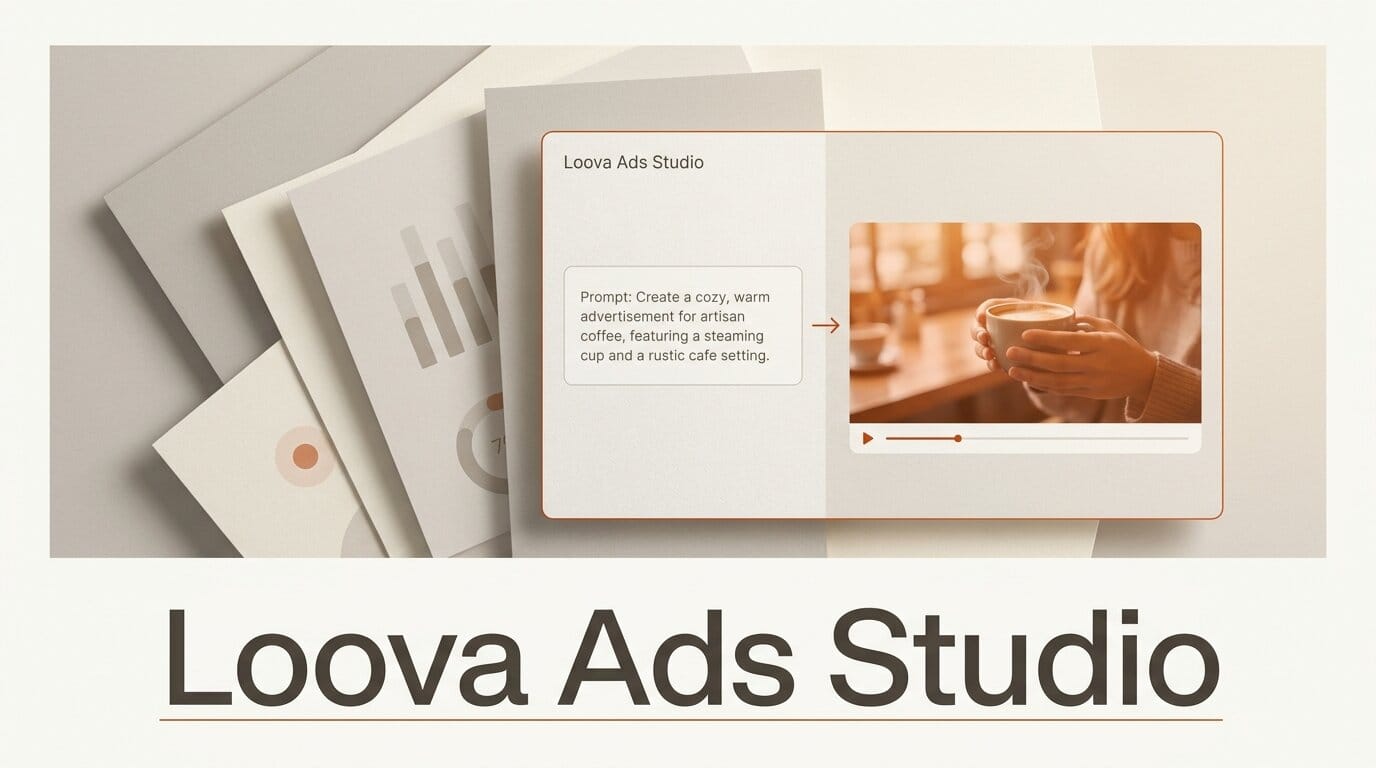
Loova, an all-in-one AI creative playground, launched a dedicated Ads Studio that turns a product URL, a photo, or a text prompt into finished video and image ads. The module reached number three on Product Hunt on July 20, 2026, and it routes each job to a roster of current top-tier generators rather than a single in-house model.
What This Enables
Instead of stitching together a separate video model, an image model, and an editor, you can produce an ad end to end inside one workspace. The Ads Studio ships five task-specific tools: an AI UGC Ad Maker for creator-style spots, a Viral Ad Clone that rebuilds a proven viral video around your product, a URL to Video Ad that reads a landing page and drafts a spot from it, a Product Avatar Video for spokesperson-style clips, and AI Product Photography for still shots. Paste a store link, pick a format, and generate variations for A/B testing in minutes.
Why It Matters for Creators
Loova's pitch is model aggregation. The Ads Studio can call video models including Google Veo 3.1, Kling 3.0, Kling O1, Seedance 2.5, PixVerse V6, and Vidu Q3, and image models including GPT Image 2, Nano Banana Pro, Seedream 5.0, Grok Imagine, and FLUX.2. For a solo marketer or a small studio, that removes the cost and friction of holding separate subscriptions to each provider, and it lets you swap models per shot to match a look or a budget. The launch topped its Product Hunt day alongside other agent and video tools, a sign that ad-creative generation remains one of the busiest corners of applied AI.
Key Details
Formats: UGC ads, viral-clone ads, URL-to-video ads, avatar product videos, and product photography.
Models: a mix of leading third-party video and image generators, selectable per job.
Pricing: a free sign-up tier, with usage-based rates advertised from about 0.1 dollars per second for 720p Seedance output. Full plans are listed on the Loova pricing page.
What to Do Next
If you run paid social, sign up for the free tier and test one workflow first: drop a product URL into the URL to Video Ad tool, generate three variations across two different video models, and compare them against your current best-performing creative. Keep a proven ad running while you validate whether the generated spots hold up on real campaign metrics before shifting budget.