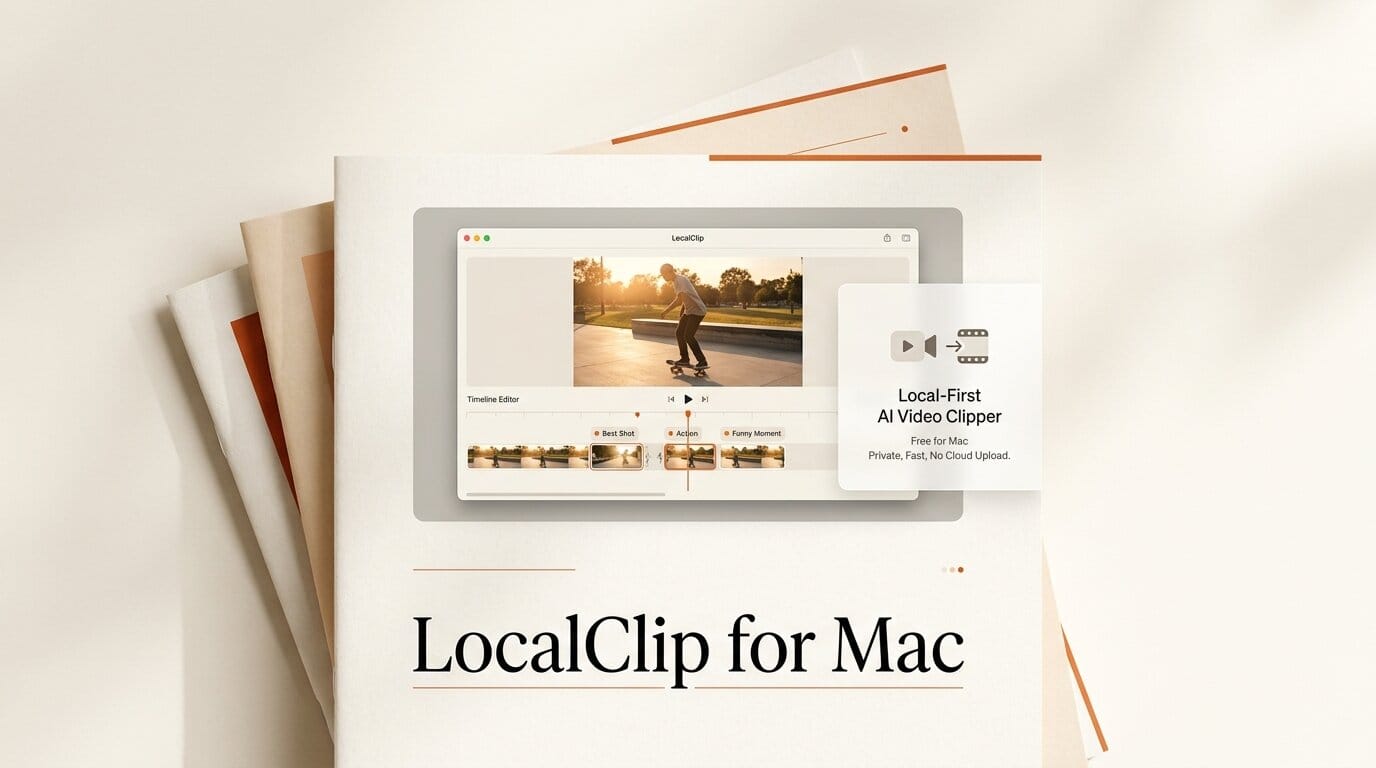
LocalClip is a new local-first AI video clipper for Mac that turns long recordings into vertical short-form clips entirely on your own machine. It transcribes the video, finds the strongest moments, and cuts 9:16 clips with word-by-word subtitles, titles, and hashtags ready for TikTok, Reels, Shorts, or Facebook. Everything runs on your Mac's GPU with no upload, no queue, and no per-minute billing. It launched as a free macOS beta for Apple Silicon.
What Happened
Built by developer Lou Alcala, LocalClip enters a category dominated by cloud tools like Opus Clip and Vizard that charge by the minute and process your footage on their servers. LocalClip's pitch is the opposite: the roughly 615MB app does all the work locally on an M1 or newer Mac, so your podcasts, streams, Zoom calls, and webinars never leave your computer. It is distributed as a free beta, with a signup to receive the download and updates.
Why It Matters
For creators repurposing long-form video, the two recurring pain points with cloud clippers are cost and privacy. Per-minute pricing adds up fast for anyone processing hours of streams or client calls, and uploading unreleased footage to a third-party server is a non-starter for a lot of professional work. Running the whole pipeline on-device removes both problems at once, which is the same local-first appeal we covered with the open-source VibeClip AI video editor.
Key Details
- Fully local: transcription, moment detection, and clipping run on your Mac's GPU, nothing stored in someone else's cloud.
- Output: vertical 9:16 clips with word-by-word subtitles, plus generated titles and hashtags.
- Inputs: live streams, podcasts, Zoom calls, webinars, and general video files.
- Price: free, with no per-minute billing or credits.
- Requirements: macOS on Apple Silicon (M1 or newer); currently in beta.
- Planned: chapters, summaries, blog posts, and social copy from the same source video.
What to Do Next
If you are on an Apple Silicon Mac and already pay for a cloud clipper, LocalClip is worth a side-by-side test on a single long video: check whether its moment detection surfaces the clips you would have picked and whether the local processing time is acceptable for your workflow. Because it is an early beta distributed by email signup, verify the download before relying on it for anything time-sensitive, and keep your current tool until the local output meets your bar.