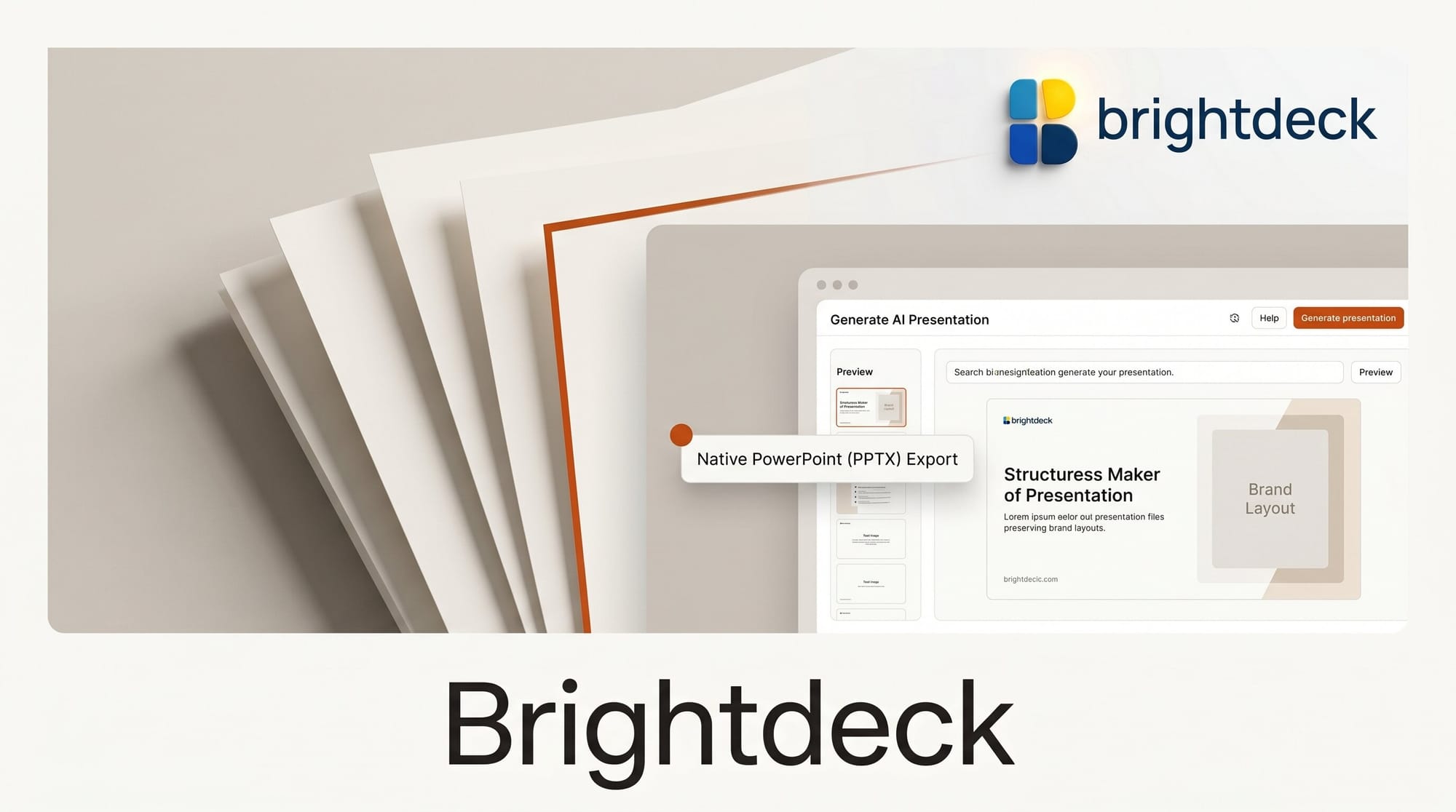
A new AI presentation tool called Brightdeck launched this week with a pitch aimed squarely at the biggest frustration with AI slide generators: it outputs native, fully editable PowerPoint files instead of locked templates. The tool says it can turn a prompt, a document, or an existing deck into a "C-suite-ready, on-brand presentation in two minutes."
What This Enables
Most AI slide makers export flat images or trap your content inside their own template system, so the moment you open the result in PowerPoint or Keynote the layout breaks. Brightdeck instead generates charts, tables, and frameworks as real Office Open XML objects, which means every element stays editable in your normal workflow. You can hand it an existing branded deck and ask it to add slides while it preserves the original fonts, colors, and layouts rather than overwriting them.
Why It Matters for Creators
For designers, consultants, and anyone who ships decks for a living, editable native output is the difference between a usable draft and a throwaway demo. Because the files are standard .pptx documents, they drop straight into existing brand systems, version control, and client review cycles. That keeps AI in the drafting stage of the workflow without forcing teams to abandon the formatting standards they already maintain.
Key Details
Input modes: A written prompt, an uploaded document, or an existing PowerPoint deck.
Output: Native .pptx, editable in PowerPoint or Keynote, with charts and tables as objects rather than images.
Extras: Consultant-grade layouts such as matrices, process flows, and financial tables, plus auto-generated speaker notes.
Availability: Live now with a free tier and no credit card required, introduced in a Show HN launch on June 13.
What to Do Next
If you regularly rebuild AI-generated slides by hand, test the tool against one of your real branded templates: upload an existing deck, ask it to add three slides, and check whether the fonts and colors survive. Run the same brief through your current slide tool and compare how much cleanup each output needs before it is client-ready. The free tier is enough to judge whether the native-PowerPoint approach saves you the formatting pass.





