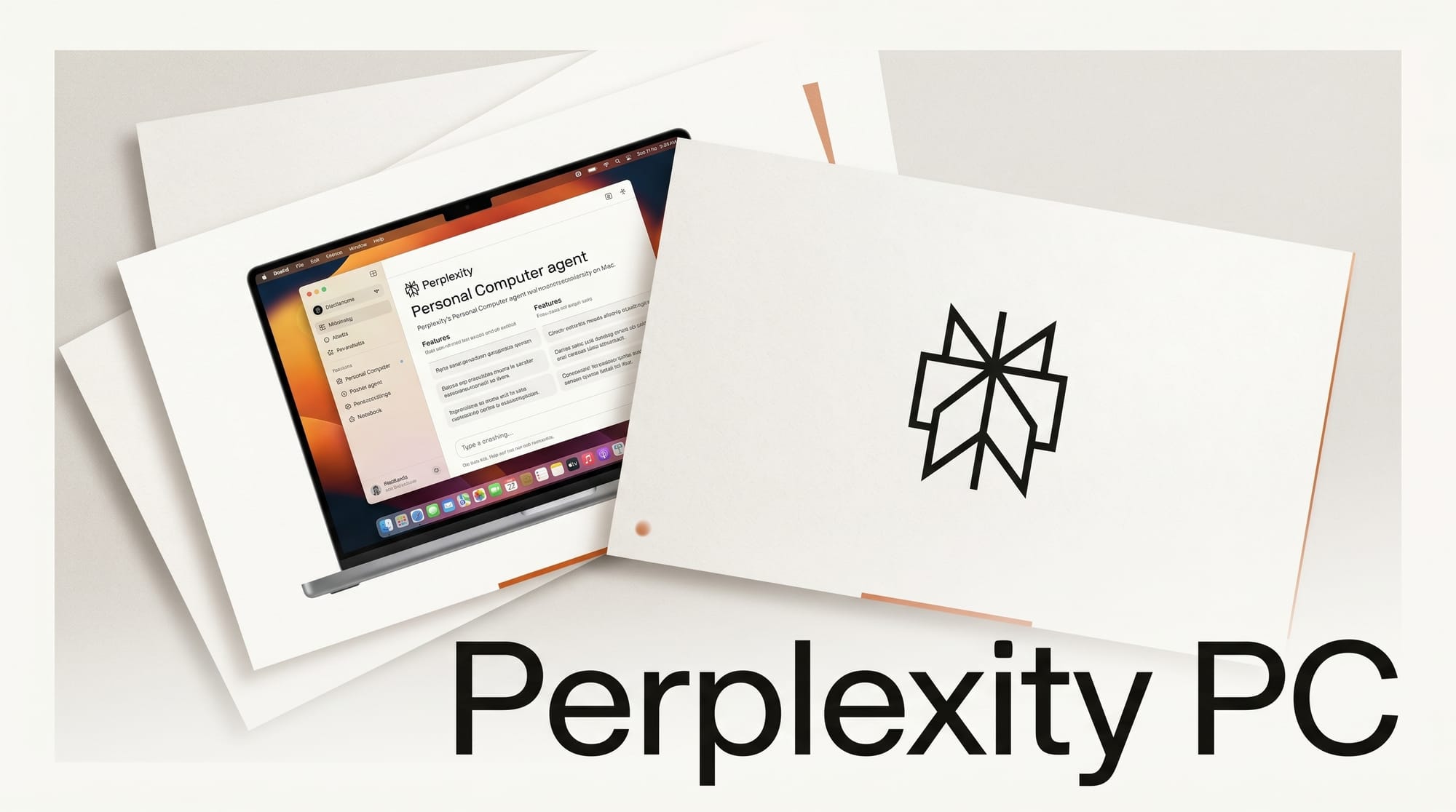
On May 7, 2026, Perplexity opened its Personal Computer agent platform to every Mac user on a Pro or Enterprise plan, ending a three-week stretch where the feature was locked behind the $200/month Max tier. The same release shipped a redesigned native Mac app that anyone running macOS 14 Sonoma or later can download for free, even without a paid plan, with the Personal Computer agent layered on top for paying subscribers.
Personal Computer is Perplexity's hybrid local-and-cloud agent runtime: a system that can read your local files, drive native Mac apps, run actions on the open web, and orchestrate teams of frontier models against the kind of multi-step tasks that have eaten creator afternoons for years.
What Happened
Perplexity introduced Personal Computer in March and rolled it out to Max subscribers on April 16. The May 7 release is the general-availability moment. Pro subscribers, who pay $20 a month, now get the same agent surface that Max subscribers have been using for three weeks. Enterprise users got access on the same day. The free tier still does not include Personal Computer, but it does get the new native Mac app, which replaces a Catalyst-era wrapper that the company had been shipping since 2024.
 Perplexity Personal Computer agent" />
The activation flow is unusual. Pressing both Command keys at once anywhere on the desktop pops up the Command Bar, a Spotlight-style overlay that takes text or voice input. Once a task is dispatched, the agent runs against a sandboxed working directory on the Mac plus a secure environment on Perplexity's servers. 9to5Mac confirmed the same Cmd+Cmd shortcut is the only entry point for now, and that the company recommends running Personal Computer on a Mac mini for "work that requires a persistent machine or secure local access to files and native apps."
Perplexity describes the system as a "personal orchestrator" that hybridizes the local file system with cloud compute. Actions are auditable and reversible, every file the agent creates lands inside a sandbox, and a kill switch can halt any in-flight task. The official MacRumors writeup cites Perplexity's claim that Personal Computer can run "teams of agents across over 20 frontier models" against a single task.
How creators use Personal Computer in production
The official launch examples are deliberately mundane: complete each task on a to-do list, sort a messy downloads folder, compare local files against information on the web. The substantive creator workflows that have surfaced in the first 24 hours of GA cluster around five patterns.
1. Asset triage on a Mac mini
A persistent Mac mini running Personal Computer sits next to the production rig. Camera RAW files, exported video proxies, and reference images drop into a watched folder. The agent sorts by client, project, and shoot date; renames against a naming scheme; reads the image metadata; and pushes the duplicates into a quarantine subfolder. The same agent compares filenames against an open spreadsheet to flag missing deliverables.
2. Research-to-script pipeline
Long-form video creators dispatch a research job from the iPhone Perplexity app: "Pull the five most recent peer-reviewed papers on synthetic voice fraud, summarize each, and drop a Markdown brief in my Scripts folder." The Mac mini executes the search, downloads the PDFs, runs each through Perplexity's reasoning models, and writes a brief that opens in Obsidian, Bear, or any plain-text editor when the creator gets back to the desk.
3. Multi-app workflow execution
Personal Computer sees active Mac apps and surfaces quick actions automatically. A user editing in Final Cut Pro can ask the agent to "find all the B-roll clips with skylines from the past month" and the agent walks the file system, opens Photos to read EXIF data, cross-references against the FCP library bundle, and returns a path list inside the FCP browser tray.
4. Repeatable spreadsheet operations
Max subscribers get unlimited access to Perplexity Labs, the company's spreadsheet-and-report generation tool that previously required a separate workflow. With Personal Computer, the same agent that triages files can also generate the weekly client report inside Numbers, Excel, or Google Sheets, then drop it into the project Drive folder.
5. Always-on competitive monitoring
A Mac mini under the desk runs Personal Computer 24/7 against a list of competitor blogs, YouTube channels, and pricing pages. Each morning, the creator's iPhone gets a digest of "what changed since yesterday," with deltas highlighted and links to source pages. This is the use case Perplexity itself has leaned into hardest in its launch messaging.
Personal Computer vs ChatGPT Mac vs Claude Desktop
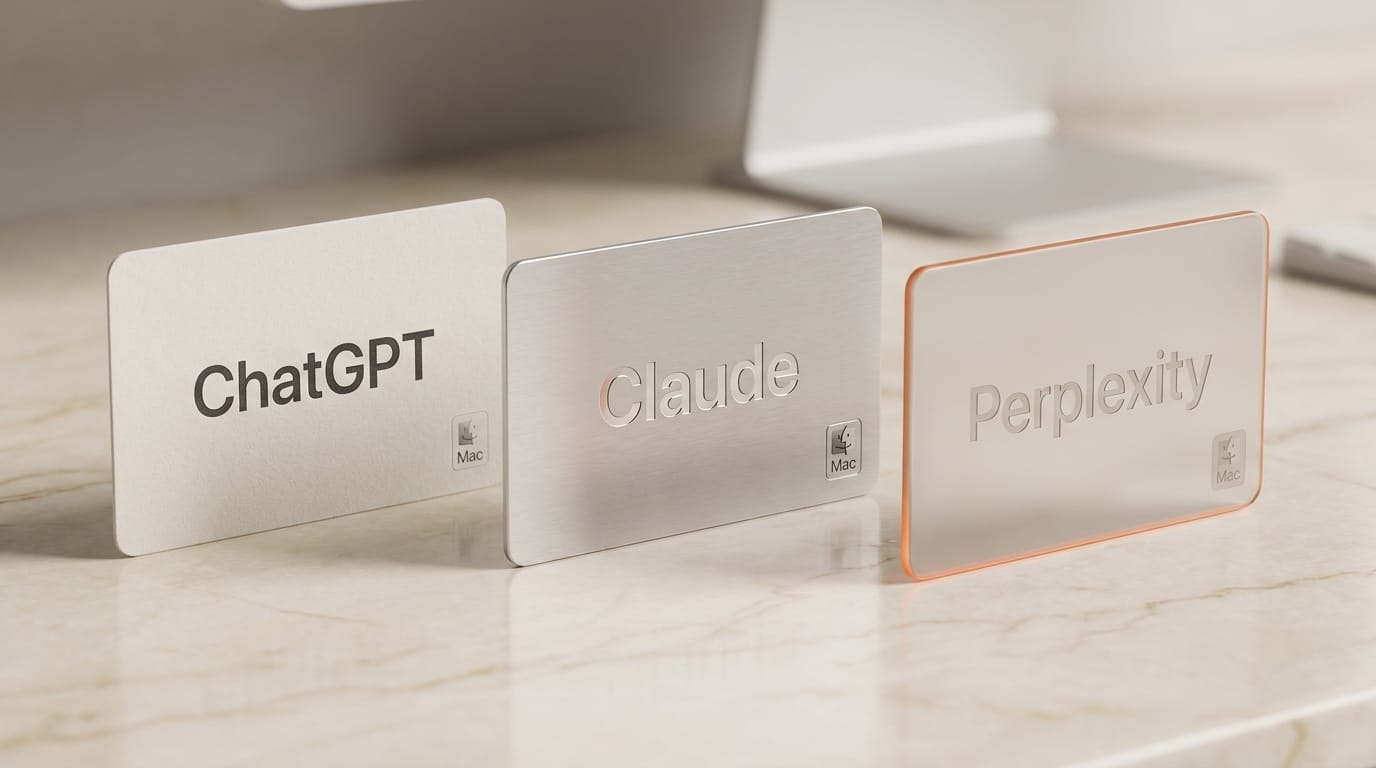
Three native Mac AI apps now compete for the same desktop real estate. The differences are starting to matter for working creators.
| Capability | Perplexity Personal Computer | ChatGPT Mac App | Claude Desktop |
|---|---|---|---|
| Native Mac app | Yes (May 7, 2026) | Yes (since 2024) | Yes (since late 2024) |
| Local file access | Yes (sandboxed) | Yes (via Connected Apps) | Via Claude Code only |
| Agent runs in background | Yes (24/7 on Mac mini) | No (foreground only) | No (foreground only) |
| Team of multiple frontier models | 20+ models orchestrated | OpenAI models only | Anthropic models only |
| iPhone remote control | Yes | No | No |
| Entry price for agent layer | $20/month (Pro) | $20/month (Plus) | $20/month (Pro) |
| Top tier | $200/month (Max) | $200/month (Pro) | $200/month (Max) |
| Activation | Cmd+Cmd | Option+Space | Menu bar |
The structural difference is what each company chose to optimize. ChatGPT's Mac app is built around the conversation as the primary surface, with file access and tools layered on top. Claude Desktop is built around code-and-document drafting with the new Managed Agents and Outcomes layer running in Anthropic's cloud. Personal Computer is built around the Mac itself: the assumption is that you already have the files, the apps, and the local context, and the agent's job is to operate that stack on your behalf.
Pricing and tier breakdown
Pro at $20 a month now includes Personal Computer with credit-metered usage, full access to the new native Mac app, the standard Sonar reasoning model lineup, and the Comet browser when paired. Max at $200 a month adds 10,000 monthly credits for the agent layer, unlimited Perplexity Labs spreadsheet generation, priority access to frontier models like OpenAI o3-pro and Claude Opus 4.7, and early access to new features. Enterprise pricing remains custom with the same Personal Computer surface.

The $20 entry point is the news. Until May 7, the only way to drive a Mac through Perplexity's agent stack was the $200 Max tier, which placed it next to ChatGPT Pro and Claude Max in the high-end-power-user bracket. Pulling the agent layer down to $20 puts it in direct comparison with the entry tiers of ChatGPT Plus and Claude Pro for a creator deciding which Mac AI app gets the most desktop real estate.
Why this matters for creators
The Mac AI app market spent 2024 and 2025 in a chat-first posture. Every native app reduced to "ChatGPT but with my files attached" or "Claude but quicker to invoke." Personal Computer is the first mainstream native app that treats the Mac as the primary execution surface and the model as the controller, not the other way around. That is a structural change in what a desktop AI app is for.
For creators with persistent file-management work (RAW triage, asset versioning, project archive cleanup, weekly reporting), the always-on Mac mini agent pattern collapses two or three hours of weekly busywork into a watched folder and a Cmd+Cmd query. The pattern is novel enough that no other major Mac AI app supports it today, and the credit-metered economics on Pro mean the cost stays predictable.
For creators who already pay for ChatGPT Plus or Claude Pro, the question is whether the Personal Computer agent surface is worth a third $20/month subscription. The answer probably tilts on whether the creator owns the kind of repetitive Mac-native workflow that Personal Computer is best at, versus the kind of conversational ideation work that ChatGPT and Claude still execute better.
Frequently asked questions
What is Perplexity Personal Computer?
Personal Computer is Perplexity's hybrid local-and-cloud agent runtime that runs on macOS 14 Sonoma or later. It can read local files, drive native Mac apps, run web actions, and orchestrate teams of frontier models against multi-step tasks. It is invoked by pressing both Command keys.
Do I need a Mac mini to use Personal Computer?
No. Personal Computer works on any Mac that meets the macOS 14 Sonoma minimum. Perplexity recommends a Mac mini specifically for "work that requires a persistent machine or secure local access to files and native apps," but the same software runs on a MacBook Pro or iMac without modification.
How much does Personal Computer cost?
The agent layer requires a Pro plan at $20 a month, a Max plan at $200 a month, or a custom Enterprise plan. The native Mac app itself is free for any user on macOS 14 Sonoma or later, but free-tier users do not get the Personal Computer agent surface.
Can I run Personal Computer in the background while I work?
Yes. The system is designed to run persistently, and a Mac mini left on a desk can execute long-running Personal Computer tasks while the creator works on a separate primary machine. The iPhone Perplexity app can dispatch tasks to the Mac mini remotely.
How does Personal Computer compare to ChatGPT's Mac app?
ChatGPT's Mac app is conversation-first with file access layered on top. Personal Computer is execution-first: the Mac itself is the primary surface and the agent's role is to operate the local stack. ChatGPT runs only OpenAI models; Personal Computer orchestrates over 20 frontier models from multiple labs against a single task.
Is my data safe when Personal Computer reads my files?
Files created by the agent land in a sandboxed working directory. Every action is auditable and reversible, and a kill switch halts any in-flight task. Perplexity describes the architecture as a hybrid that keeps file reads local while routing reasoning through its secure server environment.
What to do next
If you already pay for Perplexity Pro, download the new Mac app from Perplexity's site and try Cmd+Cmd against three workflows that ate hours last week: file sorting, weekly research-to-brief, and competitive monitoring. The credit budget on Pro is generous enough to find out whether the agent surface fits your stack within a single afternoon.
If you do not yet pay for Perplexity, the new free native Mac app is worth installing on its own. The agent layer is locked behind Pro, but the conversational surface is now first-class on macOS for the first time, and the upgrade path is one tap if a Personal Computer use case clicks.