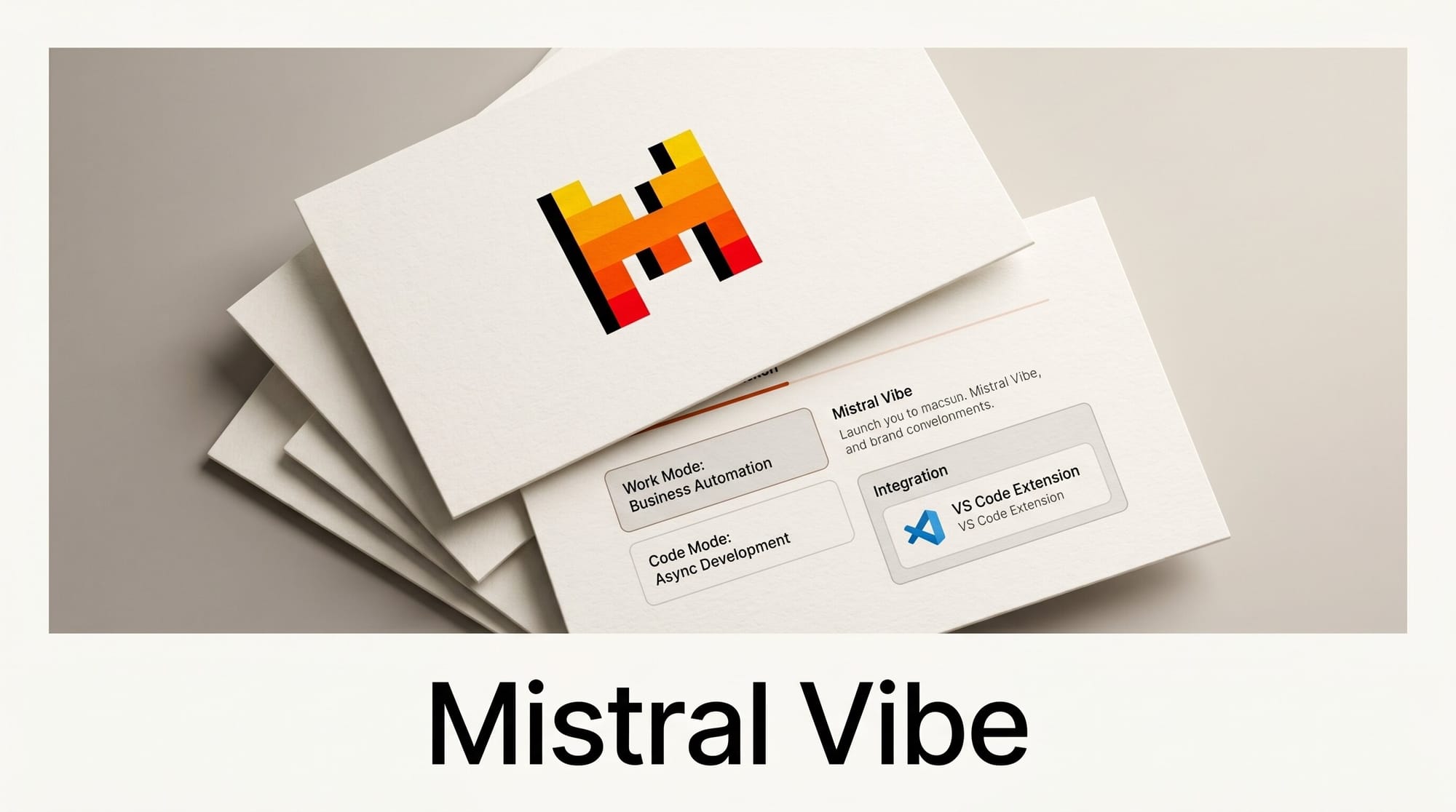
Mistral AI shipped a significant upgrade to its chat assistant on May 28, 2026, rebranding from Le Chat to Mistral Vibe and launching two new specialized modes: Work Mode for autonomous business task execution and Code Mode for persistent async software development. A new VS Code extension brings the coding agent directly into the editor.
What Happened
The rebrand is complete and immediate. All Le Chat users are automatically transitioned to Vibe, with conversations, settings, and subscription plans carried over. The product is now available at mistral.ai.
The name change is the surface-level update. The more significant launch is the introduction of two distinct operating modes that change what the assistant can do and how developers and teams use it. Work Mode handles multi-step business tasks across connected enterprise tools. Code Mode handles software development through async sessions that outlast the developer's active attention span.
Why It Matters
Most AI assistants require constant human involvement: prompt, wait, prompt again, correct, retry. Both Vibe modes are designed to break that loop.
Work Mode can schedule tasks on recurring cadences, pulling from connected enterprise systems and delivering results without further prompting. Code Mode can run overnight on a coding task and deliver a completed pull request in the morning. The combination moves Vibe from a reactive tool into something closer to an autonomous team member with persistent context.
For the AI coding tool market, Code Mode enters a competitive space alongside other async coding agents. The VS Code extension is a direct move to capture developers in their primary environment rather than pulling them to a separate browser tab.
Work Mode: Business Automation Agent
Work Mode is described by Mistral as "a powerful agent for long-range tasks that picks the right tools, streams its progress, and completes complex work to finish." It operates through a set of integrations that extend the assistant's reach into external systems.
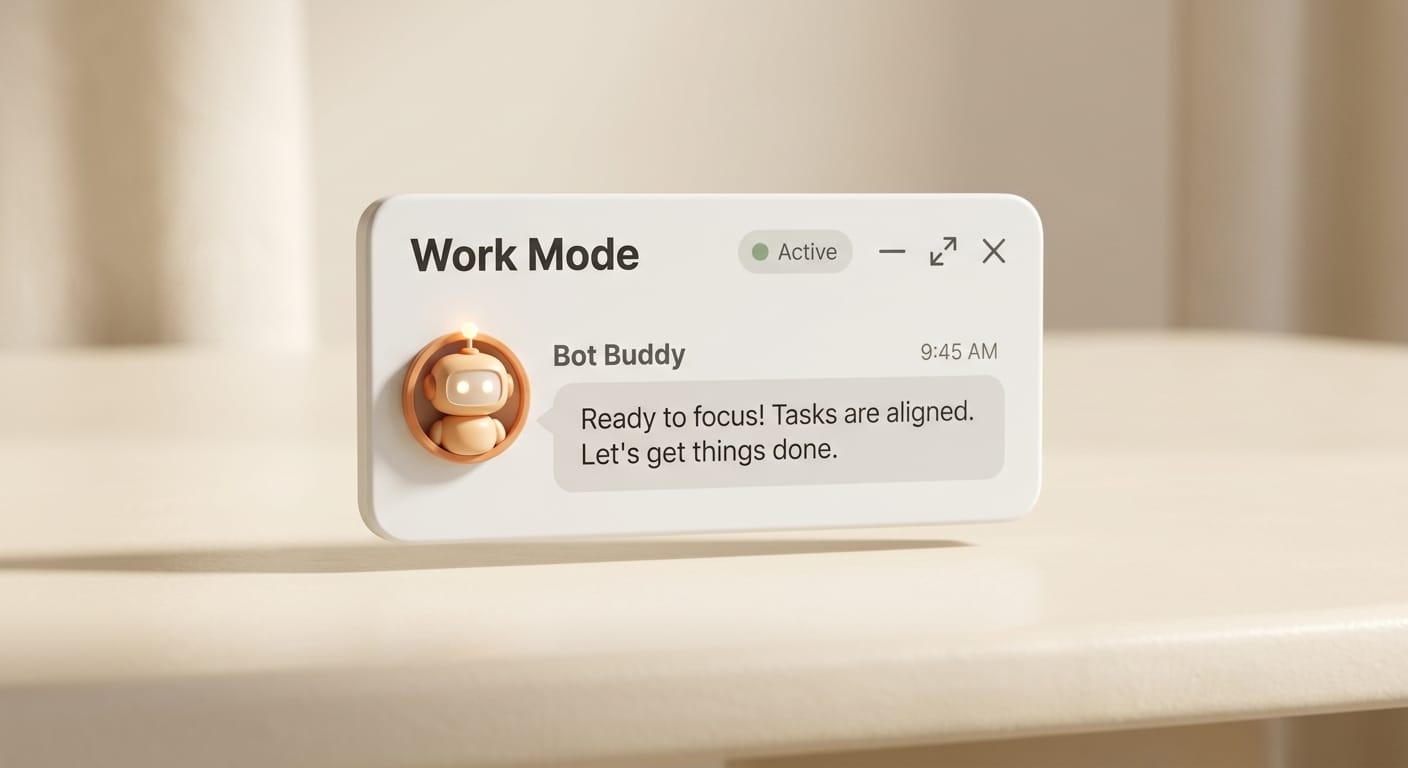
The mode connects natively to Slack, Google Workspace, Outlook, SharePoint, GitHub, and custom connectors built through Mistral's platform. Once connected, it can read emails, query documents, analyze spreadsheets, and write output back into those systems without the user staying at the keyboard.
Specific capabilities launched May 28:
- Data analysis across databases and spreadsheets to surface patterns and anomalies
- Document drafting through a Canvas interface for reports, briefs, RFP responses, and board decks
- Recurring task scheduling on daily, weekly, or monthly cadences with completion notifications
- Custom skills built from preset or user-defined workflows
The scheduling capability is the most consequential feature for teams. Work Mode can initiate, execute, and deliver a recurring business task on a timer, with no human initiation required past the initial configuration. A team can set up a weekly analytics summary that pulls from Google Workspace, identifies anomalies, and drafts a structured report every Monday at 7am.
Code Mode: Async Software Development
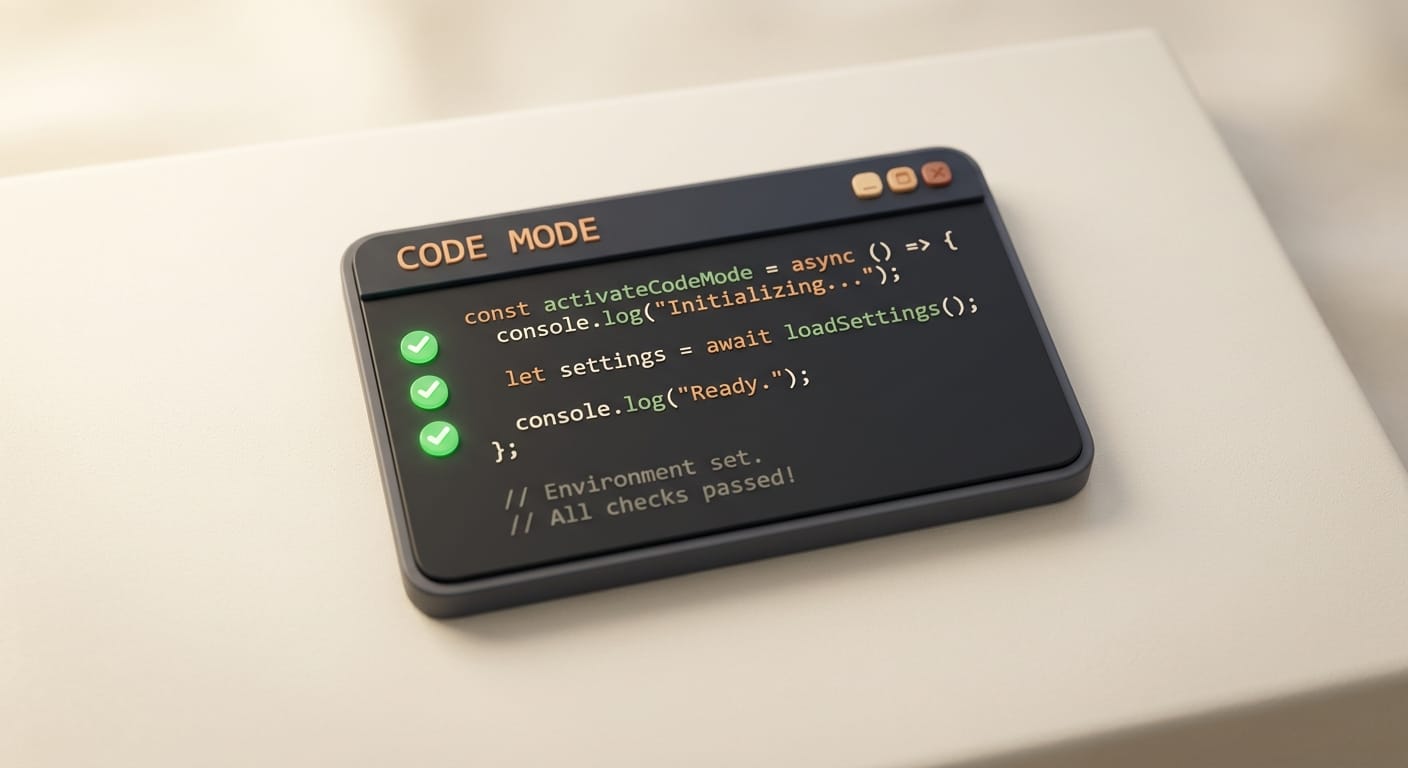
Code Mode operates through a dedicated coding interface where developers connect GitHub repositories and manage persistent sessions. The agent works through a sandboxed environment with visibility into diffs as code is written, and sessions persist even when the developer steps away or loses their connection.
A developer can trigger a session before entering a meeting, leave for two hours, and return to a completed pull request. Sessions can also be triggered from Slack and third-party applications, which removes the browser tab entirely from the initiation step.
Key Code Mode capabilities:
- Full repository context through connected GitHub repos
- Sandboxed code execution with real-time diff inspection
- Offline session persistence that runs through to PR completion
- Slack and third-party trigger support for hands-free session initiation
- Multi-file editing across an entire project, not just single files
Code Mode is powered by Mistral Medium 3.5, the model released on May 22, 2026 and built specifically for remote coding agents and multi-step reasoning tasks.
VS Code Extension: Coding Agent in the Editor
The new Vibe VS Code extension brings the coding agent into the editor through a side panel, which eliminates the context switch to a browser tab. The extension is available in the VS Code Extensions Marketplace by searching for "Mistral Vibe."
Extension capabilities:
- Project-wide file access from the side panel with automatic file attachment
- Line-range selection for precise context passing to the agent
- Unit and integration test generation that matches existing project patterns
- Code refactoring and language translation within the editor
- Native integration with GitHub, GitLab, Jira, and Linear for ticket-to-code workflows
The Jira and Linear integrations allow developers to reference a ticket directly in the extension and have Vibe generate, test, and stage a code change against that ticket. This shortens the loop from issue discovery to committed fix without leaving VS Code.
Pricing Comparison
| Plan | Price | Key Access |
|---|---|---|
| Free | $0/month | Basic Vibe capabilities, limited task length |
| Pro | $14.99/month | Complex tasks, all-day coding sessions, full Work Mode |
| Team | $24.99/user/month | Shared workspace, admin controls, collaborative sessions |
| Enterprise | Custom | On-premises deployment, data residency, dedicated support |
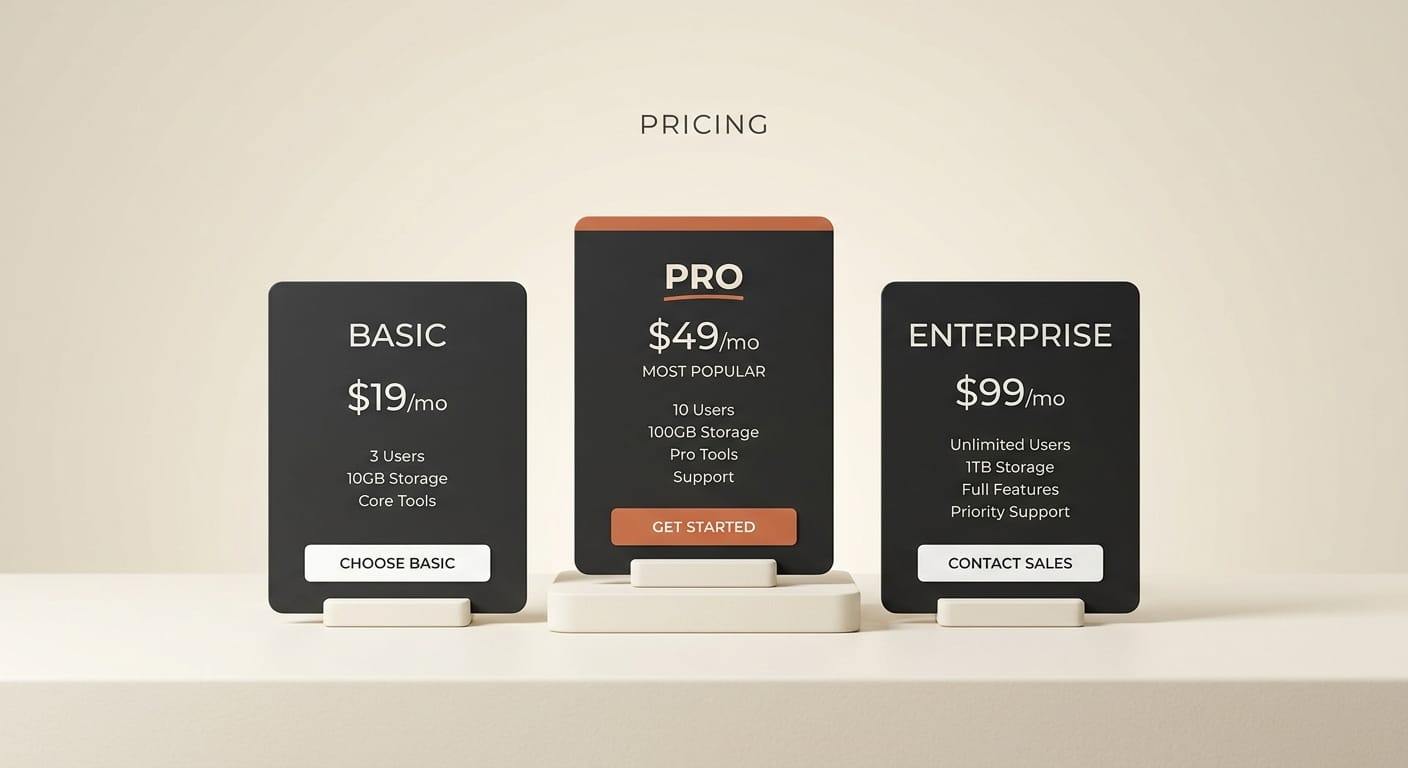
The Pro plan at $14.99/month is the minimum tier for persistent Code Mode sessions and full Work Mode scheduling access. The free tier provides basic Vibe capabilities but limits the long-running task execution both new modes depend on.
At $14.99/month, the Pro tier is positioned at or below the pricing of most other AI coding subscriptions in the current market, making it accessible for individual developers evaluating async coding tools.
Three Workflows Now Possible
The combination of Work Mode scheduling, Code Mode offline persistence, and the VS Code extension creates concrete new workflows for individual developers and small teams:
- Overnight feature development. Queue a feature specification in Code Mode before leaving for the day. Return in the morning to a pull request with tests written against existing patterns in the codebase.
- Meeting-triggered coding sessions. Trigger Code Mode from Slack before entering a meeting. The session runs autonomously while the meeting proceeds and delivers completed diffs when it finishes.
- Recurring internal reporting. Configure Work Mode to pull data from Google Workspace weekly, analyze patterns, and draft a structured brief. The session runs on schedule without any manual initiation.
Teams already using Mistral through La Plateforme's API can use Vibe as the consumer-facing layer on top of the same model infrastructure. The two surfaces serve different use cases: the API for integration into custom tooling, and Vibe for direct human-facing work with a managed interface.
What to Do Next
The free tier at mistral.ai is the lowest-friction starting point. All Le Chat accounts have been automatically migrated, so existing users simply log in to access the new modes from the Vibe interface.
For developers evaluating Code Mode, start by connecting a low-stakes GitHub repository and running a test session on a non-critical branch. The sandboxed execution makes it safe to test before integrating into active project workflows. The VS Code extension is the recommended daily-use path for developers who prefer staying in their editor: search for "Mistral Vibe" in the VS Code Extensions panel.
Teams should start Work Mode on a task that is currently done manually and on a schedule: weekly metrics aggregation, monthly report drafting, or recurring data pulls. The scheduling capability is most useful when the task is repetitive and time-bound.
For context on how AI coding agents benchmark against each other in the current market, see our deep dive on AI coding agent benchmarks across leading tools. Developers building AI-native pipelines that go beyond individual tool use can also reference our analysis of AWS Strands and NVIDIA NIM AgentCore for agent orchestration at scale.
Frequently Asked Questions
Is Le Chat still available after this rebrand?
No. Mistral has retired the Le Chat name entirely. All existing Le Chat users are automatically migrated to Vibe with no action required. Conversations, settings, and subscription plans all carry over.
What model powers Mistral Vibe Code Mode?
Code Mode is powered by Mistral Medium 3.5, released May 22, 2026 and built specifically for remote coding agents and complex multi-step task execution. Vibe runs on flagship Mistral models that vary by task type depending on reasoning load.
How does Vibe Code Mode compare to other async AI coding tools?
Vibe Code Mode differentiates through offline session persistence (sessions continue even when the developer disconnects), Slack-triggered session initiation, and Jira and Linear ticket integration through the VS Code extension. Developers evaluating async coding tools should test Vibe's persistence across a real session before switching from existing tooling.
Does Vibe require a cloud connection for Code Mode?
Yes for standard tiers. Code Mode runs on Mistral's cloud infrastructure. Enterprise customers on the on-premises plan deploy Vibe within their own environment with data residency controls. Cloud is the default for Free, Pro, and Team tiers.
Can Work Mode connect to custom internal tools?
Yes. Beyond the built-in connectors for Slack, Google Workspace, GitHub, Outlook, and SharePoint, Work Mode supports custom connectors built through Mistral's platform. Teams can connect proprietary databases, internal APIs, or custom applications.
What is the Vibe CLI and what changed in this launch?
The Vibe CLI is a command-line interface that received updates alongside the May 28 launch. New capabilities include skills (preset workflows), custom modes (task-specific configurations), editable plans (modifying an agent's in-progress plan), and session teleporting (resuming a session across different environments without losing context).