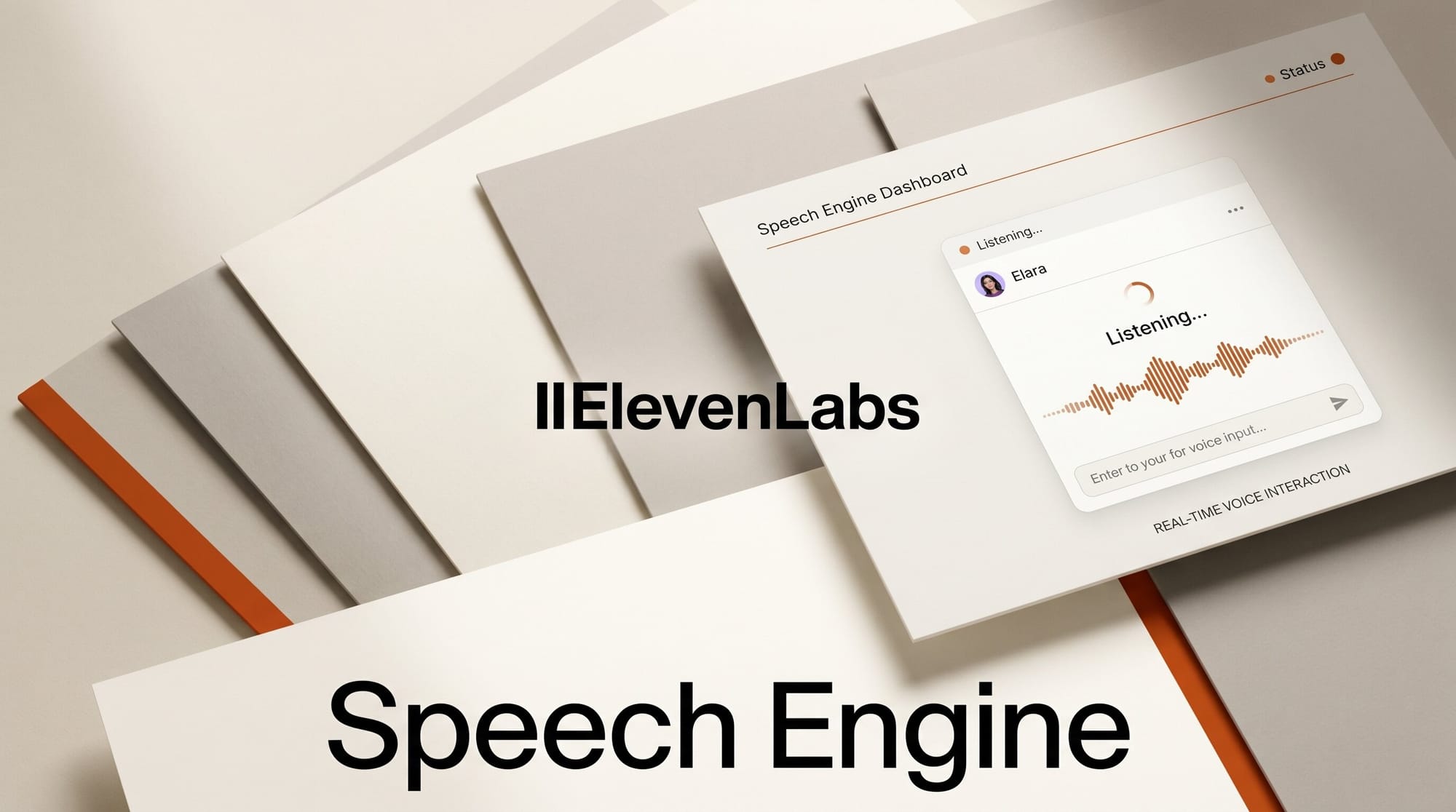
Adding voice to an existing chat agent used to mean wiring four vendors together (speech-to-text, voice activity detection, LLM, text-to-speech) plus writing the glue that handles turn-taking and interruption. ElevenLabs Speech Engine, shipped May 22, collapses that stack into a single SDK call. This tutorial walks through dropping Speech Engine onto a chat agent you already own (Claude, GPT, Gemini, or self-hosted) in roughly 30 minutes. You keep your LLM, your prompts, and your RAG layer untouched. ElevenLabs handles audio in, audio out, and everything between. Total cost during testing: zero, if you stay inside the free credit tier.
What You Need
- An ElevenLabs account with an API key from the dashboard. Free credits cover roughly 10 minutes of conversational use.
- Node.js 18+ or Python 3.10+. SDK names: @elevenlabs/elevenlabs-js and elevenlabs (Python).
- An existing chat agent endpoint that takes a text prompt and returns text. Any LLM works. The SDK has first-class stream extraction for OpenAI (Responses and Chat Completions), Anthropic Messages, and Google Gemini. Other providers pass a string or async iterable.
- A public HTTPS or WSS URL for your server. During development, ngrok is fine. The Speech Engine handshake reaches your server over a WebSocket, so a localhost-only URL will not work.
- Any modern browser for the client test page, or an existing iOS or Android shell if you are wiring this into a mobile app.
The Workflow
1. Install the SDK and load credentials
In a fresh project, install the SDK and set ELEVENLABS_API_KEY in a .env file. For Node:
npm install @elevenlabs/elevenlabs-js dotenvFor Python:
pip install elevenlabs python-dotenvThe Eleven API quickstart walks through the same install with a hello-world voice call. Keep the API key server-side. The browser never sees it.
2. Expose a public WebSocket endpoint
Speech Engine opens a WebSocket connection from ElevenLabs to your server and streams transcripts in, audio out. During local development, run your server on a chosen port (3001 is the convention in the docs) and tunnel it with ngrok http 3001. Copy the wss:// URL ngrok prints. In production, terminate TLS at your load balancer and route the WebSocket upstream as you would any other long-lived connection.
3. Create the Speech Engine on the server
Create the engine once, save its engineId, and reuse it. The Node version, lifted from the JavaScript SDK reference:
import { ElevenLabsClient } from "@elevenlabs/elevenlabs-js";
import "dotenv/config";

const elevenlabs = new ElevenLabsClient({ apiKey: process.env.ELEVENLABS_API_KEY });

const engine = await elevenlabs.speechEngine.create({
  name: "My Speech Engine",
  speechEngine: { wsUrl: "wss://abc123.ngrok.io/ws" },
});

console.log("Speech Engine ID:", engine.engineId);
For Python, the equivalent flow lives in the Python SDK reference. Persist the engine id (database row or environment variable) so the client can request a token against it.
4. Wire your LLM into the session
On the WebSocket route, accept the transcript stream from Speech Engine and forward it to your existing chat agent. The contract is intentionally narrow: text in, text out. Below is a minimal Express handler that forwards each finished transcript to a Claude or GPT chat agent and streams the response back as a string. The SDK handles the audio rendering and the interruption interrupts your in-flight stream automatically.
app.ws("/ws", async (ws) => {
  for await (const event of ws.events()) {
    if (event.type === "user_transcript") {
      const stream = await myChatAgent.stream(event.text);
      ws.send({ type: "agent_response", text: stream });
    }
  }
});
If you use Claude, the Speech Engine cookbook includes a worked example using the Anthropic Messages API. Stream the response back token-by-token (async iterable). Speech Engine begins synthesizing TTS as soon as the first chunk arrives, which is what hides your LLM's time-to-first-token from the user.
5. Generate a WebRTC token for the browser
The browser never holds your API key. Instead, expose a small token endpoint that mints a short-lived WebRTC token tied to your engine id. The same pattern is used by the fully managed ElevenAgents platform, so you can swap later without touching client code.
app.get("/api/token", async (_req, res) => {
  const { token } = await elevenlabs.conversationalAi.conversations.getWebrtcToken({
    agentId: process.env.SPEECH_ENGINE_ID,
  });
  res.json({ token });
});
6. Drop the client in and start talking
On the browser, install @elevenlabs/client, fetch the token from your server, and start a session. Three lines of client code wire microphone capture, turn detection, interruption, and playback. If you want pre-built UI (orbs, waveform, chat widget) the same SDK ships a React component library; otherwise pipe the audio events into your own UI. Open the page in two tabs to test interruption: start speaking while the agent is mid-sentence and watch the playback stop within a few hundred milliseconds.
Troubleshooting
- Speech Engine receives audio but my LLM never replies. Your WebSocket route is missing the response send. Speech Engine expects a structured
agent_responsemessage back on the same socket. Log inbound events to confirm transcripts are arriving, then add the send. - The engine cuts users off mid-sentence. Turn detection is too aggressive for your domain. Increase the silence threshold on the engine config, or switch to push-to-talk if the conversation is technical (users pause to think).
- Voice is robotic. The default voice is generic. Pick a specific voice id from the 11,000+ library or clone your own. Voice cloning is the marquee differentiator against open-source TTS like our recent Supertonic 3 coverage.
- WebRTC fails behind a corporate firewall. Outbound UDP on the standard TURN ports is blocked at many enterprises. Fall back to the WebSocket-only client path, which trades a small latency hit for TCP transport.
- Credits drain faster than expected. Each round trip consumes both STT and TTS minutes plus your LLM's token spend. Run a one-minute conversation against a stopwatch to baseline your per-minute cost before deploying. The ElevenLabs pricing page lists the per-minute rates by plan.
What to Try Next
Three variations expand the same scaffolding. Swap the LLM for a self-hosted Llama or Qwen endpoint and prove the bring-your-own-model claim end to end. Drop the engine into a mobile shell using the React Native client SDK to ship a voice tutor or character that lives on a phone. Or layer voice cloning on top so the agent speaks in a brand voice rather than the default. If you outgrow the bring-your-own-LLM constraint (you want managed RAG, telephony, a dashboard for non-developers) the upgrade path to ElevenAgents reuses the same client integration, so only the server-side engine create call changes. For deeper architectural context on running tool execution on your own infrastructure, see our writeup of Anthropic's self-hosted sandboxes and MCP tunnels.
FAQ
How is Speech Engine different from ElevenAgents?
ElevenAgents is fully hosted: ElevenLabs supplies the LLM, knowledge base, tools, and telephony. Speech Engine is the voice layer only; your LLM, your conversation state, and your business logic stay on your server. Pick Speech Engine when you have an existing chat agent worth keeping, or when data residency demands the LLM call never leaves your network. Pick ElevenAgents when you want a turnkey voice product without standing up your own backend.
Can I use Speech Engine with Claude Code, Cursor, or another CLI agent?
Yes, but you need to expose the CLI agent over an HTTP or WebSocket endpoint first. Speech Engine talks to a network address, not a local process. Wrap the CLI behind a small server that streams its stdout back as text and Speech Engine treats it like any other LLM.
What does Speech Engine cost compared to piecing it together?
Pricing is bundled into the standard Creator, Pro, and Scale tiers rather than broken out as a separate SKU. The breakeven against a DIY stack (Deepgram or AssemblyAI for STT, a VAD library, your TTS vendor) usually lands in ElevenLabs' favor once you account for the time spent building turn detection and interruption logic. Run a back-of-envelope using your expected minutes per month against the pricing page before committing.
Do I need to store user audio for Speech Engine to work?
No. Speech Engine ships with a Zero Retention Mode that disables audio storage, and the platform supports SOC 2, HIPAA, GDPR, and EU Data Residency for regulated deployments. Transcripts can still flow to your LLM for the conversation to function, but you control whether they persist.
Does Speech Engine support phone calls?
Telephony is an ElevenAgents feature, not a Speech Engine feature. If you need inbound or outbound PSTN dialing today, route the call through ElevenAgents and use the LLM-swap configuration there. The voice models are the same, so a creator who prototypes on Speech Engine can graduate to ElevenAgents for telephony without rebuilding the voice experience.