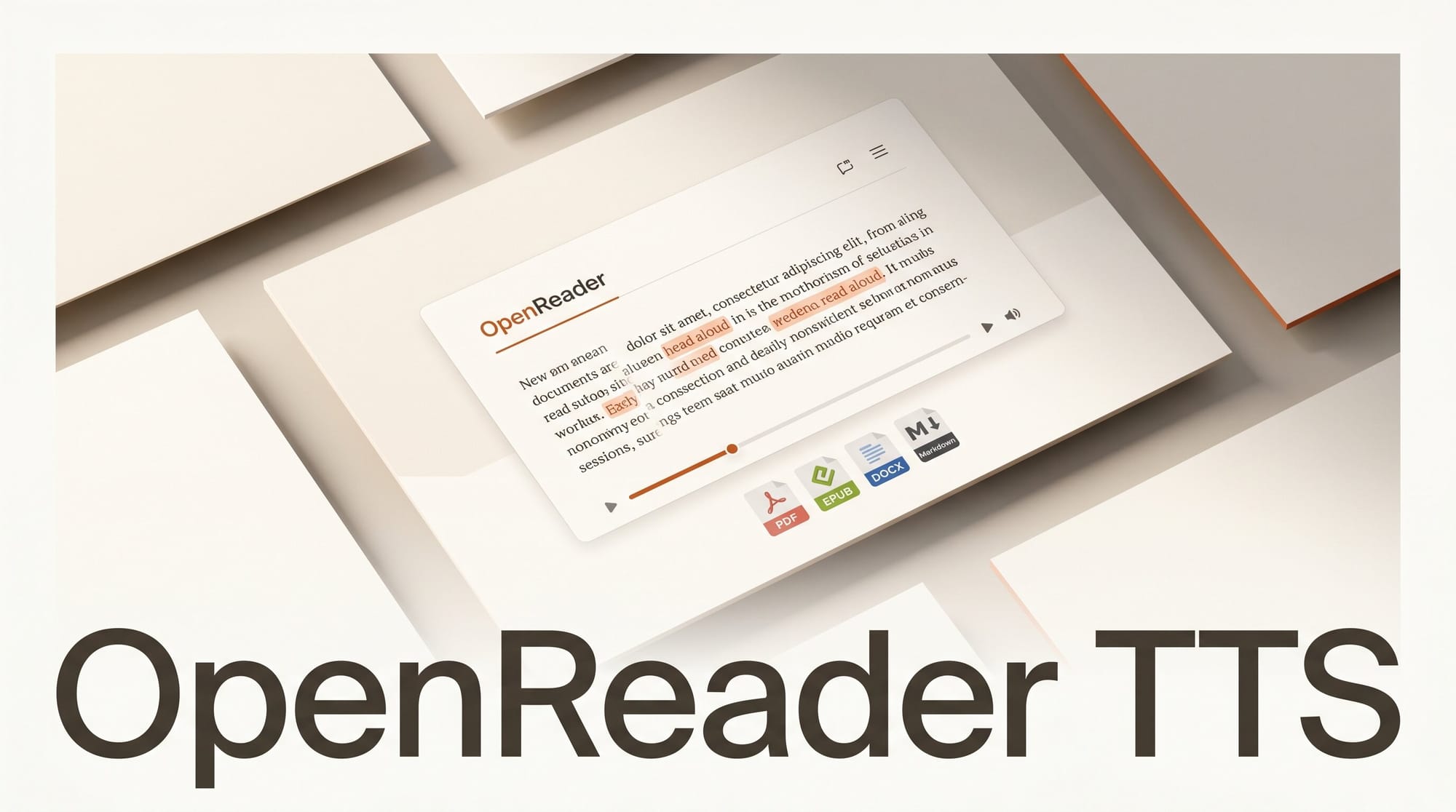
OpenReader v3.0.0, an open-source, self-hosted text-to-speech document reader, launched on May 14, 2026. It converts PDF, EPUB, DOCX, TXT, and Markdown files into synchronized read-along sessions or exported audiobooks, with support for multiple TTS providers including local options via Kokoro-FastAPI and commercial APIs. It deploys via Docker, Vercel, or local development and requires no third-party subscription to run.
What Happened
Developer Richard Remmington published OpenReader v3.0.0 on GitHub on May 14, 2026, after 467 commits across the project's lifetime. The release introduces a rewritten TTS engine with multi-provider support, sentence-aware narration for PDFs and EPUBs, and cross-device library sync. Audiobook export lands in M4B and MP3 formats with resumable processing so large documents do not require a single uninterrupted session.
Why It Matters
Creators who consume large volumes of research papers, technical documentation, or long-form articles gain a practical passive learning tool that does not require a paid subscription like Speechify or NaturalReader. Because OpenReader is self-hosted, your documents stay on your own server. The multi-provider design means you can use a free local TTS engine during development and switch to a higher-quality commercial voice for final export, without changing the rest of your workflow.
For teams with accessibility requirements, synchronized word highlighting via whisper.cpp timestamps makes OpenReader viable as a reading-assistance tool, not just an audiobook exporter.
Key Details
- Supported formats: EPUB, PDF, DOCX, TXT, Markdown
- TTS providers: Kokoro-FastAPI, KittenTTS-FastAPI, and OpenAI-compatible endpoints (covers most commercial voice APIs)
- Export: M4B and MP3 audiobook export with chapter markers and resumable processing
- Sync: Cross-device library and reading position sync
- Storage: Embedded SeaweedFS or S3-compatible backends (self-hosted or cloud)
- Auth: Optional authentication, suitable for personal or team deployment
- Deploy: Docker, Vercel, or local with automatic database migrations
- License: Open source on GitHub
Creator Outcome: How to Integrate
The most immediate use case for AI creators is turning research papers and technical documentation into listening material. Pull the Docker image, point OpenReader at a local Kokoro-FastAPI instance for zero-cost TTS, and load PDFs from arXiv or tool documentation directly into the reader. Use the M4B export feature to create offline audiobook files you can sync to a phone and listen to away from your desk. For creators building workflows around voice synthesis, OpenReader's OpenAI-compatible endpoint support means any TTS API that follows the OpenAI speech format drops in without code changes, including ElevenLabs and similar providers.
What to Do Next
- Clone or star the OpenReader repository and run the Docker quickstart
- Review the releases page for Docker Compose examples and configuration reference
- For local TTS, pair with a Kokoro-FastAPI instance to keep processing fully offline
- Test the M4B export on a long PDF before committing to a workflow; large documents with many images can take several minutes to process