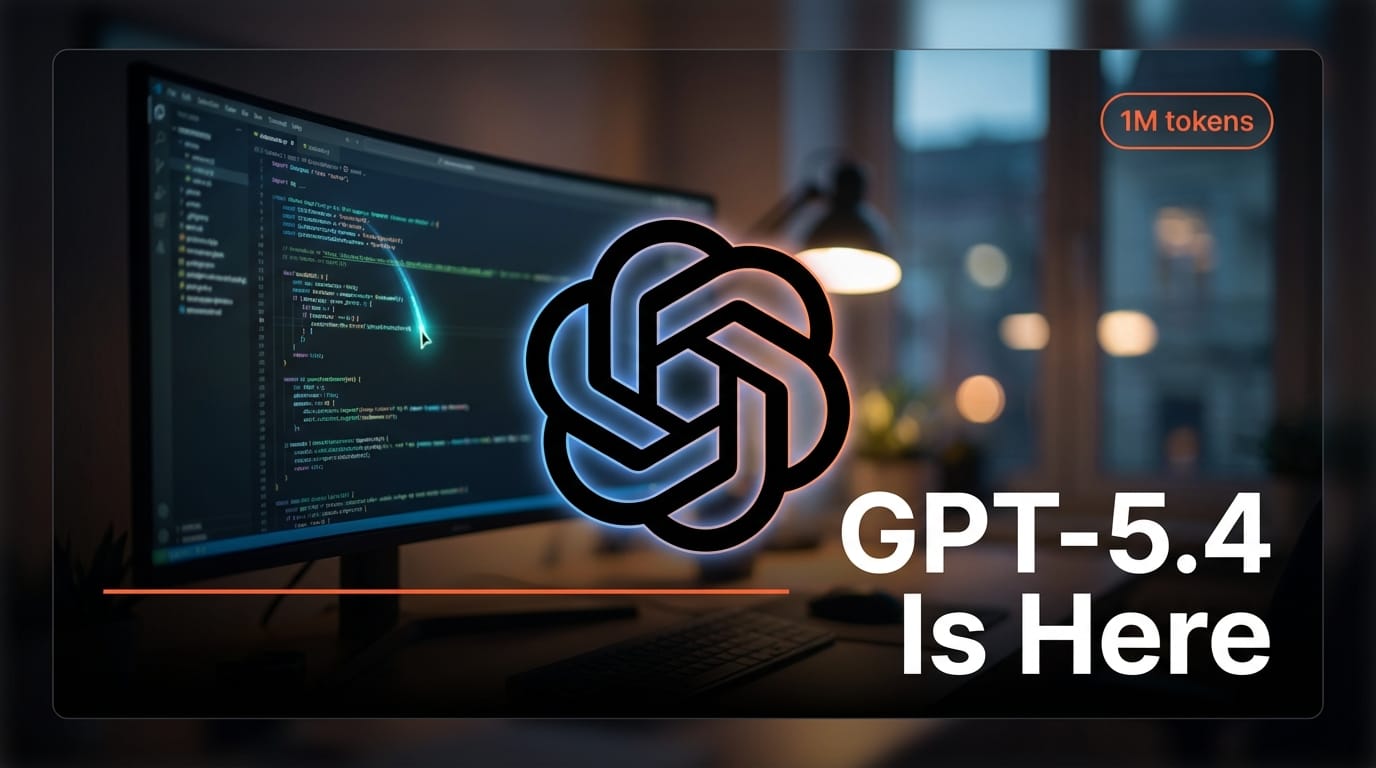
OpenAI launched GPT-5.4 on March 5, 2026, introducing native Computer Use mode that lets the model read screens and control mouse and keyboard inputs directly. The release also brings a 1M token context window, 33% fewer factual errors across benchmarks, and 47% token efficiency gains. Three model variants ship at launch: Standard, Pro, and Thinking.
What Happened
GPT-5.4 is a full generational step from GPT-5.3, not a minor update. The headline feature is Computer Use, a native capability that allows the model to see what is on your screen and operate applications by clicking, typing, scrolling, and navigating menus. This is not a plugin or third-party integration. The ability is built into the model itself.
On the OSWorld-V benchmark, which tests real-world computer operation tasks, GPT-5.4 scored 75%. The human baseline on the same benchmark is 72.4%. This is the first time a general-purpose LLM has exceeded human performance on a standardized computer use evaluation.
The three variants target different use cases. Standard is the everyday model with balanced speed and capability. Pro prioritizes accuracy and depth for professional tasks. Thinking adds explicit chain-of-thought reasoning for complex multi-step problems.
Beyond Computer Use, the factual accuracy improvements are significant. GPT-5.4 produces 33% fewer hallucinations than GPT-5.3 across OpenAI's internal evaluation suite. The 1M token context window doubles the previous limit, and 47% token efficiency gains mean longer conversations cost less.
Why It Matters for Creative Professionals
Computer Use turns GPT-5.4 from a text assistant into a hands-on collaborator. Creators working in Photoshop, Premiere Pro, After Effects, Blender, or any desktop application can now describe what they want and have the model perform the actions directly. Instead of copying instructions from ChatGPT and executing them manually, the model can operate the software.
The practical implications are immediate. A video editor can ask GPT-5.4 to apply color grading across a timeline. A 3D artist can describe a material setup and watch the model build it in Blender. A designer can request layout changes in Figma while focusing on creative direction rather than clicking through menus.
The 1M token context window matters for creators working with long-form content. An entire screenplay, a full novel draft, or hours of transcribed interview footage can fit within a single conversation. No more splitting documents into chunks or losing context mid-session.
Token efficiency gains translate directly to lower API costs for creators who build automated workflows. Running batch processing on scripts, newsletters, or content pipelines now costs roughly half what it did with GPT-5.3.
Key Details
Model: GPT-5.4 (three variants: Standard, Pro, Thinking)
Release date: March 5, 2026
Context window: 1M tokens
Hallucination reduction: 33% fewer factual errors vs GPT-5.3
Token efficiency: 47% improvement
Computer Use benchmark: 75% on OSWorld-V (human baseline: 72.4%)
Key capability: Native screen reading, mouse, and keyboard control
What to Do Next
Test Computer Use on a task you currently perform manually in a desktop application. Start simple: file organization, form filling, or repetitive editing steps. Evaluate whether the model handles your specific software reliably before building it into your production workflow.
Try the 1M context window with your longest working documents. Load an entire project brief, creative bible, or content archive into a single conversation and see how well the model maintains coherence across the full context.
Compare the three variants on your actual use cases. Standard will handle most creative tasks. Pro is worth testing for research-heavy or accuracy-critical work. Thinking is best reserved for complex planning and multi-step reasoning.
This story was featured in Creative AI News, Week of March 3-7, 2026. Subscribe for free to get the weekly digest.