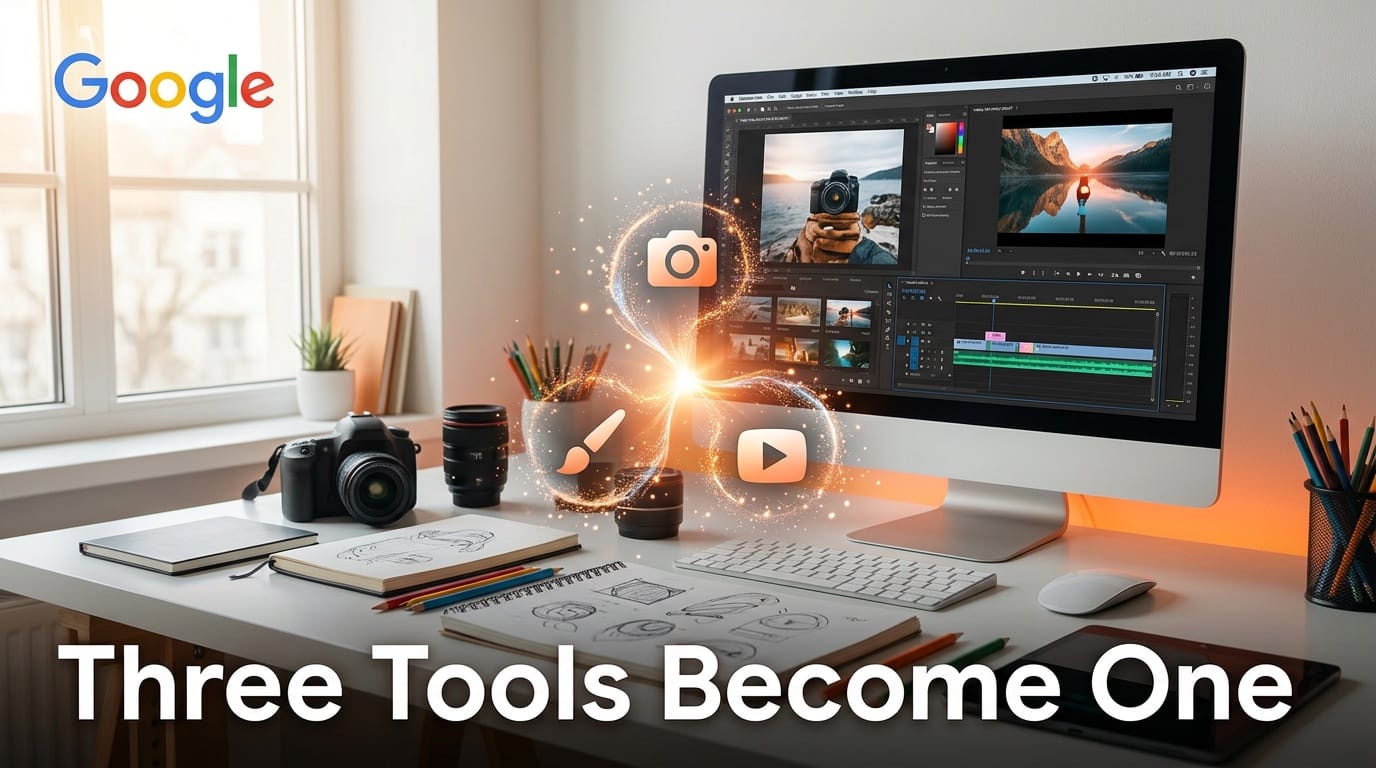
Google merged three separate AI creative tools into one platform in March 2026. Flow now combines Whisk (mood boards and collages), ImageFX (text-to-image generation), and Flow's original video capabilities into a single workspace powered by Veo 3.1 and Nano Banana.
What Happened
Starting in March, Google is allowing users to transfer all Whisk and ImageFX projects and assets directly into their Flow library. The merger creates a unified creative pipeline where users can go from initial concept to finished, audio-synced video without leaving one application.
The unified Flow includes several new editing features. A lasso tool lets users precisely select areas of an image and modify them with natural language prompts, like "remove the man" or "add koi fish in the water." For video, users can extend clip lengths, add or remove objects, and control camera motion through text descriptions.
Flow is powered by three Google AI systems: Veo 3.1 handles text-to-video and image-to-video with native audio generation, Nano Banana provides high-fidelity image generation, and Gemini processes natural language prompts to interpret creative intent.
Since Flow originally launched, users have created over 1.5 billion images and videos on the platform. The consolidation aims to eliminate the friction of switching between three separate tools for different stages of the creative process.
Why It Matters for Creators
If you currently use separate tools for ideation (mood boards), image generation, and video creation, Flow's unified approach cuts your tool-switching overhead significantly. Luma's Creative AI Agents take a similar approach by orchestrating multiple models through a single interface, but Google's advantage is owning the underlying models. The ability to go from a text prompt to a generated image to an animated video with audio in one workspace matches what professional creative suites like Adobe Creative Cloud offer, but with AI handling the generation.
The lasso editing tool is particularly useful. Instead of regenerating an entire image when one element is wrong, you can select just that area and fix it with a text prompt. This brings the precision of Photoshop-style editing to AI-generated content.
What to Do Next
If you have existing projects in Whisk or ImageFX, opt in to the migration to move your assets into Flow. Access the unified platform at flow.google. Test the lasso editing tool and video extension features on an existing project to see how the combined workflow compares to your current multi-tool setup. The underlying Gemini 3.1 Pro powers Flow's prompt interpretation, so improvements in that model translate directly to better creative results.
This story was covered by Creative AI News.
Subscribe for free to get the weekly digest every Tuesday.