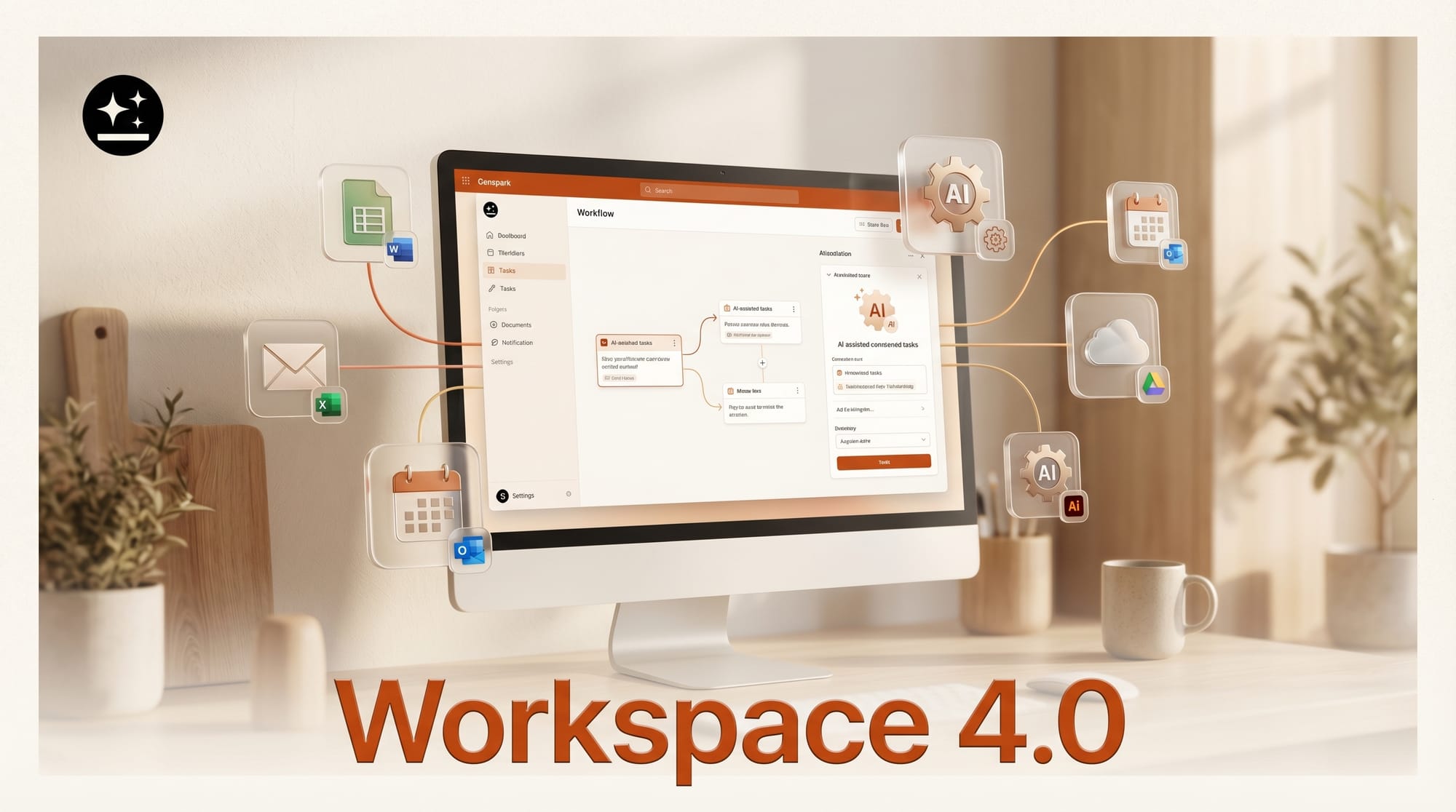
Genspark launched AI Workspace 4.0 on April 8, 2026, introducing two significant additions to its AI agent platform: Genspark Claw for Desktop, a native client that gives AI direct access to local files and the full desktop environment, and native Microsoft Office plugins that embed AI agents inside PowerPoint, Excel, and Word.
What Happened
The 4.0 release centers on two capabilities that previous versions lacked: local file access and Office integration. According to the official announcement, Genspark Claw for Desktop is a native client that operates with full computer use, meaning the AI agent can interact with anything on screen, not just browser-based content.
Key features of the 4.0 release:
- Genspark Claw for Desktop: Works directly with local files without requiring uploads. Can fill forms, pull information from websites, and navigate online tools autonomously.
- Microsoft Office plugins: Native integrations for PowerPoint (research and slide editing), Excel (data analysis and chart generation), and Word (intelligent drafting and editing). AI agents run inside the Office apps themselves, eliminating the need to switch between tools.
- File management: The AI can find, organize, summarize, and edit files stored on the local machine.
- Meeting tools: Live meeting translation and AI Meeting Notes are included in the release.
The company also disclosed reaching $250 million in annual recurring revenue within 12 months of launch, per the BusinessWire press release.
Why It Matters for Creators
The Office plugin integration is the most immediately practical addition for creative professionals who already live inside Microsoft's tools. Instead of copying content between a browser-based AI assistant and a PowerPoint deck, the agent works inside the presentation itself, pulling research, restructuring slides, and editing copy without the round-trip friction.
The local file access capability addresses a persistent limitation of cloud-based AI tools: they can only work with what you upload. Claw for Desktop removes that boundary. A video editor with a folder of project notes, a designer with local asset libraries, or a writer with a directory of research documents can now direct an AI agent at that material without any upload step.
Computer use at the desktop level, where the agent can see and interact with any application on screen, extends that further. Tasks that previously required manual handoffs between AI-generated content and production software can now run as continuous agent workflows.
What to Do Next
Review the full announcement for availability details on the desktop client and Office plugins. If your team uses Microsoft 365, prioritize testing the Excel plugin for data analysis tasks, which has the clearest immediate use case. Visit the Genspark blog for setup instructions and documentation.
This story was covered by Creative AI News.
Subscribe for free to get the weekly digest every Tuesday.





