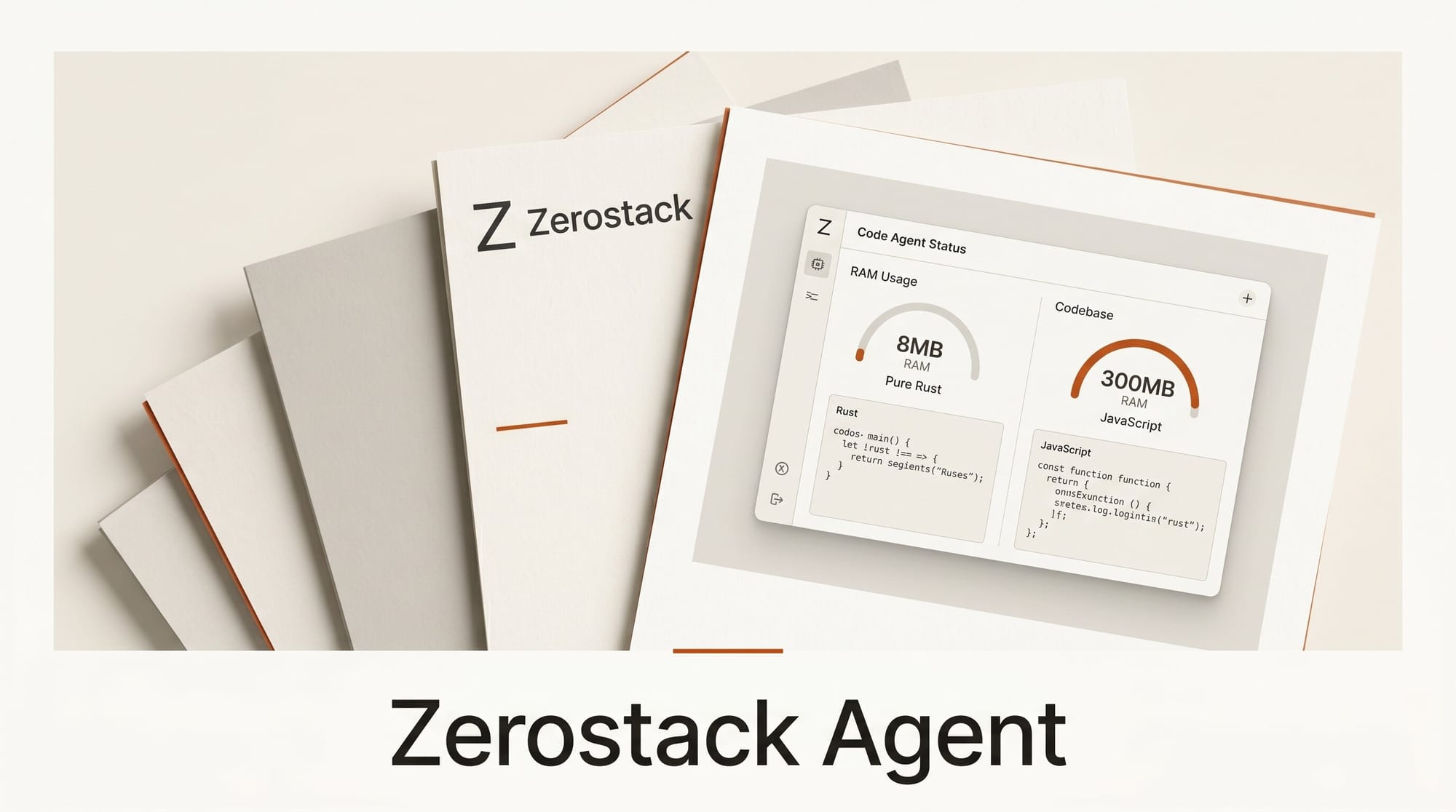
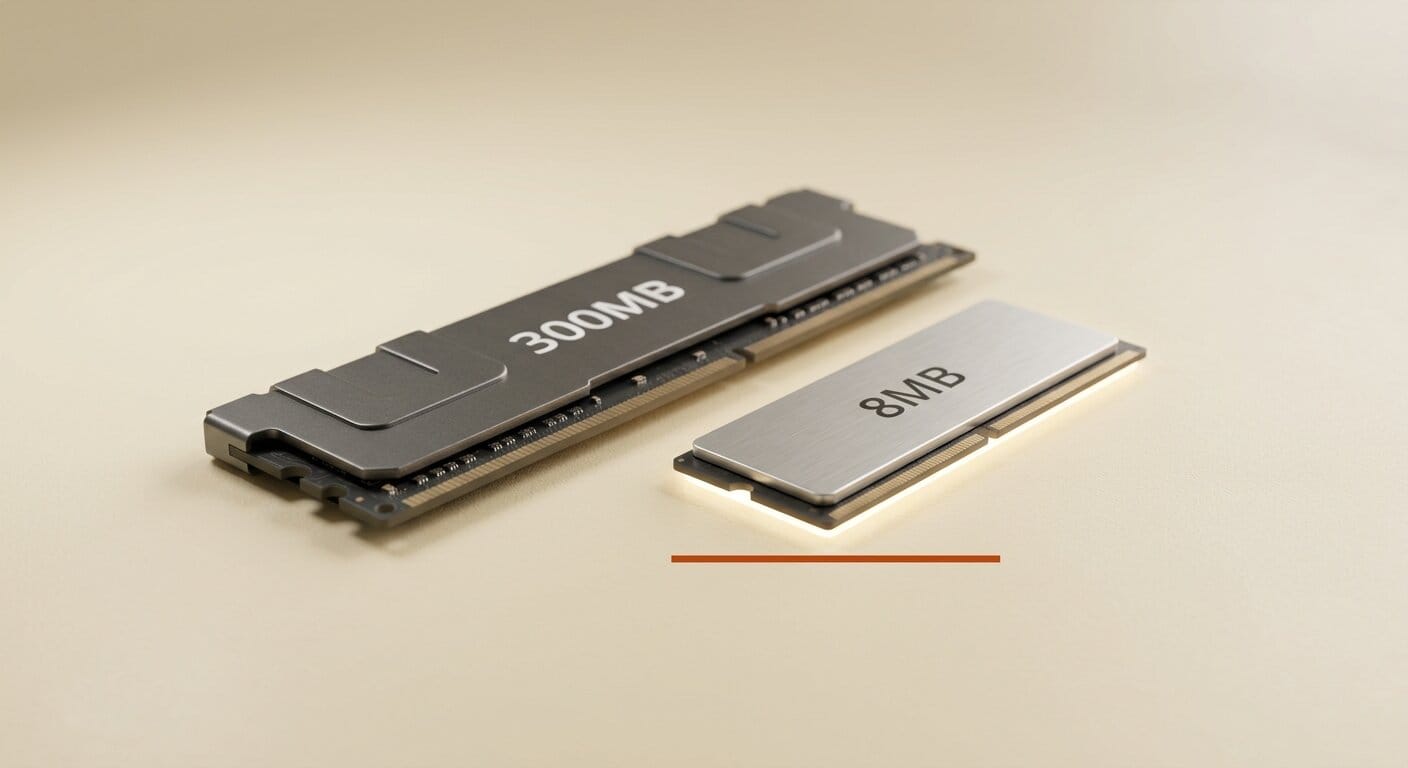
Zerostack, a coding agent written entirely in Rust, launched on May 16, 2026, reaching 234 points on Hacker News within hours of its crates.io debut. The agent handles the same tasks as Claude Code, Opencode, and Cline but runs in approximately 8 megabytes of RAM at idle compared to roughly 300 megabytes for JavaScript-based alternatives, and starts in under one second rather than several seconds.
What Happened
Developer gi-dellav published Zerostack 1.0.0 to crates.io on May 16, 2026. The project hit three patch versions within 24 hours, landing at 1.0.2 by May 17. An HN submission generated substantial discussion around the resource efficiency gap between compiled agents and Node.js-based tools. The top comment specifically cited Claude Code's slow startup as a real daily-use friction point that a compiled Rust binary directly eliminates.
What Zerostack Is
Zerostack describes itself as "a minimal coding agent written in Rust, inspired by pi and opencode." It provides a terminal UI with markdown rendering and operates as a conversational coding assistant backed by file operations, bash execution, grep and glob search, and git commands, the same core toolset used by other agents in this category.
The practical difference is execution cost. The compiled binary weighs 8.9 megabytes. RAM usage starts at 8 MB on an empty session and climbs to roughly 12 MB under active use. The codebase is approximately 7,000 lines of Rust, compared to the multi-hundred-thousand-line JavaScript codebases behind competing tools.
Feature Comparison
| Feature | Zerostack | Claude Code | Opencode |
|---|---|---|---|
| RAM at idle | ~8 MB | ~400 MB | ~300 MB |
| Install size | 8.9 MB binary | ~600 MB (npm) | ~200 MB (npm) |
| Local LLM via Ollama | Yes | No | Yes |
| MCP support | Yes | Yes | Partial |
| Session save and resume | Yes | Yes | Yes |
| Switchable prompt modes | 10 modes | No | No |
| Doom-loop detection | Yes | No | No |
| Language | Rust | TypeScript | TypeScript |
Claude Code and Opencode figures are approximate estimates from community discussion.
Getting Started
Installation requires Rust's Cargo package manager. Once installed, the compiled binary runs independently with no Rust toolchain dependency at runtime:
cargo install zerostackSet your provider API key and run the agent:
export OPENROUTER_API_KEY="your-key"
zerostack
For Anthropic models directly, use ANTHROPIC_API_KEY. For local inference via Ollama, configure a custom provider in $XDG_CONFIG_HOME/zerostack/config.json pointing at http://localhost:11434 with your local model specified. The custom provider block accepts any OpenAI-compatible base URL, which covers vLLM, LiteLLM, and self-hosted proxy setups.
Prompt Modes
A standout feature is the runtime-switchable prompt system. Rather than operating from a single static system prompt, Zerostack ships with 10 purpose-built modes that modify how the agent approaches a task: code, plan, review, debug, ask, brainstorm, frontend-design, review-security, simplify, and write-prompt. Modes switch within an active session without restarting, meaning you can move from a planning pass to an implementation pass to a security review in one continuous conversation.
This is meaningfully different from simply changing your opening message. The frontend-design mode, for instance, focuses attention on UI semantics and accessibility patterns. The simplify mode is tuned for refactoring tasks where you want the agent to identify complexity rather than add it. The write-prompt mode assists with drafting prompts for other AI workflows, which makes Zerostack useful in multi-agent pipelines where one step generates instructions for another.
Permission System

Zerostack provides four permission levels for tool access:
- Restrictive: Read-only by default, all writes require explicit approval.
- Standard: Typical editing and bash execution with confirmation prompts for destructive operations.
- Accept-all: Auto-approves most tool calls. Recommended for use inside a sandbox.
- Yolo: No confirmation prompts. Designed for fully automated pipelines in isolated environments.
Optional sandbox mode through bubblewrap adds OS-level filesystem isolation for the higher permission levels, limiting the blast radius of an unexpected agent action.
Doom-Loop Detection
If the agent makes the same tool call three or more times in a row without advancing the task, Zerostack interrupts with a warning prompt asking whether to continue. This prevents the failure mode common to other agents where a confused model burns through context window and API credits repeating a failing operation. The detection runs passively without any configuration required.
MCP and Exa Integration

Native Model Context Protocol (MCP) support connects external tools and context sources without custom code. Existing MCP tool configurations from other agents transfer to Zerostack without modification. Built-in Exa search integration provides web access, which is particularly useful for tasks that require pulling in current documentation or searching for library APIs that postdate the model's training cutoff.
Local LLM Use Case
The combination of Ollama support and an 8 MB agent footprint creates a meaningfully different resource profile for local inference. A machine running a quantized code model through Ollama has approximately 290 MB more RAM available for the model itself compared to running the same model alongside a Node-based agent. On a system with 16 GB of RAM dedicated to AI workloads, that difference can mean the gap between fitting a 7B model at Q8 or a 13B model at Q4.
The OpenRouter integration provides access to hosted models from multiple providers under a single API key, which is a practical starting point for users who are not yet running local hardware but want access to a wide model selection without managing individual provider credentials.
What to Do Next
Install via cargo install zerostack and review the configuration options in the repository README. For a local-model workflow, pair Zerostack with Ollama running a code-focused model. For those evaluating multiple agents, the lightweight install and single-binary deployment make Zerostack easy to test alongside other open-source options without adding significant overhead to your environment.
Frequently Asked Questions
Does using Zerostack require Rust to be installed?
Only for the initial cargo install zerostack command. Once compiled, the binary runs independently with no Rust toolchain present on the machine. The project may publish pre-built binaries for users who prefer not to compile from source.
Which LLM providers does Zerostack support?
OpenRouter, Anthropic, Google Gemini, Ollama, and any OpenAI-compatible API endpoint including vLLM and LiteLLM. Custom providers are configured in a JSON file with a base URL and environment variable name for the API key.
How does Zerostack handle long-running tasks?
An iterative loop system handles extended tasks: the agent reads the task, selects the next item from its plan, works on it, runs tests, updates the plan, and loops until the task is complete or hits the iteration limit. Sessions save automatically and can be resumed later, so multi-hour tasks can be paused and continued across different terminal sessions.
What is git worktree integration and why does it matter?
Zerostack supports a branch-per-task workflow where each task runs in a separate git worktree. This isolates in-progress changes from the main working branch until they are reviewed and merged. It prevents incomplete agent work from appearing in the main branch during long tasks and makes it easy to abandon a direction without affecting other work.
What triggers doom-loop detection?
Three identical consecutive tool calls without a state change. When that pattern is detected, Zerostack surfaces a warning prompt asking whether to continue the current approach or stop. The goal is catching runaway loops early before they exhaust the context window or API budget.
How does the "write-prompt" mode work?
The write-prompt mode tunes the agent toward prompt engineering tasks, where the goal is producing instructions for another AI system rather than writing production code. It is useful for teams building multi-agent pipelines where one step needs to generate structured prompts consumed by downstream models or automated workflows.