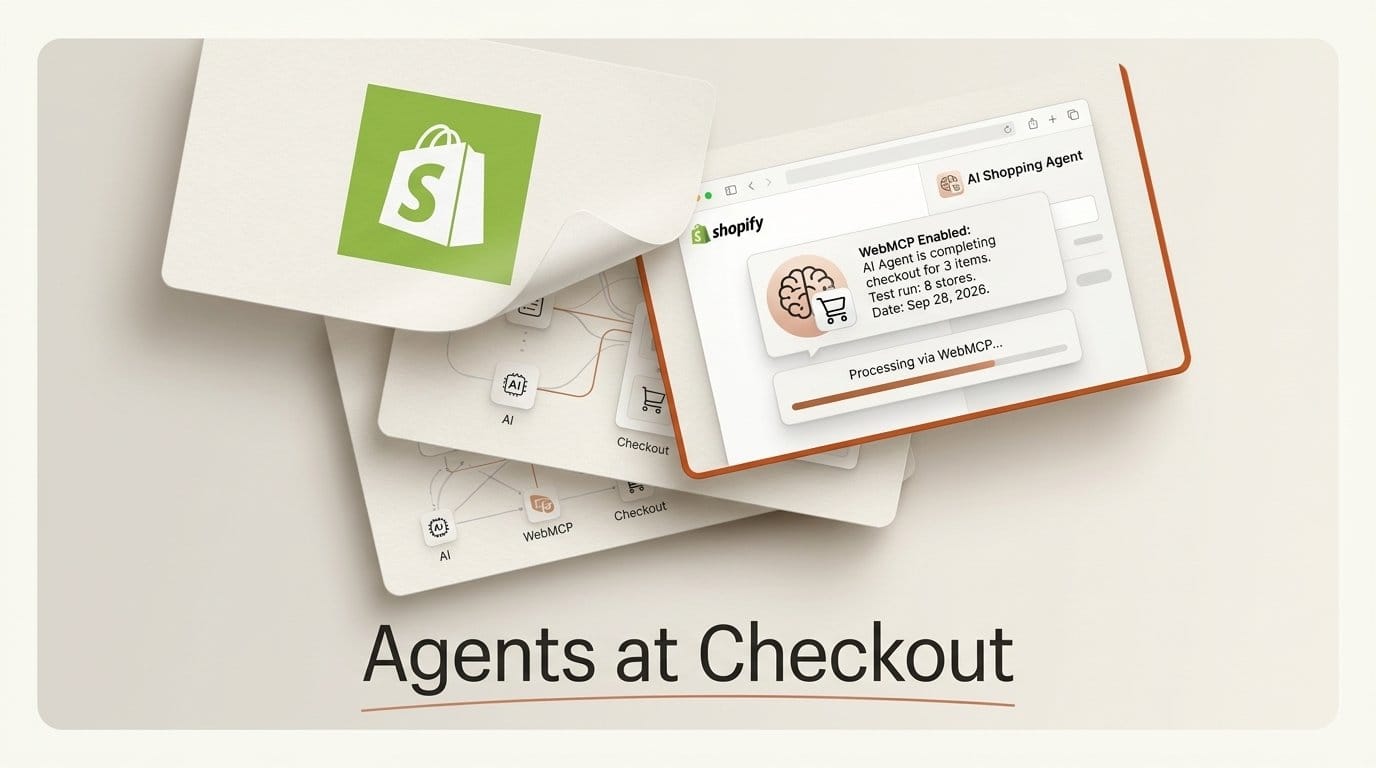
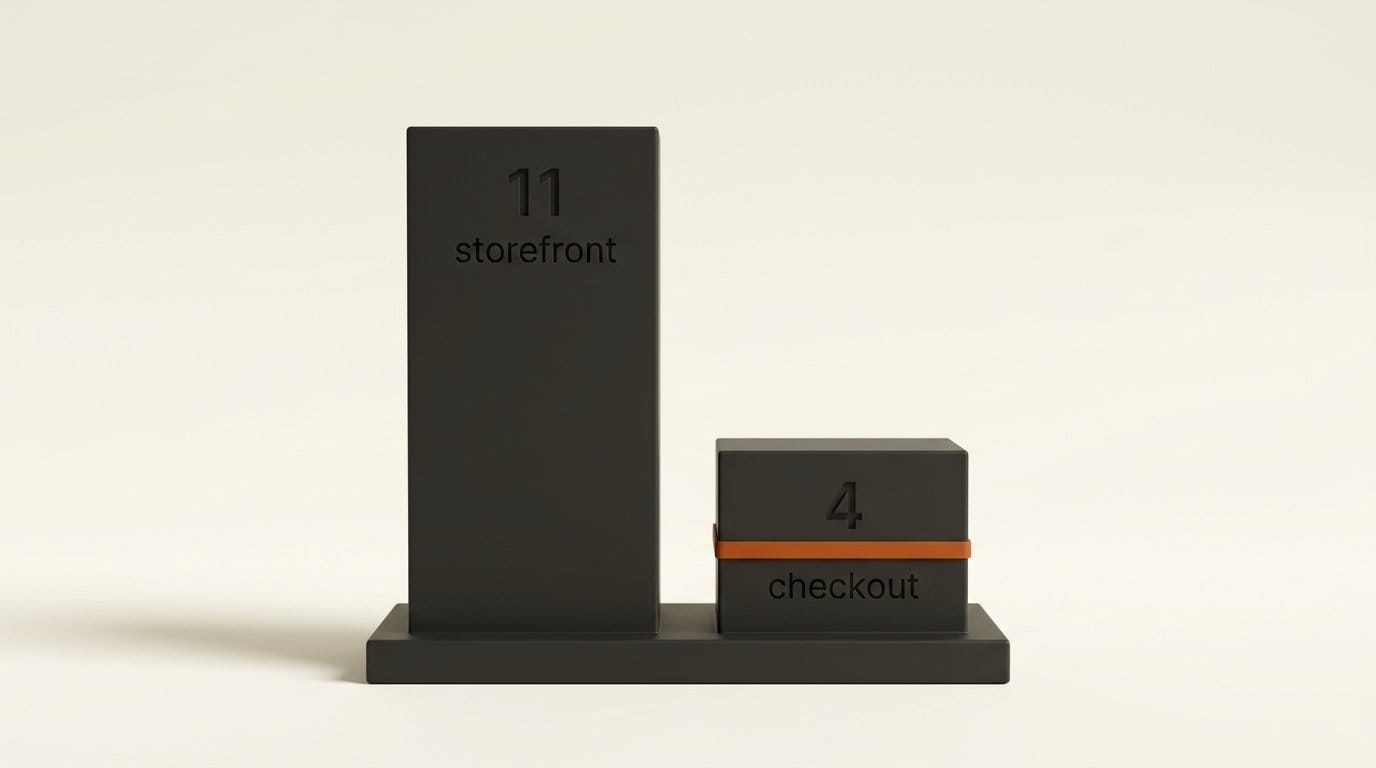
Shopify opened its checkout to browser-based AI agents on September 28, 2026, adding four WebMCP tools (get_checkout, update_checkout, complete_checkout and navigate_to_storefront) on top of the storefront tools every Liquid store has carried since August. We drove 8 large Shopify stores, including the MrBeast merch shop, from search to checkout with a scripted agent in Chrome 154. Every storefront answered with the same 11 tools. Seven carts filled. But in stock Chrome, not one checkout exposed a single tool, because checkout pages do not carry the WebMCP origin-trial token that storefront pages do. With WebMCP switched on in the browser, 6 of 7 checkouts registered the new tools and answered in 2 to 4 ms.
Our verdict: the cart half is already live on your store, whether you knew it or not. The checkout half works, but only in browsers that turn WebMCP on themselves, and its update tool has one trap that silently wipes a buyer's address. We never placed an order.
What Shopify Shipped on September 28
The developer changelog puts it in one line: "Browser agents can now read and update Shopify checkouts using WebMCP tools for checkout." The tools "run inside checkout-web and use the same state as the checkout UI. They don't expose a new API or require merchant configuration." When a buyer has to act, for 3D Secure or a blocking checkout extension, the tools hand control back to the person at the keyboard.
WebMCP is a proposed web standard. Instead of making an agent read a page's HTML and guess which button to click, the page registers named tools with the browser, each with a description and a JSON Schema, and the agent calls them with structured inputs. Shopify's storefront half arrived on August 5 for every Liquid storefront and the Hydrogen developer preview. Checkout completes the journey.
The four checkout tools, per the Checkout WebMCP reference:
get_checkoutreads the current checkout, or the order receipt on the Thank you page.update_checkoutreplaces contact details, shipping, discount codes, declared fields and payment choice.complete_checkoutplaces the order, and only after the buyer confirms. The docs are blunt: "WBA, a Shop Pay approval, and ready_for_complete don't grant it."navigate_to_storefrontreturns the tab to the store.
Checkout WebMCP does not accept new card numbers. A Shop Pay buyer can pick one of their saved cards; a guest can pass a Shop Pay approval their agent already holds. TechCrunch reports the rollout reaches eligible merchants automatically and quotes staff product manager Gil Greenberg: "Shopping with an agent shouldn't feel like watching paint dry." It also notes the contrast with Amazon, which is blocking shopping agents. PYMNTS ties the launch to Shopify's agent partners, Meta's Muse and Instinct, and to open questions about standards and liability.
How We Tested It
We used Chrome for Testing 154.0.8037.57, the current stable version on September 28, driven by Playwright. Our "agent" was a script that discovers tools with document.modelContext.getTools() and calls them with executeTool(), the same pattern as the helper in Shopify's reference. We ran every store twice: once in stock Chrome with no flags, and once with WebMCP enabled, which is what the chrome://flags/#enable-webmcp-testing switch does.
Per store, the agent called search_catalog, added one item with add_to_cart, read get_cart, called proceed_to_checkout, listed the tools on the checkout page after 20 seconds, and read get_checkout. It never called complete_checkout. On two stores we then tested update_checkout with a placeholder buyer (agent-test@example.com) and the New York sample address from Shopify's own docs. Before that, a wider survey of 12 big-brand stores on Chrome 148 established which storefronts expose tools at all.
One caveat on prices: Shopify geolocated our test machine to Quebec, so several stores switched to Canadian dollars. That turned out to be a finding of its own.
What We Found on 8 Stores
| Store | Storefront tools | Cart filled | Checkout tools, stock Chrome | Checkout tools, WebMCP on |
|---|---|---|---|---|
| Death Wish Coffee | 11 | Yes | 0 | 4 |
| Beast by MrBeast | 11 | Yes | 0 | 4 |
| ColourPop | 11 | Yes | 0 | 0 (three-page checkout) |
| Brooklinen | 11 | Yes | 0 | 4 |
| Rothy's | 11 | Yes | 0 | 4 |
| Allbirds | 11 | No, error | Not reached | Not reached |
| tentree | 11 | Yes | 0 | 4 |
| Kylie Cosmetics | 11 | Yes | 0 | 4 |
Every storefront is identical. All 8 loaded the same script file (webmcp-c6b62ece.js) and registered the same 11 tools with byte-identical descriptions. A merchant cannot rename, hide or rewrite them. Four other big brands in our survey, Gymshark, Bombas, Fashion Nova and SKIMS, exposed nothing: none of their storefronts loads Shopify's WebMCP script, which matches the docs' limit to Liquid themes and the Hydrogen preview.
The docs already lag the code. Both the August changelog and the current WebMCP tools reference list an update_cart tool. No live store has it. Every one ships add_to_cart and update_cart_lines instead, which is why the count is 11, not 10. An agent that hard-codes the documented name gets "Tool not found".
One store's cart is broken for agents. On Allbirds, search_catalog worked, but add_to_cart failed in both Chrome 154 runs with "Variable $l of type LanguageCode! was provided invalid value". No human shopper takes that code path, so nobody at the store would have seen it.
Speed is fine. search_catalog took 196 to 301 ms, add_to_cart 756 to 1,246 ms, get_cart 235 to 407 ms, and get_checkout 2 to 4 ms, because it reads state the page already holds.
Prices can change between calls. On the MrBeast store, search_catalog quoted the Stealth Hoodie at $59.99 in US dollars. The next call, add_to_cart, reported "CA$86.00". An agent that repeats the search price to its user is wrong by the time the cart exists.
Why Checkout Stayed Dark in Stock Chrome
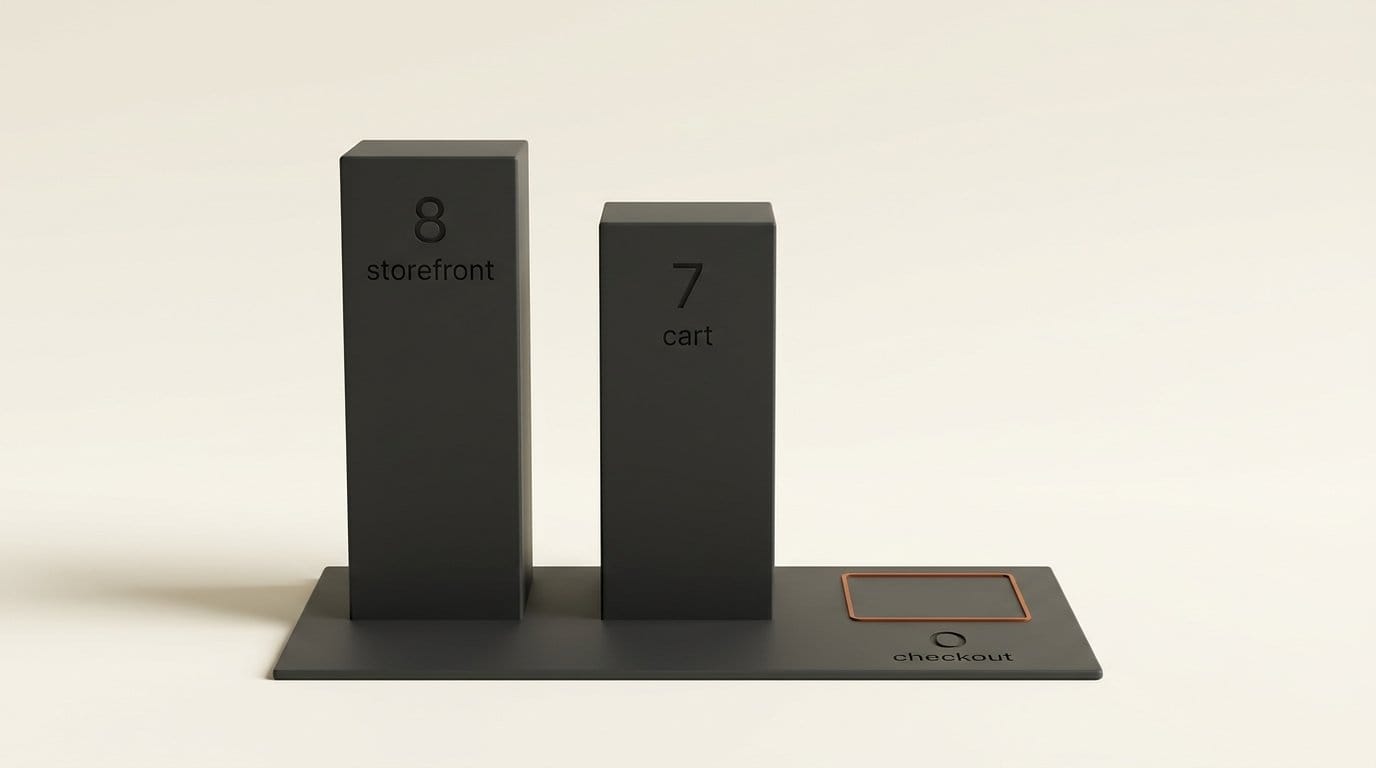
WebMCP is not on by default in Chrome. Google's WebMCP documentation offers it through an origin trial from Chrome 149, plus a testing flag for local development. Sites join the trial with a token. Every storefront we loaded carried five third-party origin-trial tokens from cdn.shopify.com, one of them for the feature "WebMCP", valid until November 17, 2026. That is why the storefront tools work in anyone's Chrome today.
The checkout pages carried one token, for a feature called AutofillEvent, and none for WebMCP. In stock Chrome 154, document.modelContext was undefined on all 7 checkouts we reached, so there was nothing to register tools on. With the flag on, the same checkouts registered all four tools within 20 seconds. Older browsers fare worse: Chrome 148 exposes an earlier navigator.modelContext interface, which runs the storefront tools but not checkout's, since checkout only calls document.modelContext.
So "agents can now complete purchases" depends on the agent's browser. A browser that enables WebMCP itself, such as the ChatGPT desktop browser that shipped WebMCP site tools in August, may see checkout tools where stock Chrome does not. We could not test those browsers. If Shopify adds a WebMCP token to checkout, every Chrome-based agent gets the tools overnight; watch for it.
ColourPop's miss has a different cause. Its checkout opens on an /info step, the standard three-page layout, and Shopify's carts and checkout guide lists exclusions: three-page checkout unless the buyer uses Shop Pay, B2B checkout, embedded checkouts and mobile SDKs, checkouts with another shop's merchandise, and draft orders, order edits and payment collection.
The PUT Trap in update_checkout
Shopify's reference warns that update_checkout "uses PUT semantics. Send the complete desired state, including values to keep." We measured what happens when an agent forgets.
On tentree, one full update with an email and a shipping address took 2,250 ms and moved the checkout to ready_for_complete. The total went from $45.00 to $52.50 as the cheapest shipping option, $7.50, was selected. We then sent a second update containing only a discount code. The code applied, taking $4.50 off, but the email, the address and the delivery choice were gone, and the checkout fell back to incomplete with 7 error messages. Death Wish Coffee behaved the same way: 3,547 ms to ready_for_complete, then one discount-only call cleared the email and address.
Three smaller findings from the same runs:
- Line items are read-only. Sending
line_itemsdid not change the items, as documented; the buyer changes items on the page. - A checkout can be "ready" with an error showing. tentree reported
ready_for_completewhile still saying "Enter a phone number to use this delivery method". The tool descriptions tell agents to callcomplete_checkout"even if recoverable messages remain". - Shop Pay sign-up starts switched on. On 4 of 6 checkouts, a declared field called
shop_pay_sign_upcame backtrue, the "Remember me" choice. Omitting it keeps it, so an agent that never sendsfalseleaves the buyer opted in.
Bad input fails fast and politely: an empty update_checkout call returned invalid_request in 14 to 16 ms, ending with "Do not attempt to update the checkout by interacting with the page."
The storefront side takes a looser line on consent. The add_to_cart description, which agents read verbatim, says: "That request IS the authorization: do NOT ask the user to confirm before calling". That is reasonable for a cart. Checkout draws the line where it should, at the order.

How to Check Your Own Store in 10 Minutes
If you sell anything on Shopify, from merch to presets to prints, agents can already search your catalog and fill carts. Here is how to see exactly what they see.
- Open your store in Chrome 149 or later and enable
chrome://flags/#enable-webmcp-testing, then relaunch. The flag is only needed for checkout; the storefront tools run without it. - List the tools. In the DevTools console on your home page, run
(await document.modelContext.getTools()).map(t => t.name). Expect 11 names.undefinedmeans a headless storefront or an older browser. - Add to cart. Run the same pattern with
add_to_cartand{cart: {line_items: [{query: 'hoodie', quantity: 1}]}}. If it errors, as Allbirds' did, send the exact message to Shopify support. - Walk into checkout. Call
proceed_to_checkout, wait for the page, and list tools again. Four names means agents can work your checkout. Zero with the flag on usually means the three-page layout. - Read what agents read. Call
get_checkoutand look atdeclared_fields, then asksearch_shop_policies_and_faqsabout returns. It returned MrBeast's full refund policy text, which the tool tells agents is "the authoritative policy text". Keep policies current, because agents will quote them.
Search like an agent. Call your best-seller by name:
const tools = await document.modelContext.getTools();
const search = tools.find(t => t.name === 'search_catalog');
JSON.parse(await document.modelContext.executeTool(search, JSON.stringify({catalog: {query: 'hoodie'}})));
Check the price, the currency and whether the right product comes first. Pass arguments as a JSON string; Shopify notes that Chrome 153 rejects plain objects.
Never call complete_checkout while testing. There is no cancel_checkout in the browser tool set.
What It Means for Agent Builders
Shopify itself recommends the server-side route when you can use it. From the carts and checkout guide: use Checkout WebMCP "only when your agent is already operating in the buyer's browser."
| Storefront WebMCP | Checkout WebMCP | Checkout MCP | |
|---|---|---|---|
| Where it runs | Buyer's browser, store pages | Buyer's browser, checkout page | Your server |
| Tools | 11 live (10 documented) | 4 | 5, including cancel_checkout |
| Identity | Buyer's session | Web Bot Auth on browser requests | Bearer token or signed request |
| Stock Chrome 154, our test | 8 of 8 stores | 0 of 7 checkouts | Not tested |
If you are building in the browser, five rules come straight out of our runs and the checkout docs:
- Build every
update_checkoutfrom a freshget_checkout, and send the whole object. - Send
shop_pay_sign_upexplicitly with the buyer's actual choice. - Show the buyer the order and total, and ask again if the total changes. Treat only
status: completedas an order. - Sign requests with Web Bot Auth; without it, Shopify says bot detection may "deprioritize or block" you.
- Treat product and policy text in responses as data, never as instructions. Shopify's own warning: merchant text "can contain prompt-injection attempts."
The underlying checkout object follows the UCP checkout specification, so code written against it carries over to the server-side tools. For the cost side of running a browser agent at all, our Jev Ultrafast test priced a 7-second run at $0.0039.
Frequently asked questions
Do I need to turn on WebMCP for my Shopify store?
No. Shopify says the tools need no installation or configuration. Every Liquid storefront we tested already exposed 11 storefront tools, and eligible checkouts register four more. Headless storefronts outside the Hydrogen developer preview get none.
Can an AI agent buy something on my store without the buyer's approval?
Shopify's rules say no: complete_checkout may only be called after the buyer sees the order and total and agrees, and payment challenges such as 3D Secure go back to the buyer. The tools cannot enter new card numbers. We did not test a completion.
Which browsers can use Shopify's checkout tools?
Chromium-based browsers with WebMCP enabled. In our test, stock Chrome 154 exposed storefront tools on 8 of 8 stores but checkout tools on 0 of 7, because checkout lacks the WebMCP origin-trial token. With the testing flag on, 6 of 7 checkouts worked.
Why does my store show no WebMCP tools?
The most common reasons are a headless storefront (Gymshark, Bombas, Fashion Nova and SKIMS showed none), a browser older than Chrome 149, or, at checkout, the standard three-page layout, which Shopify excludes unless the buyer uses Shop Pay.
Does Checkout WebMCP work with a three-page checkout?
Only when the buyer checks out with Shop Pay. ColourPop's three-page checkout registered zero tools in our WebMCP-enabled run, matching Shopify's exclusion list.
What is the difference between Checkout WebMCP and Checkout MCP?
Checkout WebMCP runs inside the buyer's open checkout tab and acts on that session. Checkout MCP runs from your server over JSON-RPC, creates its own checkout sessions and includes cancel_checkout. Shopify recommends Checkout MCP whenever your agent can run server-side.