If you have been hearing about AI-powered content creation but don't know where to start, you are in the right place. This guide walks you through everything a beginner needs to know about using artificial intelligence to create images, videos, music, written content, and even code. By the end, you will have a clear understanding of the tools available, practical workflows you can follow today, and the mistakes to avoid as you build your first AI-assisted projects.
What Is AI Content Creation?
AI content creation is the process of using artificial intelligence tools to generate, edit, or enhance creative work. Instead of starting from a blank canvas, you describe what you want in plain language and the AI produces a draft you can refine. These tools use machine learning models trained on massive datasets to understand your instructions and generate output that matches your intent.
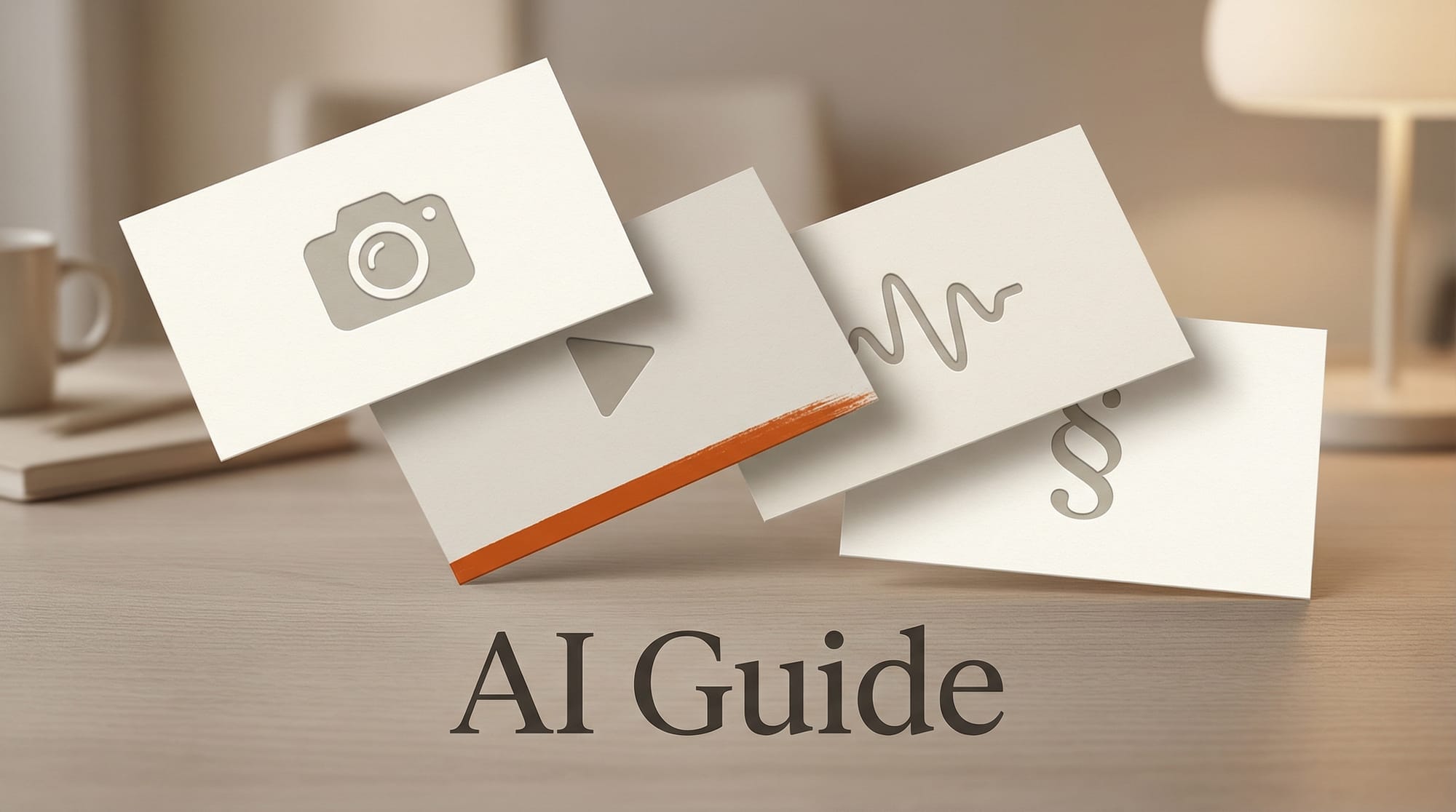
The technology has matured rapidly since 2023. Image generators now produce photorealistic results in seconds. Video tools can create short clips from text descriptions. Music generators compose full tracks in any genre. Writing assistants help with everything from blog posts to ad copy. And AI coding tools let non-developers build functional projects.
The key shift for creators is this: AI does not replace your creative vision. It accelerates execution. You still decide what to make, how it should look, and what story it tells. AI handles the technical heavy lifting so you can focus on ideas and refinement.
Getting Started: Your First AI Workflow
Before diving into specific tools, here is a simple five-step workflow that applies to any AI content creation task. This framework works whether you are generating an image, writing a blog post, or composing a soundtrack.
Step 1: Define Your Goal
Start with a clear objective. "I need a thumbnail image for my YouTube video about sustainable fashion" is better than "make me a cool picture." The more specific your goal, the better the AI can help.
Step 2: Choose the Right Tool
Different tools excel at different tasks. You would not use an image generator to write a script. Match your tool to your content type. The sections below will help you identify which tools fit which tasks.
Step 3: Write a Strong Prompt
Prompts are the instructions you give the AI. A good prompt includes the subject, style, mood, technical requirements, and any constraints. For example: "A professional product photo of a ceramic coffee mug on a wooden table, soft morning light, shallow depth of field, 16:9 aspect ratio." Specificity produces better results every time.
Step 4: Iterate and Refine
Your first result is rarely the final one. Generate multiple variations, adjust your prompt based on what you see, and use built-in editing tools to fine-tune the output. Most creators go through three to five rounds of iteration before they are satisfied.
Step 5: Review and Edit
Always review AI output before publishing. Check for factual accuracy in text, visual artifacts in images, timing issues in video, and quality problems in audio. AI is a collaborator, not a replacement for your judgment.
AI Image Generation
Image generation is the most accessible entry point for AI content creation. You type a description and receive a finished image in seconds. The technology is now good enough for professional use in marketing, social media, product mockups, and editorial illustration.
The leading tools in 2026 include Adobe Firefly, which integrates directly into Photoshop and is trained exclusively on licensed content, making it safe for commercial use. Stability AI offers open-source models that you can run locally for complete control over your workflow. And Google Gemini now includes built-in image generation capabilities alongside its text features.
For a comprehensive comparison of every major option, including pricing, output quality, and best use cases, read our Best AI Image Generators 2026 guide.
Practical Example: Creating a Blog Thumbnail
Open your chosen image generator. Enter a prompt like: "Editorial-style photograph of a person working at a desk with multiple screens showing creative software, warm office lighting, professional, 16:9 aspect ratio." Review the results, pick the best one, and adjust brightness or cropping as needed. The entire process takes under five minutes.
AI Video Generation
AI video generation has advanced from producing short, low-quality clips to creating polished content suitable for social media, advertising, and short-form storytelling. The tools available in 2026 can generate video from text prompts, animate still images, extend existing footage, and even swap styles between clips.
Runway remains one of the most versatile platforms, offering text-to-video, image-to-video, and a suite of editing tools designed for professional workflows. Pika focuses on quick, creative video generation with strong style controls that make it popular with social media creators.
Video generation typically requires more iteration than image generation. Start with short clips (four to ten seconds), review the motion and consistency, then extend or combine clips as needed. For a full breakdown of what each video tool can do, see our Best AI Video Generators 2026 comparison.
Practical Example: Making a Social Media Clip
Upload a product photo to Runway or Pika. Select image-to-video mode. Add a motion prompt like: "Slow camera zoom out revealing the full product on a clean background, smooth motion." In under a minute you have a professional-looking product reveal clip for Instagram or TikTok.
AI Audio and Music
AI music and audio tools have reached a point where creators can produce broadcast-quality soundtracks, voiceovers, and sound effects without any musical training or recording equipment. This category covers everything from full song generation to voice cloning and podcast editing.
Suno generates complete songs with vocals, instrumentals, and production in any genre from a text description. Udio offers similar capabilities with a focus on audio fidelity and genre accuracy. For voice work, ElevenLabs provides text-to-speech and voice cloning that sounds natural enough for professional narration and podcast production.
The practical applications are significant. YouTubers can generate custom background music that matches their content perfectly. Podcasters can clean up audio and generate intros. Marketers can produce voiceovers in multiple languages from a single script. Explore the full landscape of options in our AI Music and Audio Tools 2026 guide.
Practical Example: Creating Background Music
Open Suno and enter a prompt like: "Upbeat lo-fi hip hop instrumental, relaxed cafe vibes, 90 BPM, two minutes long." Within seconds you have a custom track. Listen through, request variations if needed, then download and add it to your video project.
AI Writing and Copywriting
AI writing tools help with drafting, editing, brainstorming, and restructuring text content. They are useful for blog posts, marketing copy, email campaigns, social media captions, product descriptions, and more. The key is understanding that AI writing works best as a collaborative tool rather than a fully automated solution.
Claude by Anthropic excels at long-form content, nuanced analysis, and tasks that require careful reasoning. It is particularly strong for research-heavy writing and content that needs to maintain a consistent voice across thousands of words. For general-purpose writing tasks and creative brainstorming, both Claude and other major language models can significantly speed up your workflow.
Best Practices for AI Writing
Provide context about your audience, tone, and goals before asking for a draft. Share examples of writing you like. Break large projects into smaller sections and review each one. Always fact-check claims, statistics, and quotes. And edit the output to match your voice. The best AI-assisted content reads like you wrote it, because you shaped every word.
Practical Example: Drafting a Blog Post
Start by outlining your main points. Feed the outline to your AI writing tool with instructions like: "Write section two of this blog post. Target audience is small business owners. Tone should be professional but approachable. Include one specific example." Review the draft, adjust phrasing, verify any facts, and move to the next section.
AI Coding for Creators
You do not need to be a developer to benefit from AI coding tools. Creators use them to build simple websites, automate repetitive tasks, create custom tools, and prototype interactive projects. The barrier to entry has dropped dramatically.
GitHub Copilot works inside your code editor and suggests code as you type, making it ideal for creators who want to learn programming while building real projects. Cursor takes this further with an AI-native code editor that can modify entire files based on natural language instructions.
Practical Example: Automating a Workflow
Say you need to resize 200 images for your website. Instead of doing it manually or learning complex software, describe the task to an AI coding tool: "Write a Python script that takes all JPEG files in a folder, resizes them to 1200 pixels wide while maintaining aspect ratio, and saves them to a new folder." The AI generates working code you can run immediately.
Free Tools to Start With
You do not need to spend money to begin experimenting with AI content creation. Most major platforms offer free tiers with enough credits or usage to complete several projects. This is the best way to learn without financial commitment.
For images, Adobe Firefly offers free monthly credits. Google Gemini includes image generation at no cost. For video, Pika provides free generation credits for new users. For music, Suno and Udio both offer free tiers that let you generate several songs per day. For writing, Claude and other AI assistants offer free access with daily usage limits. And for code, GitHub Copilot provides free access for individual developers.
We maintain a regularly updated list of every free AI tool worth using in our Best Free AI Tools for Creators 2026 guide, including which free tiers are actually useful and which ones are too limited to bother with.
Common Mistakes to Avoid
As you start working with AI tools, these are the pitfalls that trip up most beginners. Avoiding them will save you time and produce better results from day one.
Vague Prompts
The number one mistake is writing prompts that are too short or too general. "Make a logo" will produce generic results. "A minimalist logo for an organic coffee brand, featuring a leaf integrated into a coffee cup icon, sage green and dark brown color palette, white background" will produce something you can actually use. Treat prompting as a skill worth developing.
Skipping the Review Step
AI output is a starting point, not a finished product. Images sometimes contain visual artifacts like extra fingers or warped text. Written content may include inaccurate claims. Audio can have timing issues. Always review and edit before sharing or publishing.
Using One Tool for Everything
No single AI tool is the best at every task. Using an image generator for diagrams, a general chatbot for specialized coding tasks, or a music tool for sound effects will produce mediocre results. Learn which tools excel at which tasks and combine them.
Ignoring Copyright and Licensing
Understand the licensing terms of every tool you use. Some AI-generated content can be used commercially, some cannot. Some tools train on copyrighted material, which may create legal risks. Adobe Firefly, for example, is trained only on licensed and public domain content, making it a safer choice for commercial work.
Not Saving Your Prompts
When you get a great result, save the prompt that produced it. Building a personal prompt library means you can reproduce your best work consistently. Without it, you will spend time reinventing approaches you have already figured out.
What to Learn Next
Once you are comfortable with the basics, here are the skills that will take your AI content creation to the next level.
Prompt engineering. Learn advanced techniques like chain-of-thought prompting for writing, negative prompts for image generation, and style references for consistent visual branding. These techniques can dramatically improve output quality.
Workflow automation. Connect multiple AI tools together. Use an AI writing tool to generate scripts, feed those into a voice generator, and combine the audio with AI-generated visuals. Automated multi-tool workflows are where productivity gains compound.
Fine-tuning and customization. Many tools let you train custom models on your own content, creating AI that understands your brand, style, and audience. This is especially valuable for image generation and voice cloning.
Stay current. The AI landscape changes monthly. New tools launch, existing tools add major features, and pricing shifts constantly. Following dedicated AI news sources helps you spot opportunities before your competitors do.
Frequently Asked Questions
Do I need technical skills to use AI content creation tools?
No. Most modern AI tools are designed for non-technical users and work through simple text prompts or visual interfaces. If you can type a sentence describing what you want, you can use these tools. More technical skills become helpful as you advance, but they are not required to get started and produce useful results.
Is AI-generated content safe to use commercially?
It depends on the tool. Platforms like Adobe Firefly are trained exclusively on licensed content and include commercial usage rights in their terms of service. Others operate in legally gray areas. Always check the licensing terms of your specific tool before using AI-generated content for business purposes. When in doubt, choose tools that explicitly grant commercial rights.
How much does AI content creation cost?
Many tools offer free tiers that are sufficient for learning and small projects. Professional usage typically costs between $10 and $50 per month per tool. If you use multiple tools across image, video, audio, and writing, expect to spend $30 to $100 per month total. This is significantly less than hiring specialists or purchasing traditional creative software suites, and the cost continues to decrease as competition increases.