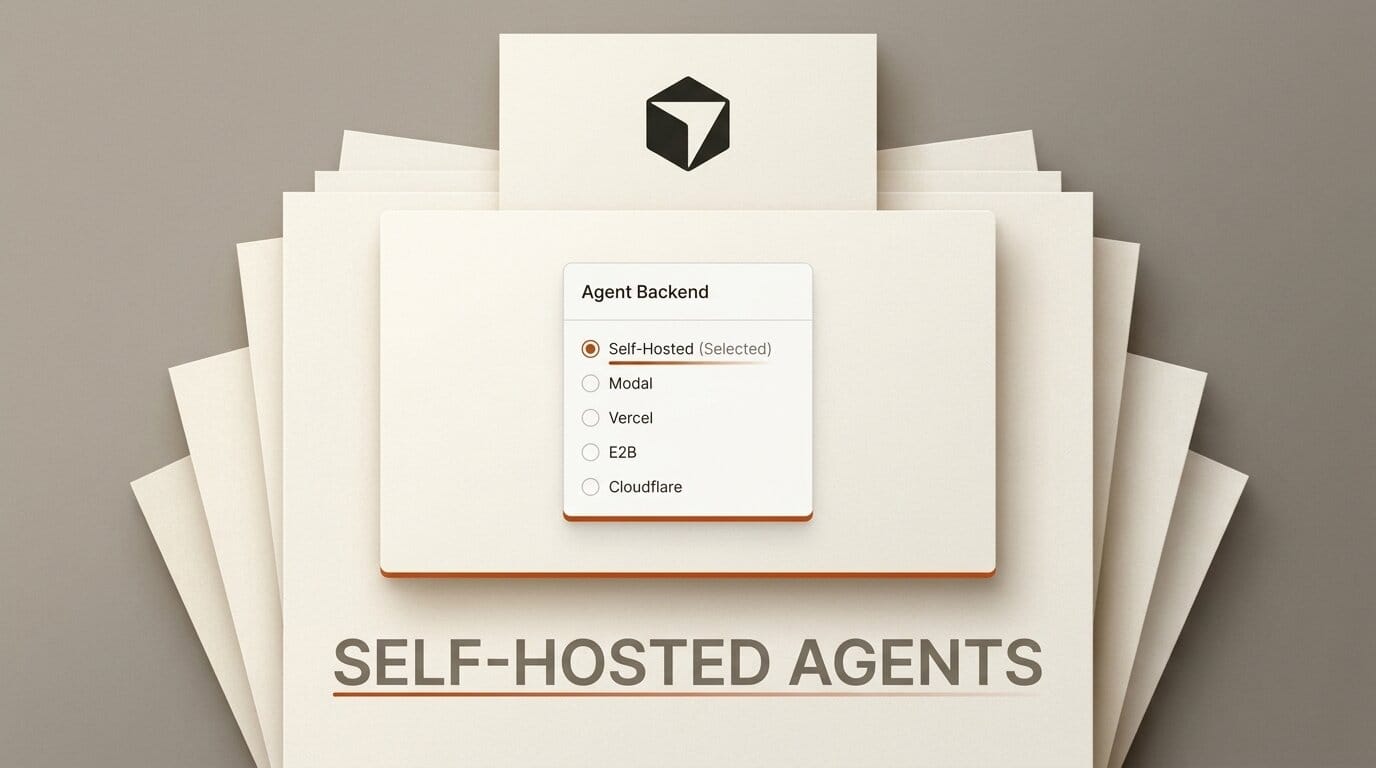
Cursor has decoupled its cloud coding agents from Cursor's own servers. In a September 2, 2026 changelog update, the company added self-hosted machines, letting a cloud agent run on infrastructure you control across eight backends including Modal, Vercel, E2B, Cloudflare, and AWS Lambda. Your codebase, build outputs, and secrets stay on internal machines while Cursor keeps handling the planning and orchestration. For builders who want agent speed without shipping proprietary code to a vendor's cloud, this is the most consequential change to Cursor's agent stack since Origin launched.
What Cursor Actually Shipped
Cursor's cloud agents already ran long tasks in the background, monitored pull requests, and worked on scheduled jobs. The new release changes where that work physically happens. Instead of executing inside Cursor's managed sandboxes, an agent session can now be handed a machine you provisioned, in an environment you own. As developer-focused coverage put it, Cursor continues to handle agent planning while the tool calls, file writes, and command execution run locally on your hardware.
There are two shapes to this. "My Machines" connects an individual laptop or a personal VM for solo work. Team pools act as named worker queues that any request can claim, sized for larger deployments. Pools autoscale as requests arrive and shrink when workers disconnect, and idle machines can hibernate with a reconnect window so you are not paying for capacity that is sitting still. Self-hosted workers also gained computer use on Linux and Mac, so an agent can click, type, screenshot, and drive a browser on the machine you gave it.

The Eight Backends, Compared
The headline is breadth: cloud agents can now execute on AWS Lambda, Coder, Cloudflare, Daytona, Modal, Namespace, Vercel, and E2B. Each targets a different operational profile, from ephemeral per-session sandboxes to persistent developer VMs. The table below groups them by how most teams will actually use them.
| Backend | Execution model | Best fit for |
|---|---|---|
| Modal | Per-session serverless sandbox, fast cold starts | Bursty agent workloads, pay-per-second |
| E2B | Firecracker microVM sandbox per session | Isolated, disposable code execution |
| Vercel Sandbox | Ephemeral compute tied to the Vercel platform | Teams already deploying on Vercel |
| Cloudflare Sandboxes | Edge-run container sandboxes | Low-latency, customer-controlled environments |
| AWS Lambda | Function-based ephemeral execution | Existing AWS shops, tight IAM control |
| Daytona | Managed dev environments | Reproducible workspaces per task |
| Coder | Self-hosted developer workspaces | Regulated orgs running their own control plane |
| Namespace | Fast build and CI machines | Build-heavy agent jobs |
The practical split is ephemeral versus persistent. Serverless sandboxes like Modal, E2B, Vercel, and Cloudflare spin up a clean machine per agent session and tear it down after, which is ideal when you want isolation and per-second billing. Workspace platforms like Coder and Daytona keep a longer-lived environment around, which suits agents that need warm caches, large dependency trees, or a stable database to iterate against. Modal's own writeup on choosing a sandbox for Cursor agents is a useful primer on that tradeoff.

Why Self-Hosting a Coding Agent Matters
The reason this lands harder than a typical config option is trust. A cloud coding agent is, by definition, a process with read and write access to your entire repository plus whatever secrets it needs to build and test. Running that on a vendor's shared cloud is a real barrier for any team with proprietary code, customer data, or compliance obligations. Keeping execution on your own infrastructure removes the "our source never leaves our network" objection while preserving the part of Cursor that is hard to replicate: the agent's planning loop.
Cost is the second lever. Managed agent minutes are priced for convenience. When you point sessions at your own Modal or AWS account, you pay raw compute rates and can tune machine size to the task. This mirrors a broader pattern in agent tooling, the same one behind Cursor's Origin code hosting and rivals like Cloudflare's support for Devin Outposts and Claude Managed Agents. As Cloudflare's own announcement noted, the platforms increasingly compete to be the place your coding agents run, not just where your app is deployed.
How to Point a Cloud Agent at Your Own Sandbox
The setup follows the same pattern regardless of backend. Here is the shape of it for a small team standing up self-hosted execution:
1. Pick an execution model. Choose an ephemeral sandbox (Modal, E2B, Vercel, Cloudflare) if you want clean isolation per task, or a workspace platform (Coder, Daytona) if your agents need warm state. Solo builders can start with "My Machines" and a single VM.
2. Register the pool. In Cursor's team settings, create a named worker pool and connect your backend account. The pool is project-agnostic, so any agent request can claim any idle worker.
3. Set autoscaling and hibernation. Configure how aggressively the pool scales up under load and how long idle machines wait before hibernating. This is where you control the cost floor.
4. Route sessions and verify isolation. Assign agent sessions to the pool, run a throwaway task, and confirm the codebase, build artifacts, and secrets stayed on your machine. Enable computer use on Linux or Mac only for the workers that need browser automation.

Because Cursor keeps orchestration in its cloud, you get the parallel-agent and scheduled-task features from earlier releases while execution stays local. That combination is what makes this more than an enterprise checkbox.
What This Enables for Builders
For indie developers and small studios, the immediate win is running longer, riskier agent jobs against real credentials without those credentials ever touching a shared cloud. You can hand an agent a Modal sandbox for a heavy refactor, let it drive a browser to check the result, and pay only for the seconds it runs. For teams inside regulated industries, self-hosted machines are the difference between piloting agentic coding and shelving it. The next step is small: pick one backend you already use, wire up a single-machine pool, and move one recurring agent task onto it before scaling out.
Frequently asked questions
Does self-hosting change how Cursor's agent plans work?
No. Cursor still runs the planning and orchestration in its own cloud. Only the execution, tool calls, file writes, and commands, moves to your machines.
Which backends give the strongest code isolation?
Firecracker-style microVM sandboxes such as E2B, and per-session serverless sandboxes like Modal and Cloudflare, spin up and destroy a clean environment per task, which is the tightest isolation of the eight options.
Can a solo developer use this, or is it enterprise only?
Solo developers can use "My Machines" to connect a personal laptop or VM. Team pools are the enterprise-scale path, but the feature is not gated to large accounts.
Does computer use work on Linux now?
Yes. Self-hosted workers support computer use on both Linux and Mac, so an agent can take screenshots and drive a browser on either platform with the right desktop packages installed.
How does this compare to Cursor Origin?
Origin is Cursor's code hosting layer. Self-hosted machines are the execution layer. They are complementary: Origin controls where your repo lives, self-hosted machines control where the agent runs.
What happens to idle machines in a pool?
Idle machines hibernate after a configurable window and reconnect when new work arrives, so you avoid paying for capacity that is not doing anything.





