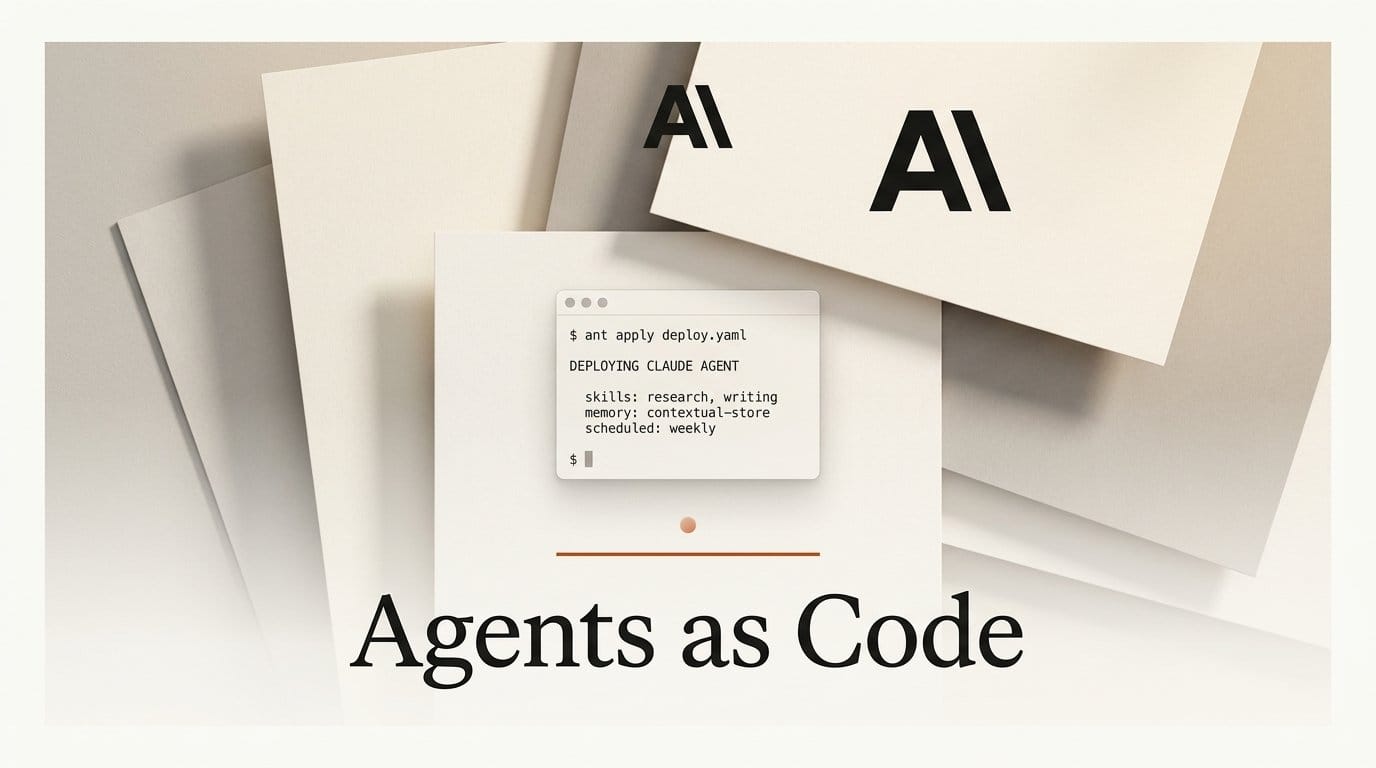
Anthropic shipped version 1.30.0 of its ant CLI on September 3, 2026, and the headline addition is a single command. ant apply creates and updates five kinds of Claude API resources from plain files in your repository: agents, environments, skills, memory stores, and scheduled deployments. It prints a plan, waits for your approval, and writes a claude-lock.json lockfile that pins the ID of every resource it touched.
That is a small surface area for a change that quietly fixes the most annoying problem in agent development. If you have ever assembled a multi-agent system by clicking through a console, then tried to reproduce it in a second workspace or hand it to a teammate, you already know what was missing. Agent configuration has been living outside version control while the code that calls it sat inside. ant apply pulls the configuration back in.
What Anthropic actually shipped
The command is part of the anthropic-cli project and requires CLI version 1.30.0 or later. It targets Claude Managed Agents, the hosted service that runs Claude as an autonomous agent so you do not have to build your own agent loop, sandbox, or tool execution layer.
An agent is a Markdown file. The frontmatter holds the configuration fields documented in Define your agent, and the prose body becomes the system prompt:
---
name: Summarizer
model: claude-opus-5
tools:
  - type: agent_toolset_20260401
---

You are a helpful assistant that writes concise summaries.
Run ant apply agents/summarizer.md and the CLI prints the credentials, host, organization, and workspace it resolved, then a one line plan showing a create. Answer y and it creates the agent and writes the lockfile. Answer d instead and it shows every field first, or a field by field diff when the resource already exists.

Why the lockfile is the real feature
The plan output is the part people will screenshot, but claude-lock.json is what makes the workflow hold up over time. It records the resource ID each file produced, the organization and workspace those resources live in, and two hashes per resource: one fingerprinting what was last sent, one fingerprinting what the API returned.
Those two hashes are how a later run notices that you edited a file, and separately how it notices that somebody changed a resource outside these files. If a resource was edited, archived, or deleted in the Claude Console, the plan ends with This plan cannot be applied: and the reason, and the command exits with refusing to apply. You have to pass --force to overwrite the drift. That refusal is the difference between a deployment tool and a script that quietly clobbers your colleague's work.
The lockfile is also where you read an agent's ID when you want to start a session against it, which means your application code can stop hardcoding IDs that differ per environment.
How this compares to the alternatives
Declarative deployment is not new. What is new is having it for agent resources specifically, from the lab that makes the model. Amazon has been pushing teams toward a similar shape, and its guide to migrating agentic workloads to Bedrock AgentCore covers comparable ground for Claude models running on AWS. The tradeoffs differ:
| Approach | Source of truth | Drift detection | Multi-agent references | CI story |
|---|---|---|---|---|
ant apply | Files in your repo, plus a committed lockfile | Yes, refuses to apply over out of band edits | Relative file paths, resolved in dependency order | --dry-run on pull requests, --yes after merge |
| Claude Console clicking | The Console itself | None, last writer wins | Manual ID copying | No |
| Bedrock AgentCore | AWS resources, typically via CloudFormation or CDK | Inherited from the AWS deployment tool | AWS resource references | Standard AWS pipelines |
| Hand rolled API scripts | Whatever your script assumes | Whatever you wrote | Hardcoded IDs | Whatever you wrote |
The honest summary: ant apply is narrower than a general infrastructure tool and better at the one thing it does. It does not manage your database or your DNS. It manages the five resource kinds that make up a Claude agent system, and it understands how they reference each other.

The workflow: from one file to a whole project
Here is the path from a single agent to a scheduled multi-agent system, using the structure Anthropic documents.
- Install and authenticate the CLI. Follow the CLI quickstart. Confirm you are on 1.30.0 or later, since
ant applydoes not exist before that. - Write one agent and apply it. Put a Markdown file in
agents/and runant apply agents/yourfile.mdfrom the repository root. Run it from the root specifically, because that is where the lockfile lands. - Commit the lockfile. Check
claude-lock.jsoninto git alongside the resource files. Skip this and your next run creates duplicates instead of updates. - Add the other resource kinds. An environment is a YAML file in
environments/. A memory store is a YAML file inmemory_stores/. A deployment is a Markdown file indeployments/where the frontmatter is the request body and the prose becomes the message that starts each session. A skill is a directory with aSKILL.mdat its root, conventionally underskills/, uploaded as one bundle. - Wire the pieces together by path. Wherever the API expects another resource's ID, write the relative path to that resource's file instead. A coordinator agent lists
./reviewer.mdin its roster, a reviewer lists../skills/pr-summaryunder its skills, and a deployment names its agent, environment, and memory store by path. The CLI creates them in dependency order and substitutes the real IDs. - Apply the whole directory. Run
ant apply .and every file gets an entry in the lockfile. Later, runningant applywith no arguments reconciles everything the lockfile tracks, and at a terminal it offers to adopt untracked resource files it finds.
Kind inference deserves a note, because it is the part that will surprise you. The CLI decides what a file is from the first match of three rules: a top level type field, the directory the file sits directly in, or a filename that starts with the kind such as environment_staging.md. Files matching none of those get skipped, which is how your README and CI config survive an ant apply . untouched. Name such a file explicitly on the command line, though, and a Markdown file is treated as an agent while a YAML or JSON file is an error.
One nice touch for teams already using Anthropic's open source skills repository: a skill reference can be a GitHub URL of the form https://github.com/<owner>/<repo>/tree/<branch>/<dir>. The CLI downloads and uploads that directory, pinned to the resolved commit until you rerun with --upgrade.

Running it in CI without breaking production
Without a terminal, ant apply refuses to guess. It prints the plan and stops with a message telling you to rerun with --yes to apply or --dry-run to see the plan only. Anthropic's recommended setup is worth following closely.
Run ant apply --yes . on your default branch after merge, and name the project directory explicitly. A bare ant apply --yes only reconciles files the lockfile already tracks, so a newly added agent would be silently skipped. On pull requests, run ant apply --dry-run . to print the plan for reviewers; it is informational and exits 0 even when the plan is blocked.
Two operational details matter more than they look. Commit the updated lockfile at the end of the job even when the apply step failed partway, because a partial apply still records what it created. And run one apply at a time, because nothing locks the lockfile. For credentials, Anthropic steers you toward Workload Identity Federation rather than a stored API key, and ant apply refuses credentials that resolve to any organization or workspace other than the one recorded in the lockfile. A complete GitHub Actions example lives in the CLI README.
The limits worth knowing before you commit
The adoption gap is the big one. ant apply cannot adopt a resource you created in the Console or with ant beta:agents create. Only what is in the lockfile is managed, and applying a file that describes an existing agent creates a second one rather than taking ownership of the first. The one exception: if you used the Console's Export as code option, the download ships with its own claude-lock.json, so applying it updates what you already built.
Deletion is conservative by default. Removing a file leaves its resource in place with a warning, and only --prune removes it, archiving the resource or deleting it in the case of a skill. Renaming a file therefore declares a new resource and leaves the old one running until you prune. Field clearing follows the API: deleting a field from a file clears it on the resource if the API permits, and a field you never set, or one the API cannot clear, keeps its current value.
If you juggle multiple organizations or workspaces, keep a separate lockfile for each and point at it with --lock-file, since the CLI rejects a lockfile whose organization or workspace does not match your credentials.
What to do next
If you are already running Claude agents in production, the highest value 30 minutes this week is exporting one existing agent from the Console as code, dropping it into a repository, and running ant apply --dry-run to see what the plan says. You get drift detection and a reviewable diff for free, and you find out immediately whether your setup has resources that were built by hand and cannot be adopted.
If you are starting fresh, start in files from day one. The cost of writing agents/reviewer.md instead of filling in a Console form is close to zero, and it means your agent roster, its skills, its memory stores, and its cron schedule all move through code review like everything else you ship.
Frequently asked questions
Do I need Claude Managed Agents to use ant apply?
Yes. The five resource kinds it manages (agents, environments, skills, memory stores, and deployments) are Claude Managed Agents resources. If you are calling the Messages API directly and running your own agent loop, there is nothing here for ant apply to manage.
What happens if someone edits an agent in the Console after I applied it?
The next plan refuses to run. It ends with This plan cannot be applied: plus the reason, and the command exits with refusing to apply. You then either reconcile the Console change back into your file, or pass --force to overwrite it. This is deliberate: silent overwrites of a teammate's hotfix would make the tool untrustworthy.
Can I migrate agents I already built in the Console?
Only through the Console's Export as code option, which includes its own lockfile. There is no adopt command that takes an existing agent ID and brings it under management. Applying a file that describes an existing agent creates a duplicate, so check before you run.
How do agents reference skills and other agents?
By relative file path, anywhere the API would expect an ID. The CLI resolves creation order from those references and pins agent and skill references to the version it just applied, so editing a skill updates everything referencing it in the same run. To point at something these files do not manage, write the raw ID such as agent_... or skill_... instead.
Is it safe to run in CI on every pull request?
Running --dry-run on pull requests is safe and is the documented pattern; it changes nothing and exits 0 even when blocked. Reserve the real --yes apply for your default branch after merge, run only one apply at a time, and authenticate with Workload Identity Federation rather than a long lived API key.
What does the lockfile actually store?
A version number, an origin block with the base URL, organization ID, and workspace ID, and one entry per managed file recording its kind, resource ID, version, and the two hashes used for drift detection. It is meant to be committed, and it is the file your next run reads to decide between an update and a create.





