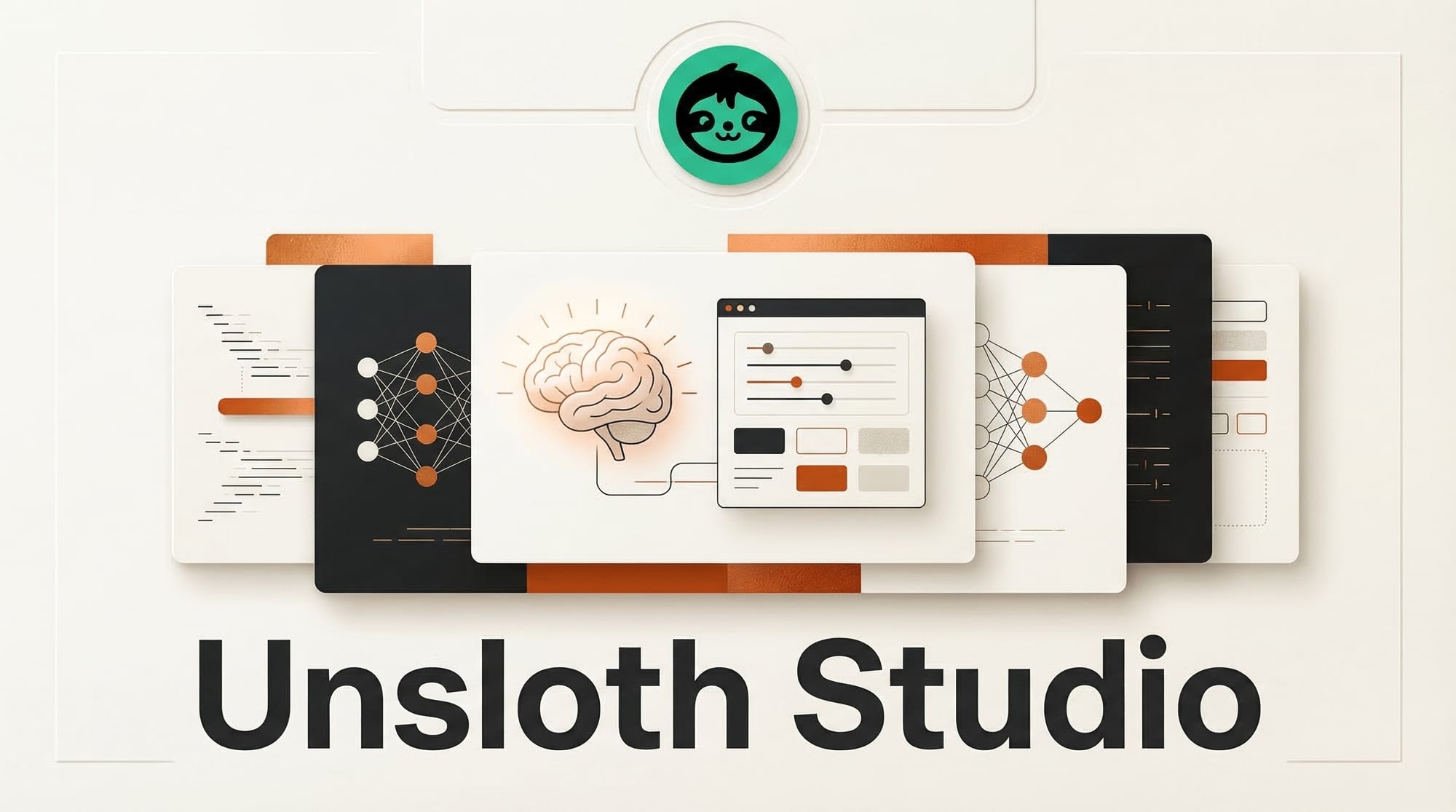
Unsloth AI released Studio, a free local application that provides a visual interface for fine-tuning large language models while using 70% less VRAM than standard training methods. The tool removes the coding requirement from model customization entirely, letting users configure training runs, manage datasets, and monitor progress through a graphical interface that runs on their own hardware.
What Happened
As reported by MarkTechPost, Unsloth Studio builds on the existing Unsloth open-source library, which has already established itself as one of the most efficient tools for LLM fine-tuning. The Unsloth GitHub repository has grown a large community around its memory-efficient training techniques, and Studio packages those capabilities into a desktop application that anyone can use.
The 70% VRAM reduction is the headline number. Standard fine-tuning of a 7B parameter model typically requires 40GB or more of GPU memory, limiting the practice to expensive cloud instances or high-end workstations. Unsloth's optimizations bring that requirement down substantially, making fine-tuning feasible on consumer GPUs with 12 to 16GB of VRAM.
Studio handles the complete fine-tuning workflow through its GUI: selecting a base model, loading and formatting training data, configuring hyperparameters, running the training loop, and evaluating results. Users who previously needed to write Python scripts and manage complex library dependencies can now accomplish the same tasks through point-and-click interactions.
Why It Matters
Fine-tuning is where generic AI models become genuinely useful for specific tasks. A base model might write decent marketing copy, but a fine-tuned model trained on your brand voice and product catalog will consistently outperform it. The barrier has always been the technical skill and hardware required to do this effectively.
Unsloth Studio attacks both barriers simultaneously. The no-code interface removes the programming requirement, and the VRAM optimization removes the need for expensive GPU hardware. Together, these changes make model customization accessible to creative professionals, small business owners, and content creators who understand their domain but do not write training scripts.
Running locally also means complete data privacy. Training data never leaves the user's machine, which matters for businesses working with proprietary content, client data, or sensitive materials. This is a growing concern as more organizations explore fine-tuning but hesitate to upload their data to cloud training platforms.
This fits into a broader trend of open-source creative AI tools becoming more accessible. Combined with NVIDIA's push for local AI workflows with ComfyUI, the ecosystem for running AI on your own hardware continues to mature rapidly.
Key Details
- Price: Free
- Runs: Locally on user's own hardware, no cloud dependency
- VRAM savings: 70% less than standard fine-tuning methods
- Interface: Full GUI, no coding required
- Data privacy: All training data stays on the local machine
- Base: Built on the established Unsloth open-source library
What to Do Next
If you have a specific use case where a general-purpose model falls short, such as writing in a particular style, classifying domain-specific content, or generating structured outputs, download Unsloth Studio and try fine-tuning a small model on 50 to 100 examples from your domain. Start with a 3B or 7B parameter model to keep hardware requirements low, and compare the fine-tuned output against the base model on your actual tasks. The difference is often dramatic even with small training sets.