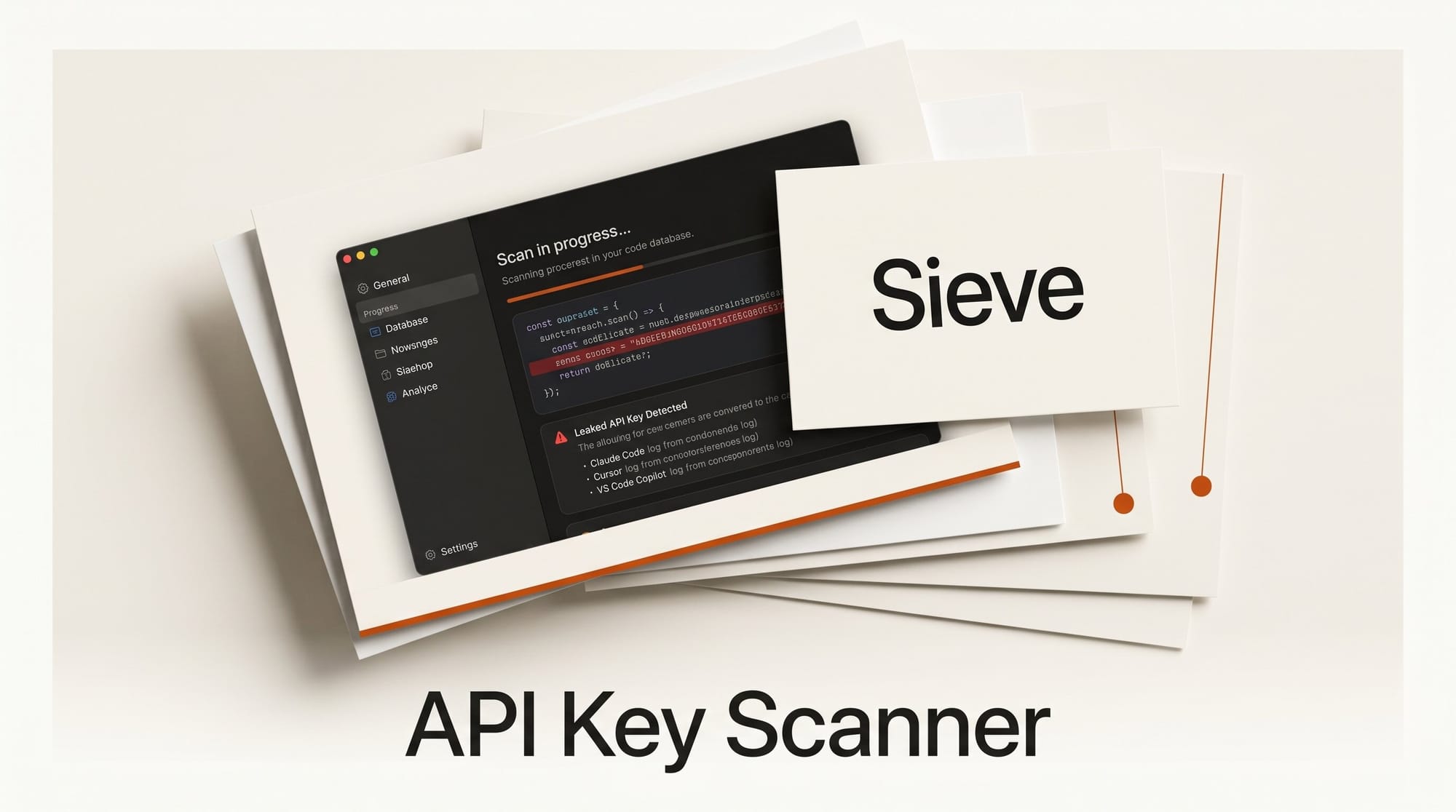
Every time you paste an API key into Claude Code or Cursor to troubleshoot a workflow, that key gets written to a local SQLite database and stays there. A new macOS app called Sieve scans those chat histories automatically and surfaces any exposed secrets before they cause damage.
What Happened
Sieve is a $9.99 macOS app that scans the local chat databases of AI coding assistants for exposed API keys, tokens, passwords, and private keys. It supports Claude Code, Cursor, VS Code Copilot, Windsurf, Codex, and .env files. Once a secret is found, Sieve lets you store the replacement value in a secure vault backed by macOS Keychain with biometric protection, and can redact the original from VS Code SQLite databases with timestamped backups. Everything runs 100% locally with no network requests, no cloud sync, and no telemetry.
The app also ships an MCP server that integrates directly with Claude Code, allowing the assistant to check whether a value is a known secret without ever seeing the raw key.
Why It Matters
This fills a real gap. Research from Netwrix found that AI coding assistants store credentials in ways most developers do not expect: chat histories persist on disk in plaintext, and anything typed into a session window is logged. A separate analysis showed that Claude Code-assisted commits leak secrets at more than double the baseline rate of non-AI commits.
For creative professionals who run image generation pipelines, video workflows, or audio tools through API keys on services like Replicate, Stability AI, ElevenLabs, or OpenAI, a leaked key can mean unexpected charges or service suspension with no warning.
Key Details
- Price: $9.99 one-time (Mac App Store)
- Platform: macOS 13.0 or later
- Supported tools: Claude Code, Cursor, VS Code Copilot, Windsurf, Codex, .env files
- Vault: macOS Keychain with biometric protection
- MCP integration: Local server for Claude Code that checks secrets without exposing raw values
- Privacy: 100% local, no account required, no telemetry
- Developer: Sunitha (2026)
Anthropic already documents API key best practices and recommends scoped tokens over global keys wherever possible, but Sieve is the first tool to scan existing chat history for what has already been exposed.
What to Do Next
If you use Claude Code or Cursor regularly for AI creative workflows, run Sieve once to audit what is already in your chat history. Download it from the Mac App Store. After the scan, rotate any flagged keys immediately through your API provider dashboard, not through the chat window.
Going forward, never paste raw API keys into any AI assistant session. Use environment variables or Sieve Vault to keep secrets out of the conversation entirely.