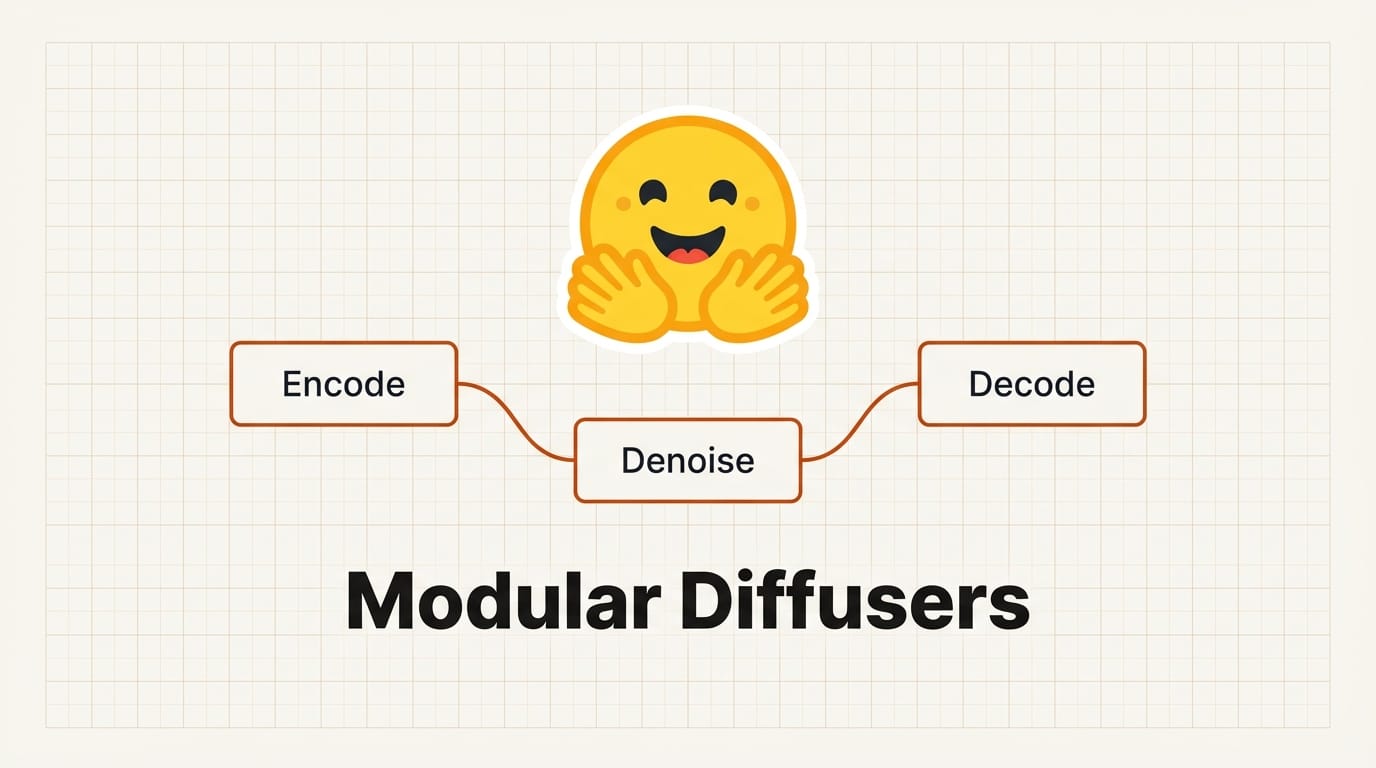
Hugging Face launched Modular Diffusers on March 5, replacing the monolithic DiffusionPipeline with a composable block system. Instead of forking entire pipelines to change one step, creators can now swap, share, and visually connect self-contained blocks that each handle a single piece of the diffusion workflow. The release ships with pre-built blocks for FLUX.2 Klein 4B, Krea Realtime Video, and Waypoint-1, plus a visual node editor called Mellon that requires zero code.
What Happened
The original Diffusers library used monolithic pipelines where every step was tightly coupled. Changing a scheduler, adding a LoRA, or swapping a VAE meant copying and modifying the entire pipeline class. Modular Diffusers breaks that pattern by introducing blocks: self-contained units with explicitly defined inputs and outputs that can be independently developed, tested, and shared.
Each block wraps a specific operation, whether that is text encoding, denoising, or image decoding. Blocks connect through typed ports, so the framework validates compatibility before execution. Creators can rearrange the workflow by plugging blocks together in different orders, and the system catches mismatches at build time rather than runtime.
Hugging Face also released Mellon, a node-based visual editor where users drag blocks onto a canvas, connect their ports, and run the full pipeline without writing any Python. Mellon renders the block graph as an interactive flowchart, making it possible for non-programmers to build and customize diffusion workflows visually.
Why It Matters for Creative Professionals
Monolithic pipelines forced creators to be pipeline developers. Every customization required understanding the full codebase, and sharing a single improvement meant distributing an entire modified pipeline. Modular Diffusers eliminates that overhead. A creator who builds a better upscaling block can publish it to the Hugging Face Hub, and anyone can drop it into their existing workflow without touching the rest of the pipeline.
The Mellon node editor lowers the barrier further. Artists and designers who work in node-based tools like ComfyUI or Blender's shader nodes will recognize the paradigm instantly. Building a custom image generation pipeline becomes a visual task rather than a coding exercise, which means faster iteration on creative workflows.
The pre-built blocks for FLUX.2 Klein 4B (a compact 4-billion-parameter model), Krea Realtime Video, and Waypoint-1 give creators production-ready starting points. These are not demo blocks. They cover the models creators are actively using for image and video generation today.
Key Details
Framework: Modular Diffusers (replaces monolithic DiffusionPipeline)
Architecture: Self-contained blocks with typed inputs and outputs
Visual editor: Mellon (node-based, zero code, open-source)
Pre-built blocks: FLUX.2 Klein 4B, Krea Realtime Video, Waypoint-1
Sharing: Individual blocks publishable to Hugging Face Hub
Launched: March 5, 2026
Source: Hugging Face blog
What to Do Next
Install the latest version of the Diffusers library and explore the pre-built blocks for FLUX.2 Klein 4B. Try swapping one block, such as the scheduler or VAE, to see how the modular system handles component changes without requiring a full pipeline rewrite.
If you prefer visual workflows, download Mellon and build a pipeline by connecting blocks on the canvas. Test it against your current ComfyUI or scripted setup to compare iteration speed.
Check the Hugging Face Hub for community-published blocks as the ecosystem grows. The value of this system compounds as more creators share specialized blocks for specific use cases like style transfer, inpainting, or video interpolation.
This story was featured in Creative AI News, Week of March 10, 2026. Subscribe for free to get the weekly digest.