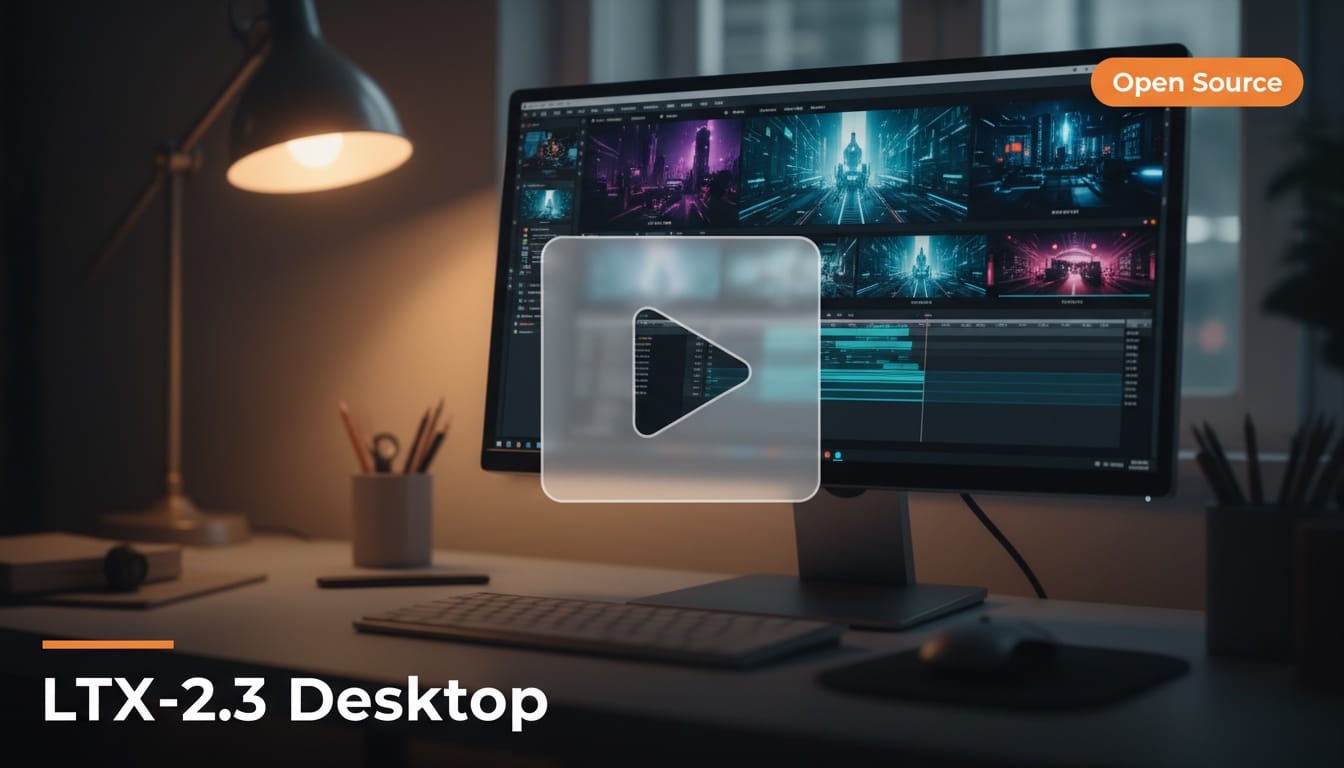
Lightricks released LTX-2.3 on March 5, 2026, a 22-billion-parameter open-source video generation model with native audio, portrait video support, and a companion desktop editor that runs the entire model locally. The release ships under Apache 2.0, making it free for commercial use and fine-tuning.
What Happened
Lightricks shipped two products simultaneously: LTX-2.3, a major model upgrade, and LTX Desktop, a production-grade video editor built directly on the LTX engine. The model uses a DiT-based architecture and is available on Hugging Face under Apache 2.0.
The upgrade list is substantial. A redesigned VAE produces sharper details, more realistic textures, and cleaner edges. A new gated attention text connector improves prompt adherence, so descriptions of timing, motion, and expression translate more faithfully into output. Native portrait video support generates vertical 1080x1920 content without cropping from landscape. Audio quality got a full overhaul with silence gaps and noise artifacts filtered from training data.
The model already has strong community adoption. ComfyUI added day-zero support, and Unsloth released GGUF quantizations for users with limited VRAM. The GGUF version has already accumulated over 48,000 downloads in its first week.
Why It Matters for Creators
LTX-2.3 is the first open-source video model that ships with a real desktop editor. Instead of cobbling together ComfyUI workflows or writing Python scripts, creators get a polished application for generating and editing AI video on their own hardware. No cloud costs, no usage limits, no data leaving your machine.
The portrait video support matters for anyone creating content for TikTok, Instagram Reels, or YouTube Shorts. Until now, most AI video models generate landscape-first and require awkward cropping. Native 1080x1920 output eliminates that friction. Combined with integrated audio, you can generate a complete vertical video with sound in a single pass.
What to Do Next
Download LTX Desktop to try the full editing experience locally. If you prefer workflow-based generation, grab the model from Hugging Face and use it with ComfyUI. For machines with limited VRAM, use the Unsloth GGUF quantization. The model also runs on fal.ai if you want cloud-hosted inference without local setup.
This story was covered by Creative AI News.
Subscribe for free to get the weekly digest every Tuesday.