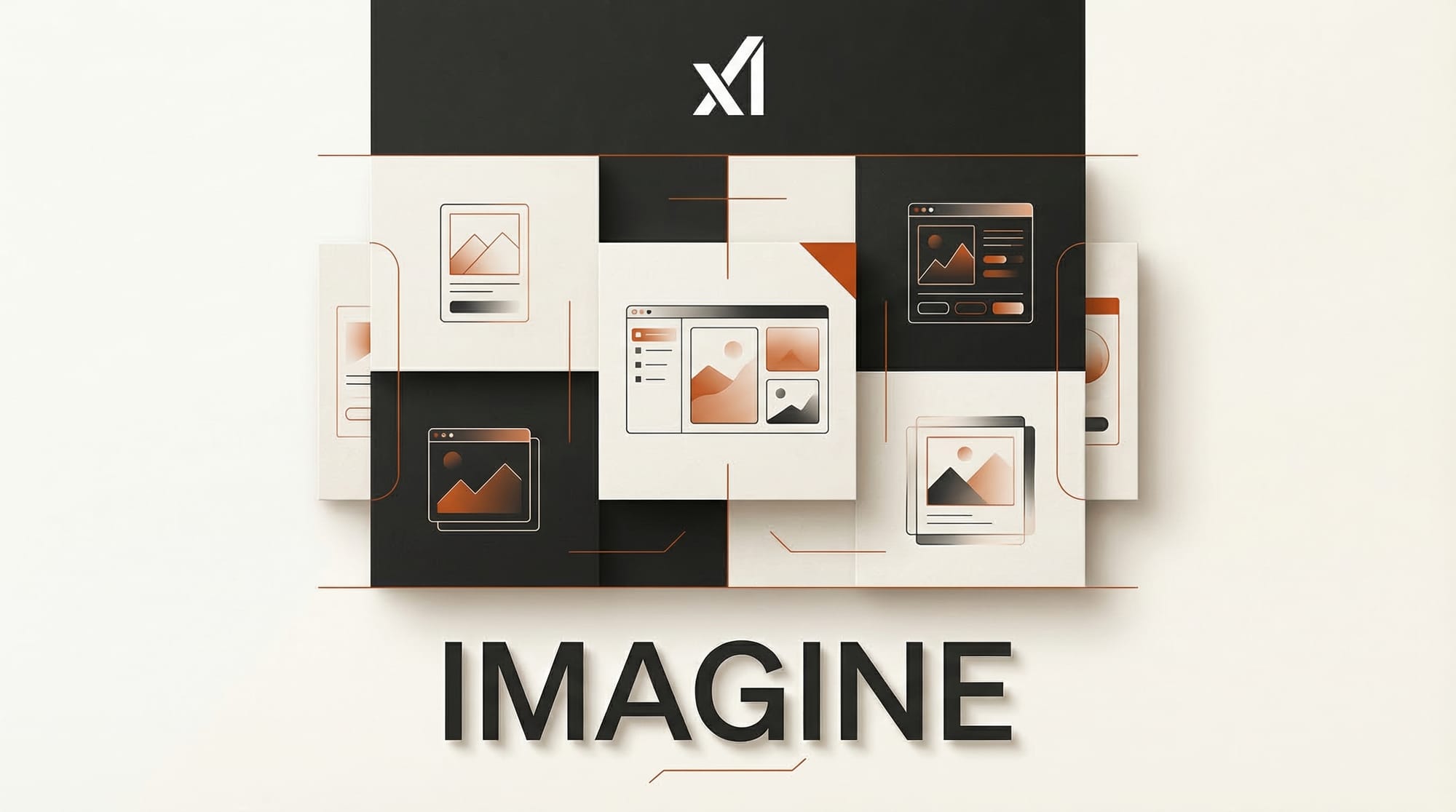
xAI expanded Grok Imagine templates from mobile to web on March 16, 2026, giving users browser-based access to one-click AI image and video transformation workflows. Users can now select a template from the top bar, upload a photo, and let Grok convert it into a styled AI-generated image or video directly from any desktop browser.
What Happened
Grok Imagine, xAI's standalone AI image and video generation platform, brought its template system to the web after previously limiting it to mobile apps. Templates let users pick a visual style, upload a source image, and receive a transformed result without writing any prompt. The feature simplifies the creation process to two steps: choose a template and provide an image.
Grok Imagine is separate from the Grok chatbot. It launched in February 2026 as version 1.0 and has scaled rapidly, generating 1.245 billion videos in January 2026 alone. The platform is built on Black Forest Labs' FLUX.1 model architecture.
Why It Matters
Template-based workflows lower the barrier for users who find prompt engineering difficult or time-consuming. Instead of describing a desired output in detail, users select from pre-built styles and let the model handle the creative translation. Moving this to the web removes the mobile-only limitation that restricted access for desktop-first creators and professionals working on larger screens.
The rapid adoption numbers suggest strong demand. Generating over a billion videos in a single month puts Grok Imagine among the most heavily used generative media platforms currently operating.
Key Details
Grok Imagine supports four core workflows: Text-to-Image, Image-to-Image editing, Text-to-Video at 10-second duration and 720p resolution, and Image-to-Video with motion control. The video duration was recently increased from 8 seconds to 10, and audio quality has been improved alongside the resolution bump.
For best results, xAI recommends using natural language descriptions rather than keyword stacking when working with text-based generation. The platform guide covers workflow details and tips for getting consistent output from each of the four modes.
What to Do Next
Users who previously accessed Grok Imagine only on mobile can now visit the web platform to use the same template workflows on desktop. Creators producing short-form video content should test the 10-second video generation with the updated 720p output and improved audio. The template system is the fastest entry point for users new to AI image generation who want results without learning prompt syntax.