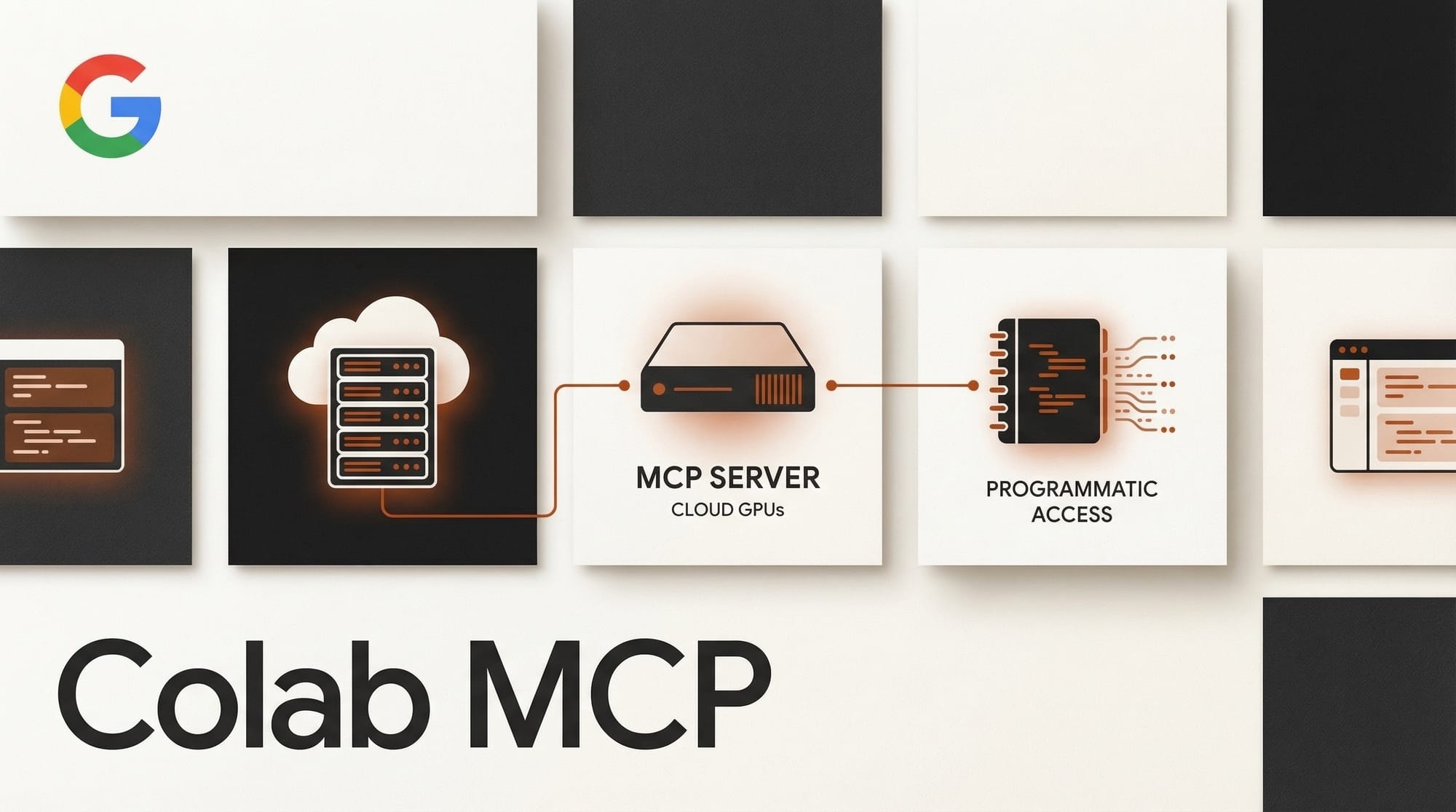
Google has released an open-source MCP server for Google Colab that lets AI agents create notebooks, write and execute Python code, install dependencies, and generate visualizations, all inside Colab's cloud environment. The server works with any MCP-compatible agent, including Claude Code, Gemini CLI, and others.
What Happened
The Colab MCP server, announced by Google Product Manager Jeffrey Mew on the Google Developers Blog, bridges local development workflows with cloud compute. An AI agent running on your laptop can now spin up a Colab notebook, write Python code into cells, execute that code in real time, and pull back the results, all without you opening a browser tab.
This matters because Colab provides free and paid access to GPUs and TPUs. An agent that previously could only run code locally now has a path to cloud hardware for tasks that require it, like training models, running inference on large datasets, or generating visualizations from heavy compute workloads.
The server is free and immediately available. Requirements are minimal: Python, Git, and uv (a Python package manager).
Why It Matters
MCP (Model Context Protocol) has become the standard way for AI agents to interact with external tools and services. By releasing an official MCP server, Google is positioning Colab as the default cloud compute backend for the growing agent ecosystem.
For creative AI workflows, this opens practical possibilities. An agent could generate images using a GPU-accelerated model in Colab, process video frames, or run audio synthesis, all as part of a larger automated workflow. The agent handles the orchestration while Colab provides the compute.
This also lowers the barrier for developers who want to build multi-agent systems that combine local reasoning with cloud execution. Instead of managing SSH connections to GPU servers or setting up Kubernetes clusters, you get Colab's managed environment accessible through a standard protocol.
Key Details
- Repository: github.com/googlecolab/colab-mcp
- Compatible agents: Any MCP-compatible client (Claude Code, Gemini CLI, Cursor, and others)
- Capabilities: Create notebook cells, write and execute Python, install pip packages, generate visualizations
- Requirements: Python, Git, uv package manager
- Cost: Free (uses your existing Colab account and quota)
What to Do Next
If you use Claude Code or another MCP-compatible agent, adding the Colab server takes a few minutes. Clone the repository, configure your agent's MCP settings to point at it, and your agent gains access to cloud-hosted Python execution with optional GPU acceleration.
The immediate use case for creators is offloading compute-heavy tasks. Instead of running Stable Diffusion inference locally or waiting for a remote API, you can let your agent handle it through Colab's infrastructure. As MCP adoption grows, expect more services to release similar servers, turning AI agents into orchestrators that pull from multiple cloud backends as needed.