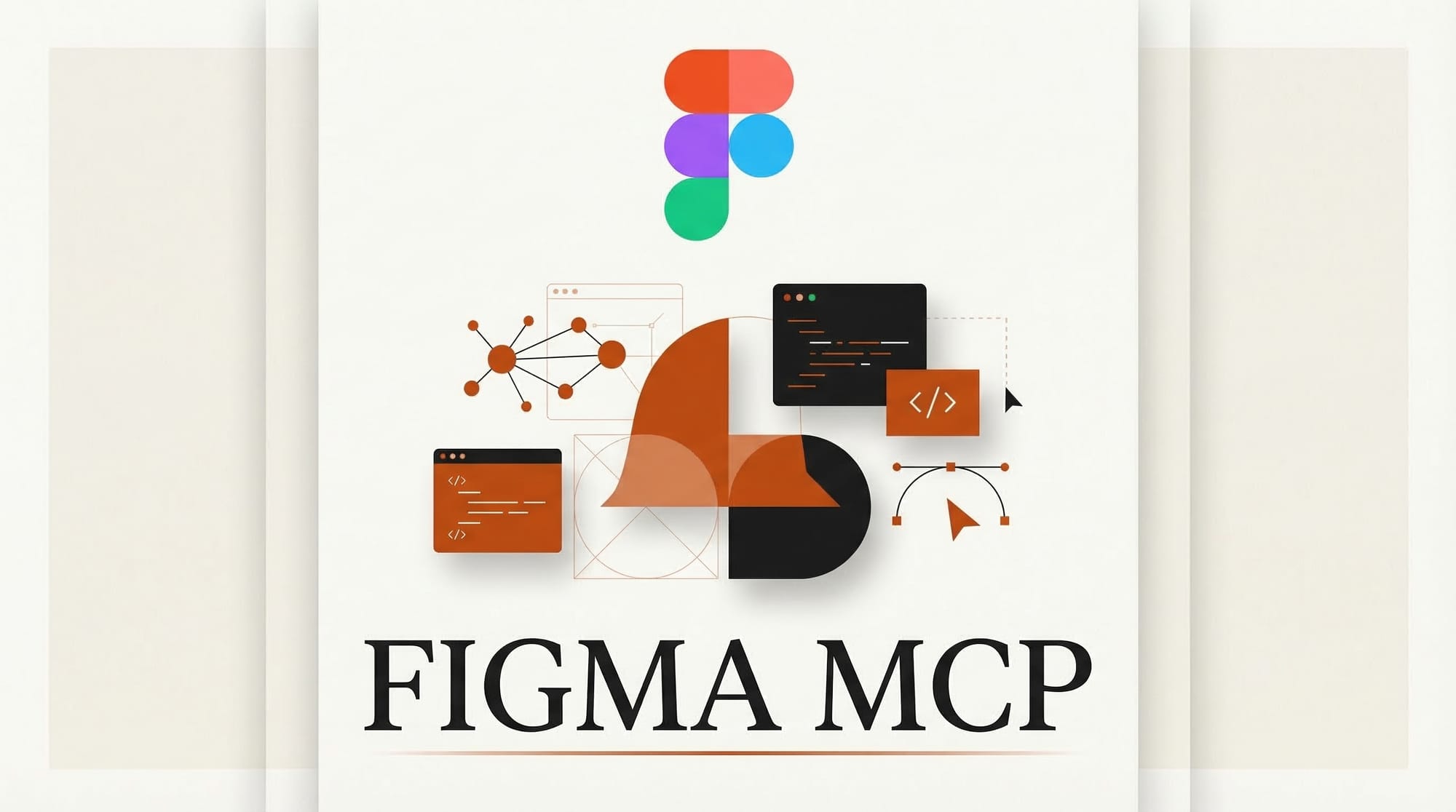
Figma expanded its AI capabilities with two major updates: a Model Context Protocol (MCP) server that enables two-way workflows between design files and coding environments, and Vectorize, an AI tool that converts raster images into editable vector graphics directly inside Figma.
What Happened
Figma's MCP server now supports bidirectional communication between Figma Design files and code editors. Developers can push rendered UI from code to the Figma canvas as fully editable frames, and pull design context from Figma into their development environment. The server works with Cursor, Warp, Factory, Firebender, Augment, and VS Code. OpenAI Codex users can also generate Figma Design files through the MCP server.
This builds on earlier MCP integrations in the design space. In January 2026, Claude AI added Figma as one of its MCP Apps, establishing the protocol as a standard bridge between AI assistants and design tools. Figma's own MCP server takes this further by making the connection native and two-directional, so changes flow both ways between design and code.
Separately, Figma introduced Vectorize, an AI-powered tool that analyzes raster images (PNGs, JPEGs, screenshots) and rebuilds them as clean, editable vector paths. The output is a native Figma vector that users can scale, recolor, and modify without quality loss. This eliminates the manual tracing workflows designers have used for years when working with bitmap assets.
Figma also rolled out a flexible AI credits system. Admins can purchase credits via subscription or pay-as-you-go, available now for Organization and Enterprise plans, with Professional plan support coming in May 2026.
Why It Matters for Creators
The MCP server fundamentally changes how design and development teams collaborate. Instead of exporting static assets or writing detailed specs, designers can push live designs directly into a developer's coding environment. Developers using AI coding tools like Cursor or Codex can generate UI components that land in Figma as editable designs, not screenshots.
Vectorize solves a longstanding pain point. Designers routinely receive logos, icons, and graphics as raster files that need manual conversion before they can be incorporated into scalable design systems. AI-powered vectorization reduces a task that took 15 to 30 minutes per asset to a single click.
The broader signal is clear: design tools are becoming AI-native platforms. Figma is positioning itself as the hub where AI assistants, coding agents, and human designers all operate on the same canvas.
What to Do Next
If you use Figma with AI coding tools, connect the MCP server to your editor to test the push-pull workflow. Try generating a component in Codex or Cursor and see how it lands on the Figma canvas. For teams still manually tracing raster assets, Vectorize is worth testing immediately on your most common conversion tasks.
This story was covered by Creative AI News.
Subscribe for free to get the weekly digest every Tuesday.