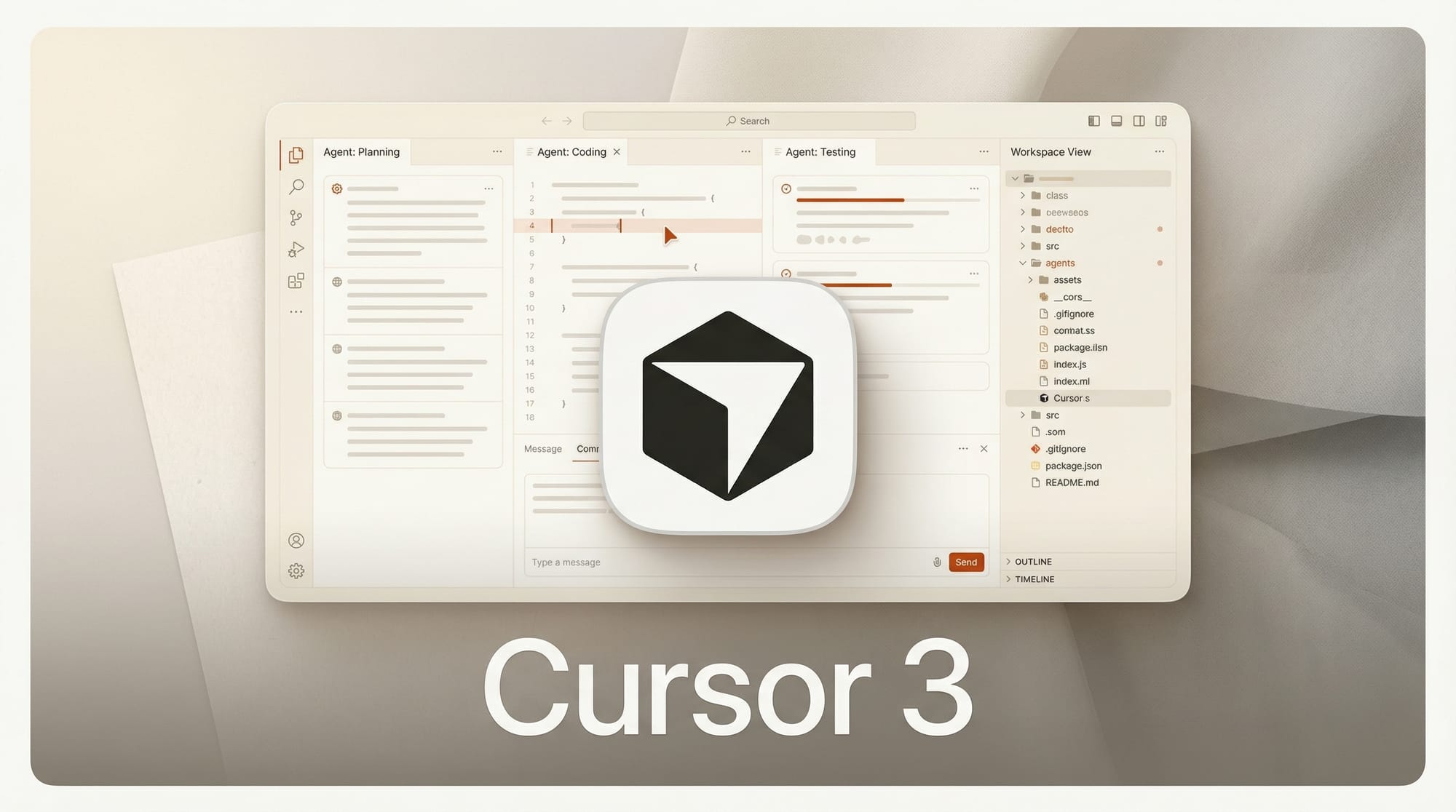
Cursor shipped a complete overhaul on April 2, replacing its code editor interface with a unified workspace built around AI agents. The update consolidates all agent sessions into a single sidebar that developers can manage from desktop, mobile, web, Slack, GitHub, or Linear.
What Happened
Cursor 3 represents the company's shift from a VS Code-style editor to what it calls "a unified workspace for building software with agents." The redesign puts multi-agent management at the center, letting developers launch, monitor, and hand off agent sessions between local and cloud environments without losing context.
The new interface introduces Composer 2, Cursor's proprietary coding model, alongside a redesigned diffs view for reviewing and staging changes. A plugin marketplace with hundreds of extensions lets teams add MCPs, skills, and subagents. Private marketplaces are available for enterprise teams.
Why It Matters
The AI coding tool market has shifted from code completion to autonomous agents in 2026. GitHub Copilot launched /fleet for parallel agents weeks ago. Cursor 3 responds by making agent management the primary interface rather than an add-on feature.
The cloud-local handoff is particularly notable. Developers can start a task locally, move it to the cloud while they step away, and pick it back up on mobile. This addresses the persistent problem of long-running agent tasks tying up a local machine.
Key Details
- Multi-agent sidebar: Launch and monitor agents from one panel across all surfaces including mobile, Slack, and GitHub
- Environment handoff: Move sessions between local and cloud with full context preservation
- Composer 2: Cursor's proprietary coding model for faster local iteration
- Plugin marketplace: Hundreds of MCP-based extensions with enterprise private marketplace support
- IDE core preserved: File navigation, LSP go-to-definition, and integrated browser remain intact
- Access: Upgrade Cursor, then Cmd+Shift+P, select Agents Window
What to Do Next
Update Cursor to try the new workspace. The agent sidebar is optional and existing workflows still function. If you are evaluating AI coding tools, this release puts Cursor in a different category from editor-first competitors. Read our AI Coding Tools Market breakdown for the full competitive landscape.