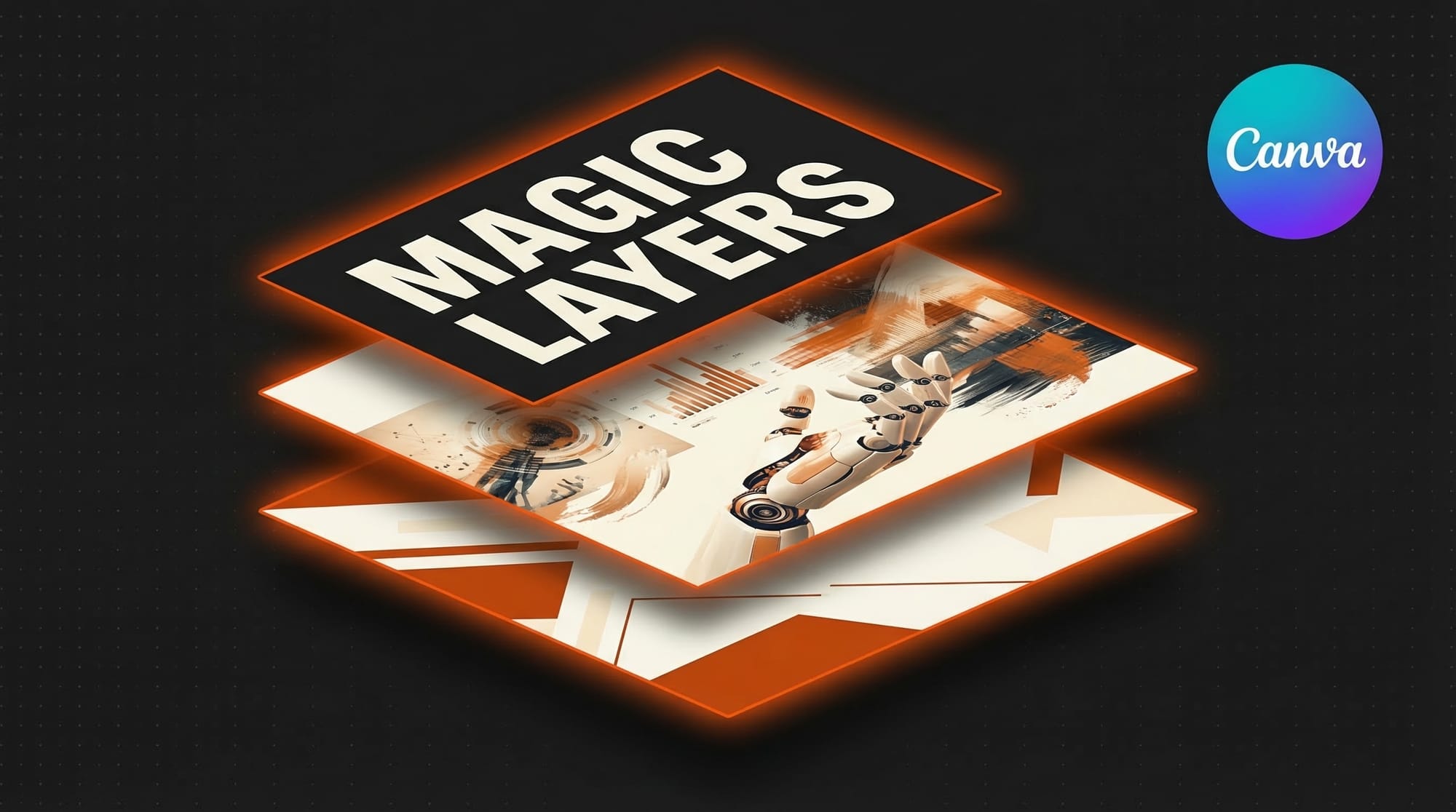
Canva launched Magic Layers on March 13, 2026, a beta feature that converts flat AI-generated images into fully editable multi-layer designs. The tool automatically separates text, objects, and backgrounds into individual layers, letting users modify fonts, colors, and layouts without regenerating the entire image. It is available now in beta to all Canva users.
What Happened
AI image generators produce single flat files. Changing a word, swapping a color, or resizing for a different platform means regenerating from scratch and hoping the output matches the original. Magic Layers solves this by analyzing an AI-generated image and decomposing it into discrete editable components.
When a user imports or generates an image in Canva, Magic Layers identifies distinct visual elements and splits them onto separate layers. Text becomes editable text boxes with font controls. Objects become movable, resizable assets. Backgrounds separate from foreground content. The result is a standard layered design file that behaves like something built from scratch in a design tool.
The feature works with images generated by Canva's built-in Magic Media AI generator as well as images uploaded from external tools like Midjourney, DALL-E, or Stable Diffusion. Processing takes seconds, and the layer separation is non-destructive, preserving the original image as a fallback.
Why It Matters for Creators
Small businesses and freelance designers are the primary beneficiaries. A bakery owner who generates a promotional banner with AI no longer needs to start over when adapting it for Instagram Stories, a Facebook cover photo, and a print flyer. Magic Layers lets them unlock the design, change the text, adjust the layout for each format, and export, all from one starting image.
This positions Canva as the finishing layer for AI-generated content. Instead of competing directly with image generators on output quality, Canva is building the workspace where users refine, adapt, and deploy AI outputs across real business needs. It is a strategic bet that generation is becoming commoditized while editing and adaptation remain high-value tasks.
For teams, the workflow improvement compounds. A marketing team can generate a campaign concept with AI, decompose it with Magic Layers, then hand off an editable template that non-designers on the team can customize for regional markets, seasonal updates, or A/B testing variations. The AI image becomes a starting point, not a finished product.
Key Details
Feature: Magic Layers (beta)
Function: Converts flat AI images into editable multi-layer designs
Layer types: Text, objects, and backgrounds separated automatically
Compatibility: Works with Canva Magic Media and uploaded external images
Availability: Beta, rolling out to all Canva users starting March 13, 2026
Pricing: Included in existing Canva plans during beta
What to Do Next
Open Canva and generate an image with Magic Media or upload one from your preferred AI tool. Look for the Magic Layers option in the editor toolbar. Test it on a promotional graphic you have been meaning to adapt for multiple platforms, and see how cleanly the tool separates the components.
If you manage brand assets for a team, try decomposing a few AI-generated designs into templates that others can customize. This is where Magic Layers delivers the most practical value: turning one-off AI outputs into reusable, editable brand collateral.
Keep an eye on Canva's newsroom for updates as Magic Layers moves out of beta. Layer accuracy and edge-case handling will likely improve as the feature matures.
This story was covered by Creative AI News.
Subscribe for free to get the weekly digest every Tuesday.