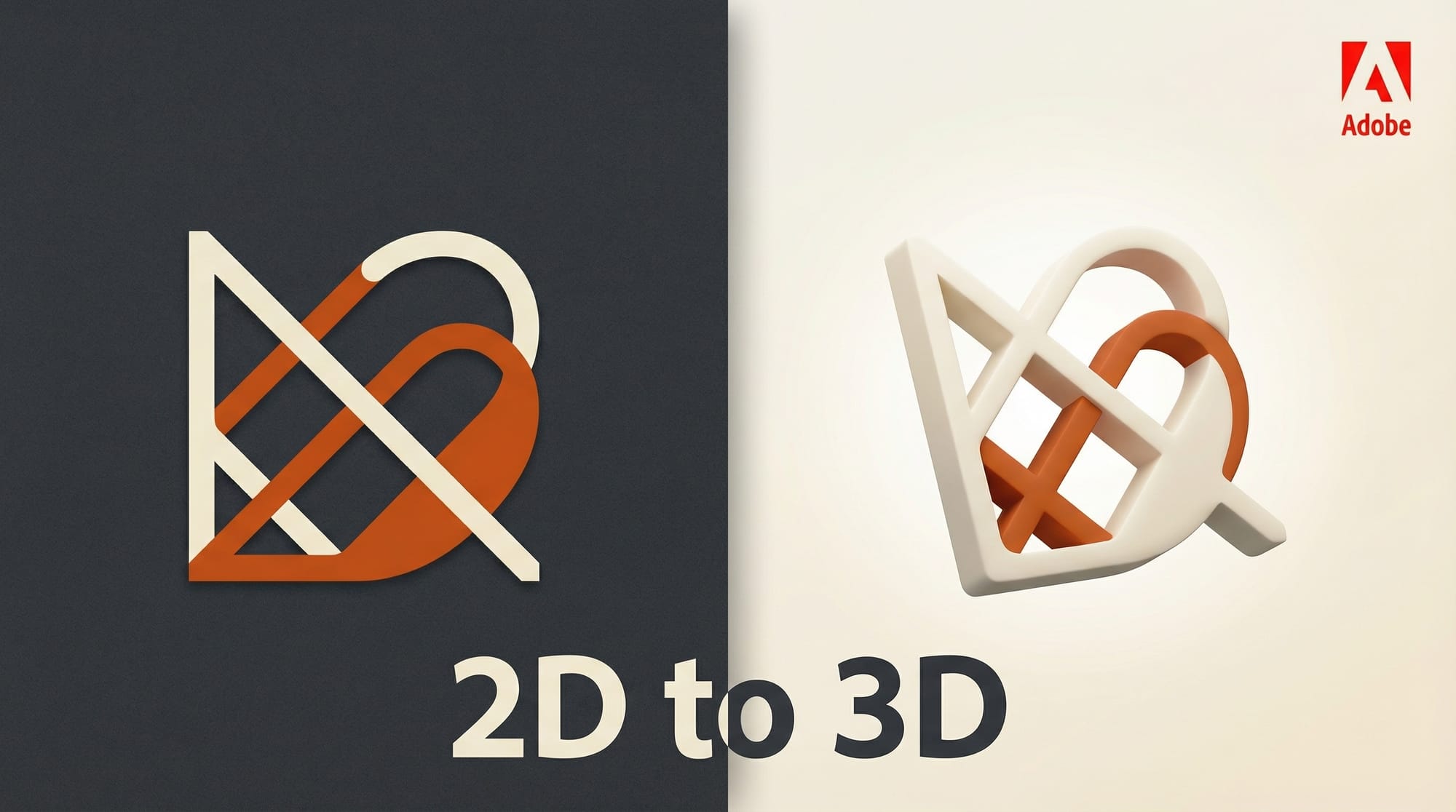
Adobe Illustrator's Turntable feature is now generally available, bringing AI-powered 2D-to-3D vector rotation to all Illustrator users. The tool generates up to 74 editable views from a single vector design, including full rotation and vertical tilt.
What Happened
Turntable, first previewed as a Project Turntable at Adobe MAX in October 2024, shipped in the latest Illustrator 2026 (v30.0) update on March 30. After seven months of public beta testing, the feature now lets designers select any vector object and generate multiple 3D perspective views while preserving the original 2D art style.
Each generated angle remains a fully editable vector, not a rasterized render. Designers can rotate objects through 360 degrees with vertical tilt options, then edit individual views independently. The output is production-ready: usable directly in animation pipelines, game asset workflows, and pitch decks without additional cleanup.
The Illustrator 2026 v30.0 update also includes an improved font browser, enhanced color tools, better snapping controls, and artboard management improvements.
Why It Matters for Creators
Character turnarounds are one of the most time-consuming tasks in animation and game development. Manually drawing 10-20 angles of a character for a pitch deck or animation reference can take hours. Turntable compresses that into a single step. Beta testers at studios have already used it to produce character turnarounds for pitches and concept art for game prototypes, according to 9to5Mac.
The key differentiator is that every output stays as an editable vector. Competing AI rotation tools (like some Blender plugins or standalone apps) typically output rasterized images that need manual tracing to become usable assets. Turntable skips that step entirely, keeping everything in the vector pipeline designers already work in.
For game developers, the 74-angle output covers nearly every perspective needed for isometric sprites or top-down character sheets. For motion designers, each vector frame can be directly imported into After Effects or Animate without conversion steps. It removes one of the last manual bottlenecks between concept and production.
What to Do Next
Update to Adobe Illustrator 2026 v30.0 through Creative Cloud. Select any vector object and look for the Turntable option in the context menu. Start with a simple character or logo to test how well it handles your style before applying it to complex production assets. Read PRINT Magazine's walkthrough for practical tips on using Turntable for animation workflows.
This story was covered by Creative AI News.
Subscribe for free to get the weekly digest every Tuesday.