xAI has rolled out two new generation modes for Grok Imagine on the web, giving users direct control over the tradeoff between image detail and generation speed. A third Pro mode with 1080p output is confirmed for later this month.
What Happened
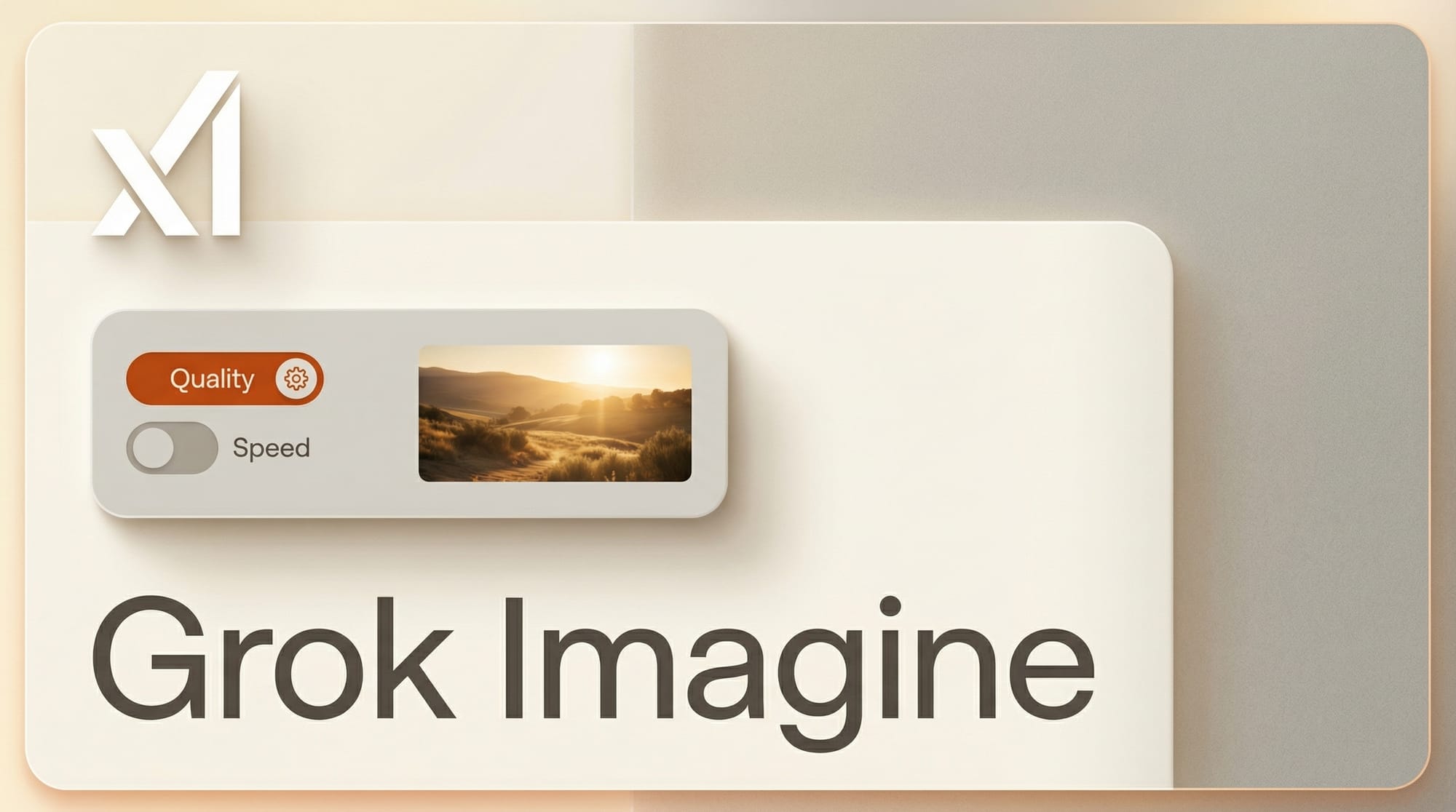
Grok Imagine, the AI image and video generation tool inside Grok, now offers two distinct modes. Quality mode produces four high-detail images simultaneously with increased realism and creative fidelity. Speed mode delivers fast generations with the same output consistency users have come to expect from the default experience.
The update is rolling out across the Grok web interface. Some users may not see the new mode toggles immediately as xAI expands access.
Why It Matters
Until now, Grok Imagine offered a single generation pipeline with no user control over quality-speed tradeoffs. The split into explicit modes follows a pattern set by competitors like Midjourney (which offers quality and turbo modes) and DALL-E (which separates standard and HD generations).
The bigger signal is the confirmed Pro mode arriving later in April, which will support 1080p image and video output. That would position Grok Imagine as a direct competitor to dedicated creative platforms rather than just a chatbot add-on.
Key Details
- Quality mode: Generates 4 high-detail images per prompt with enhanced realism
- Speed mode: Fast generation matching previous default behavior
- Pro mode (coming April): 1080p image and video generation with greater user control
- Access: Available on grok.com for existing users, rolling out gradually
- Pricing: Included in existing SuperGrok and SuperGrok Lite tiers
What to Do Next
Creators already using Grok Imagine should check for the mode selector in their generation interface. Quality mode is worth testing for marketing assets or portfolio pieces where detail matters. Speed mode is better suited for rapid ideation. Watch for the Pro mode announcement later in April, which could make Grok Imagine a viable standalone creative tool.